
AI background remover and replacement
Remove messy backgrounds, add studio scenes, and preserve realistic shadows for ecommerce photos, portraits, and campaign assets.
AI Image Editor lets you upload a photo, describe the change, and create polished edits for backgrounds, objects, portraits, products, outfits, and social visuals in seconds.
AI Image Editor Online
AI Image Editor is an online AI photo editor that lets you upload an image, describe the change you want, and generate edited photos with text prompts.
AI Image Editor is a web-based AI image editor for text-prompt photo editing, background replacement, object removal, image enhancement, retouching, upscaling, and product photo workflows.
Remove messy backgrounds, add studio scenes, and preserve realistic shadows for ecommerce photos, portraits, and campaign assets.
Erase distractions, fill gaps, and add context-aware objects without rebuilding the whole composition by hand.
Improve lighting, skin tone, sharpness, and small imperfections while keeping the subject recognizable and natural.
AI Image Editor Online
Start with 15 signup credits, upload an image, and write a prompt. Each generation uses 10 credits, and more credits are available on the AI Image Editor pricing page.
What you can edit
One prompt-based AI photo editor can cover the everyday jobs that usually require multiple single-purpose tools.
Remove messy backgrounds, add studio scenes, and preserve realistic shadows for ecommerce photos, portraits, and campaign assets.
AI background remover guideErase distractions, fill gaps, and add context-aware objects without rebuilding the whole composition by hand.
AI image editor featuresImprove lighting, skin tone, sharpness, and small imperfections while keeping the subject recognizable and natural.
AI image editing use casesPrepare weak source images for websites, product pages, and social posts with clearer detail and better resolution.
AI image upscaler guideCreate cleaner catalog shots, test backgrounds, and standardize product visuals for stores, marketplaces, and ads.
Ecommerce photo editing workflowChange clothing, hair, props, color grading, and visual direction from one plain-English prompt.
AI image editor alternativesBefore and after examples
Explore background replacement, object cleanup, image enhancement, fashion edits, portrait retouching, and creative style changes made for real publishing workflows.
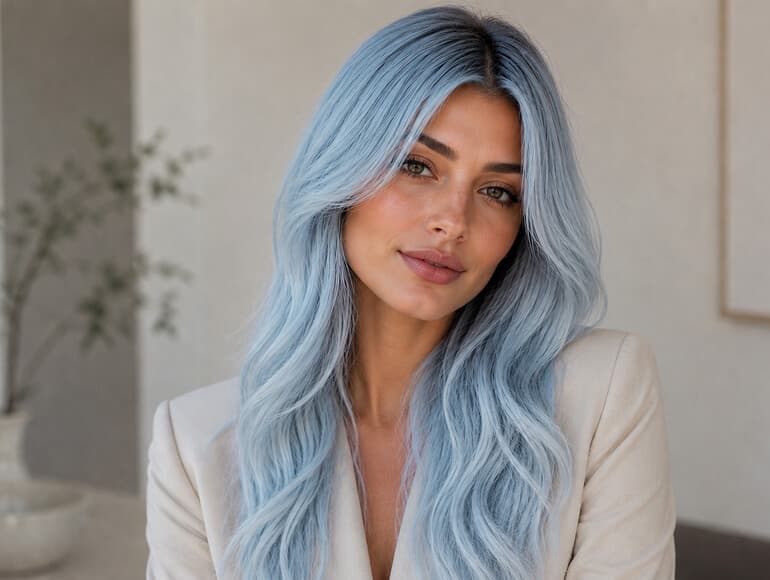
Hairstyle editor
Test hair length, color, and styling ideas while keeping the face, lighting, and skin tone natural.
Explore AI image editing features
Background remover
Turn cluttered photos into studio, scenic, or branded visuals with realistic edges and shadows.
Read the AI background remover guide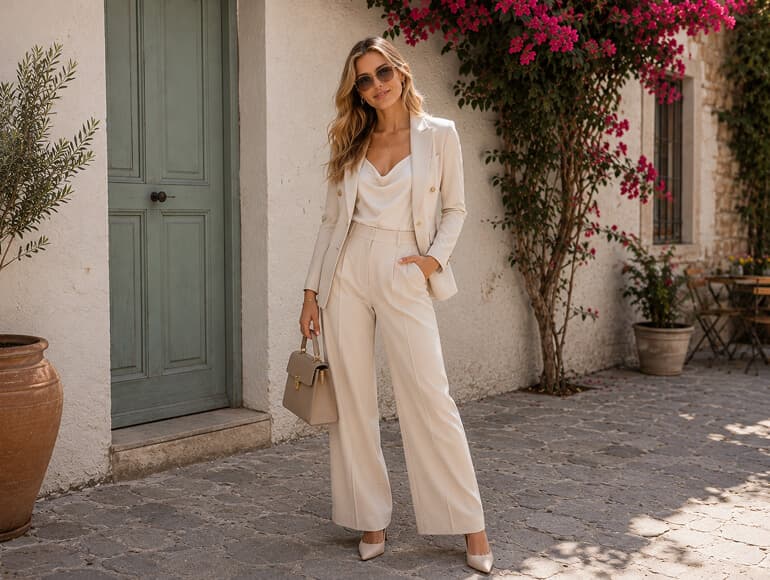
Clothing editor
Describe the clothing change you want and create realistic fashion, catalog, or lookbook variations.
See AI image editing use cases
Object removal
Clean unwanted objects, add product props, and let AI rebuild the surrounding image context.
View object editing features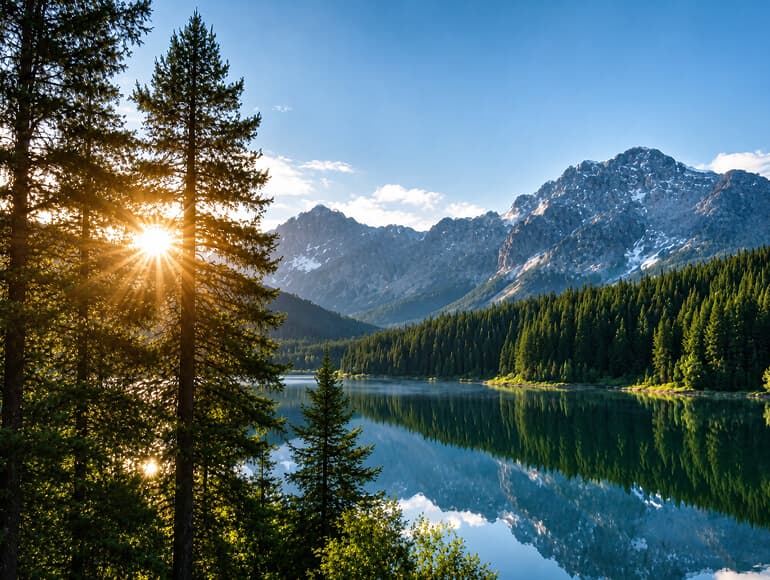
Image enhancer
Improve weak source images with better clarity, tone, exposure, and publish-ready detail.
Read the AI image upscaler guide
Style transfer
Turn photos into anime-inspired, comic, painterly, editorial, or brand-specific creative styles.
Browse AI image editing guidesVisual proof
The best AI image editor should handle precise edits, not only generic filters. These examples show common commercial and creator workflows.
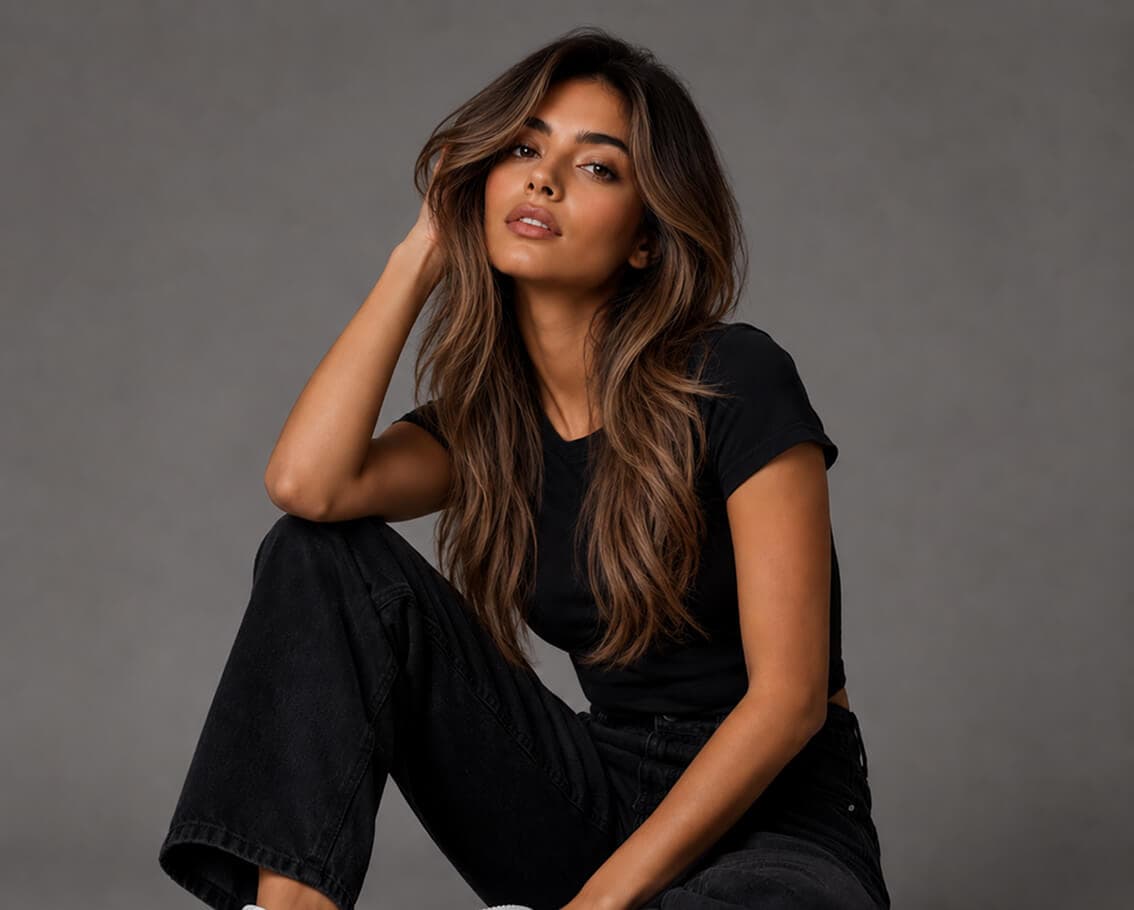
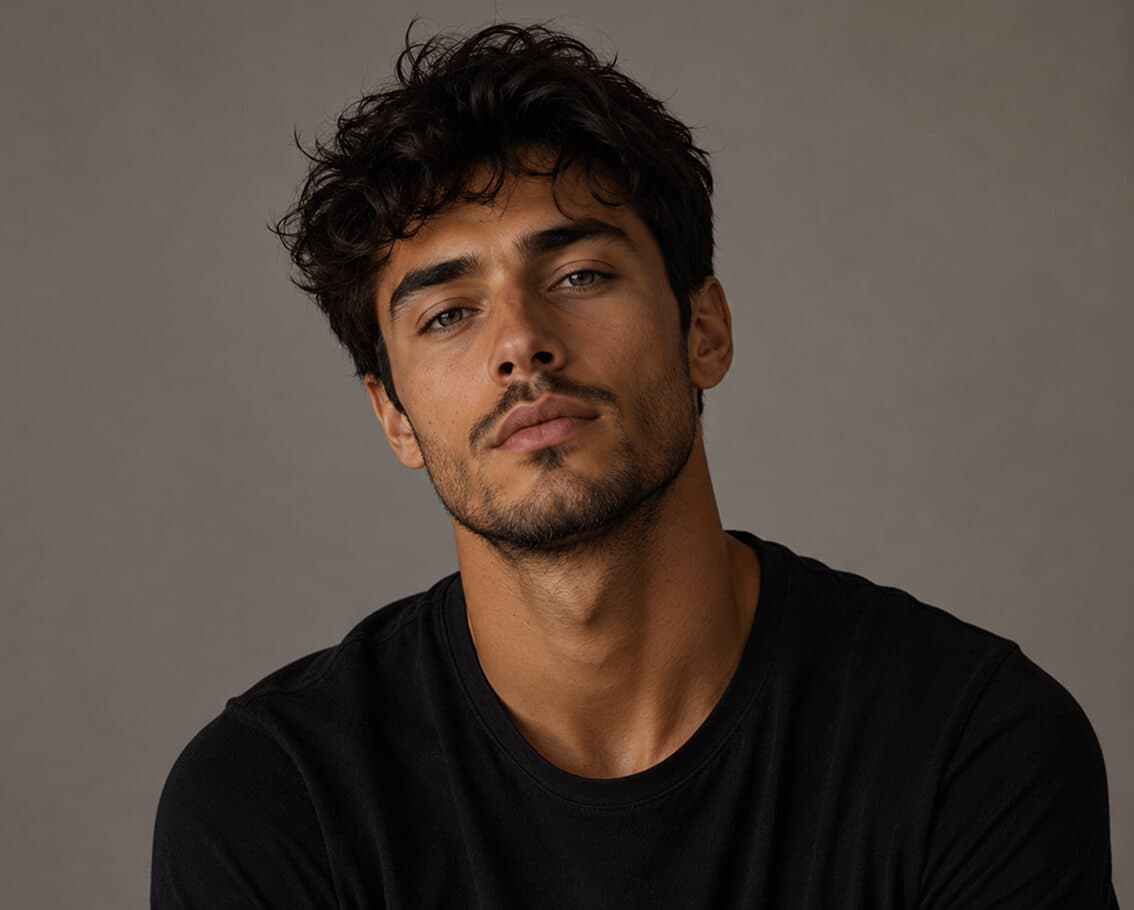
01 / Portraits
Try short bobs, long waves, color changes, or full restyles. AI Image Editor helps preserve facial identity, lighting, and shadows so the result still feels like the same person.
02 / Backgrounds
Replace a messy scene with a beach, studio, office, or branded set. The editor handles edges, depth, light direction, and shadows so images are easier to publish.
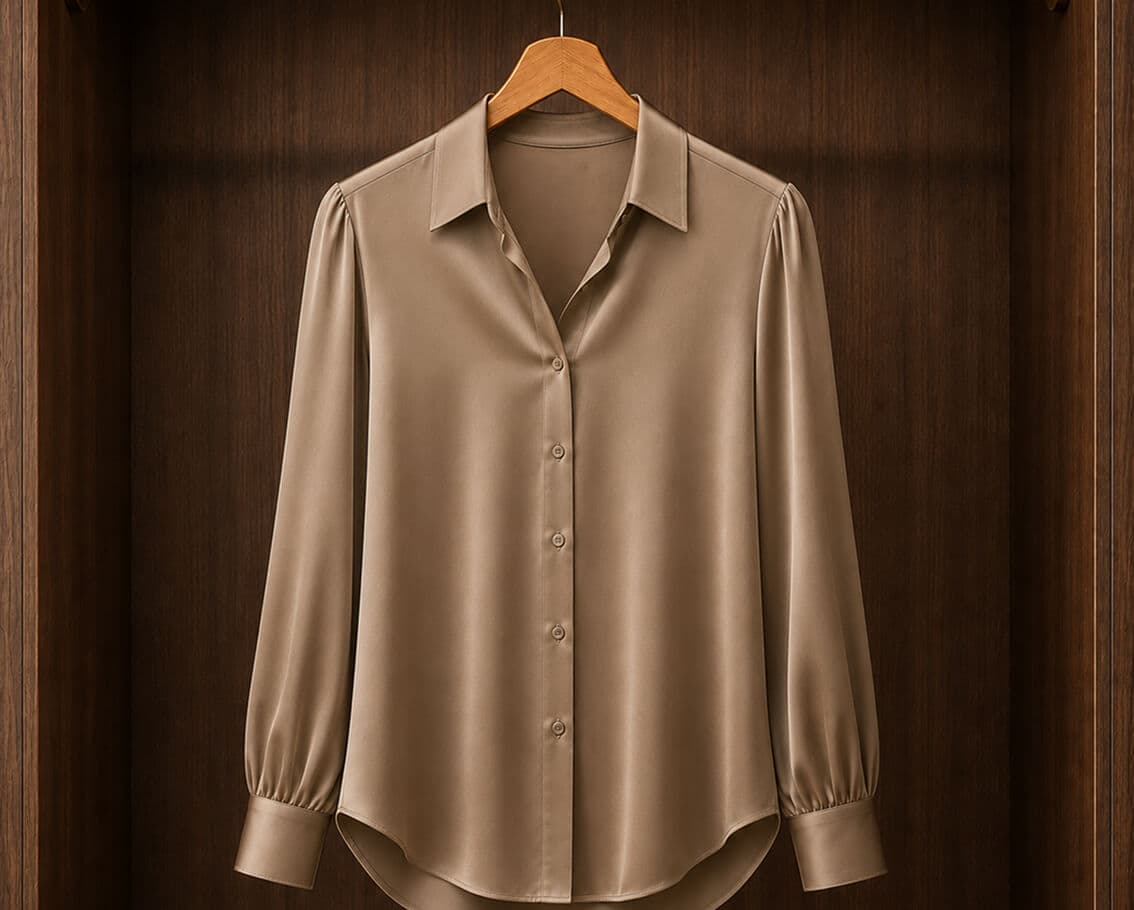
03 / Ecommerce
Enter the color, style, material, or product scene you want. AI Image Editor creates realistic variations for catalog testing, lookbooks, landing pages, and creative campaigns.
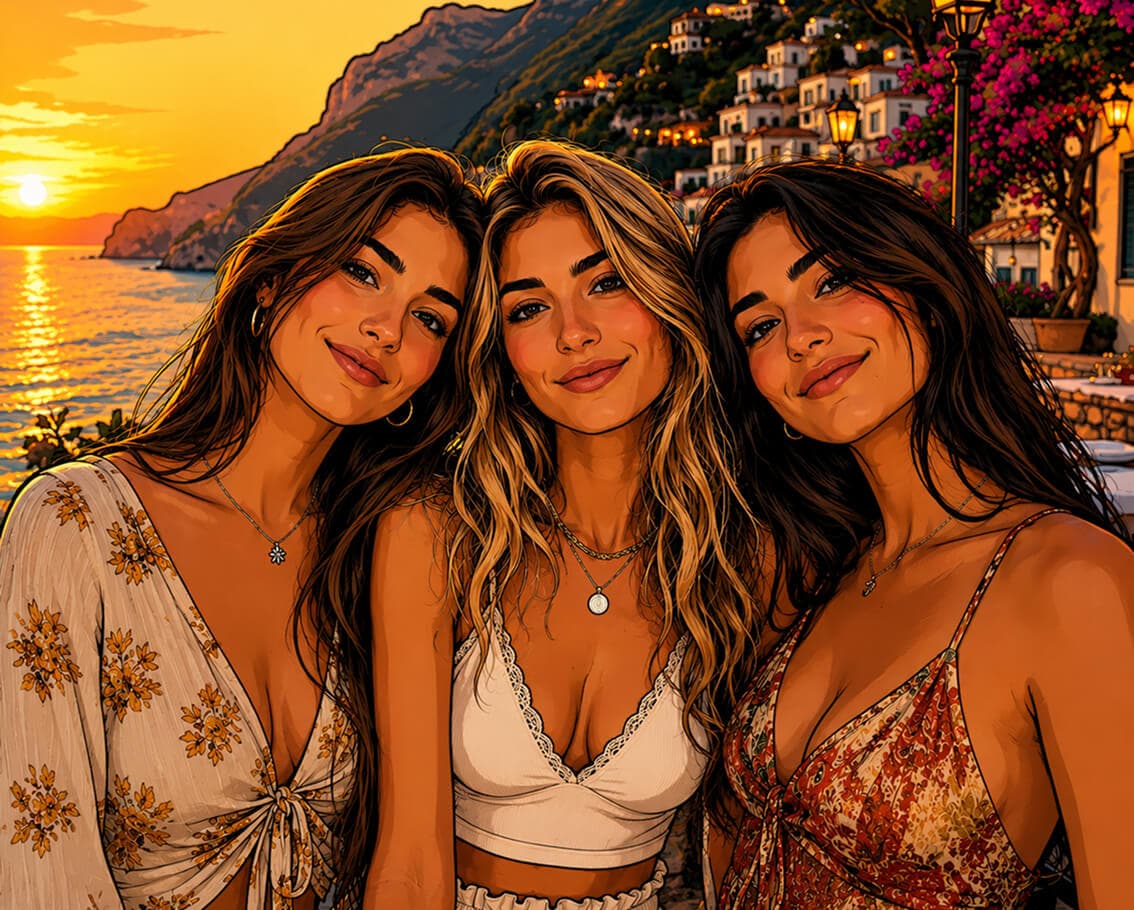
04 / Creative
Create anime-inspired, comic, oil painting, watercolor, vintage, editorial, or custom brand looks from one text prompt while keeping the core subject intact.
Use cases
Use the editor as a fast production layer for cleaner product visuals, campaign assets, client revisions, and creator content.
See All Use CasesClean backgrounds, enhance product detail, and create consistent catalog visuals without slowing down launches.
Plan an ecommerce photo editing workflowCreate ad, email, landing page, and social visuals faster with prompt-based image editing and repeatable style direction.
Explore marketing use casesMove through client image revisions, background swaps, retouching, and visual tests with less manual production time.
Review workflow featuresUpgrade thumbnails, profile photos, portraits, and visual concepts with an online AI image editor built for speed.
Read AI editing guidesHow it works
Upload your image, explain the edit, and generate a ready-to-use result.
Add a JPG, PNG, WEBP, and GIF file up to 8MB. Product photos, portraits, interiors, fashion shots, and creative images are supported.
Describe the exact edit: remove the background, upscale the image, retouch the portrait, change the outfit, or add a new scene.
Use your signup credits to generate the edit, review the result, and download a polished image for your next project.
Helpful pages
Explore deeper pages when you want to compare tools, plan a workflow, or understand which AI image editor features matter most.
Compare background removal, object editing, upscaling, retouching, and product photo features.
See credit packs, generation cost, and the best plan for your image volume.
Learn how to choose background removal tools for ecommerce, portraits, and production work.
Understand when image upscaling helps and how to prepare better source files.
See how an all-in-one prompt editor compares with single-purpose background and cleanup tools.
Browse practical tutorials for background removal, upscaling, ecommerce image production, and more.
FAQ
Answers to common questions about editing images with AI, text prompts, credits, supported files, and production use.
AI Image Editor is an online AI photo editor that lets you upload an image, describe the change you want, and generate edited photos with text prompts.
Yes. New accounts receive signup credits, and each image generation uses 10 credits. Paid credit packs are available when you need more edits.
Yes. You can remove messy backgrounds, replace them with studio or branded scenes, and keep more realistic edges, depth, and shadows.
Yes. The editor can sharpen details, improve clarity, rebalance exposure, and help prepare lower-quality images for publishing.
AI Image Editor supports JPG, PNG, WEBP, and GIF uploads up to 8MB.
Yes. Ecommerce teams can clean product photos, standardize backgrounds, test creative variations, and prepare catalog visuals faster.
Write a specific instruction that names the subject, the edit, and the final look. For example: replace the background with a warm studio and keep realistic shadows.
Yes. Prompts are screened before generation, and prohibited content is blocked according to the Acceptable Use Policy.
Ready when you are
Upload an image, write a prompt, and create background changes, retouched portraits, enhanced product photos, and social-ready visuals online.