
Generate completely bald head previews
Remove all head hair and see a smooth, natural-looking bald result. This bald head generator preserves skin tone and facial features perfectly.
Curious what you'd look like bald? AI Bald Filter uses advanced AI to remove head hair and preview realistic bald or shaved head looks on your portrait—in seconds. See exactly how you'd look with no hair, buzz cuts, or close shaves. Make confident decisions about hair changes before making them real. Perfect for personal styling, content creation, and before-and-after previews.
How AI Bald Filter Works
AI Bald Filter is an advanced web-based tool that uses AI to realistically remove head hair and preview bald or shaved head looks on your portrait photo. See exactly how you'd look with no hair before making the real change.
AI Bald Filter is an intelligent web-based tool that realistically removes head hair and previews bald or shaved head looks on portrait photos.
Remove all head hair and see a smooth, natural-looking bald result. This bald head generator preserves skin tone and facial features perfectly.
Preview close-cropped or shaved head looks without committing to a real haircut. This head shaving simulator shows exactly how different styles fit your face.
Advanced AI preserves skin texture, facial structure, expression, and lighting while removing head hair. Your face stays perfectly recognizable.
How AI Bald Filter Works
Upload any portrait or choose from demo images to start your bald head preview. Simply describe the bald look you want—fully shaved, buzz cut, or close crop—and this advanced bald filter AI will generate a realistic preview. Add optional details about skin texture, lighting, or head shape. Need more generations? Check ourflexible credit packages and pricing to continue creating bald previews.
Core Capabilities
From realistic hair removal to buzz cut previews, AI Bald Filter delivers precise, natural-looking bald transformations for confident styling decisions.
Remove all head hair and see a smooth, natural-looking bald result. This bald head generator preserves skin tone and facial features perfectly.
See more styling use casesPreview close-cropped or shaved head looks without committing to a real haircut. This head shaving simulator shows exactly how different styles fit your face.
Explore all editing featuresAdvanced AI preserves skin texture, facial structure, expression, and lighting while removing head hair. Your face stays perfectly recognizable.
Discover face enhancement toolsUse this baldness simulator to confidently see how a shaved head looks on your face before making the real change to your appearance.
Explore more editing featuresAdd optional prompts to control head shape, skin texture, scalp appearance, and lighting for pixel-perfect bald preview results.
Learn about advanced editingSave your bald filter results for social posts, before-and-after content, profile photos, hairstyle consultations, and creative projects.
Learn about quality enhancementBefore & After Results
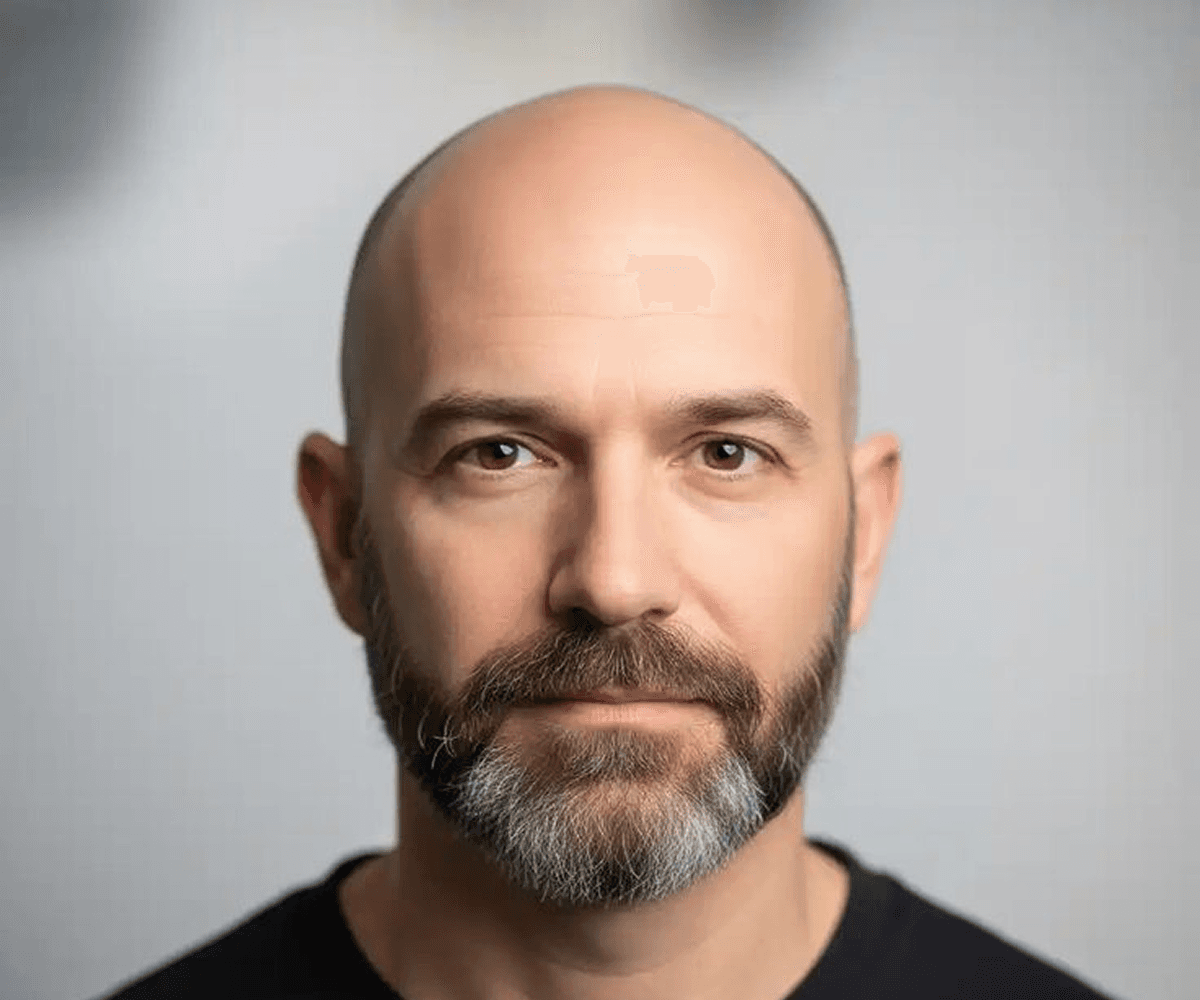
See how AI Bald Filter realistically removes head hair and transforms portraits into bald or shaved head looks while preserving natural facial features.
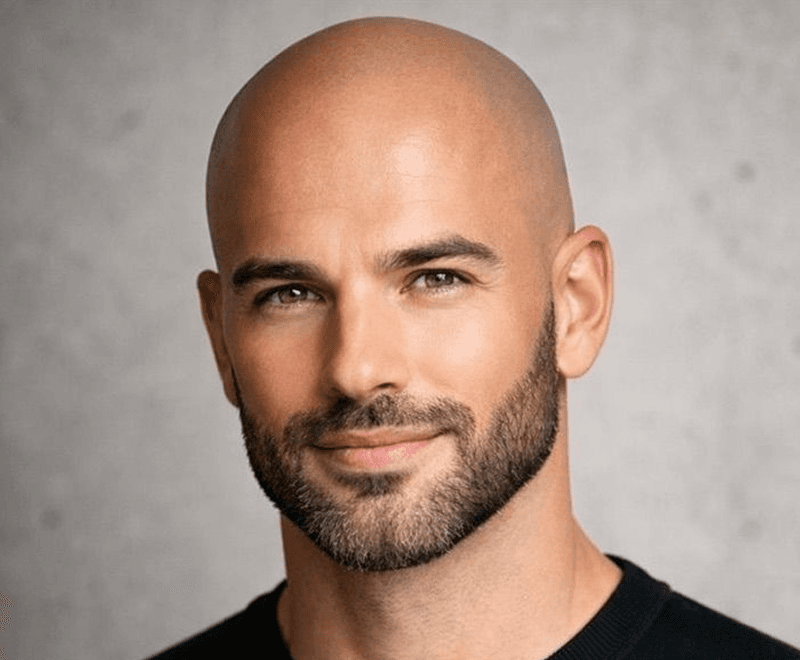
Full Bald
Generate a smooth, realistic bald head result while keeping your face, skin tone, and expression completely natural. Perfect for decisive styling previews.
Explore all editing features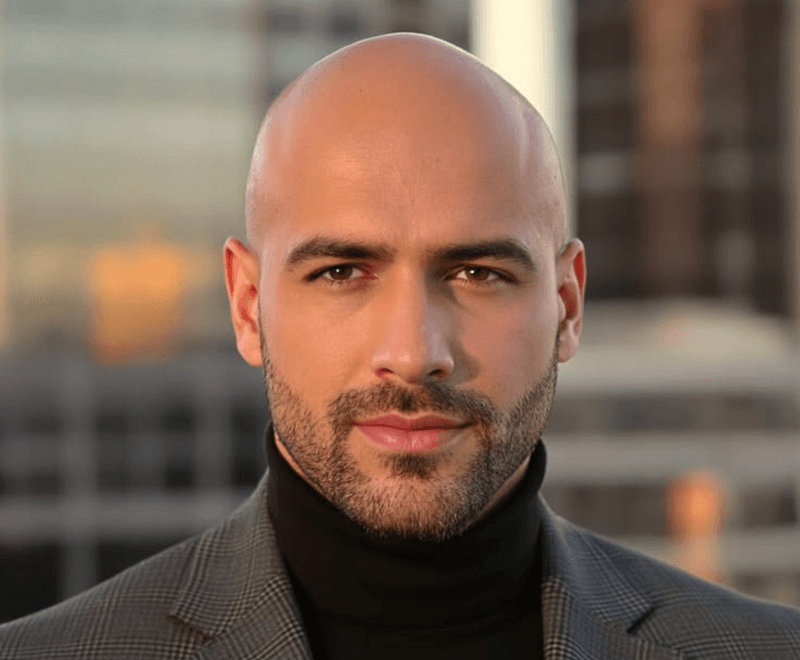
Buzz Cut
Compare your original portrait with a shaved or buzz cut version before committing to the real haircut. See exactly how the style suits your face.
See more use cases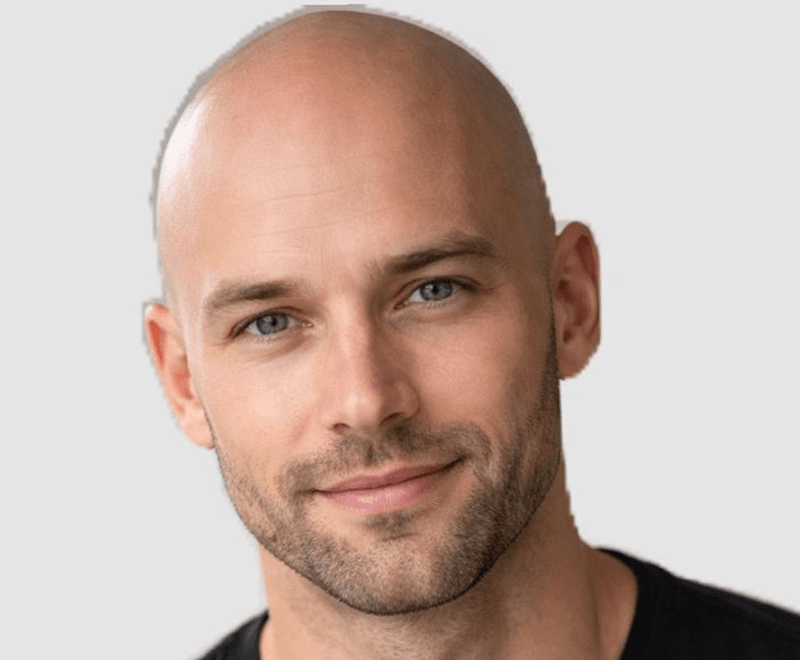
Hair Removal
Use AI Bald Filter to remove head hair from portraits while keeping skin texture, facial features, and lighting perfectly preserved.
Read styling guidesUse Cases
Whether exploring a new look or creating content, this head shaving simulator and bald head generator delivers professional-quality results.
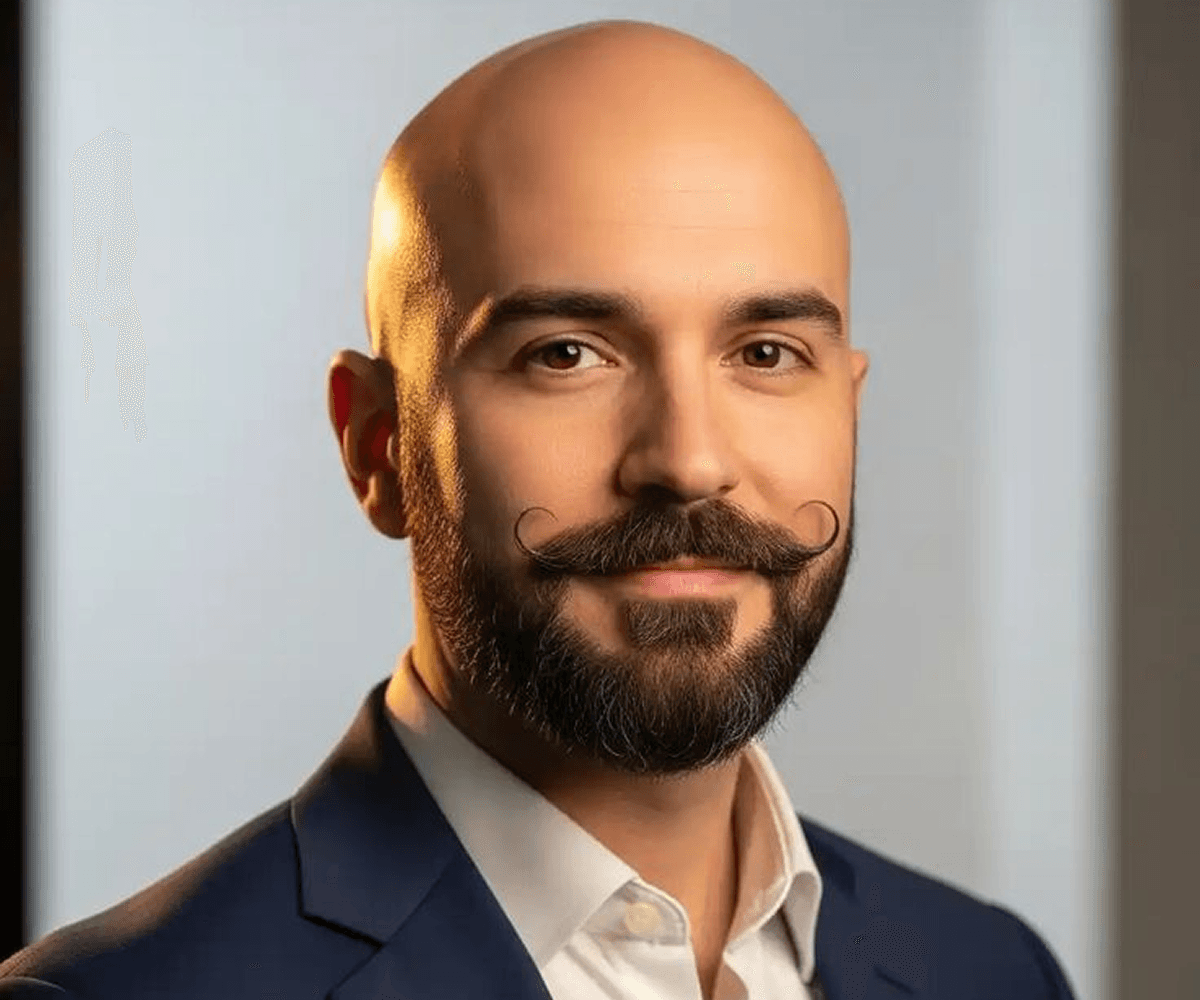
01 / Personal Styling
See exactly how you'd look with a bald or shaved head—fully bald, buzz cut, or close crop. This bald preview AI helps you make confident styling decisions.

02 / Professional Photos
Create professional bald portraits for LinkedIn, resumes, business profiles, and headshots. This head hair removal tool ensures clean, polished results.
03 / Content Creation
Create compelling bald head comparison content for social media, hair transformation blogs, and styling tutorials. This baldness simulator generates instant transformations.
Applications
Perfect for styling previews, professional headshots, content creation, and confident hair decisions before any real change.
Start bald filter previewSee how a fully bald or buzz cut look suits your face before committing to the real haircut.
See all styling use casesCreate polished bald portraits for LinkedIn, business profiles, and professional networking photos.
Explore professional photo enhancementGenerate bald head transformations for hair content, blogs, tutorials, and social media posts.
Browse all use casesPreview how a shaved head fits your personal style, brand, or social image before making the change.
Explore all editing featuresGetting Started
Three simple steps to preview a bald or shaved head look with realistic AI transformations.
Select a clear, well-lit portrait where head hair is visible. Supports JPG, PNG, WEBP, and GIF formats up to 8MB.
Tell the AI what you want: fully shaved, buzz cut, or close crop. Add optional details about lighting, skin texture, or head shape for precision.
Review the AI-generated bald head transformation and save the image when satisfied. Use for decision-making or content creation.
Learn More
Discover tools and guides to master AI-powered hair editing and professional portrait enhancement.
Explore bald filter, hair styling, background removal, portrait enhancement, and upscaling tools.
See credit packages, generation costs, and subscription options for continuous bald filter access.
Learn professional portrait retouching to ensure your bald filter results are polished and professional-looking.
Master bald headshot optimization for LinkedIn, business profiles, and professional networking.
Browse tutorials for hair editing, bald previews, and portrait styling transformations.
FAQ
Everything you need to know about bald head previews, hair removal, and styling transformations.
AI Bald Filter is an advanced web-based tool that uses AI to realistically remove head hair and preview bald or shaved head looks on your portrait photo. See exactly how you'd look with no hair before making the real change.
The tool uses machine learning to analyze your portrait, detect hair and head shape, and generate realistic bald transformations while preserving your face, skin tone, and facial features perfectly.
A clear, well-lit portrait with visible hair works best. Avoid blurry or low-resolution images. Good lighting helps the AI preserve skin texture and facial features accurately.
Yes. You can describe exactly what you want—fully shaved, buzz cut, close crop, or any specific style. Use custom prompts to guide the bald head generator toward your preferred look.
Yes. This head hair removal tool exclusively removes hair while preserving skin tone, facial structure, lighting, expression, and all identifying features. Your face stays completely recognizable.
AI Bald Filter supports JPG, PNG, WEBP, and GIF file formats. Images can be up to 8MB in size, ensuring compatibility with photos from any camera or smartphone.
Yes. You need to describe the bald look you want so the AI knows how to render the result. Be specific: fully shaved, buzz cut, close crop, etc. More detail = better results.
Most bald head previews are generated in seconds, typically 10-30 seconds depending on file size and server load. You'll see instant results and can download immediately.
Yes. You can generate multiple bald previews on the same portrait with different prompts to compare various styles, head shapes, or shaving levels before deciding.
Yes. All text prompts are screened automatically before generation. Prompts that violate the Acceptable Use Policy are blocked to ensure appropriate, safe bald filter edits.
Yes, you retain full rights to use bald filter results for personal and commercial purposes, including content creation, social media, and professional use. See our Terms of Service for details.
New users receive 15 free credits on signup. Each bald filter preview typically costs 1-2 credits depending on complexity. This allows most users to try 7-15 previews free. Purchase additional credits as needed.
Ready to preview?
Curious how a shaved head suits you? Upload your photo and preview realistic bald looks in seconds. Try free with 15 signup credits.