
Multiple tattoo design styles
Generate realistic, tribal, geometric, watercolor, blackwork, Japanese, neo-traditional, minimalist, and dot-work tattoo styles from simple text prompts. Full creative control over art direction and visual complexity.
Create realistic custom tattoo designs instantly with AI. Select gender, choose tattoo style (tribal, geometric, watercolor, Japanese, blackwork, minimalist), pick body placement (arm, back, chest, leg), and describe your design. Preview your tattoo concept before you commit to ink. Perfect for tattoo planning, artists, and design inspiration.
Free AI Tattoo Design Tool
AI Tattoo Generator is a free online tool that creates realistic custom tattoo designs from text prompts. Choose your gender, select a tattoo style (realistic, tribal, geometric, watercolor, blackwork, Japanese, minimalist), pick your body placement (arm, back, chest, leg, wrist, neck, etc.), and describe your design idea. The AI generates a detailed tattoo preview in seconds—perfect for planning, artist consultations, or creative exploration.
AI Tattoo Generator is a free web-based AI tattoo design tool that creates realistic custom tattoo designs and previews using text prompts, style selection, and body placement options. Choose male or female body reference, select tattoo style, and describe your design to generate instant preview mockups.
Generate realistic, tribal, geometric, watercolor, blackwork, Japanese, neo-traditional, minimalist, and dot-work tattoo styles from simple text prompts. Full creative control over art direction and visual complexity.
Choose arm, back, chest, forearm, leg, wrist, ankle, neck, shoulder, or thigh placement and preview exactly how your custom tattoo will look on that specific body location with realistic scale and curvature.
Select male or female body type so the AI generates tattoo designs with accurate proportions, muscle definition, and skin tone. Perfect for realistic preview mockups for any gender.
Free AI Tattoo Design Tool
Select your gender and choose from multiple tattoo styles including realistic, tribal, geometric, watercolor, blackwork, Japanese, and minimalist designs. Pick your body placement—arm, back, chest, leg, wrist, neck, or shoulder—and describe your tattoo idea. The AI instantly generates a realistic preview of your custom tattoo design. Need more credits? Visit thepricing and credit plans page to choose the perfect plan for your tattoo design volume.
Powerful Tattoo Design Features
From tribal patterns to watercolor florals and Japanese designs—generate custom tattoo designs in any style with accurate body placement preview. Ideal for first-time tattoo planning, artists, and creative exploration.
Generate realistic, tribal, geometric, watercolor, blackwork, Japanese, neo-traditional, minimalist, and dot-work tattoo styles from simple text prompts. Full creative control over art direction and visual complexity.
View tattoo design guidesChoose arm, back, chest, forearm, leg, wrist, ankle, neck, shoulder, or thigh placement and preview exactly how your custom tattoo will look on that specific body location with realistic scale and curvature.
See all design featuresSelect male or female body type so the AI generates tattoo designs with accurate proportions, muscle definition, and skin tone. Perfect for realistic preview mockups for any gender.
Learn tattoo placement techniquesDescribe any tattoo concept—a wolf, rose, mandala, quote, dragon, geometric pattern, or combination—and the AI generates detailed visual concepts ready to bring to your artist.
View tattoo design use casesSpecify small delicate designs or large detailed sleeves, and the AI adjusts composition, line weight, shading complexity, and placement scale accordingly for realistic rendering.
Explore design controlsCreate multiple tattoo concept variations from the same prompt to compare styles, sizes, and artistic directions before choosing your final design to show your tattoo artist.
Browse design guide examplesReal Tattoo Design Examples
Explore realistic custom tattoo design examples across different styles, body placements, and body types. From tribal patterns to watercolor florals, see what AI Tattoo Generator can create.
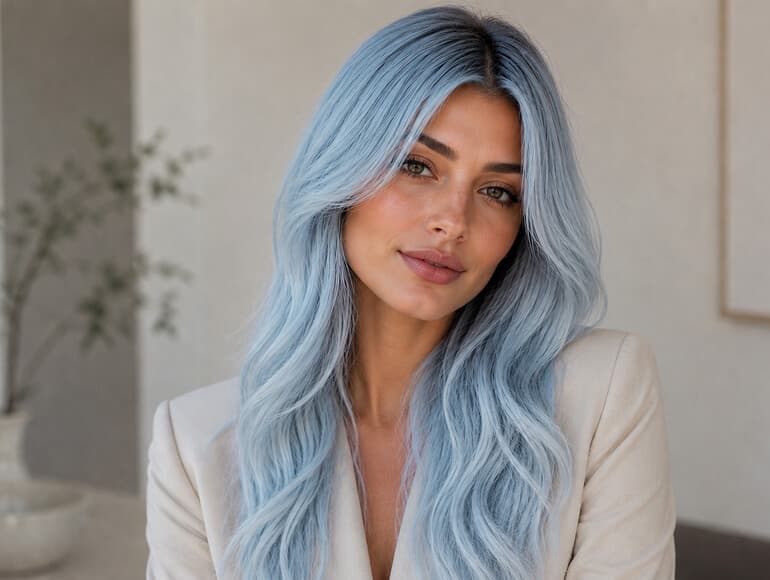
Tribal tattoo
Create traditional or modern tribal patterns with bold lines and authentic tribal geometry. Preview on arm, shoulder, or back with accurate scale and realistic ink-on-skin rendering.
Read tattoo design guide
Geometric tattoo
Generate symmetrical geometric tattoo designs featuring sacred geometry, mandalas, and mathematical patterns. Preview on forearm, back, or wrist with clean lines and accurate proportions.
See geometric design examples
Watercolor tattoo
Generate flowing watercolor tattoo designs featuring florals, animals, or abstract concepts with soft edges, color gradients, and artistic watercolor texture on any body placement.
Browse watercolor examples
Blackwork tattoo
Generate high-contrast blackwork tattoos featuring bold fills, intricate linework, dot-work shading, and solid black designs. Perfect for sleeves, backs, and dramatic placements.
Explore blackwork examples
Japanese tattoo
Design koi fish, dragons, cherry blossoms, samurai, and temple imagery in authentic Japanese tattoo style with bold outlines, rich shading, and traditional color palettes.
View Japanese tattoo examples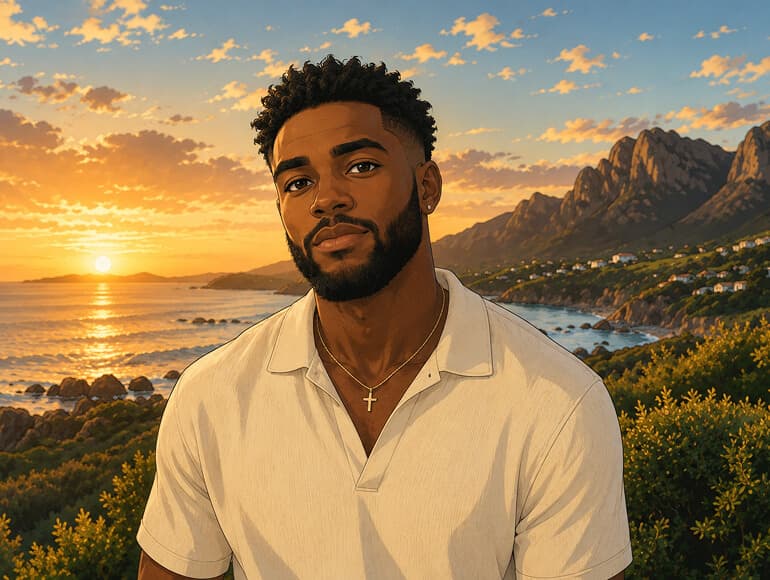
Minimalist tattoo
Generate delicate single-needle, fine-line, and minimalist tattoo designs perfect for wrist, ankle, collarbone, or behind-ear placements with subtle detail and small scale.
See minimalist design examplesPowerful Tattoo Design Workflows
Whether you're planning your first tattoo, a full sleeve, or exploring creative concepts—AI Tattoo Generator offers flexible design workflows for any tattoo style, body placement, and creative vision.
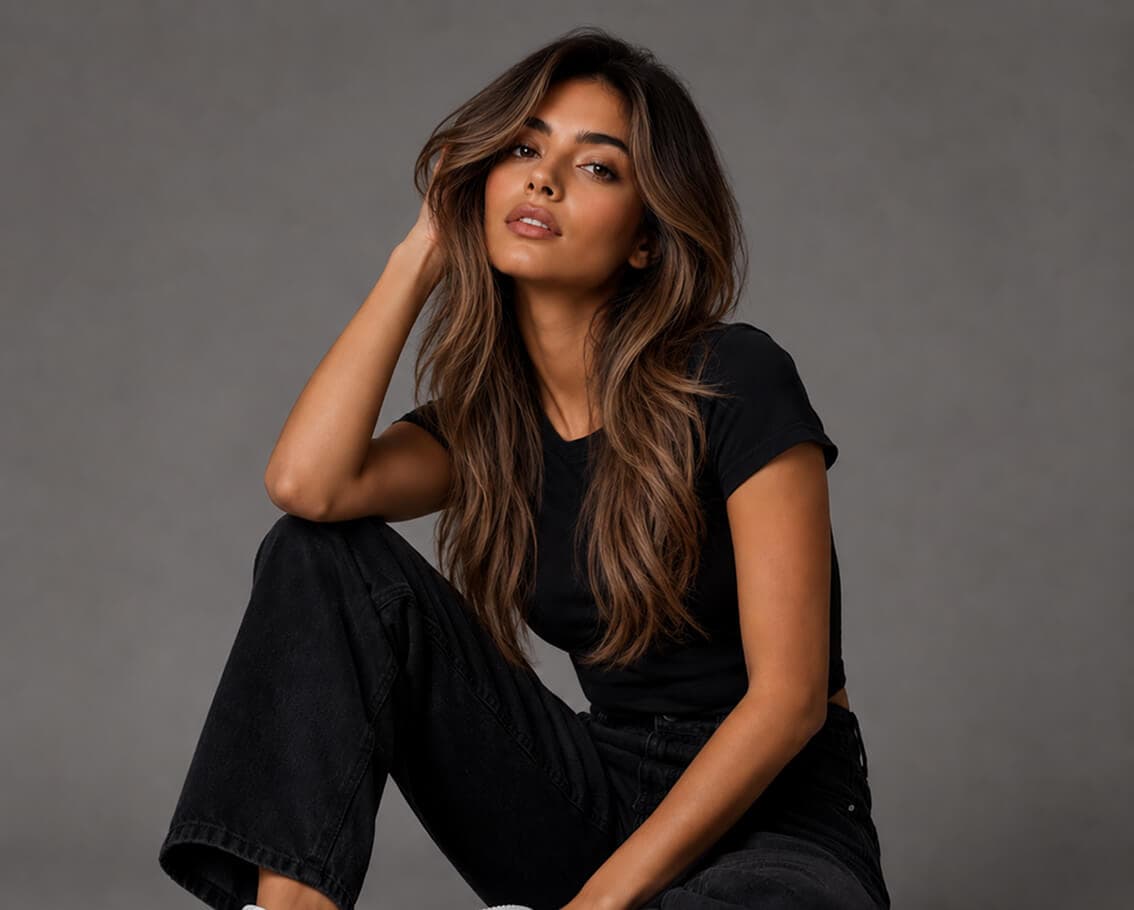
01 / Multiple Tattoo Styles
From realistic portraits to tribal patterns, geometric mandalas to watercolor florals, blackwork sleeves to Japanese dragons, and minimalist fine-line designs—describe any tattoo style and subject, and the AI generates a custom design concept matching your creative vision while maintaining accurate body placement and proportions.
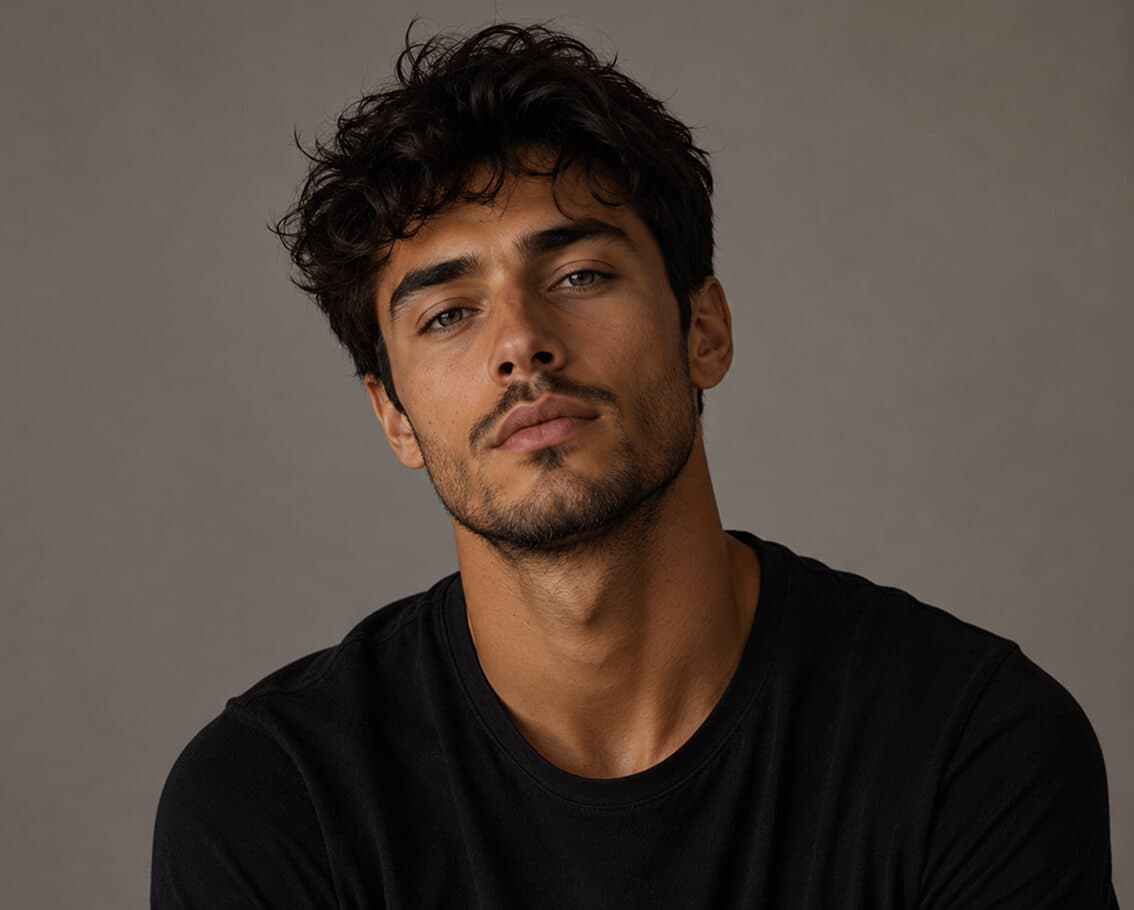
02 / Precise Body Placement
Choose arm, back, chest, leg, forearm, wrist, neck, shoulder, thigh, ankle, or any other placement, and the AI generates your custom tattoo design directly on that specific body location with realistic scale, skin curvature, muscle definition, and anatomically accurate rendering.
03 / Gender-Accurate Body Reference
Select male or female body reference to ensure the AI generates tattoo designs with anatomically correct proportions, muscle definition, skin tone, and placement scaling. Perfect for creating realistic preview mockups that match your actual body type before you commit to the design.
04 / Unlimited Design Variations
Type a detailed description of your tattoo idea—a wolf howling at the moon, a rose with a dagger, a geometric mandala, a Japanese koi fish, a meaningful quote with flourishes, or any custom concept—and the AI generates detailed, shareable design concepts ready to present to your tattoo artist or refine further.
Real-World Tattoo Design Applications
Tattoo enthusiasts, professional artists, studios, and creative explorers use AI Tattoo Generator to plan designs, explore concepts, and communicate ideas before committing to permanent ink.
Start Generating Tattoo Designs NowVisualize your design concept before your appointment. Generate multiple design variations, placements, and styles to make an informed decision about your first permanent tattoo.
Read tattoo design guideGenerate quick design concepts and placement mockups to share with clients during consultations. Speed up the design approval process and reduce revision rounds with accurate AI previews.
See all tattoo design featuresDesign full sleeves, back pieces, or connected multi-tattoo layouts with consistent style and placement. Plan complex tattoo collections before sitting down with your artist.
Explore tattoo design use casesSafely experiment with bold, unconventional, or artistic tattoo concepts before committing to permanent ink. Generate unlimited design variations for artistic discovery and creative inspiration.
Browse tattoo inspiration examplesSimple 4-Step Workflow
From uploading to downloading your design—design your perfect tattoo in minutes. Choose your style, placement, and body type to generate realistic tattoo previews.
Choose male or female body reference to ensure the AI generates tattoo designs with accurate anatomical proportions, muscle definition, and skin tone matching.
Select from realistic, tribal, geometric, watercolor, blackwork, Japanese, or minimalist styles. Pick your body placement—arm, back, chest, leg, wrist, neck, or any other location.
Write a detailed description of your tattoo idea. Be specific about the subject, elements, mood, and size—for example, 'geometric mandala on forearm' or 'watercolor wolf howling at moon on back.'
Review the AI-generated tattoo design and download the image. Share with your tattoo artist or generate variations using different prompts to find your perfect design.
Related Resources & Guides
Explore guides, features, and related tools to master tattoo design generation and get the most from AI Tattoo Generator.
In-depth guides on tattoo design generation, style selection, body placement, and how to write effective AI prompts for custom tattoos.
Explore all portrait and design editing tools including face enhancement, background removal, upscaling, and creative styling features.
See how tattoo artists, enthusiasts, and creative professionals use AI Tattoo Generator in their design workflow.
Complement tattoo design generation with AI face enhancement for polished portrait mockups and professional results.
Choose the perfect credit plan for your tattoo design volume. Flexible options for casual users to professional artists.
Learn how to upscale low-resolution tattoo design mockups for sharper, more detailed preview images.
Frequently Asked Questions
Comprehensive answers to common questions about custom tattoo design generation, styles, placement preview, and how to use AI Tattoo Generator.
AI Tattoo Generator is a free online tool that creates realistic custom tattoo designs from text prompts. Choose your gender, select a tattoo style (realistic, tribal, geometric, watercolor, blackwork, Japanese, minimalist), pick your body placement (arm, back, chest, leg, wrist, neck, etc.), and describe your design idea. The AI generates a detailed tattoo preview in seconds—perfect for planning, artist consultations, or creative exploration.
Yes, AI Tattoo Generator is free to start. New accounts receive 15 signup credits at no cost—no credit card required. Each tattoo design generation uses 10 credits. When you need more designs, you can purchase additional credit packs in our flexible pricing plans.
AI Tattoo Generator can create designs in multiple tattoo styles including realistic portraiture, tribal patterns, geometric designs, watercolor florals, blackwork, Japanese traditional, neo-traditional, minimalist fine-line, dot-work, and many other styles. Simply describe your desired style and subject in your prompt.
Yes. You can specify exact body placements including arm, back, chest, forearm, leg, wrist, ankle, neck, shoulder, thigh, calf, or any other location. The AI generates the tattoo design directly on that specific body area with realistic scale, skin curvature, and anatomical accuracy.
Yes. You can select male or female body reference before generating your design. This ensures the AI creates tattoo designs with anatomically accurate proportions, muscle definition, and skin tone matching for realistic, gender-specific preview mockups.
Absolutely. AI Tattoo Generator creates shareable design concepts perfect for showing your tattoo artist. Download the image and bring it to your consultation—it's an excellent reference for communicating your design ideas and speeding up the consultation process.
Be specific and descriptive in your prompts. Include the subject (wolf, rose, dragon), style (geometric, watercolor, realistic), size (small, large, detailed), placement context, mood, and any specific elements you want included. Example: 'Geometric mandala with fine lines on inner forearm, minimalist style, about 3 inches diameter.'
Yes. You can generate unlimited design variations from the same prompt or try different prompts to explore various directions. Each generation uses 10 credits, giving you flexibility to compare styles, sizes, and artistic approaches before choosing your final design.
Yes. All prompts are screened by our content moderation system before generation. Prompts that violate our Acceptable Use Policy—including NSFW, sexually explicit, or other prohibited content—are automatically blocked.
AI Tattoo Generator accepts JPG, PNG, WEBP, and animated GIF formats. Maximum file size is 8MB, which supports high-quality tattoo design previews and detailed mockups.
Yes. Images you generate with AI Tattoo Generator can be used for commercial purposes, including in tattoo portfolios, professional consultations, design presentations, and client deliverables—with appropriate consent and model releases where required.
You can generate as many custom tattoo designs as your credit balance allows. Each generation uses 10 credits. Start with 15 free credits, then purchase additional packs as needed to fit your tattoo design volume.
Ready to Design Your Perfect Tattoo?
Get 15 free credits—no credit card or signup required. Generate unlimited tattoo design variations, explore styles, preview placements, and download shareable concepts ready for your artist.