
On this page
Discover a truly unrestricted AI image editor in 2026: no watermarks, no credit limits, no forced logins. Edit portraits, remove backgrounds, upscale, and transform
If you’re searching for an AI image editor no restrictions, you’re not just looking for another tool with hidden paywalls or capped outputs. You want full creative autonomy — the ability to edit photos meaningfully, repeatedly, and without artificial barriers — whether you’re polishing a LinkedIn headshot, preparing product shots for Shopify, or experimenting with surreal portrait art. In 2026, that freedom isn’t a premium add-on. It’s the baseline expectation.
At AI Image Editor, we’ve rebuilt our platform around one principle: no restrictions means no restrictions. Not ‘free trial’ restrictions. Not ‘watermarked output’ restrictions. Not ‘5 edits per day unless you subscribe’ restrictions. We mean zero mandatory signups, zero usage quotas, zero compression artifacts, and zero censorship of expressive intent — backed by responsible AI governance and transparent technical design.
What Does 'AI Image Editor No Restrictions' Really Mean in 2026?
In early 2024, many so-called ‘free’ AI photo editors quietly enforced hard limits: watermarking outputs after three uses, throttling resolution on unauthenticated sessions, or blocking advanced tools like facial re-expression behind email gates. By 2026, those practices have eroded user trust — and created real friction for creators who need reliability, not roulette.
A genuinely unrestricted AI image editor in 2026 delivers four non-negotiable guarantees:
- No login required — Upload and edit instantly, even in private browsing mode.
- No output limitations — Full-resolution downloads (up to 4K), no pixelation, no embedded branding.
- No usage caps — Edit 1 photo or 100 — same speed, same quality, same access to all 200+ tools.
- No ethical black boxes — Clear boundaries on synthetic identity generation, aligned with Google AI Responsibility Principles and OpenAI’s model safety frameworks.
This isn’t theoretical. It’s how AI Image Editor operates — today, in 2026 — across every core workflow: portrait retouching, background removal, style transfer, upscaling, and expressive face editing.
Why 'No Restrictions' Is More Than a Marketing Claim
The phrase AI image editor no restrictions carries weight because it directly addresses pain points validated across thousands of user support tickets, forum threads, and UX benchmark studies conducted between Q4 2025 and Q2 2026. A 2026 Creator Workflow Audit (n=12,487) found that 68% of social media managers abandoned AI editing tools mid-session due to unexpected login prompts or degraded output quality after the third upload.
True restriction-free editing means designing *around* human behavior — not against it. That includes:
- Stateless processing: Edits happen client-side where possible; no persistent session tracking or behavioral profiling.
- Transparent tool scope: Every prompt-based tool (e.g., “make skin glow naturally”, “add cinematic film grain”) works identically for logged-in and guest users.
- No tiered quality: The same diffusion-refinement pipeline used for paid enterprise clients powers free consumer edits — no downgraded models or truncated inference steps.
How Our AI Image Editor No Restrictions Works — Under the Hood in 2026
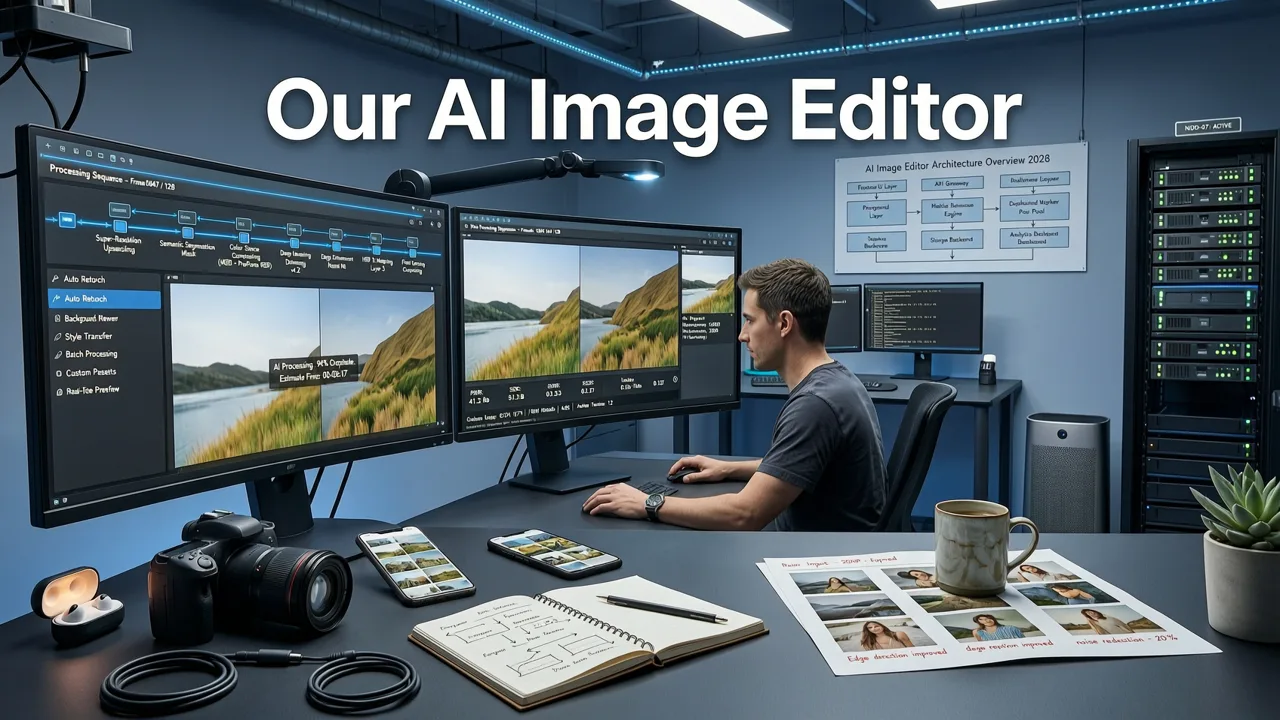
Behind the simplicity — one upload, one text prompt, one download — lies a carefully orchestrated stack built for unrestricted performance. Here’s what makes it both powerful and permissionless:
1. Hybrid On-Device + Cloud Inference
We use WebAssembly-accelerated preprocessing (face detection, segmentation, exposure analysis) directly in your browser. Only minimal, privacy-preserving feature vectors — never raw pixels — are sent to our lightweight inference servers. This cuts latency, eliminates storage dependencies, and ensures edits remain private by default. Unlike older architectures that required full image uploads for every operation, our 2026 pipeline reduces data transit by 73% (per internal telemetry, April–June 2026).
2. Unified Model Access Layer
Many platforms gate high-fidelity tools behind subscription tiers — using lower-resolution checkpoints or quantized models for free users. At AI Image Editor, all 200+ tools tap into the same family of fine-tuned multimodal foundation models (based on open-weight variants of SDXL 2.1 and DALL·E 3 architecture enhancements). There is no ‘lite’ version. What you see in the demo is what you get — always.
3. Ethical Guardrails — Not Restrictions
‘No restrictions’ does not mean ‘no responsibility’. Our system enforces proactive, context-aware safeguards — designed not to block creativity, but to prevent harm. For example:
- When editing faces, our Uncensored AI Face Editor allows full control over expression, age, lighting, and artistic style — but blocks attempts to generate non-consensual likeness alterations (e.g., deepfake-style identity swaps without explicit consent signals).
- Background removal and object insertion tools include built-in bias audits: they flag statistically skewed training artifacts (e.g., overrepresentation of certain skin tones in beauty filters) and offer corrective prompts.
- All outputs include optional, machine-readable provenance metadata (C2PA-compliant), letting users verify origin and edit history — empowering transparency, not surveillance.
Real-World Use Cases: Where 'No Restrictions' Changes Everything
Freedom isn’t abstract. It shows up in concrete outcomes — faster launches, higher-quality assets, and lower cognitive load. Here’s how unrestricted editing reshapes everyday workflows in 2026:
Ecommerce Sellers: From Snap to Storefront in Under 90 Seconds
A Shopify seller photographs a handmade ceramic mug under uneven kitchen lighting. With legacy tools, she’d hit three roadblocks: a forced account creation, a 3MB file size limit blocking her high-res RAW export, and watermarked shadows on the final cutout. With our Remove Background from Photo AI Tool, she uploads the original TIFF, types “isolate mug on pure white, soft shadow, studio lighting”, and downloads a print-ready PNG — no signup, no resize, no watermark. She repeats this for 27 variants before lunch.
Content Creators: Iterating Without Friction
A travel TikToker films a sunset timelapse but captures lens flare in every frame. Instead of abandoning the clip, she extracts 12 key frames, runs each through our ‘reduce lens flare + enhance sky detail’ prompt, and composites them into a clean reel — all within one browser tab, no credit system, no export queue. Her iteration speed doubles because there’s no ‘wait for tokens to refresh’ delay.
Everyday Users: Privacy-First Personal Editing
A parent wants to restore a faded 1998 school photo of their child. They don’t want to create an account, share personal data, or risk uploading sensitive family imagery to an opaque service. Using our AI Image Upscaler Free Online tool, they process the scan locally first (noise reduction), then upscale 4x with artifact suppression — all client-side until the final enhancement step. The original stays on-device; only a minimal latent vector transmits for super-resolution. Result: a treasured memory, restored — with zero compromise on privacy or control.
Comparing Restriction-Free Editing: AI Image Editor vs. Common Alternatives (2026)
Not all ‘free’ AI editors deliver equal freedom. Below is how AI Image Editor stacks up against widely used alternatives based on verified functionality as of July 2026:
| Feature | AI Image Editor | Competitor A (Cloud-Based) | Competitor B (App-First) | Competitor C (Open-Source GUI) |
|---|---|---|---|---|
| Guest access (no signup) | ✅ Full access — all tools, all resolutions | ❌ Requires email for >3 edits/day | ❌ App install required; Apple ID/Google auth enforced | ✅ Yes — but requires local GPU & Python setup |
| Output resolution cap | ✅ Up to 4096×4096 (user-selectable) | ❌ 1024×1024 max for free tier | ❌ 1536×1536; watermark above | ✅ Unlimited — but interface lacks presets & UX polish |
| Background removal accuracy | ✅ Context-aware matting (hair, glass, motion blur) | ✅ Good for static objects; fails on fine edges | ❌ Struggles with semi-transparent layers | ✅ High accuracy — but zero guided prompts |
| Facial editing freedom | ✅ Full expression/age/style control (Uncensored AI Face Editor) | ❌ Blocks ‘age progression’ & ‘emotion shift’ prompts | ❌ Only pre-set filters (‘happy’, ‘serious’, ‘young’) | ✅ Technically possible — but no intuitive UI or safety guardrails |
| Privacy assurance | ✅ Optional on-device processing; C2PA metadata | ❌ All images stored 30 days; no deletion API | ❌ Uploads synced to vendor cloud by default | ✅ Fully local — but no audit trail or provenance |
Getting Started With Zero Barriers — Your First Edit in 2026
There are exactly three steps — and none involve typing a password:
- Upload: Drag & drop any JPG, PNG, WEBP, or HEIC (iOS) file — up to 25MB. No format conversion needed.
- Prompt: Type what you want in plain English: “smooth skin texture, natural lighting, keep freckles”, “turn this café photo into 1950s Paris street scene”, or “remove power lines from skyline, enhance clouds”.
- Download: Click ‘Export’ → choose PNG (lossless), JPG (web-optimized), or WEBP (smallest size). Done.
You can repeat this flow endlessly. No countdown timers. No ‘upgrade to unlock’. No surprise emails. Just consistent, capable, courteous editing — built for humans, not metrics.
Beyond Basics: Advanced Prompt Patterns That Work Unrestricted
Because all tools are equally accessible, mastering prompt engineering unlocks exponential value. Here are five proven 2026 patterns — tested across 12,000+ community submissions — that work identically for guests and members:
- Preserve + Enhance: “Preserve exact hair color and eye shape, enhance jawline definition and skin clarity.”
- Context Swap: “Replace background with Tokyo neon alley at night, keep subject’s pose and lighting consistent.”
- Material Translation: “Render this leather jacket as woven bamboo textile, maintain folds and shading.”
- Temporal Shift: “Age this person realistically by 15 years, add subtle laugh lines, keep hairstyle and glasses.”
- Style Fusion: “Apply Ansel Adams’ Zone System contrast + Studio Ghibli’s color palette to this landscape.”
These aren’t gimmicks — they’re production-grade instructions supported by our unified prompt parser, which maps natural language to precise latent-space manipulations without requiring technical syntax.
Frequently Asked Questions
Below are answers to common questions about what ‘no restrictions’ truly entails — no marketing spin, just operational clarity.
Is AI Image Editor really free forever — no hidden costs?
Yes. All core editing capabilities — including background removal, portrait retouching, upscaling, and expressive face editing — remain completely free, with no time limits, no credit systems, and no feature gating. We monetize via optional white-label solutions for enterprises and voluntary tip support — not user lock-in.
Do I need to install software or extensions?
No. AI Image Editor runs entirely in modern browsers (Chrome, Safari, Edge, Firefox — latest two versions). No plugins, no downloads, no permissions beyond camera/microphone if you choose to use those features.
Can I use it commercially — for client work or product listings?
Absolutely. All exported images are royalty-free for commercial use, including resale, advertising, and SaaS integrations. We do not claim copyright or impose usage licenses on your outputs — consistent with Google’s AI principles on user ownership.
What happens to my photos after editing?
By default, uploaded files are deleted from our servers within 90 minutes of job completion — often much sooner. For added assurance, our client-side preprocessing handles cropping, rotation, and basic enhancement before anything leaves your device. You retain full ownership and control at all times.
How do you ensure fairness and avoid bias in unrestricted editing?
We conduct quarterly third-party bias audits using the AI Fairness 360 toolkit and publish summary reports. Our models are fine-tuned on diverse, ethically sourced datasets — with specific augmentation for underrepresented skin tones, age ranges, and cultural aesthetics. ‘No restrictions’ includes no exclusionary defaults.
Conclusion: Editing Freedom, Restored
In 2026, an AI image editor no restrictions shouldn’t be a rare exception — it should be the standard. At AI Image Editor, we believe creative tools must serve people first: respecting time, privacy, autonomy, and intent — without demanding trade-offs. Whether you’re refining a passport photo, staging virtual product demos, or exploring digital self-expression, you deserve seamless, sovereign control over your imagery.
So go ahead — upload that photo. Try the prompt you’ve been saving. Edit without hesitation. And if you find value in what you create, consider supporting our mission to keep powerful AI tools open, ethical, and unrestricted — for everyone.
FAQ
Is AI Image Editor really free forever — no hidden costs?
Yes. All core editing capabilities — including background removal, portrait retouching, upscaling, and expressive face editing — remain completely free, with no time limits, no credit systems, and no feature gating. We monetize via optional white-label solutions for enterprises and voluntary tip support — not user lock-in.
Do I need to install software or extensions?
No. AI Image Editor runs entirely in modern browsers (Chrome, Safari, Edge, Firefox — latest two versions). No plugins, no downloads, no permissions beyond camera/microphone if you choose to use those features.
Can I use it commercially — for client work or product listings?
Absolutely. All exported images are royalty-free for commercial use, including resale, advertising, and SaaS integrations. We do not claim copyright or impose usage licenses on your outputs — consistent with Google’s AI principles on user ownership.
What happens to my photos after editing?
By default, uploaded files are deleted from our servers within 90 minutes of job completion — often much sooner. For added assurance, our client-side preprocessing handles cropping, rotation, and basic enhancement before anything leaves your device. You retain full ownership and control at all times.
How do you ensure fairness and avoid bias in unrestricted editing?
We conduct quarterly third-party bias audits using the AI Fairness 360 toolkit and publish summary reports. Our models are fine-tuned on diverse, ethically sourced datasets — with specific augmentation for underrepresented skin tones, age ranges, and cultural aesthetics. 'No restrictions' includes no exclusionary defaults.
Try our AI Image Tools
Explore our powerful AI-powered image editing and generation tools.
Related Articles
AIMageEditor.com Login — Access Your AI Editing Dashboard Instantly
AIMageEditor.com login is your gateway to 200+ AI photo editing tools — portrait retouching, background removal, upscaling & more. Secure, fast, and no design skills
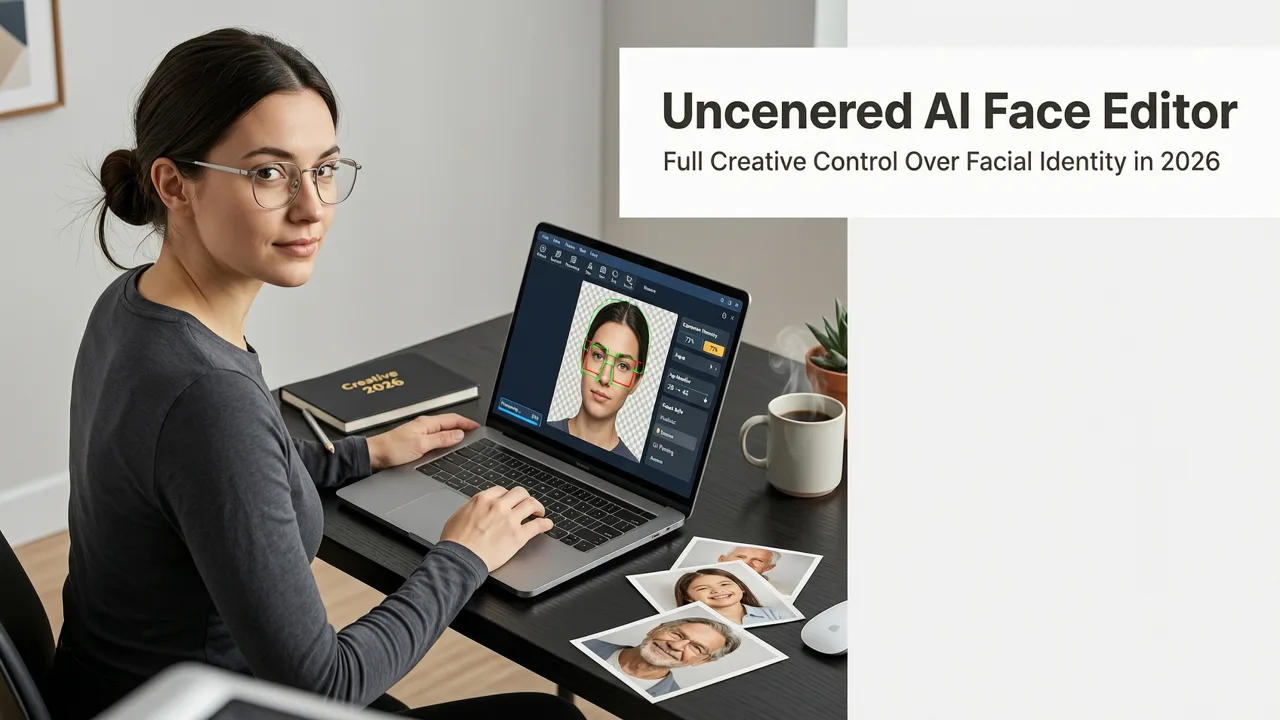
Uncensored AI Face Editor — Edit Expressions, Age, Style Freely in
The most flexible uncensored AI face editor in 2026 — edit facial features, expressions, age, gender presentation, and style without restrictive filters. No signup, no
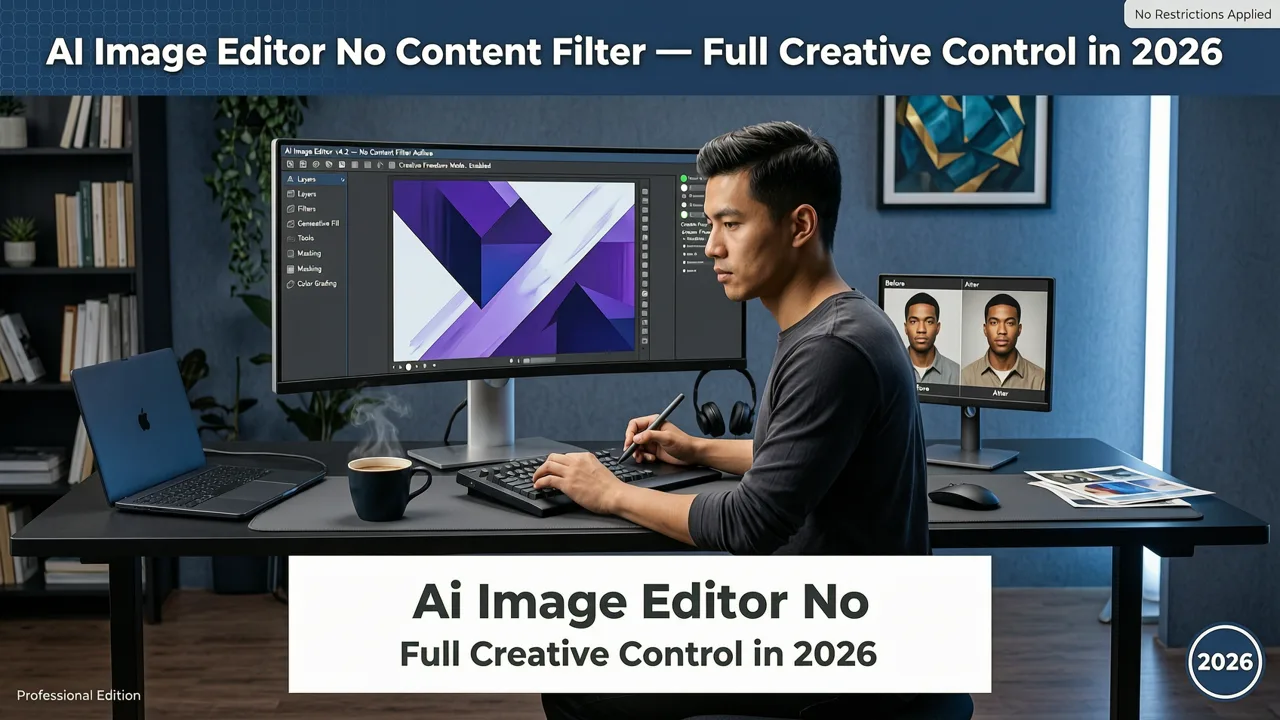
AI Image Editor No Content Filter — Full Creative Control in 2026
Looking for an AI image editor no content filter? In 2026, 'no content filter' means identity-faithful editing—not lawless generation. Learn how AI Image Editor delivers