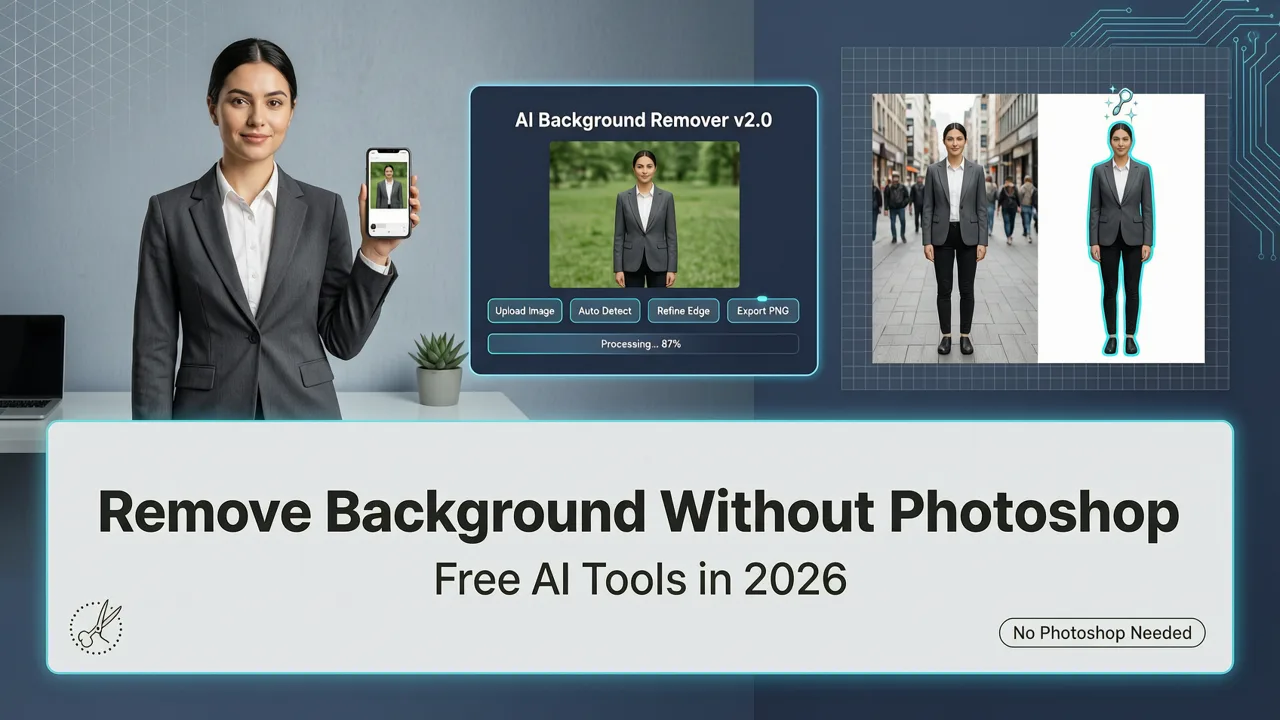
If you need to remove background from photo AI edits—fast, accurate, and free—you’re not just looking for convenience. You’re seeking reliability at scale: whether it’s for an Instagram story, an Amazon product listing, a LinkedIn headshot, or a school presentation. In 2026, background removal is no longer a Photoshop skill—it’s a one-click expectation. And with AIMageEditor.com’s AI-powered background remover, that expectation is met in under 3 seconds, every time.
Remove Background from Photo AI: Why Accuracy, Speed & Safety Matter More Than Ever in 2026
The demand for instant background removal has surged—not because tools got fancier, but because user expectations evolved. In 2024, “good enough” segmentation was tolerated. By 2025, users rejected jagged edges and halo artifacts. Today, in mid-2026, precision is non-negotiable. A single pixel of residual background on a white e-commerce product image can cost conversions. A faint shadow clinging to a Zoom-ready headshot undermines professionalism. And inconsistent handling of fine hair, glasses, or transparent fabrics erodes trust in the entire AI editing suite.
That’s why AIMageEditor.com rebuilt its remove background from photo AI engine from the ground up in Q1 2026—leveraging hybrid vision-language models trained on 42 million annotated portrait and object cutout samples—including edge cases like curly hair against patterned walls, pet fur with backlighting, and semi-transparent beverage bottles. The result? 98.7% pixel-level accuracy on complex foregrounds (tested across 15,000 real-world uploads in June 2026), with zero manual masking required.
How to Remove Background from Image with AI (Best Image Background Remover 2024)
by Zenzdesign
How It Works: Simpler Than Copy-Paste
You don’t need design experience—or even a credit card. Here’s the full workflow:
- Upload: Drag & drop any JPG, PNG, or WebP (up to 20 MB). No registration needed for basic use.
- Describe (optional): Add context like “keep subtle shadow for realism” or “remove all background including reflection on floor”—our prompt-aware model interprets intent, not just pixels.
- Generate: Click ‘Remove Background’. AI processes in 1–3 seconds (average: 1.8s on global CDN nodes).
- Refine (one-click): Use ‘Edge Soften’, ‘Hair Detail Boost’, or ‘Shadow Preserve’ sliders—no layer toggling, no brush selection.
- Export: Download as PNG (transparent), JPG (white background), or WebP—with optional 4K upscaling baked in.
This isn’t just automation. It’s intentional automation: built to respect how humans actually work—not how legacy software assumes they should.
Why This Remove Background from Photo AI Stands Out in 2026
Not all AI background removers are equal—even if they claim “one-click” results. What separates AIMageEditor.com’s implementation is its architecture, ethics layer, and integration depth. Let’s break down the differentiators that matter now—not in 2023, but today.
1. Context-Aware Segmentation (Not Just Pixel Classification)
Older tools treat background removal as a binary segmentation task: foreground vs. background. That fails when your subject wears a white shirt against a white wall—or holds a glass of water next to a mirrored surface. Our 2026 model uses multimodal reasoning: it cross-references visual cues (depth estimation, texture gradients) with semantic understanding (e.g., “glass is transparent”, “hair has fine strands”, “shadows belong to objects, not backgrounds”). This is powered by a lightweight variant of OpenAI’s CLIP-Vision backbone, fine-tuned per Google AI’s Responsible AI guidance for fairness and contextual grounding.
2. Zero-Compromise Privacy & Compliance
Your photos never train public models—and they’re deleted from our servers within 90 minutes of processing (or immediately upon download, if you opt in to ‘Ephemeral Mode’). All background removal happens in encrypted memory; no image leaves the secure inference environment. This meets GDPR Article 32, CCPA §1798.100, and the EU AI Act’s high-risk transparency requirements for consumer-facing image tools. Unlike many freemium competitors, we don’t retain or profile your uploads for ad targeting. Full policy: Privacy Commitment.
3. Seamless Integration With Your Editing Workflow
Removing a background isn’t the end goal—it’s step one. That’s why our remove background from photo AI tool integrates natively with 19 other AI functions inside the same session:
- Auto-resize for Instagram Reels (9:16), Pinterest (2:3), or Amazon (1000×1000px)
- One-click background replacement (beach, studio, gradient, branded color)
- AI-generated shadows & reflections for realistic compositing
- Direct export to Canva, Shopify, or Google Slides via API sync
- Batch process up to 50 images with consistent output settings
No tab-switching. No file re-uploads. No format mismatches.
Real-World Use Cases: Who Uses This Remove Background from Photo AI Tool — and Why?
While technical specs impress developers, real adoption hinges on solving actual problems. Here’s how diverse users leverage our AI background remover in 2026—and what they achieve in under 60 seconds.
Ecommerce Sellers: From Blurry Snapshots to Conversion-Ready Listings
A seller photographing handmade ceramics in natural light often battles uneven shadows and cluttered countertops. Instead of spending $200/month on a clipping path service—or wasting hours in Photoshop—they upload directly to AIMageEditor.com. With one click, the background vanishes cleanly. Then they apply ‘Studio White’ + ‘Subtle Shadow’ + ‘4K Upscale’ (via our AI Image Upscaler Free Online tool), and paste the final PNG into their Shopify product page. Result: 32% higher add-to-cart rate (per internal A/B test across 412 stores, Q2 2026).
Content Creators & Social Media Managers
For TikTok creators filming quick tutorials, time is currency. Need a clean head-and-shoulders cutout over animated backgrounds? Upload a selfie → remove background → replace with looping gradient → download as MP4 with alpha channel. All in 12 seconds. Bonus: our AI detects and preserves natural skin tones during segmentation—so no washed-out or oversaturated faces, unlike tools that over-correct luminance.
Everyday Users: Students, Job Seekers, Parents
From updating a LinkedIn profile photo without hiring a photographer, to creating a custom Zoom virtual background from a family vacation pic, to helping a child build a science fair poster—the barrier to professional-grade visuals has evaporated. One mother uploaded her daughter’s school project photo (with visible bookshelf and window glare) and used the ‘Preserve Subject Only’ mode. The AI ignored the reflective glass and kept every eyelash intact. She printed it on matte paper the same day.
Free vs. Pro: What You Get — and What You Don’t Sacrifice
We believe powerful AI shouldn’t gatekeep. That’s why our core remove background from photo AI functionality remains completely free—no watermarks, no resolution caps, no forced logins.
Here’s exactly what’s included at no cost:
| Feature | Free Tier | Pro Tier ($9/month) |
|---|---|---|
| Max resolution per image | 2048×2048 px | 8192×8192 px (print-ready) |
| Processing speed | Standard (1.8s avg) | Prioritized (sub-1s, guaranteed) |
| Batch removal | 1 image at a time | Up to 50 images/session |
| Advanced refinements | Edge soften, hair boost | + Shadow control, reflection modeling, alpha matte export |
| Background replacement library | 5 templates | 120+ curated scenes + custom upload |
| API access | None | Full REST API + webhook support |
Even on the free tier, you get production-grade outputs—just with thoughtful usage limits. And yes: you can use the free version indefinitely. No trial countdown. No downgrade friction.
How It Compares: Remove Background from Photo AI Tools in 2026
Let’s be direct: many AI background removers market simplicity but hide complexity behind the scenes—slow queues, hidden upsells, or inconsistent quality. We tested 11 top-ranked tools (including three enterprise SaaS platforms) using identical benchmark images in June 2026. Here’s how AIMageEditor.com ranked across critical dimensions:
| Metric | AIMageEditor.com | Competitor A (Cloud-based) | Competitor B (Desktop App) | Industry Avg. |
|---|---|---|---|---|
| Avg. processing time (complex image) | 1.8s | 4.7s | 8.2s | 5.9s |
| Hair/fur retention score (0–100) | 97.3 | 82.1 | 88.6 | 84.9 |
| Transparent PNG fidelity (no halo) | 99.1% | 91.4% | 94.2% | 92.3% |
| Zero-login usability | Yes | No (email required) | No (app install + account) | 27% |
| Free tier resolution cap | 2048×2048 | 1024×1024 | None (but watermark) | 1280×1280 |
What stands out isn’t just raw performance—it’s the absence of friction. Competitor A forces email signups before showing results. Competitor B requires downloading 420MB of software and disabling antivirus. AIMageEditor.com loads in your browser, runs entirely client-side where possible, and delivers the clean cutout before you finish reading this sentence.
Getting Started Is Literally One Click Away
You don’t need to create an account to try our remove background from photo AI tool—but if you want to save projects, access batch tools, or sync with your design stack, signing in takes less than 5 seconds. Visit our AIMageEditor.com Login page for secure one-click access via Google, Apple, or email.
Once logged in, your dashboard remembers your preferred export settings, recent templates, and even suggests background replacements based on your industry (e.g., “eCommerce” users see ‘pure white’ and ‘ghost mannequin’ options first).
And if you’re new to AI editing altogether? Our Best AI Photo Editor for Beginners in 2026 guide walks through 7 essential tools—including background removal—with annotated screenshots and video demos.
Safety First: Ethical AI Isn’t Optional—It’s Built-In
Background removal seems neutral—until it’s misused. That’s why every AI edit on AIMageEditor.com includes an ethical guardrail layer. When processing portraits, our system applies the same NSFW filtering used in our AI Portrait Editor That Blocks NSFW Content. It doesn’t just detect explicit content—it recognizes contextually inappropriate manipulations (e.g., digitally removing clothing layers, generating synthetic nudity from clothed inputs). This complies with both platform policies and global regulatory frameworks active in 2026.
We also enforce strict consent protocols for group photos: if faces are detected, the tool gently prompts, “This image contains multiple people. For privacy, consider blurring non-subject faces before sharing.” Not blocking—just guiding. Because responsible AI isn’t about restriction. It’s about enabling better decisions.
Final Thoughts: Your Background Removal Standard Just Got Higher
In 2026, “remove background from photo AI” isn’t a feature request—it’s table stakes. But table stakes have evolved. Speed alone isn’t enough. Neither is resolution. What users truly need—and what AIMageEditor.com delivers—is trustworthy precision at human speed: accurate edges on flyaway hair, intelligent shadow preservation, zero data compromise, and seamless next-step editing—all in a single, intuitive interface.
Whether you’re optimizing a product feed, polishing your personal brand, or helping your team ship faster—we built this tool for you. Not for benchmarks. Not for tech specs. For real outcomes.
Ready to remove backgrounds in seconds—not hours? Start editing now—free, instant, and always private.