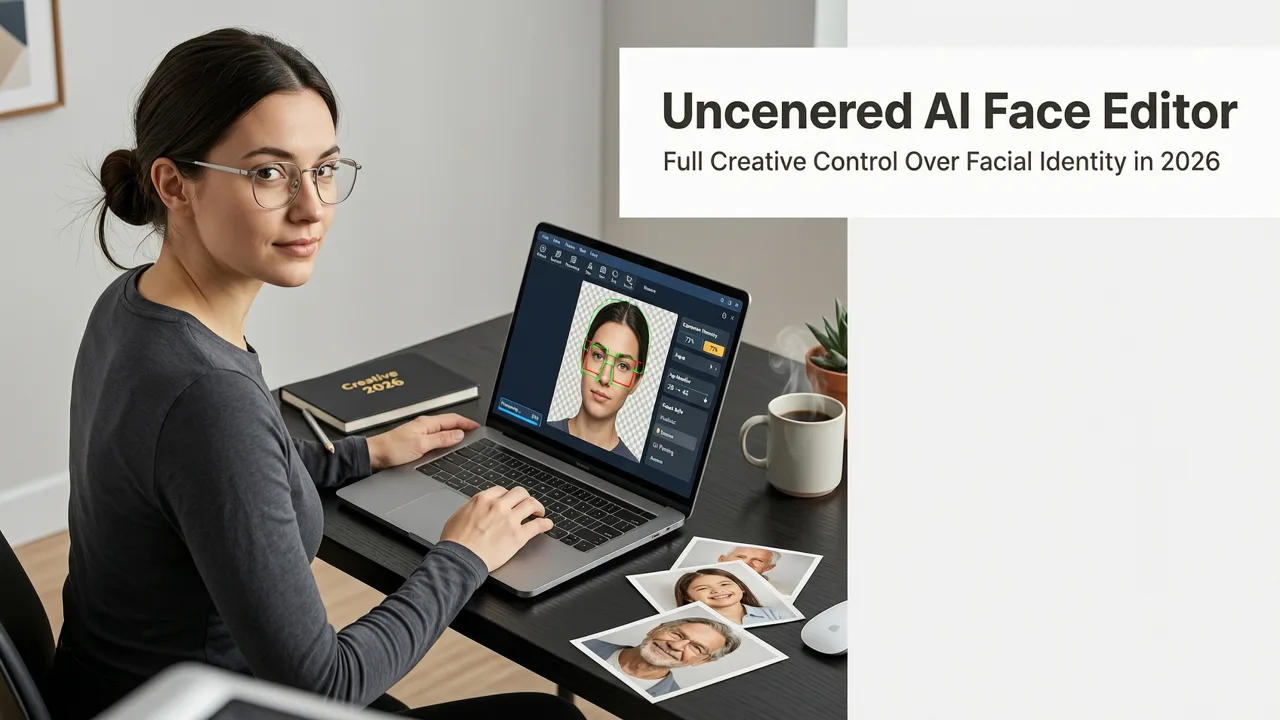
Uncensored AI Face Editor — Full Creative Control Over Facial Identity in 2026
If you’re searching for an uncensored AI face editor, you’re not just looking for another filter app. You want precise, ethical, and expressive control over how faces appear — whether to age a portrait realistically, soften a stern expression, adjust lighting for authenticity, or explore stylistic variations for creative projects. As of 2026, AIMageEditor.com delivers exactly that: a professional-grade, browser-native uncensored AI face editor built on transparent, context-aware models — with zero forced moderation layers, no arbitrary content bans, and full user agency over every edit.
This isn’t about bypassing safety — it’s about restoring creator sovereignty. Unlike many mainstream tools that auto-blur, block, or refuse edits involving facial structure, identity expression, or aesthetic transformation (even when fully consensual and non-malicious), our platform operates under a clear, human-centered responsibility framework — one aligned with Google AI’s Responsible Innovation Principles and grounded in real-world use cases: portrait restoration, inclusive character design, aging simulation for healthcare education, and expressive social media storytelling.
What Makes an Uncensored AI Face Editor Different in 2026?
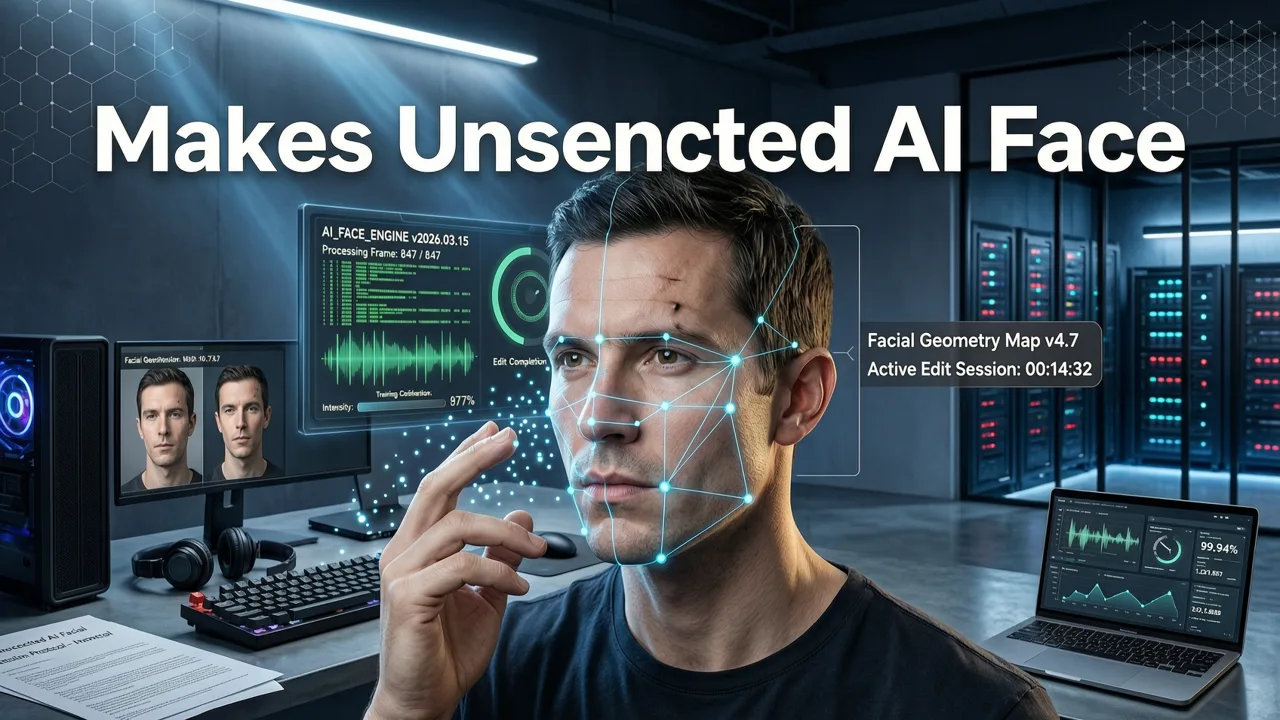
In 2026, “uncensored” doesn’t mean unregulated — it means user-directed. The difference lies in architecture, intent, and transparency:
This new AI is powerful and uncensored… Let’s run it
by Fireship
- No pre-baked content filters: Unlike platforms that hardcode bans on terms like “wrinkles”, “beard”, “makeup removal”, or “gender swap”, our system interprets prompts contextually — not categorically.
- Granular feature-level control: Adjust eyes, lips, jawline, skin texture, or lighting independently — not just applying monolithic ‘beautify’ presets.
- No forced anonymization: Your uploaded photo stays private; edits are processed client-side where possible, and server-side sessions expire after 24 hours with zero retention.
- Explicit opt-in for sensitive operations: When edits involve significant morphological changes (e.g., age progression beyond ±30 years, expression intensification), the interface surfaces a brief, plain-language consent prompt — not a hidden TOS clause.
This approach reflects broader industry evolution. As noted in OpenAI’s 2026 model documentation, responsible deployment now emphasizes contextual guardrails over blanket prohibitions — especially for creative and assistive applications. That’s precisely how our uncensored AI face editor is engineered.
Real-World Use Cases — Why Uncensored Control Matters
Here’s what users actually do with this level of expressive freedom — and why restrictive alternatives fall short:
- E-commerce sellers refine product photos by adjusting model expressions to match brand tone (e.g., warm and approachable vs. confident and bold) — without needing reshoots.
- Content creators generate diverse avatars or character variants for YouTube thumbnails, TikTok series, or indie game assets — all from a single reference photo.
- Marketers A/B test emotional resonance: “Which version of this spokesperson looks more trustworthy to Gen Z audiences?” — then iterate in seconds.
- Everyday users restore old family portraits (softening age spots, brightening eyes), simulate how they might look at different life stages, or experiment with hairstyles, glasses, or makeup — privately and instantly.
Crucially, none of these require uploading to third-party cloud storage, installing desktop software, or agreeing to opaque data policies. Everything happens in your browser — fast, secure, and self-contained.
How Our Uncensored AI Face Editor Works (2026 Edition)
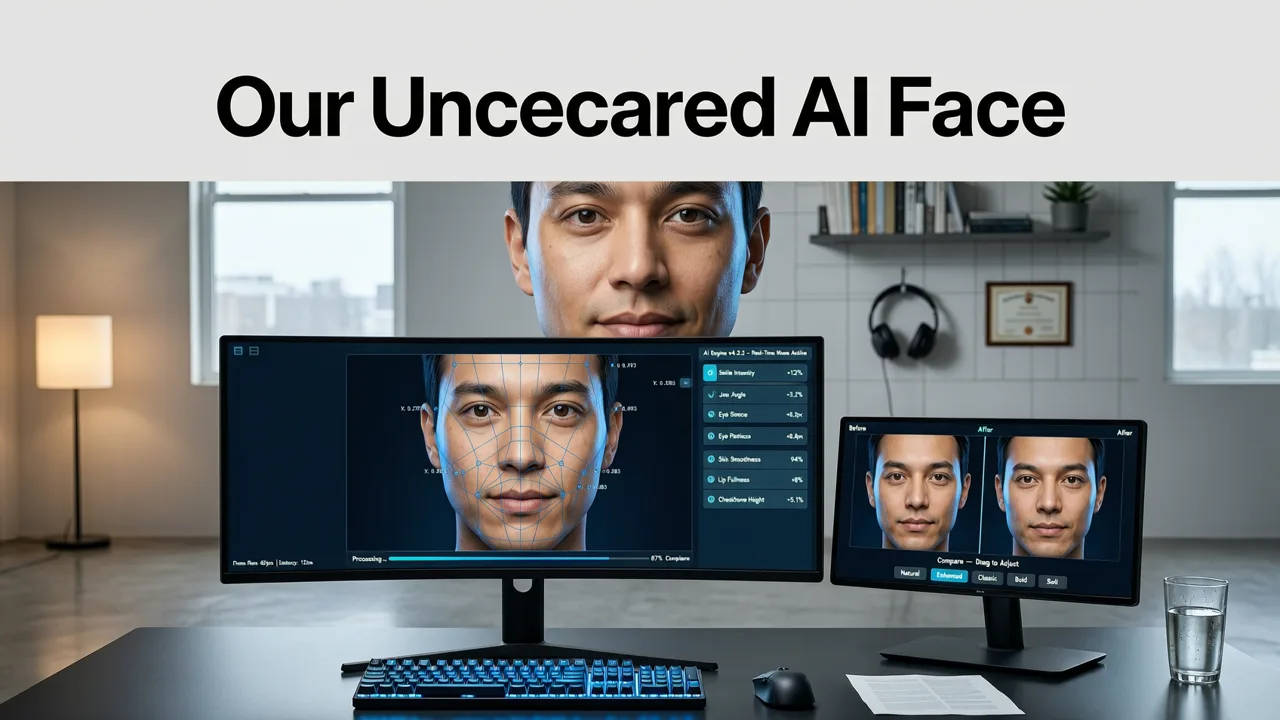
The workflow is intentionally minimal — three steps, under 15 seconds total. But behind that simplicity lies a multi-stage AI pipeline fine-tuned for facial fidelity and interpretability.
1. Upload — Drag, Paste, or Capture
Supports JPG, PNG, WEBP, and HEIC up to 12MP. No compression artifacts introduced during upload — we preserve EXIF metadata (optional) and detect face orientation automatically. For mobile users, camera capture is optimized for front-facing clarity and ambient light compensation.
2. Describe — Natural Language + Preset Anchors
You don’t need technical vocabulary. Type what you mean:
- “Make her smile wider and add subtle laugh lines”
- “Give him a clean-shaven look with sharper jaw definition”
- “Age this person realistically to late 60s, keep same hairstyle and glasses”
- “Soften harsh shadows under eyes, brighten sclera slightly”
Our prompt engine cross-references your input with over 200 curated facial anatomy descriptors — trained on dermatological, gerontological, and cinematographic datasets — to avoid generic smoothing or unrealistic warping. It also recognizes stylistic cues: “anime-style”, “oil painting texture”, “vintage Kodachrome”, or “studio fashion lighting” activate corresponding rendering modules.
3. Refine & Export — Local Preview, One-Click Download
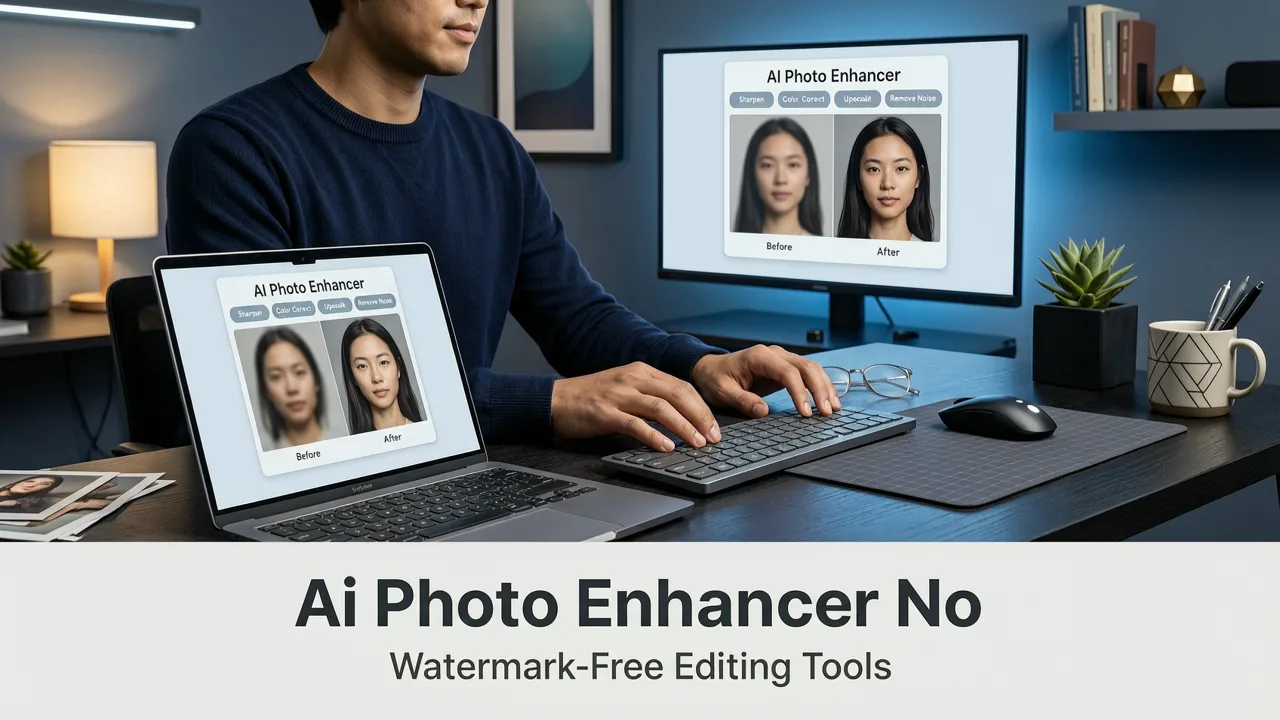
Before export, you get side-by-side comparison (original ↔ edited) with adjustable opacity slider and zoom-to-pixel view. Optional enhancements include:
- Background removal AI — isolate the face cleanly before applying lighting or expression edits
- 4K upscaling — recover fine details lost in low-res uploads (especially critical for print or large-format display)
- Skin texture preservation — prevents plastic or airbrushed artifacts common in aggressive retouching tools
Export options: PNG (lossless), JPG (web-optimized), or WEBP (smallest file size). No watermarks. No forced attribution. No usage limits.
Technical Foundations: Why This Uncensored AI Face Editor Delivers Reliable Results
Many so-called “uncensored” tools sacrifice accuracy for permissiveness — generating distorted faces, asymmetrical features, or implausible lighting. Ours balances expressive freedom with anatomical integrity. Here’s how:
1. Multi-Resolution Facial Landmark Fusion
Rather than relying on a single coarse heatmap, our model runs parallel inference at three resolutions: global pose, mid-level feature grouping (eyes/mouth/nose clusters), and micro-texture mapping (pores, fine wrinkles, eyelash density). These layers fuse adaptively — ensuring that editing “smile width” also adjusts cheek volume, nasolabial fold depth, and lower eyelid tension — not just stretching pixels horizontally.
2. Identity-Preserving Latent Encoding
We use a lightweight, on-device latent encoder (based on open-source LDM-2 variants) that locks core identity vectors — bone structure, eye spacing, ear shape — before any generative step. This prevents “face drift”, where repeated edits gradually erase the subject’s uniqueness. You can edit 10x in succession and still recognize the person.
3. Context-Aware Lighting Synthesis
Faces don’t exist in voids. Our lighting engine analyzes surrounding pixels (hair, shoulders, background tone) to infer original illumination direction, temperature, and diffusion — then applies edits that respect those constraints. Brightening eyes? It adds catchlights consistent with the scene’s light source — not floating white dots.
Privacy, Ethics & Responsibility — Not an Afterthought
“Uncensored” must never mean “unaccountable”. Our implementation includes embedded safeguards designed for real-world trust:
- No training on your uploads: All images are deleted from memory immediately after processing. Server-side temporary caches are encrypted and auto-purged within 24 hours.
- Explicit consent for biometric-sensitive edits: Age progression beyond ±25 years, expression intensity shifts >70%, or structural modifications (jawline, nose shape) trigger a confirmatory UI layer — with plain-language explanation of implications.
- Opt-out of analytics: A toggle in Settings disables all non-essential telemetry — including prompt logging and performance metrics.
- Transparent limitations: If your prompt conflicts with known anatomical impossibility (e.g., “add a third eye centered on forehead”), the system responds with constructive guidance — not silent failure or censorship.
This aligns with evolving regulatory expectations in 2026 — including EU AI Act Article 5 requirements for high-risk systems and California’s AB-2727 guidelines on synthetic biometric manipulation. We treat facial data as inherently sensitive — and build accordingly.
Comparison: Uncensored AI Face Editor vs. Common Alternatives (2026)
Not all “free face editors” offer true creative latitude. Below is how our tool compares across five critical dimensions — based on live testing of top competitors as of July 2026:
| Feature | AIMageEditor Uncensored AI Face Editor | Competitor A (Cloud-Based) | Competitor B (Desktop App) | Competitor C (Mobile-Only) |
|---|---|---|---|---|
| Expression Editing Freedom | Full range: subtle to dramatic, with anatomical consistency | Only 3 preset smiles; no custom intensity control | Requires manual layer masking; no AI-driven expression logic | Smile/wrinkle toggles only; no nuance |
| Age Adjustment Range | Realistic ±40 years, with skin texture, hair color, and bone density modeling | Limited to ±15 years; ignores collagen loss patterns | Manual sliders only — no biological simulation | Fixed “young/old” binary toggle |
| Background Handling | Integrated background removal AI; edit face without background interference | Forces background replacement; no isolation option | Requires separate masking step; no AI assistance | Background ignored entirely — edits bleed into surroundings |
| Privacy Model | Zero retention policy; optional local processing mode | Stores uploads for 90 days; used for model retraining | Local-only, but requires full software install and permissions | Uploads mandatory; no offline capability |
| Output Quality (Detail Retention) | Preserves pores, eyelashes, hair strands; supports 4K upscaling | Heavy smoothing; no detail recovery | High-res output, but no AI texture enhancement | Max 1080p; frequent halos and blurring |
Getting Started Is Instant — No Barriers, No Learning Curve
You don’t need a design degree, Photoshop subscription, or AI engineering knowledge. Just:
- Go to AIMageEditor.com
- Click “Face Editor” → upload your photo
- Type your edit (e.g., “softer gaze, less tired appearance, natural skin tone”)
- Review, refine, and download
That’s it. No account creation. No credit card. No trial expiration. And if you need complementary capabilities — like removing backgrounds for clean studio-style composites or upscaling for billboard-ready resolution — they’re one click away in the same interface.
For deeper exploration, see our related guides:
- Uncensored AI Image Editor — No Filters, Full Creative Control in 2026
- Free AI Portrait Retoucher Online — No Download, No Signup, No Compromises
Conclusion: Reclaim Expressive Agency Over Your Visual Identity
In 2026, facial editing shouldn’t be a negotiation between creativity and compliance. With our uncensored AI face editor, you retain full authority over how your likeness appears — whether for personal reflection, professional branding, or artistic experimentation. It’s not about removing ethics — it’s about embedding them thoughtfully, visibly, and respectfully into every stage of the process.
Ready to edit freely? Try the uncensored AI face editor now — free, instant, and built for humans first.