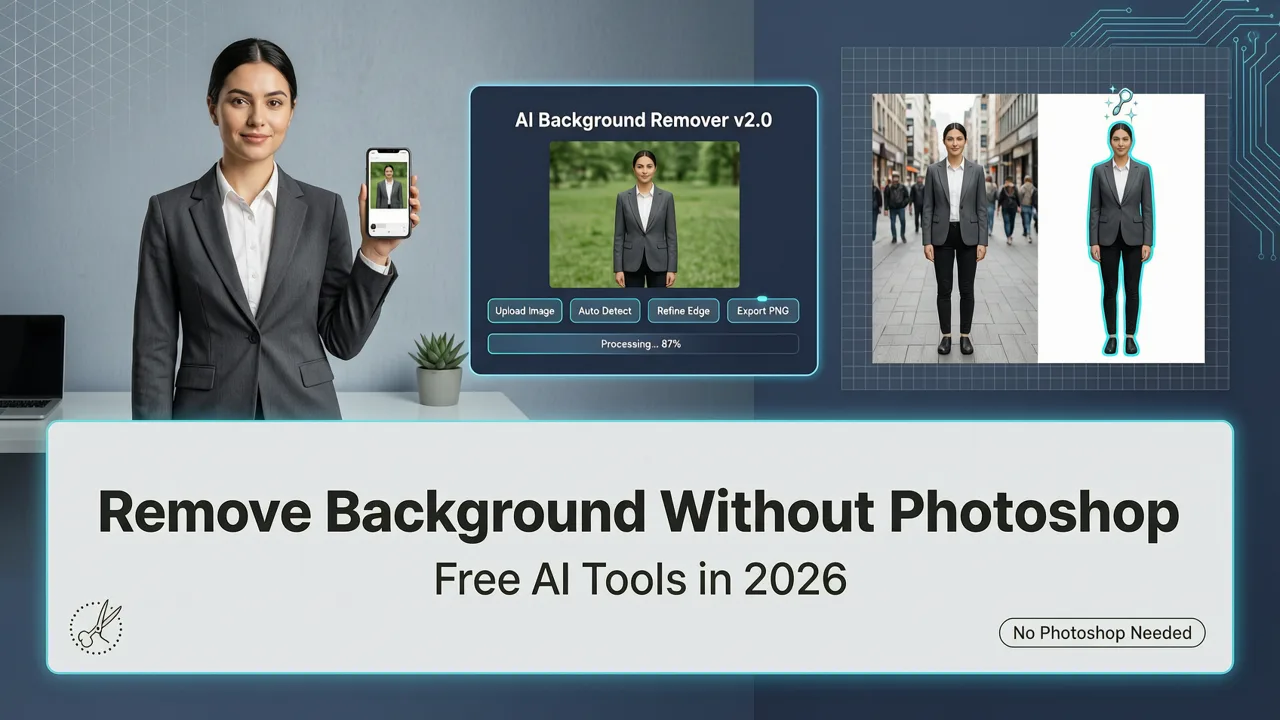
Remove Background Without Photoshop — Free AI Tools in 2026
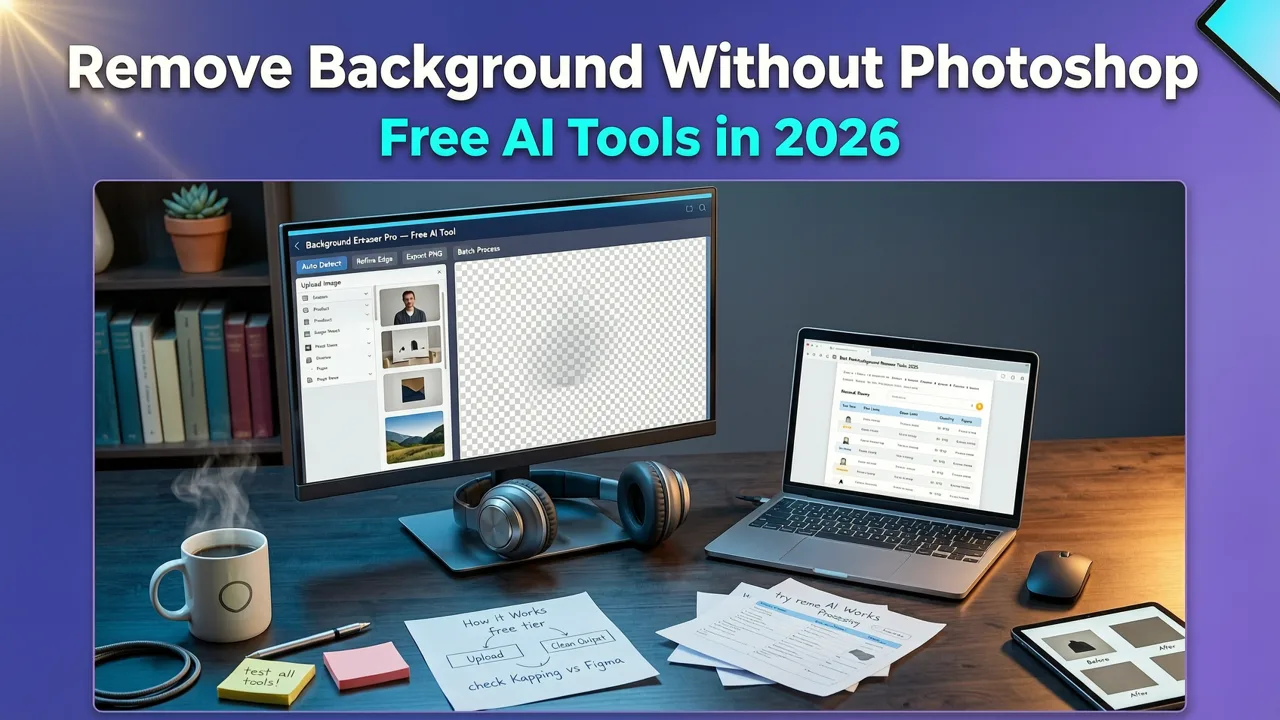
If you have ever opened Photoshop just to delete a cluttered backdrop, you already know the frustration: a steep learning curve, a monthly subscription, and twenty minutes of fiddling with the pen tool. In 2026, you can remove background without Photoshop entirely — using free AI tools that finish the job in seconds, not hours. This guide walks you through every viable method, from one-click web apps to batch-processing workflows, so you can choose the right tool for portraits, product shots, or social media graphics.
Below you will find a clear breakdown of how AI background removal works, which tools deliver the cleanest edges, and how to combine background removal with other edits like instant portrait retouching for a polished final image.
Why People Are Searching for Background Removal Without Photoshop in 2026

The shift away from Photoshop has been building for years, but 2026 is the tipping point. Subscription fatigue, faster AI models, and browser-based editors that rival desktop software have all played a role. Here is what is driving the change:
The EASY Background Remover Hidden in Photoshop!
by PiXimperfect
- Cost: Photoshop requires a paid Creative Cloud plan. Many users — especially freelancers, small ecommerce sellers, and hobbyists — want a free or low-cost alternative.
- Speed: AI background removers process images in under two seconds. Manual masking in Photoshop takes minutes per image.
- Accessibility: Not everyone has a powerful computer or the technical skills to use layer masks, refine-edge brushes, and channel-based selections.
- Volume: Ecommerce sellers and marketers often need to process hundreds of product photos. Doing that manually is not realistic.
The result is a massive increase in searches for quick, free solutions that deliver professional-quality cutouts without any design software.
What "Remove Background Without Photoshop" Actually Means
When people search for this phrase, they usually want one of three things:
- A transparent PNG with the subject cleanly separated from the original background.
- A replacement background — a solid color, a gradient, or a new scene entirely.
- A clean product shot ready for Amazon, Shopify, Etsy, or social media ads.
Modern AI tools handle all three scenarios. The underlying technology uses semantic segmentation models — neural networks trained on millions of images to understand the difference between a person, a product, hair strands, and a background. The model assigns a probability score to every pixel, then generates a precise alpha mask that separates the subject from everything behind it.
Semantic Segmentation vs. Traditional Masking
Traditional background removal in Photoshop relies on manual tools: the Quick Selection Tool, the Pen Tool, or color-range selections. Each method requires skill and patience. AI-driven segmentation automates the entire process. The model identifies edges, handles semi-transparent areas like hair or glass, and produces a mask that would take an experienced retoucher several minutes to create by hand.
Best Methods to Remove Background Without Photoshop in 2026
Not all background removal tools are created equal. Below is a comparison of the most popular approaches available right now, ranked by ease of use, output quality, and cost.
| Method | Cost | Speed | Best For | Limitations |
|---|---|---|---|---|
| AI web-based editors | Free to freemium | 1–3 seconds | Portraits, product photos, social media | May have resolution limits on free tiers |
| Built-in phone editors (iOS/Android) | Free | Instant | Quick social media posts | Limited control over edge refinement |
| Open-source models (e.g., RMBG, SAM) | Free | 2–10 seconds locally | Developers, batch processing | Requires technical setup |
| Desktop AI plugins | $5–$15/month | 1–5 seconds | High-volume professional work | Requires installation |
| API-based services | Pay per image | Under 1 second | Ecommerce platforms, SaaS integrations | Not ideal for one-off edits |
For most everyday users, AI web-based editors offer the best balance of speed, quality, and cost. You upload an image, the AI removes the background, and you download a transparent PNG — no account required on many platforms.
Step-by-Step: How to Remove Background Without Photoshop Using AI
Here is a straightforward workflow that works with virtually any AI background removal tool in 2026.
Step 1 — Upload Your Image
Choose a high-resolution photo for the best results. AI models perform better when the subject is clearly separated from the background, with good lighting and minimal overlap. Supported formats typically include JPG, PNG, and WebP.
Step 2 — Let the AI Detect the Subject
Most tools automatically identify the main subject — a person, a product, or an animal — and generate a cutout. Advanced models handle complex edges like curly hair, fur, or translucent objects with impressive accuracy.
Step 3 — Refine the Edges (If Needed)
If the automatic cutout misses a detail — say, a strand of hair or the edge of a glass — many editors let you paint over the area to add or subtract from the mask. This manual refinement takes seconds and replaces the tedious brushwork that Photoshop users are accustomed to.
Step 4 — Choose Your Output
Download the result as a transparent PNG, or pick a new background — a solid white for ecommerce listings, a branded color for social media, or a lifestyle scene for marketing materials. Some platforms, including AI portrait retouch tools with no signup, let you chain edits together so you can retouch the subject and swap the background in one session.
Step 5 — Export and Use
Save the final image in the format you need. For ecommerce, PNG at 2000×2000 pixels is a common standard. For social media, export at the dimensions required by each platform. If you need the image upscaled for print, use an AI image upscaler to increase resolution without losing quality.
How AI Background Removal Handles Difficult Edges
The real test of any background removal tool is how it handles tricky subjects. Here is how 2026-era AI models deal with the most common challenges.
Hair and Fur
Early AI tools struggled with fine hair, producing halos or cutting off strands. Today's models use multi-scale feature extraction, analyzing the image at different zoom levels to capture both the overall shape and the finest details. The result is a natural-looking edge that does not require manual cleanup.
Translucent and Reflective Objects
Glass bottles, jewelry, and water are notoriously difficult because they blend with the background. Newer segmentation models are trained specifically on these categories and can separate transparent objects with reasonable accuracy. For critical product photography, combining AI removal with a natural-looking AI retouch pass ensures the final image is consistent and professional.
Complex Backgrounds with Similar Colors
When the subject and background share similar tones — a person wearing a white shirt against a white wall — older tools would merge the two. Modern models rely on semantic understanding rather than color contrast alone, so they correctly identify the boundary even when tones overlap.
Remove Background Without Photoshop for Ecommerce
Product photography is one of the biggest use cases for AI background removal. Marketplaces like Amazon, Shopify, and Etsy have strict image guidelines, and a clean white background is often mandatory. Here is why AI tools have become essential for sellers:
- Consistency: Every product photo gets the same clean treatment, creating a uniform catalog.
- Speed: Upload an entire batch and process all images at once. What used to take a full day now takes minutes.
- Cost savings: No need to hire a photo editor or invest in a lightbox. AI handles the background in seconds.
- Flexibility: Swap backgrounds for different marketplaces — white for Amazon, lifestyle scenes for Instagram, branded colors for your own store.
Pair background removal with an AI skin smoothing tool for lifestyle product images that feature models, and you have a complete production pipeline without ever opening Photoshop.
Free vs. Paid AI Background Removal Tools
Not every free tool delivers the same quality. Here is what to look for when choosing between free and paid options.
What Free Tools Offer
- One-click background removal with no account required.
- Transparent PNG downloads at standard resolution.
- Basic edge refinement and background replacement.
What Paid Tools Add
- Higher resolution exports (4K and beyond).
- Batch processing for hundreds of images.
- API access for automated workflows.
- Advanced edge refinement for hair, fur, and translucent objects.
- Priority processing and no watermarks.
For occasional use, free tools are more than adequate. For businesses that process large volumes of images, a paid plan quickly pays for itself in time saved.
Tips for Getting the Cleanest Background Removal Results
Even the best AI model works better with a good source image. Follow these tips to maximize quality:
- Use even lighting. Harsh shadows can confuse the segmentation model. Soft, diffused light produces the cleanest edges.
- Avoid cluttered backgrounds when possible. While AI handles complexity well, a simpler background always yields a more precise cutout.
- Shoot at high resolution. More pixel data gives the model more information to work with, especially around fine details like hair.
- Keep the subject fully in frame. Cropped edges can cause the AI to misidentify the subject boundary.
- Use a contrasting background. Even though modern models do not rely solely on color contrast, a distinct background still helps the model produce a cleaner mask on the first pass.
Common Mistakes to Avoid
Even with powerful AI tools, a few common errors can degrade your results:
- Using a heavily compressed JPEG. Compression artifacts can create noise around edges, leading to a rough cutout.
- Ignoring the alpha channel. Always export as PNG if you need transparency. JPEG does not support alpha channels and will fill transparent areas with white.
- Skipping edge refinement. If the AI misses a detail, take five seconds to paint over it rather than accepting an imperfect result.
- Forgetting to check at 100% zoom. Edges that look fine at a glance may reveal halos or jagged pixels when viewed up close.
The Future of Background Removal Beyond 2026
AI background removal is already mature, but the technology continues to evolve. Expect to see real-time video background removal at higher resolutions, 3D-aware segmentation that understands depth, and models that can separate multiple overlapping subjects with zero manual input. As referenced in Google's AI responsibility guidelines, these advances are being developed with a focus on accuracy, fairness, and user control — ensuring the tools remain reliable and trustworthy.
For creators and businesses, the takeaway is simple: the barrier to professional-quality image editing has never been lower. You no longer need expensive software or design skills to produce clean, polished images. The tools are free, fast, and getting better every quarter.
Final Thoughts
Removing a background without Photoshop is no longer a workaround — it is the standard. Whether you are a content creator preparing thumbnails, an ecommerce seller cleaning up product photos, or a marketer building ad creatives, AI-powered background removal delivers professional results in seconds. Upload your image, let the AI do the heavy lifting, refine if needed, and export. That is the entire workflow.
Ready to try it yourself? Head to AI Image Editor and remove your first background in under ten seconds — no Photoshop, no signup, no hassle.