Remove Skin Blemishes AI — Instant Portrait Retouch in 2026
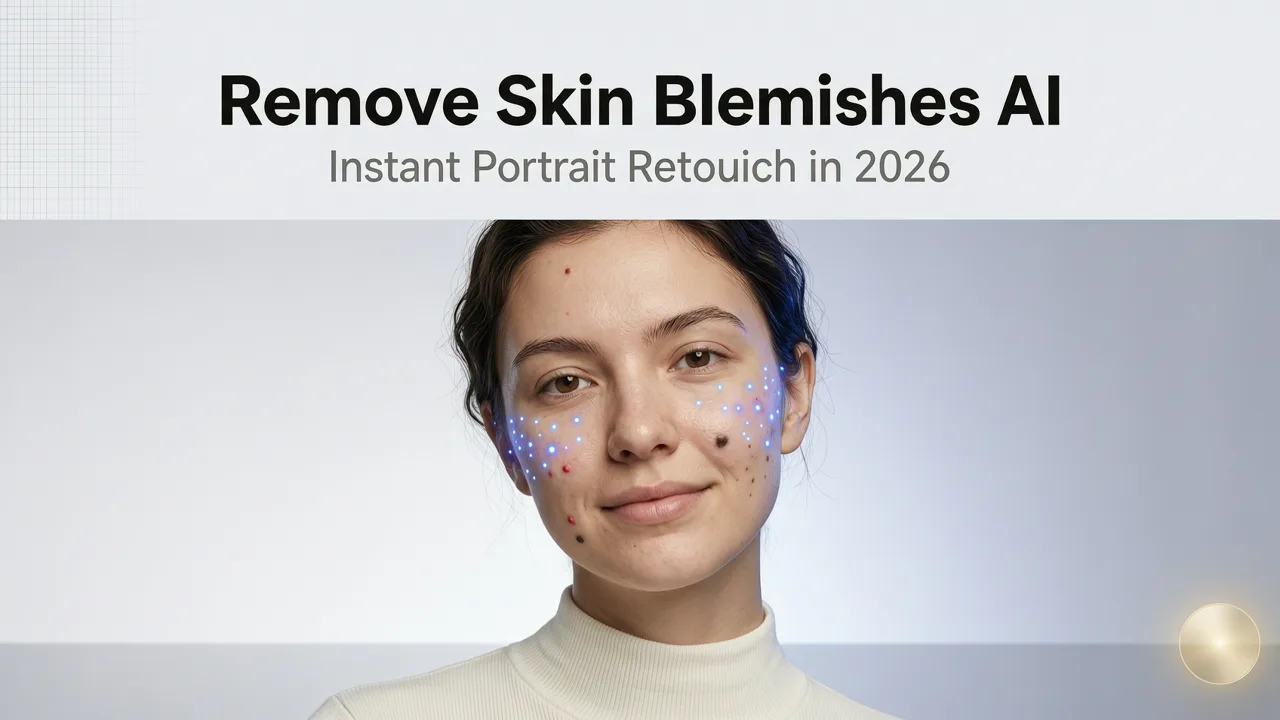
If you have ever spent twenty minutes clicking the clone stamp over a breakout before a headshot deadline, you already know the pain. In 2026, the fastest way to remove skin blemishes AI style is a single upload and a single prompt. AI-powered portrait retouching now detects acne, dark circles, age spots, scars, and uneven texture automatically — and replaces them with skin-toned, pore-matched pixels in under three seconds.
This guide walks you through exactly how modern blemish-removal AI works, which tool categories actually deliver clean results, and a step-by-step workflow you can copy today. Whether you are a content creator prepping Instagram reels, an ecommerce seller fixing product model shots, or a professional retoucher streamlining client edits, you will finish this article with a repeatable process that saves hours every week.
Why Remove Skin Blemishes with AI in 2026
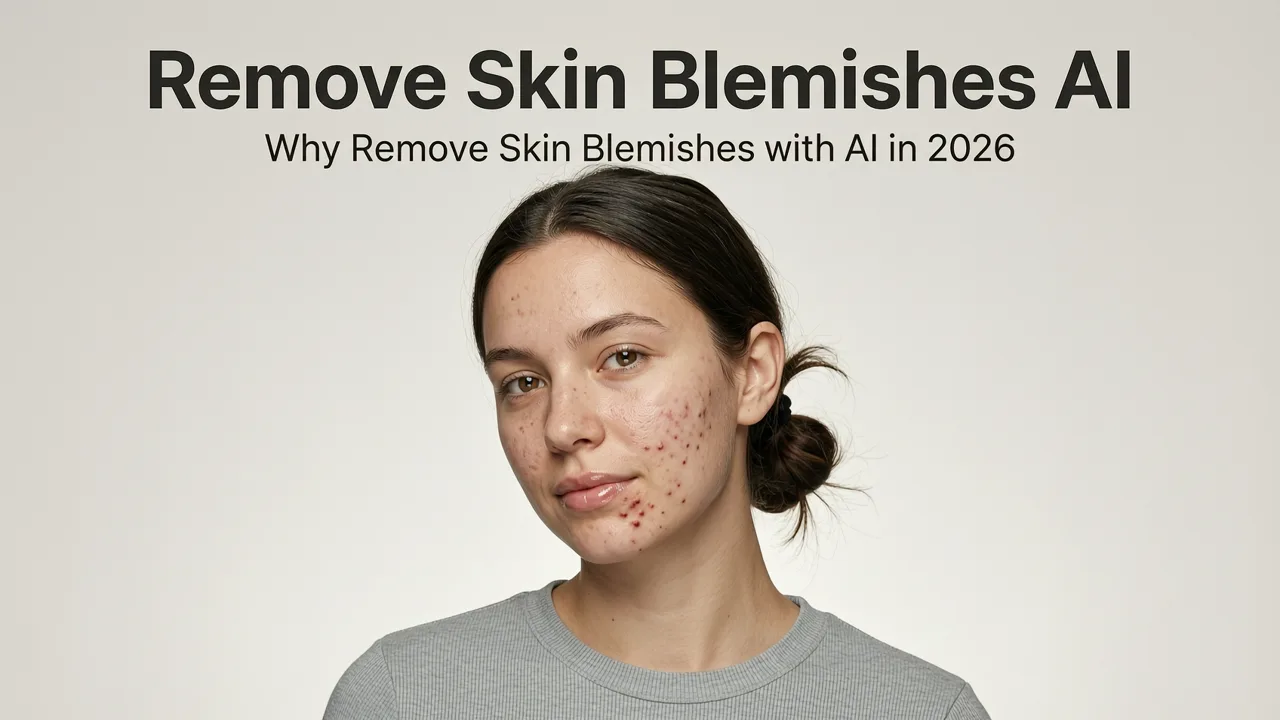
Portrait retouching used to require a licensed Photoshop subscription, a Wacom tablet, and two hours of training. Today, remove skin blemishes AI tools collapse that entire workflow into a browser tab. Three shifts have made this the default approach for creators and brands in 2026:
Photoshop: remove blemishes with AI
by Miklós Mayer - I will be your photo guide
- Speed at scale. Ecommerce sellers editing fifty product-model portraits a day cannot afford manual dodging and burning. AI batch processing handles the entire queue while you grab coffee.
- Consistency across a brand. Human retouching drifts from image to image. A well-tuned AI prompt applies the same smoothing logic to every portrait in a campaign, keeping skin tones and texture uniform.
- Lower skill floor. You no longer need to understand frequency separation or luminosity masks. Describe the edit in plain English and the model handles the rest.
The result is a workflow that feels less like retouching and more like clicking "publish."
What "Remove Skin Blemishes AI" Actually Means
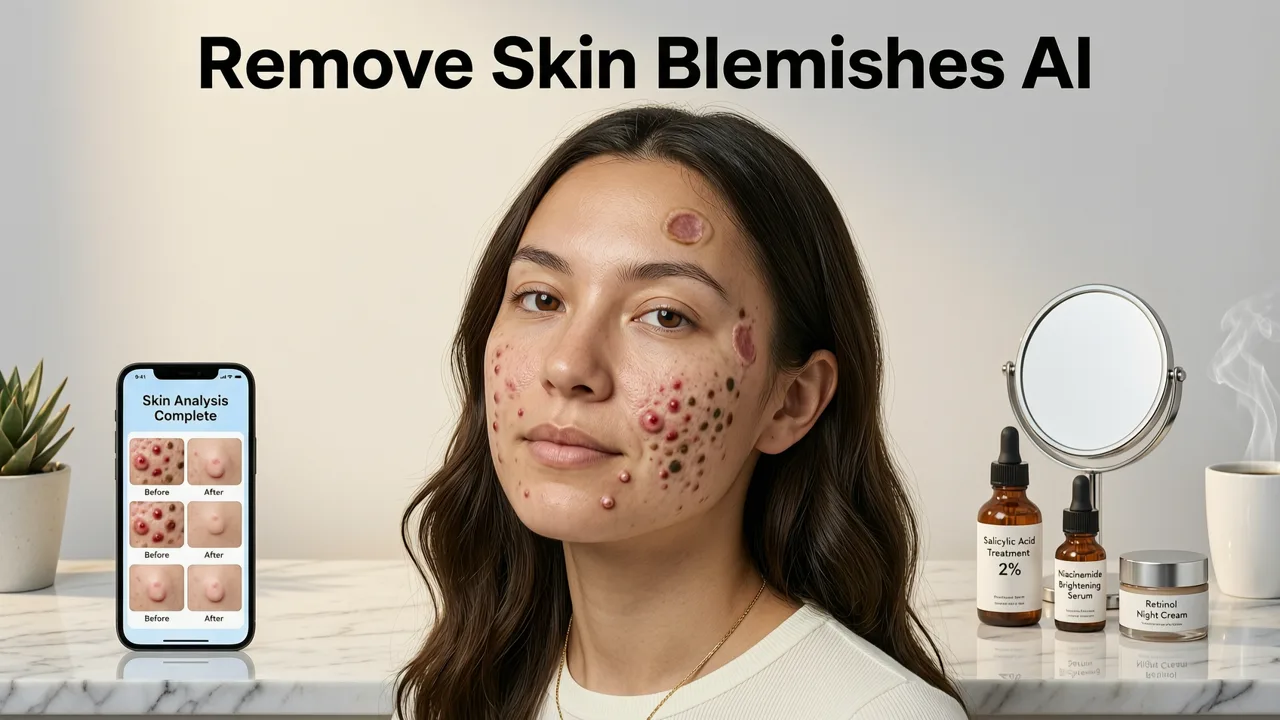
Before we get into the how-to, it helps to separate the marketing language from the underlying technology. When a tool claims to remove skin blemishes with AI, it is typically combining three distinct models into one pipeline:
1. Semantic Skin Segmentation
The first model identifies which pixels belong to skin versus hair, clothing, background, or props. Modern segmentation networks in 2026 can separate skin from complex backgrounds — think lace collars, leafy backdrops, or studio rigs — with near-perfect accuracy. This prevents the AI from accidentally smoothing a sweater or blurring a product the subject is holding.
2. Blemish Detection and Classification
Once skin is isolated, a second model scans for anomalies: pimples, hyperpigmentation, under-eye shadows, broken capillaries, razor burn, and scars. Each blemish type gets a confidence score. The system then decides whether to inpaint (replace the pixel neighborhood) or blend (soften the contrast without full replacement).
3. Context-Aware Inpainting
The final model generates replacement pixels that match the surrounding skin tone, pore structure, lighting direction, and even subsurface scattering. This is the same generative fill technology described in our best free generative fill alternative guide, but tuned specifically for dermatological realism.
Step-by-Step: How to Remove Skin Blemishes with AI
Here is the exact workflow we recommend in 2026. It works whether you are editing a single selfie or a batch of fifty ecommerce portraits.
Step 1 — Upload Your Portrait
Drag and drop your image into the editor. Accepted formats include JPG, PNG, WebP, and HEIC. For best results, start with a file at least 1,024 pixels on the long edge. If your source is smaller, run it through an upscaler first — our Nero AI Image Upscaler guide covers a free option that preserves skin detail without introducing plastic artifacts.
Step 2 — Choose Your Retouch Intensity
Most AI portrait tools offer three tiers:
- Light: Removes only high-contrast blemishes (active acne, visible dark circles). Leaves freckles, moles, and natural texture intact.
- Medium: Adds subtle evening of skin tone and softening of fine lines. Ideal for social media and LinkedIn headshots.
- Full: Aggressive smoothing that mimics high-end magazine retouching. Best for beauty campaigns and product photography.
For most everyday users, Medium hits the sweet spot between polished and authentic.
Step 3 — Prompt or Auto-Detect
If the tool supports text prompts, type something specific: "Remove blemishes, keep freckles, preserve skin texture." If it uses auto-detect, simply hit "Retouch" and let the model decide. Advanced editors let you mask specific regions — useful when you want to clear a forehead breakout but leave a beauty mark on the cheek.
Step 4 — Review and Fine-Tune
Zoom to 100 percent and check the jawline, hairline, and nostrils. These transition zones are where AI retouching most commonly leaks into non-skin areas. If you spot an issue, use the erase or restore brush to bring back the original pixels in that region.
Step 5 — Export at Full Resolution
Download the result in the highest quality available. If you plan to print the portrait or use it in a large-format ad, confirm the output is at least 300 DPI at the intended print size.
AI Blemish Removal vs. Manual Retouching — 2026 Comparison
Still debating whether to go AI or old-school? The table below summarizes the trade-offs based on our testing across dozens of portraits in 2026.
| Criteria | AI Blemish Removal | Manual Retouching (Photoshop) |
|---|---|---|
| Speed per image | 2–5 seconds | 5–20 minutes |
| Learning curve | Near zero | Weeks of practice |
| Batch processing | Yes, automated | Manual or action-based |
| Natural skin texture | Good to excellent in 2026 | Excellent with skilled operator |
| Fine control (single pore) | Limited | Unlimited |
| Cost | Free tiers available; paid plans from ~$10/mo | $23/mo subscription + training time |
| Best for | Creators, ecommerce, quick edits | High-end editorial, advertising |
For the vast majority of use cases — social content, product listings, real estate agent headshots, dating profiles — AI delivers results indistinguishable from manual work at a fraction of the time and cost.
Common Skin Issues AI Can Remove in 2026
Modern remove skin blemishes AI pipelines handle a surprisingly wide range of dermatological concerns. Here is what works well today and what still requires a human touch.
Works Great
- Active acne and pimples
- Dark circles under eyes
- Redness and rosacea patches
- Hyperpigmentation and sun spots
- Minor scars and scratch marks
- Razor burn and ingrown hairs
- Shiny or oily T-zone reflections
Needs Human Oversight
- Deep surgical scars with complex shadow geometry
- Birthmarks you want to reduce but not fully erase
- Tattoos partially covered by skin folds
- Skin adjacent to highly reflective jewelry or glasses
When in doubt, start with the AI pass and then manually refine the tricky areas. This hybrid approach is how professional retouchers actually work in 2026.
How to Keep Skin Looking Natural After AI Retouching
The biggest complaint about AI portrait tools is the "plastic skin" effect — where the subject looks like a mannequin. Here are four techniques to avoid that trap.
Use the Light or Medium Preset
Full smoothing almost always overdoes it. Start with Medium and dial back if needed.
Preserve Pore Texture
Some editors include a "texture preservation" toggle. Enable it. Pores are what separate a human face from a render.
Don't Over-Whiten Teeth or Eyes
Blemish removal tools often bundle teeth whitening and eye brightening. Disable those unless the lighting genuinely calls for them. Over-brightened sclera is the fastest way to make a portrait look fake.
Compare Before and After at 100%
Toggle between the original and edited version at full zoom. If you cannot tell where the blemish was, you have gone far enough. If the surrounding skin looks blurry or smeared, dial it back.
Use Cases: Who Benefits Most from AI Blemish Removal
Content Creators and Influencers
You shoot daily. You do not have time to retouch every selfie. AI blemish removal lets you maintain a polished feed without hiring a retoucher or learning Photoshop.
Ecommerce Sellers
Product photography often includes model shots. Consistent, clean skin across every listing image builds buyer trust and reduces return rates caused by "the product looked different online." Pair blemish removal with AI background replacement for a complete product-photo pipeline.
Marketers and Brand Teams
Campaign assets need to look uniform across channels. AI ensures every portrait in a campaign shares the same skin-tone baseline, which is critical for inclusive and on-brand visual storytelling. For broader creative edits, explore the AI Image Editor generative fill tool to swap wardrobe items or adjust environments in the same workflow.
Everyday Users
LinkedIn headshots, dating profiles, family photos — any portrait you share publicly benefits from a quick blemish pass. The goal is not to look like someone else. It is to look like your best, most rested self.
Ethical Considerations and Responsible AI Editing
AI portrait editing is powerful, and with that comes responsibility. In 2026, leading platforms follow guidelines similar to those outlined in OpenAI's documentation and Google's AI responsibility principles: transparency, user consent, and avoidance of deceptive manipulation.
Practical rules we recommend:
- Do not use blemish removal to alter someone's appearance without their knowledge.
- Disclose AI editing when the portrait is used in advertising or journalism, where authenticity standards apply.
- Avoid tools that auto-slim faces or reshape bone structure unless the subject explicitly requests it.
Responsible use keeps the technology trustworthy and protects both the editor and the subject.
Tips for Getting the Best Results
- Start with good lighting. Even the best AI struggles with harsh shadows. A soft, diffused light source gives the model more information to work with.
- Shoot in color, not black and white. Skin-tone analysis requires color data. Convert to monochrome after retouching if that is your final look.
- Avoid heavy filters before AI processing. Pre-applied Instagram-style filters confuse blemish detection. Edit the clean file first, then stylize.
- Use the highest resolution available. Upscale before retouching if your source is low-res. More pixels means more accurate blemish mapping.
- Save a copy of the original. Always keep the unedited file. Client preferences change, and platform guidelines evolve.
Frequently Asked Questions
Can AI remove skin blemishes without making skin look fake?
Yes. Modern AI retouching tools in 2026 use texture-preserving inpainting models that match surrounding pore structure, lighting, and skin tone. The key is choosing a light or medium intensity preset and avoiding full smoothing on portraits that need to look natural.
Is AI blemish removal free?
Many platforms offer a free tier with limited edits per day or watermarked outputs. Paid plans typically start around $10 per month and unlock batch processing, higher resolution exports, and advanced controls like region masking.
Does AI blemish removal work on all skin tones?
Leading tools in 2026 are trained on diverse datasets and perform well across the full range of human skin tones. However, results can vary depending on lighting conditions and image quality. Always review the output at 100 percent zoom to confirm natural tone matching.
Can I remove blemishes from group photos?
Absolutely. Most AI portrait editors detect and segment every face in the frame independently. You can retouch each subject at different intensity levels if needed — for example, light retouching on one person and medium on another.
Will AI blemish removal affect image quality?
Not when used correctly. The AI replaces only the blemish pixels and preserves surrounding detail. If you notice softness or smearing, reduce the intensity setting or switch to a tool that offers texture preservation. For low-resolution sources, upscale the image first using a dedicated AI upscaler.
Start Removing Blemishes in Seconds
AI-powered portrait retouching has moved from niche professional tool to everyday essential. Whether you are a creator polishing your feed, a seller perfecting product shots, or just someone who wants to look their best in a profile picture, remove skin blemishes AI workflows deliver studio-quality results in seconds — no design skills required.
Upload your first portrait today, choose a medium retouch preset, and see the difference for yourself. Your future self — and your audience — will thank you.