Why You Should Enhance Old Photos with AI in 2026
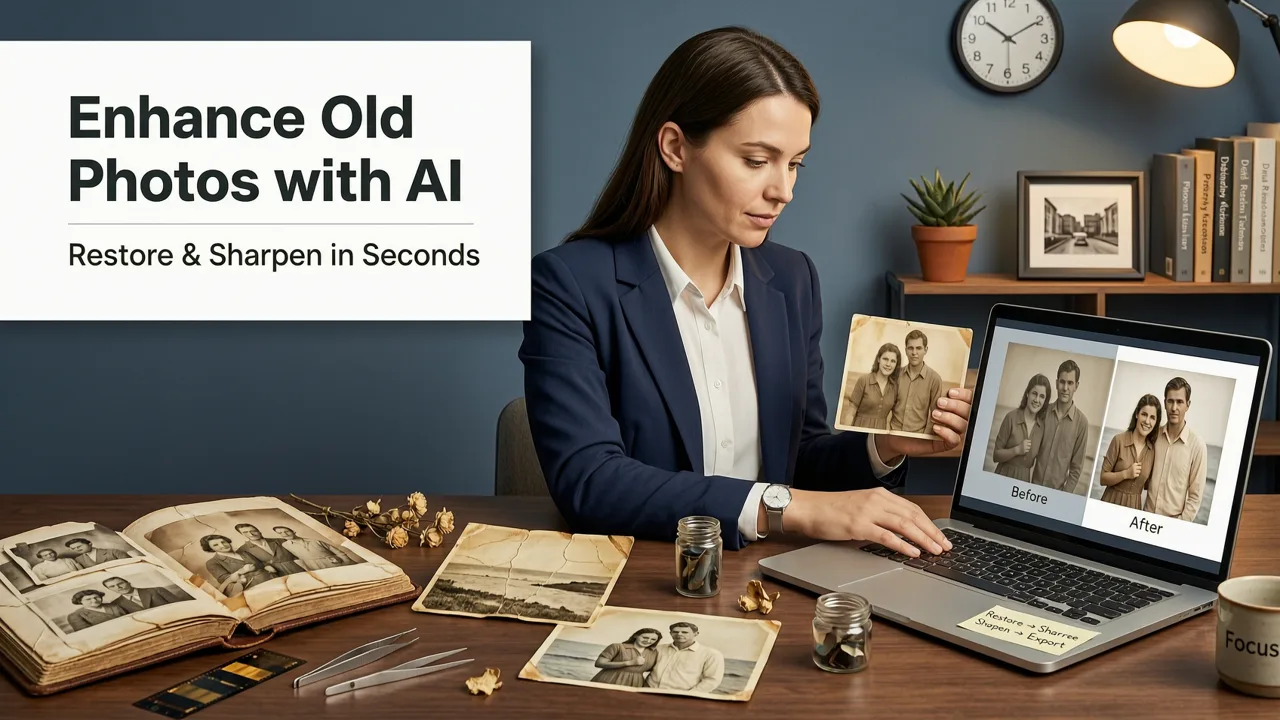
If you want to enhance old photos with AI in 2026, the short answer is that browser-based AI editors now allow you to restore, colorize, and sharpen faded images in seconds without downloading software. AI Image Editor provides a comprehensive suite of tools to breathe new life into your vintage prints, damaged scans, and low-resolution family portraits.
Historically, restoring a faded photograph required hours of manual work in complex desktop software. Editors had to manually clone out scratches, adjust color channels one by one, and guess the original skin tones. Today, advanced diffusion models and neural networks handle these tasks automatically. The technology understands the semantic context of an image, meaning it knows what a human eye or a fabric texture should look like, allowing it to reconstruct missing data with high accuracy.
Whether you are archiving family history, preparing vintage assets for a marketing campaign, or simply want to share clearer memories on social media, modern AI tools make professional-grade restoration accessible to everyone. The shift toward cloud-based processing means you no longer need a powerful local computer to run these heavy computational models.
Can AI Really Fix Old Photos? The Best Tools of 2025 Revealed!
by ShotKit
How AI Photo Restoration Works Under the Hood
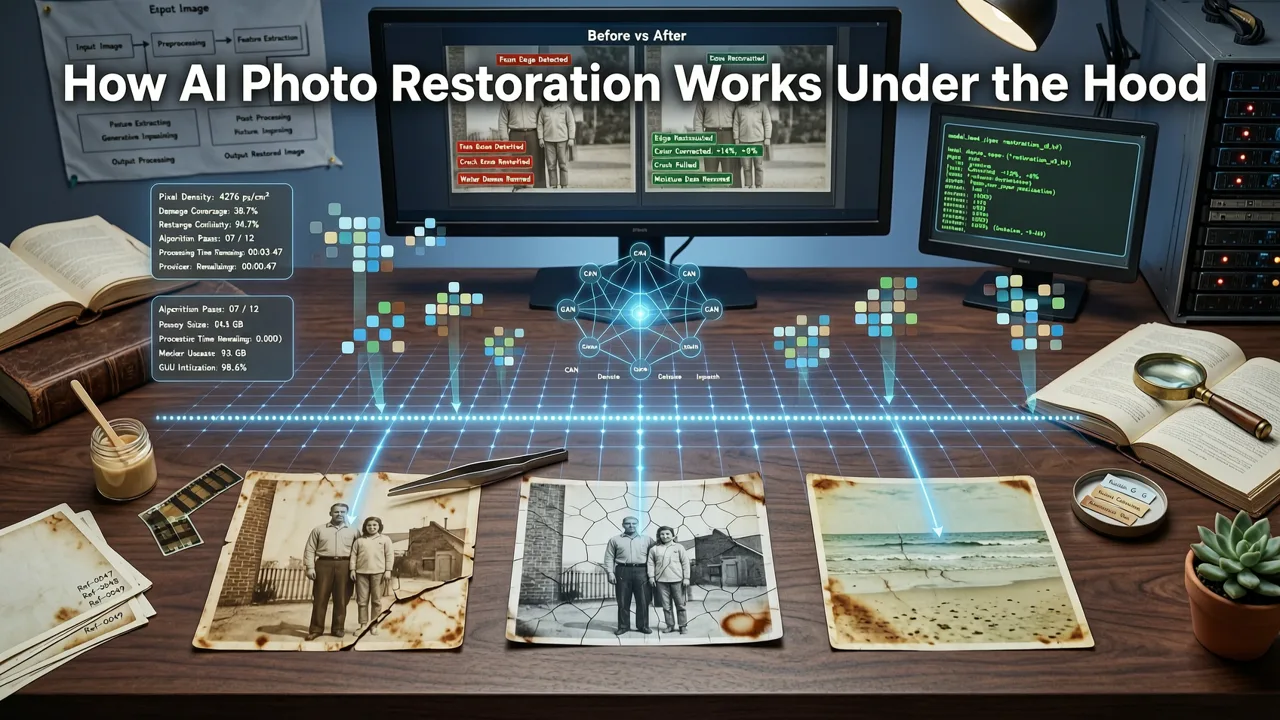
To appreciate the quality of modern restoration, it helps to understand the mechanics behind the process. When you upload a damaged or faded image, the AI does not just apply a simple filter. It breaks the image down into recognizable components and rebuilds them intelligently.
Damage Detection and Segmentation
The first step involves semantic segmentation. The AI scans the image to identify specific elements such as faces, backgrounds, clothing, and architectural details. Simultaneously, it detects anomalies like scratches, dust spots, water damage, and color fading. By creating a precise mask of the damaged areas, the system ensures that repairs are localized and do not accidentally alter intact parts of the photograph.
Generative Inpainting for Missing Details
Once the damage is mapped, generative inpainting takes over. Unlike older tools that simply blurred or cloned surrounding pixels, modern AI generates new pixels based on the surrounding context. If a large tear obscures half of a face, the model references its training data on human anatomy and the visible portions of the face to reconstruct the missing features logically and naturally.
Colorization and Lighting Correction
For black-and-white or severely faded photos, AI analyzes the grayscale values and material properties to predict original colors. It understands that a denim jacket should be blue and grass should be green, adjusting for the specific lighting conditions of the era. Lighting correction algorithms then balance the exposure, removing the yellowed tint common in aged physical prints.
Step-by-Step Guide to Restoring Vintage Images
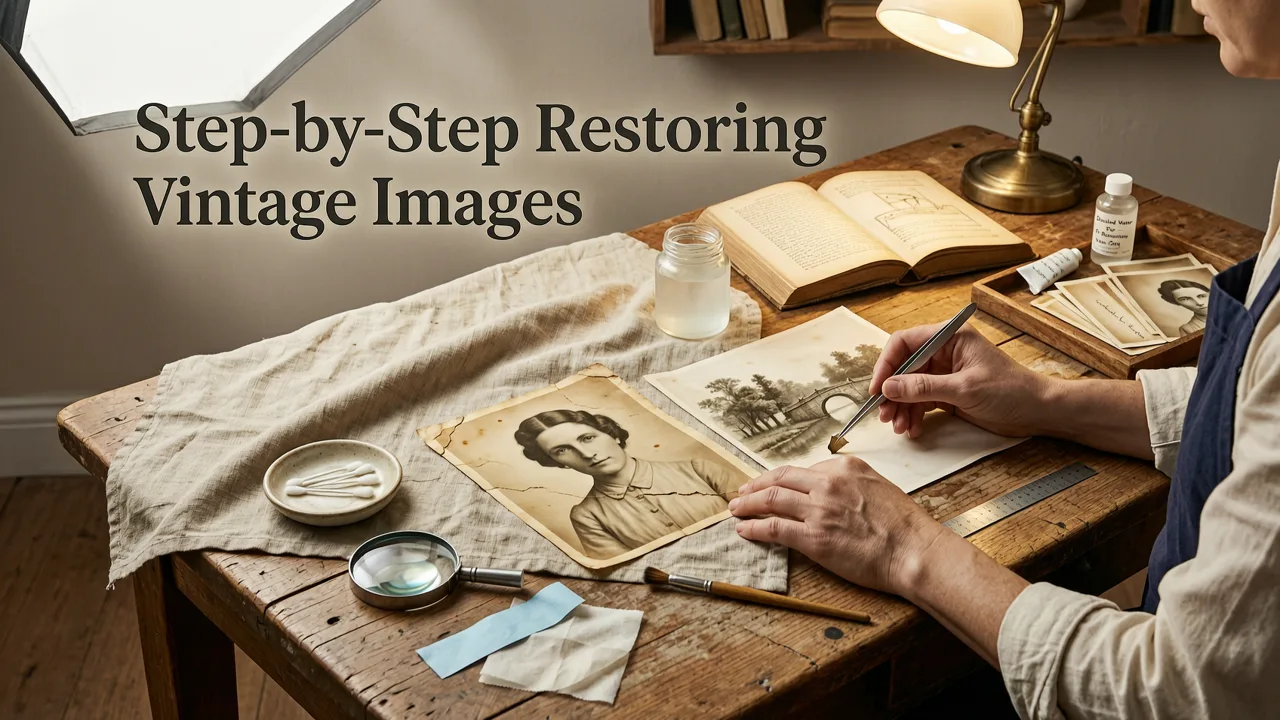
Getting started with AI restoration is straightforward. Here is a standard workflow to achieve the best results when you enhance old photos with AI.
- Digitize the Original: Scan the physical photo at a high resolution, ideally 600 DPI or higher, to capture as much detail and texture as possible before any digital processing begins.
- Upload to the Editor: Bring your scanned file into a browser-based AI platform. Ensure the file format is standard, such as JPEG or PNG, for optimal compatibility.
- Select Restoration Tools: Choose the specific enhancements you need. You can run automated one-click restorations or use text prompts to guide specific edits, such as removing a specific stain or changing the background.
- Refine and Upscale: Review the generated output. If the resolution is still low, apply upscaling to enlarge the image without losing sharpness.
- Export in High Quality: Download the final restored image in a lossless format to preserve the newly recovered details for printing or digital sharing.
Comparing AI Photo Restoration Approaches in 2026
Not all restoration methods yield the same results. The table below compares traditional manual editing, early automated filters, and modern AI-driven restoration to help you understand the current industry standard.
| Feature | Traditional Manual Editing | Early Automated Filters (Pre-2024) | Modern AI Restoration (2026) |
|---|---|---|---|
| Processing Time | Hours per image | Seconds per image | Seconds per image |
| Detail Reconstruction | High, but relies on user skill | Low, often blurs details | High, uses generative context |
| Colorization Accuracy | Requires manual research | Poor, often oversaturated | High, understands material context |
| Hardware Requirements | High-end local workstation | Basic smartphone or PC | Cloud-based, runs in any browser |
| Learning Curve | Steep, requires training | None | Minimal, prompt or click-based |
Advanced Workflows: Upscaling and Portrait Refinement
Restoration is often just the first phase of reviving an old image. Once the damage is repaired and the colors are corrected, you may need to address resolution and facial clarity.
When dealing with low-resolution scans or heavily compressed digital files, you can pair restoration with an AI image upscaler to push the output to 4K. Upscaling algorithms analyze the existing pixels and intelligently generate new ones, sharpening edges and enhancing texture without introducing the pixelation common in older enlargement methods.
For family portraits, combine restoration with AI portrait retouching to smooth skin and fix faded facial features. Old photos often suffer from poor focus or harsh shadows on faces. AI retouching tools specifically target facial landmarks, adjusting lighting on the skin, enhancing eye clarity, and ensuring the subjects look their best while maintaining a natural, authentic appearance.
If you are restoring vintage product shots, catalog images, or historical commercial assets, modern workflows let you edit product photos online with AI to replace damaged or distracting backgrounds. This is particularly useful for ecommerce sellers looking to repurpose old inventory photos for modern storefronts. Once the subject is perfectly restored, you might want to isolate it entirely, which is easily done when you remove the background from a photo online for free without needing to sign up or download heavy software.
Best Practices for Digitizing and Prepping Old Photos
The quality of your AI restoration is heavily dependent on the quality of the initial scan. AI models are powerful, but they cannot invent detail that was never captured in the digital file.
- Use a Flatbed Scanner: Avoid taking photos of physical prints with your smartphone, as this introduces glare, distortion, and new shadows. A dedicated flatbed scanner provides even lighting and true-to-scale geometry.
- Optimize DPI Settings: Scan at a minimum of 600 DPI for standard 4x6 prints. If you plan to enlarge the image significantly or restore a smaller original like a passport photo, scan at 1200 DPI.
- Clean the Physical Print: Gently wipe the surface of the photo with a microfiber cloth before scanning to remove surface dust. While AI can remove digital dust spots, starting with a clean physical source reduces the amount of generative reconstruction the AI must perform.
- Save in Lossless Formats: Save your initial scans as TIFF or PNG files. JPEG compression introduces artifacts that the AI might mistakenly interpret as actual image details, leading to unwanted texture generation.
Ethical and Authentic Considerations in AI Editing
As AI tools become more capable of altering historical and personal images, it is important to consider the authenticity of the output. When altering historical records or documentary photography, the line between restoration and fabrication can blur. Following frameworks like Google AI guidance on responsible AI use helps ensure that edits remain respectful to the original context and intent of the image.
Furthermore, understanding how these models are trained is valuable. According to OpenAI documentation on diffusion models, the AI relies on vast datasets to predict pixel values. This means that in cases of severe damage, the AI is essentially making an educated guess based on statistical patterns. For highly sensitive historical archives, it is always recommended to keep an unedited copy of the original scan alongside the AI-enhanced version for reference.
Conclusion
The ability to enhance old photos with AI has transformed how we preserve and interact with our visual history. What once required expensive professional services and weeks of waiting can now be accomplished in seconds from any web browser. By leveraging advanced generative inpainting, intelligent colorization, and seamless upscaling, you can rescue faded memories and give them a vibrant second life.
Ready to bring your vintage images into the modern era? Explore the full suite of 200+ text-prompt tools at AI Image Editor to start restoring, upscaling, and refining your photos today.