Why an AI Photo Enhancer Online Matters More in 2026
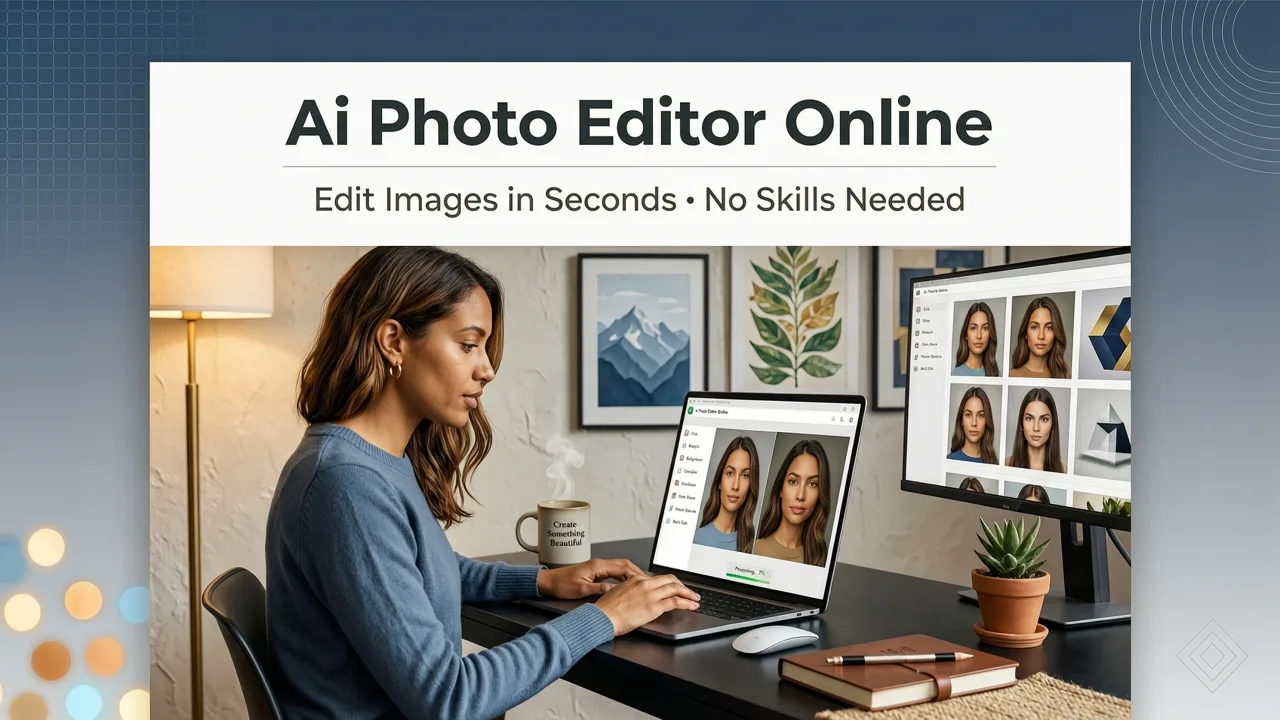
The visual standards for digital content have shifted dramatically. Today, audiences expect crisp, high-resolution imagery whether they are scrolling through a social media feed, browsing an ecommerce storefront, or viewing a digital portfolio on a 4K monitor. In this environment, relying on outdated editing workflows is a bottleneck. If you are searching for an ai photo enhancer online in 2026, the short answer is that modern browser-based AI tools allow you to upscale, restore, and perfect your images in seconds without installing heavy software.
Cloud-powered enhancement has become the industry standard because it bridges the gap between professional-grade results and everyday accessibility. You no longer need a powerful graphics card or years of training in complex desktop applications to fix a poorly lit portrait or rescue a compressed product shot. The technology has matured to the point where a simple text prompt or a single click can transform a mediocre capture into a polished, publication-ready asset.
What an AI Photo Enhancer Online Actually Does Under the Hood
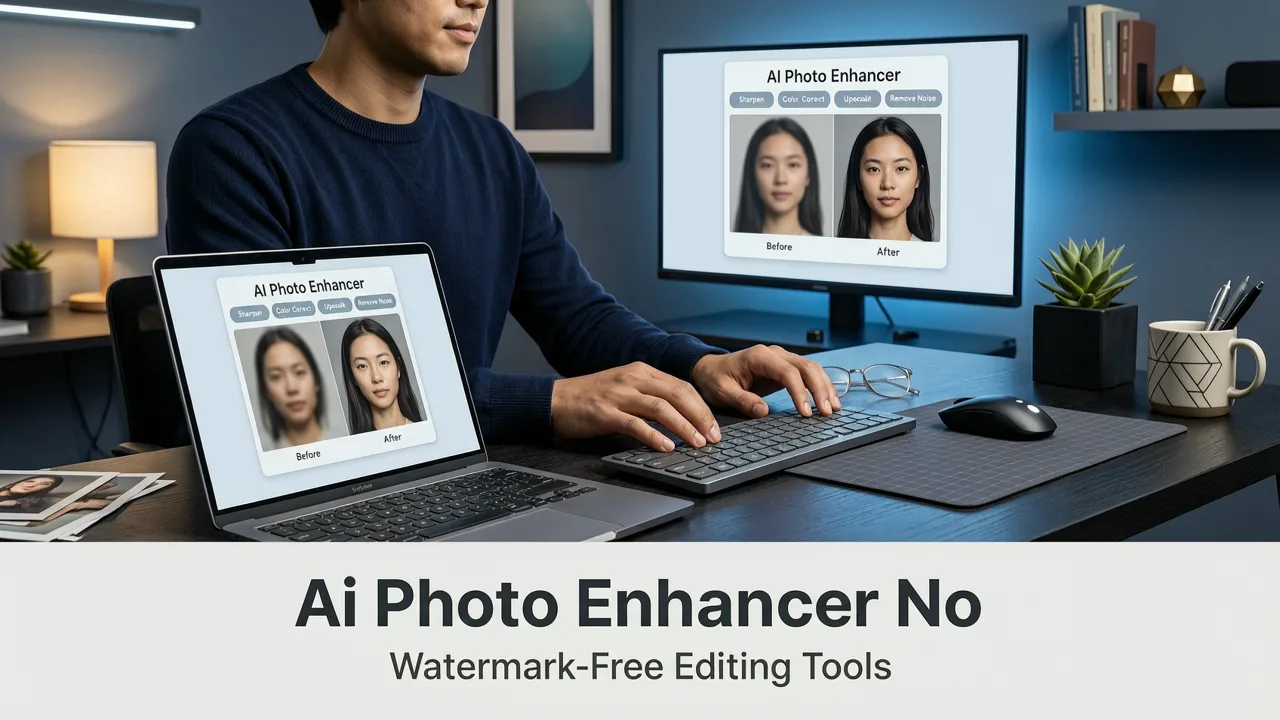
To understand the value of these tools, it helps to look past the user interface and examine the underlying mechanics. An AI photo enhancer does not merely apply a static filter over your image. Instead, it utilizes advanced machine learning models to analyze the visual data, identify imperfections, and reconstruct missing information.
5 Best AI Photo Enhancers in 2024
by Elegant Themes
Noise and Compression Artifact Removal
When you take a photo in low light or save an image in a highly compressed format like JPEG, the file accumulates visual noise and blocky artifacts. Traditional sharpening tools often amplify these flaws, resulting in a gritty, unnatural look. Modern AI enhancement algorithms, however, are trained on millions of high-quality images. They can distinguish between actual image detail and digital noise, selectively smoothing out grain and compression blocks while preserving the sharp edges of the subject.
Intelligent Upscaling and Detail Synthesis
Perhaps the most impressive capability of a contemporary ai photo enhancer online is its ability to increase image resolution without introducing pixelation. As outlined in foundational machine learning resources like the OpenAI documentation, modern diffusion and generative models do not just stretch existing pixels. They predict and synthesize missing data. If an image is too small, the AI analyzes the surrounding context and generates new, highly accurate textures and details to fill the gaps, allowing you to upscale images to 4K or beyond while maintaining a natural appearance.
Lighting, Color, and Contrast Correction
Beyond resolution and noise, AI tools excel at global and local adjustments. They can automatically detect the subject and the background, applying localized exposure correction to ensure a backlit face is properly illuminated. They also analyze the color histogram to correct white balance issues, recover blown-out highlights, and deepen crushed shadows, resulting in a dynamic range that mimics professional post-processing.
How to Enhance Your Images in 4 Simple Steps
Using a browser-based AI editor is designed to be frictionless. The workflow generally follows a straightforward four-step process:
- Upload Your Image: Drag and drop your photo into the web interface. Most platforms support standard formats like JPEG, PNG, and WebP, and handle files directly from your device or cloud storage.
- Select Your Enhancement Goal: Choose what you want to achieve. You can select automated presets like "Upscale," "Restore," or "Enhance," or use a text prompt to describe specific changes, such as "make the background brighter" or "remove the noise from the sky."
- Review and Refine: The AI processes the image in seconds. Use the before-and-after slider to evaluate the changes. Many tools allow you to adjust the intensity of the enhancement or manually mask specific areas if you want to retain the original texture in certain zones.
- Export in High Resolution: Once satisfied, download the enhanced image. The final file is typically delivered in a high-quality format, ready for immediate use across your digital channels.
AI Photo Enhancer vs. Traditional Editing Software
For those accustomed to legacy desktop applications, the shift to cloud-based AI tools can seem daunting. However, the operational differences heavily favor modern web platforms for the majority of everyday and commercial tasks.
| Feature | AI Photo Enhancer Online | Traditional Desktop Software |
|---|---|---|
| Learning Curve | Minimal; intuitive interfaces and text prompts | Steep; requires knowledge of layers, masks, and tools |
| Processing Speed | Seconds; leverages cloud computing power | Minutes to hours; relies on local hardware |
| Hardware Requirements | None; runs in any modern web browser | High; requires dedicated GPU and ample RAM |
| Detail Synthesis | Generative AI predicts and creates missing pixels | Limited to manual cloning and interpolation |
| Accessibility | Device agnostic; works on laptops, tablets, and phones | Tied to specific operating systems and workstations |
Use Cases: Who Benefits Most from Browser-Based Enhancement
The versatility of an ai photo enhancer online means it serves a wide array of users, from casual shooters to high-volume commercial operations.
Content Creators and Social Media Managers
Creators operate on tight deadlines and need their visuals to stand out in crowded feeds. Browser-based tools allow them to quickly fix lighting issues or upscale images captured on mobile devices. For those focusing on personal branding, combining an enhancer with specialized tools like AI portrait retouching ensures that headshots and lifestyle images look polished and professional without spending hours in post-production.
Ecommerce Sellers and Marketers
In ecommerce, image quality directly correlates with conversion rates. Blurry or poorly lit product photos erode consumer trust. Marketers can use AI enhancement to ensure every product shot is crisp, color-accurate, and perfectly sized for various platforms. Integrating these enhancements with product photo editing workflows allows sellers to generate studio-quality assets from simple smartphone captures, drastically reducing photography costs.
Everyday Consumers and Archivists
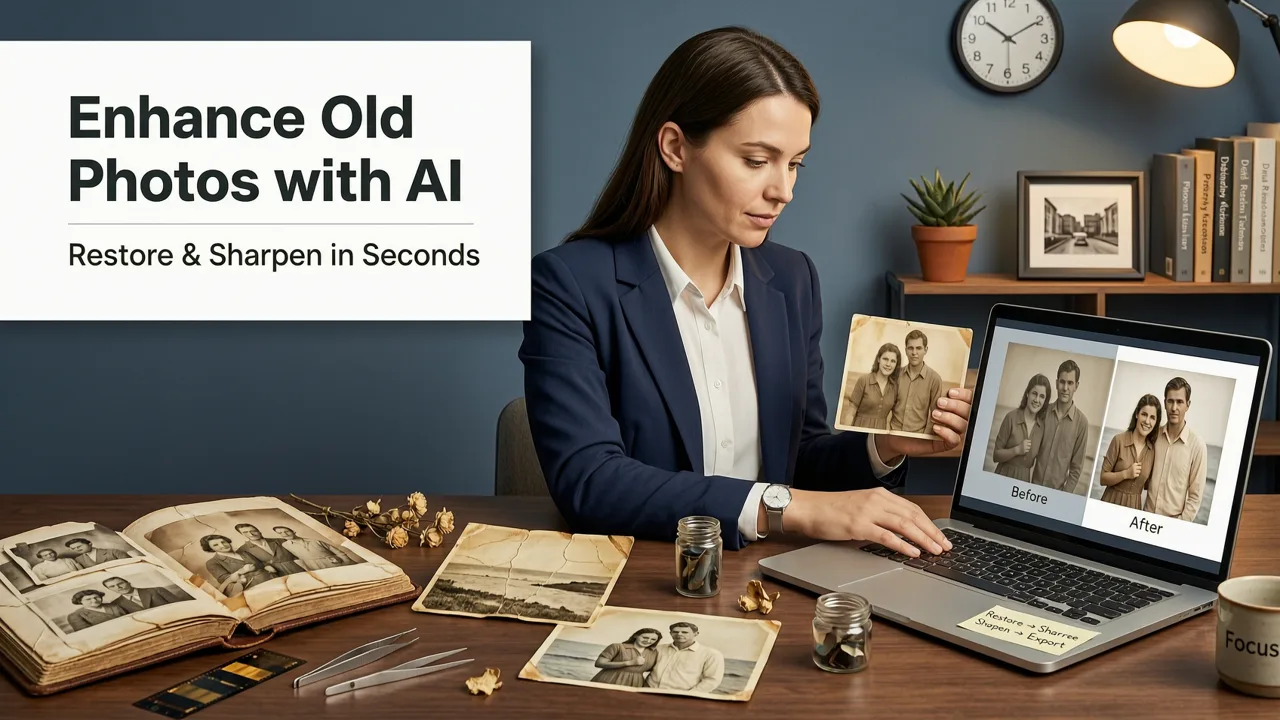
Not every use case is commercial. Many users rely on online AI enhancers to rescue cherished memories. Old, scanned family photos often suffer from heavy grain, fading, and low resolution. An AI image upscaler can breathe new life into these archives, restoring clarity and color to historical images so they can be printed in large formats or shared digitally with family members.
Best Practices for Responsible AI Enhancement
As AI tools become more powerful, the line between enhancement and alteration can blur, particularly when working with human subjects. It is important to use these technologies responsibly. Following ethical frameworks like the Google AI guidance on responsible practices, users should aim to use AI enhancement to improve technical quality—such as lighting, focus, and resolution—rather than to fundamentally misrepresent reality. When enhancing portraits, maintaining the natural texture and authentic features of the subject ensures the final image remains a true reflection of the original capture.
Conclusion
The era of being limited by hardware constraints and complex software interfaces is over. An ai photo enhancer online provides a fast, accessible, and highly effective solution for anyone looking to elevate their visual content in 2026. By leveraging the power of cloud-based machine learning, you can transform ordinary captures into extraordinary assets in a matter of seconds.
Ready to experience the difference? Explore the full suite of over 200 text-prompt tools at AI Image Editor today, and start creating high-quality, publication-ready visuals directly from your browser.