AI Portrait Retouch Online — Edit Photos in Your Browser (2026)
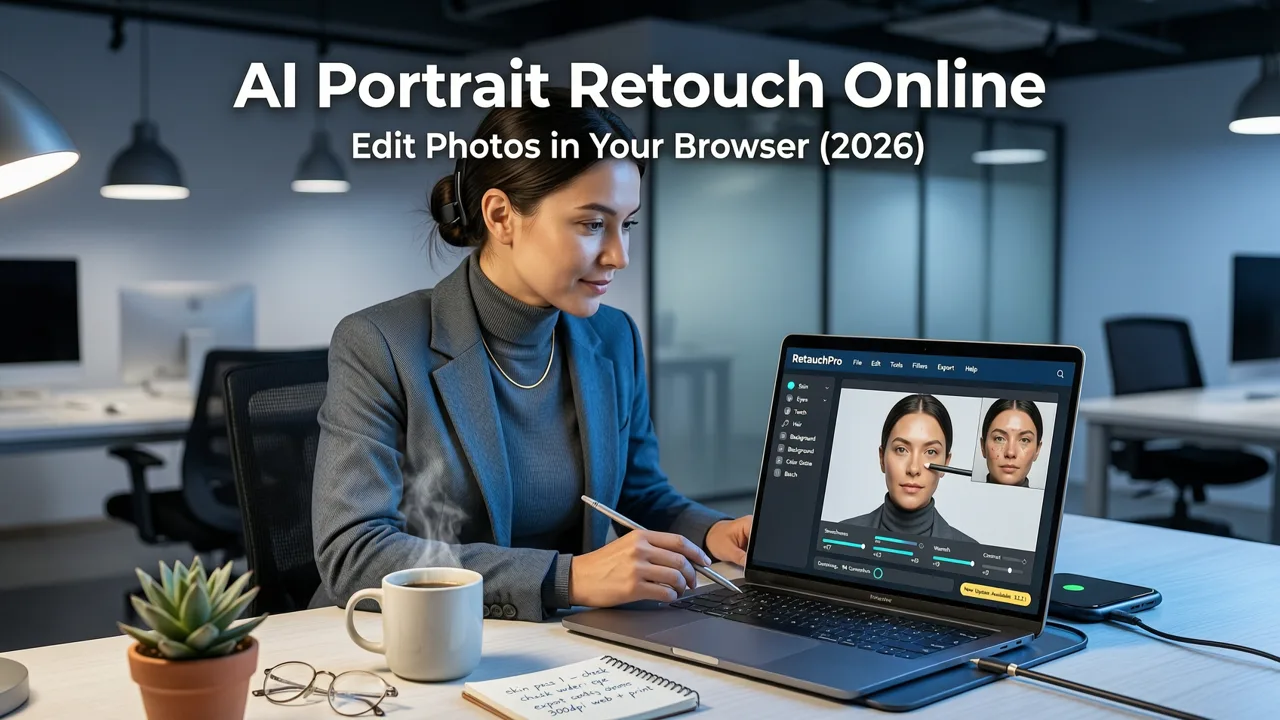
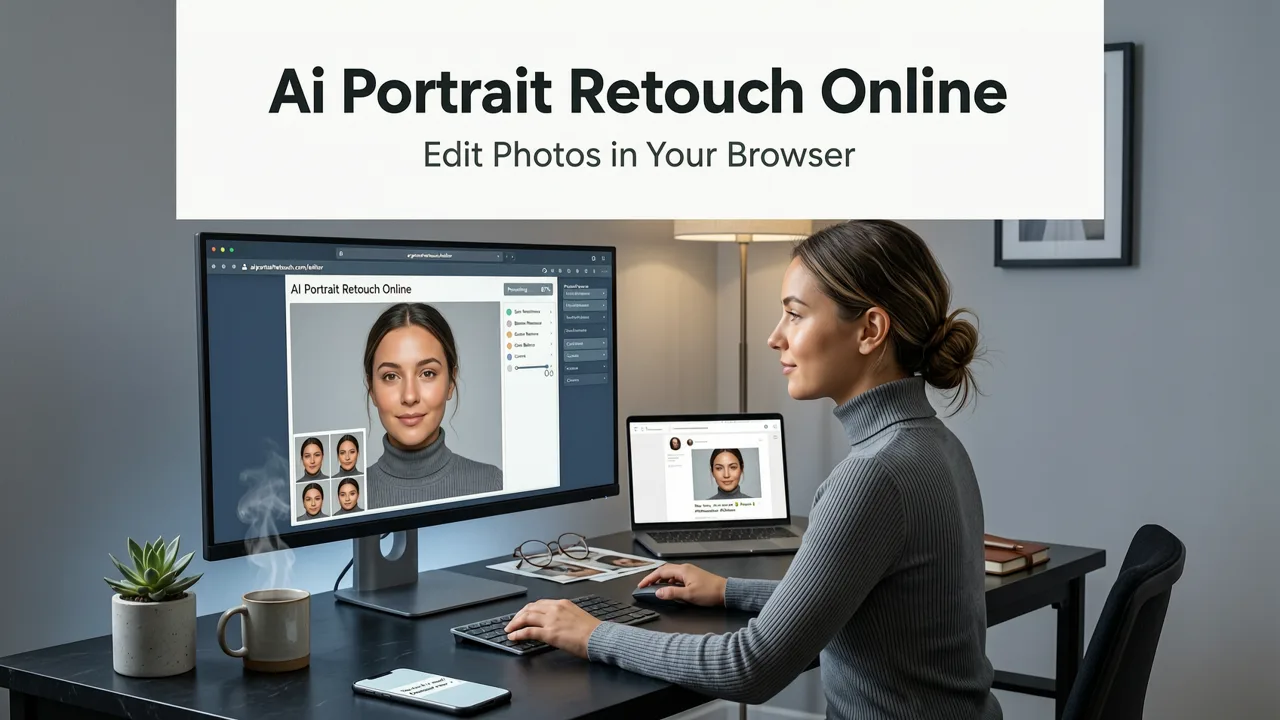
If you are searching for a reliable way to perform an ai portrait retouch online, the short answer is that browser-based AI editors have matured enough in 2026 to replace most desktop software for everyday portrait work. Upload a photo, type a quick prompt or click a preset, and get polished, natural-looking results in seconds — no Photoshop license, no GPU, no design degree required.
Whether you are a content creator prepping headshots for social media, an ecommerce seller cleaning up product model photos, or just someone who wants to look a little more refreshed in a profile picture, AI portrait retouching in the browser has become the fastest path to professional results. This guide walks you through exactly how it works, what to look for in a tool, and how to get the best output every time.
Why Online AI Portrait Retouching Has Become the Default in 2026
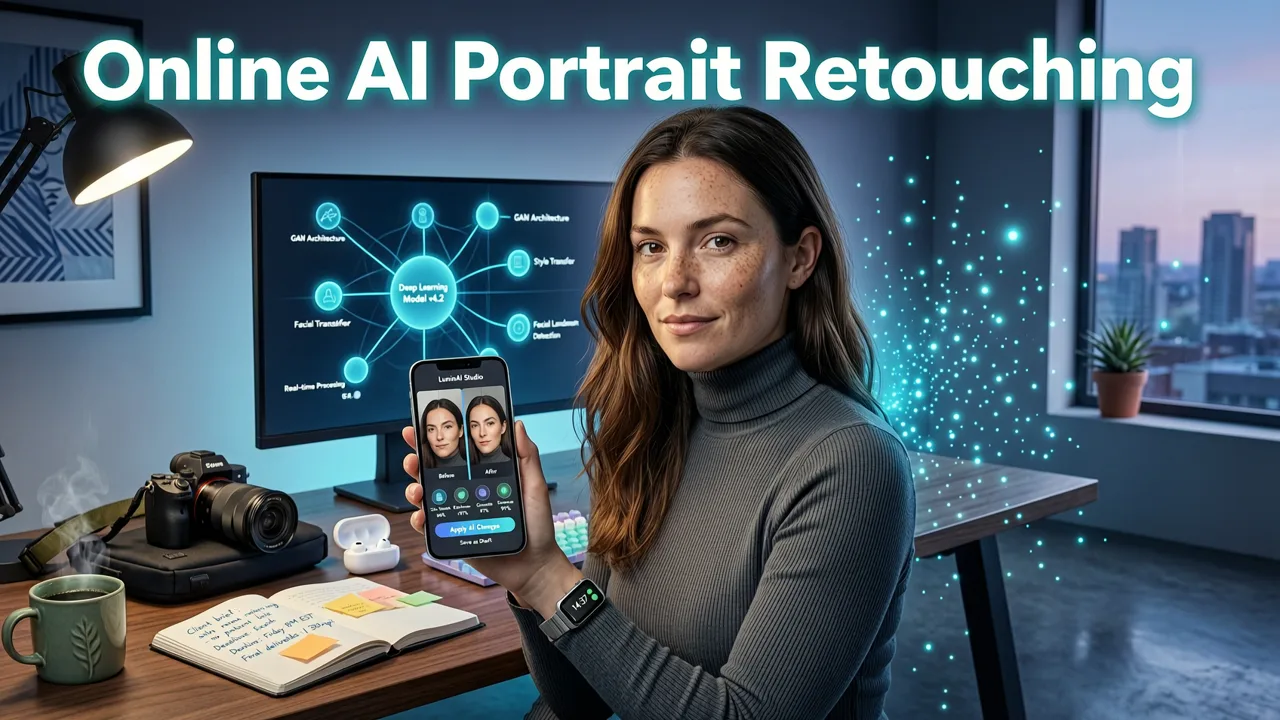
A few years ago, portrait retouching meant expensive software, steep learning curves, or clunky mobile apps that over-smoothed every face into a wax figure. In 2026, the landscape has shifted dramatically. Cloud-based AI models now handle skin refinement, lighting correction, blemish removal, and even background replacement with a level of subtlety that rivals manual editing — and it all happens in your browser tab.
How to RETOUCH a Portrait in 3 Seconds with EVOTO AI
by Mark McGee Photos
Several factors have driven this shift:
- Model quality: Diffusion-based and transformer-based vision models have reached a point where they understand facial anatomy, skin texture, and lighting context far better than earlier generative tools.
- Speed: Most online AI portrait editors deliver results in under five seconds for a single image, thanks to optimized inference pipelines.
- Accessibility: No installation, no subscription to desktop software, and no hardware requirements beyond a modern browser.
- Prompt-based control: Instead of learning layer masks and frequency separation, you describe what you want in plain language.
The result is that everyday users — not just professional retouchers — can now produce clean, natural portrait edits that look intentional rather than artificial.
What AI Portrait Retouching Actually Does Under the Hood
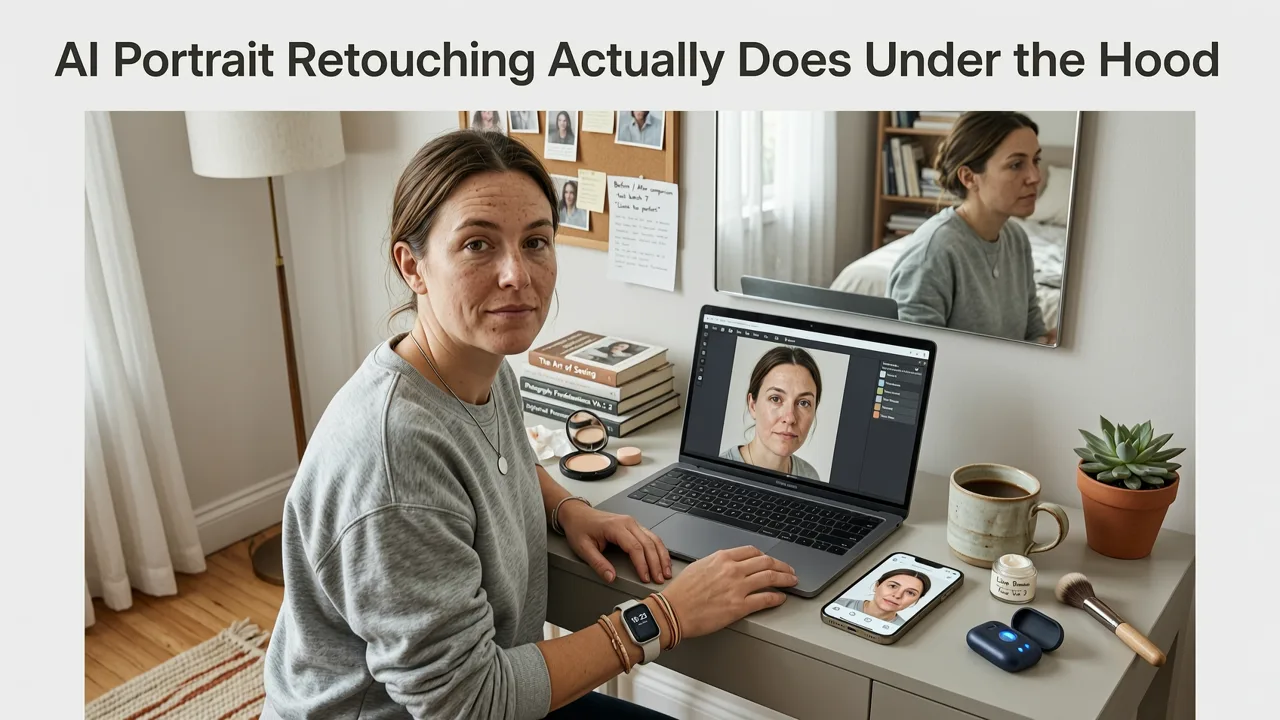
When you run an ai portrait retouch online, several processes happen behind the scenes. Understanding them helps you write better prompts and set realistic expectations.
Skin Detection and Segmentation
The AI first identifies facial regions — skin, eyes, lips, hair, and background — using semantic segmentation. This ensures that edits target the right areas without affecting the rest of the image. Modern models can distinguish between actual blemishes and intentional features like freckles or beauty marks.
Texture-Aware Smoothing
Rather than applying a blanket blur, quality AI retouching tools preserve micro-texture. They reduce the appearance of pores, fine lines, and temporary blemishes while keeping the natural grain of skin intact. This is what separates a polished portrait from a plastic-looking one.
Lighting and Tone Correction
The system analyzes the lighting conditions in your photo and adjusts exposure, contrast, and color balance to flatter the subject. Harsh shadows under the eyes or uneven skin tone from overhead lighting can be corrected automatically.
Detail Enhancement
Eyes, lips, and hair receive targeted sharpening and clarity boosts. This step adds the "pop" that makes a portrait feel professionally finished without looking over-processed.
How to Retouch a Portrait Online with AI — Step by Step
Here is a practical workflow you can follow on any browser-based AI portrait editor, including AI Image Editor's suite of tools:
- Upload your photo. Choose a well-lit image where the face is clearly visible. Higher resolution inputs produce better outputs.
- Select your retouching tool or type a prompt. Options might include "smooth skin naturally," "remove blemishes," "brighten eyes," or "even out skin tone."
- Adjust intensity if available. Most tools offer a slider or strength setting. Start low — you can always apply another pass.
- Review and refine. Zoom in to check that skin texture still looks natural. If something looks off, tweak the prompt or reduce intensity.
- Download or continue editing. Save the retouched portrait, or move on to background removal, upscaling, or other edits.
The entire process typically takes under a minute from upload to download.
Key Features to Look for in an AI Portrait Retouch Tool
Not all online portrait editors deliver the same quality. Here is what separates the best options in 2026:
| Feature | Why It Matters |
|---|---|
| Natural skin texture preservation | Prevents the over-smoothed, artificial look that plagues cheaper tools |
| Prompt-based editing | Lets you describe exactly what you want without learning complex interfaces |
| Batch processing | Essential for ecommerce sellers and marketers handling multiple portraits |
| Background removal and replacement | Completes the portrait workflow without switching tools |
| Image upscaling | Ensures retouched portraits look sharp at any output size |
| No account or download required | Reduces friction for quick, one-off edits |
Common AI Portrait Retouching Use Cases
Online AI portrait retouching serves a wide range of users. Here are the most common scenarios where it delivers immediate value:
Social Media Profile Photos
LinkedIn headshots, Instagram profile pictures, and dating app photos all benefit from subtle skin smoothing, blemish removal, and lighting correction. The goal is to look like your best self — not a different person.
Ecommerce and Product Photography
Online stores featuring model photos need consistent, clean portraits across their catalog. AI retouching ensures skin tones look uniform and backgrounds stay distraction-free, which directly impacts conversion rates.
Content Creator Thumbnails and Banners
YouTube creators, podcasters, and bloggers use retouched portraits for thumbnails, episode covers, and about pages. A polished face draws more clicks than a raw, unedited one.
Personal and Family Photos
Birthday portraits, holiday cards, and anniversary gifts all look better with minor retouching. AI tools make it easy to clean up a group photo without spending an hour in editing software.
How AI Portrait Retouch Compares to Traditional Methods
To understand why browser-based AI retouching has become so popular, it helps to compare it against the alternatives:
| Method | Time Required | Skill Needed | Cost | Natural Results |
|---|---|---|---|---|
| Manual Photoshop retouching | 15–60 minutes per photo | High | $$$/month | Excellent (with skill) |
| Mobile retouching apps | 2–5 minutes per photo | Low–Medium | Free–$$/month | Variable (often over-processed) |
| AI portrait retouch online | Under 1 minute per photo | None | Free–$$/month | Very good to excellent |
| Professional retoucher | Hours to days | N/A (outsourced) | $$$ per photo | Excellent |
For most everyday and business use cases, AI portrait retouch online hits the sweet spot between quality, speed, and cost.
Tips for Getting the Best AI Portrait Retouch Results
Even the best AI tools produce better output when you feed them better input. Follow these guidelines:
- Start with a sharp, well-lit source image. AI can enhance, but it cannot fully recover a badly blurred or underexposed photo.
- Use specific prompts. Instead of "make me look better," try "remove under-eye shadows and even out skin tone."
- Apply retouching before background changes. Clean up the portrait first, then remove the background and replace it with AI for a complete transformation.
- Upscale after retouching. If you need a larger output, use an AI image upscaler as your final step to maintain sharpness.
- Less is more. Subtle edits look professional. Heavy-handed retouching looks artificial — and audiences in 2026 can spot it instantly.
Privacy and Ethical Considerations
When using any online photo editing tool, privacy matters. Reputable AI portrait editors process images on secure servers, delete uploads after a short retention window, and do not use your photos to train models without consent. Before uploading sensitive portraits, check the platform's privacy policy.
Ethically, AI portrait retouching is a tool — like any editing software. It becomes problematic only when used to misrepresent someone in a misleading context, such as falsifying identity documents or creating deceptive imagery. For personal, creative, and commercial use where the intent is aesthetic improvement, it is no different from the retouching that has been standard in photography for decades.
Integrating AI Portrait Retouch Into a Broader Editing Workflow
Portrait retouching rarely happens in isolation. Most users need a suite of tools to finish a project. AI Image Editor bundles 200+ prompt-based tools so you can move seamlessly between tasks:
- Retouch the portrait skin and lighting
- Remove or replace the background for a clean studio look
- Use generative fill to add or remove elements around the subject
- Upscale the final image for print or high-resolution display
This integrated approach saves time and keeps your editing style consistent across a project.
The Future of Online AI Portrait Retouching
Looking ahead, expect online portrait tools to become even more intuitive. Real-time retouching through a browser webcam feed, identity-consistent style transfers, and multi-subject group retouching with individual controls are all active areas of development. The underlying models continue to improve in their understanding of facial geometry, ethnic diversity in skin tones, and the subtle cues that distinguish a natural portrait from an over-processed one.
For users, the practical takeaway is simple: the gap between professional retouching and AI-assisted retouching continues to narrow. For most use cases in 2026, an online AI tool delivers 90 percent of the quality at a fraction of the time and cost.
Final Thoughts
AI portrait retouch online has evolved from a novelty into a genuinely useful everyday tool. Whether you need a quick headshot cleanup, a polished product model photo, or a family portrait that looks its best, browser-based AI editors deliver fast, natural results without requiring any technical skills. The key is choosing a platform that preserves skin texture, offers prompt-based control, and fits into your broader editing workflow. Start with a good source image, keep your edits subtle, and let the AI handle the heavy lifting — you will be surprised how close the results come to a professional retouch.