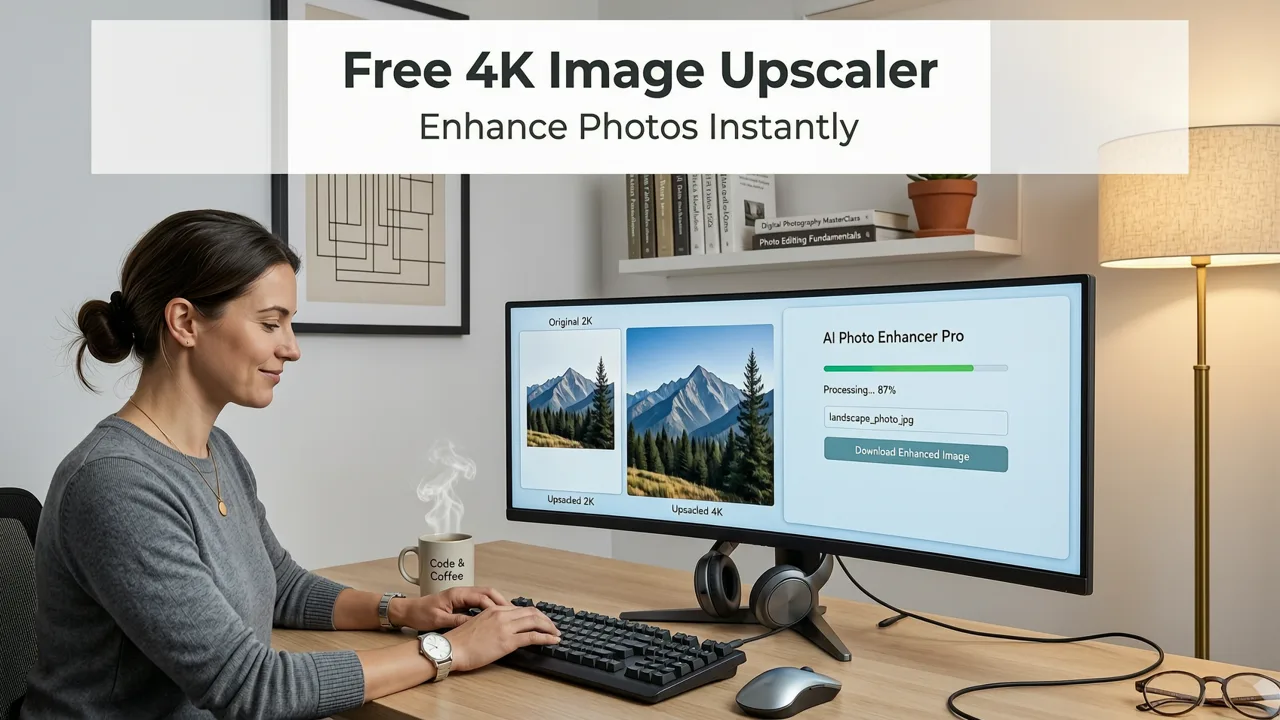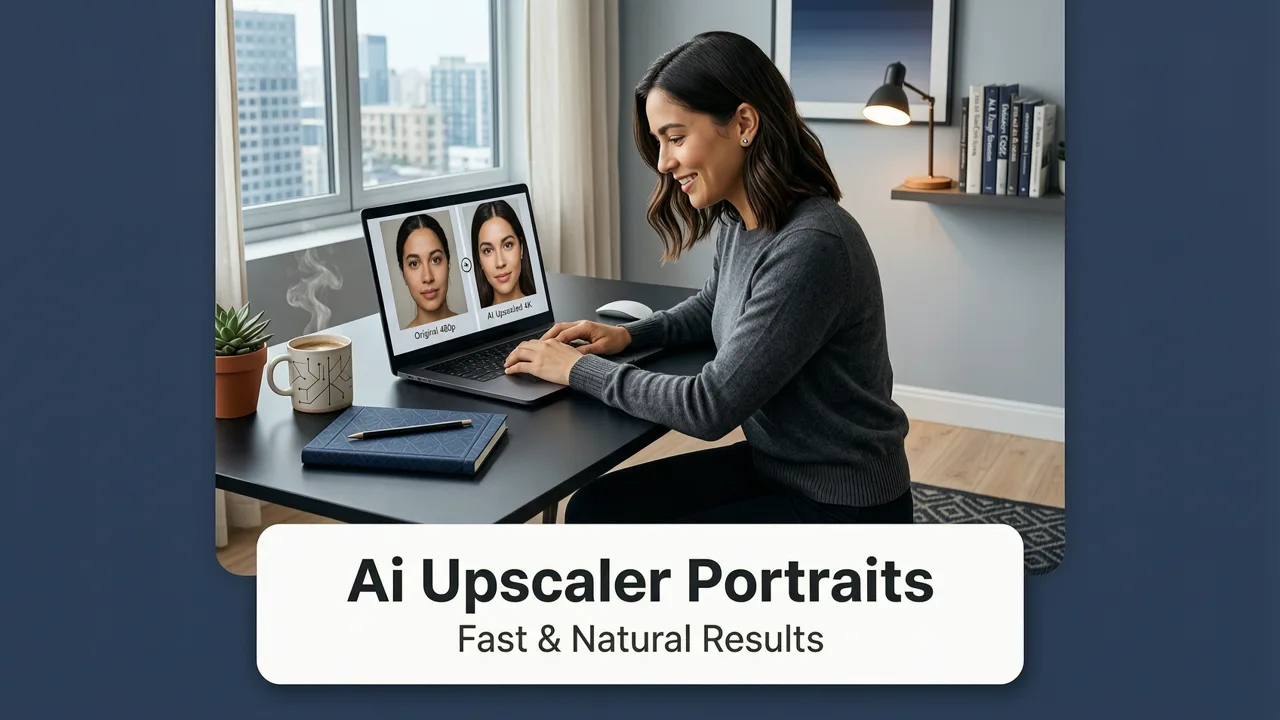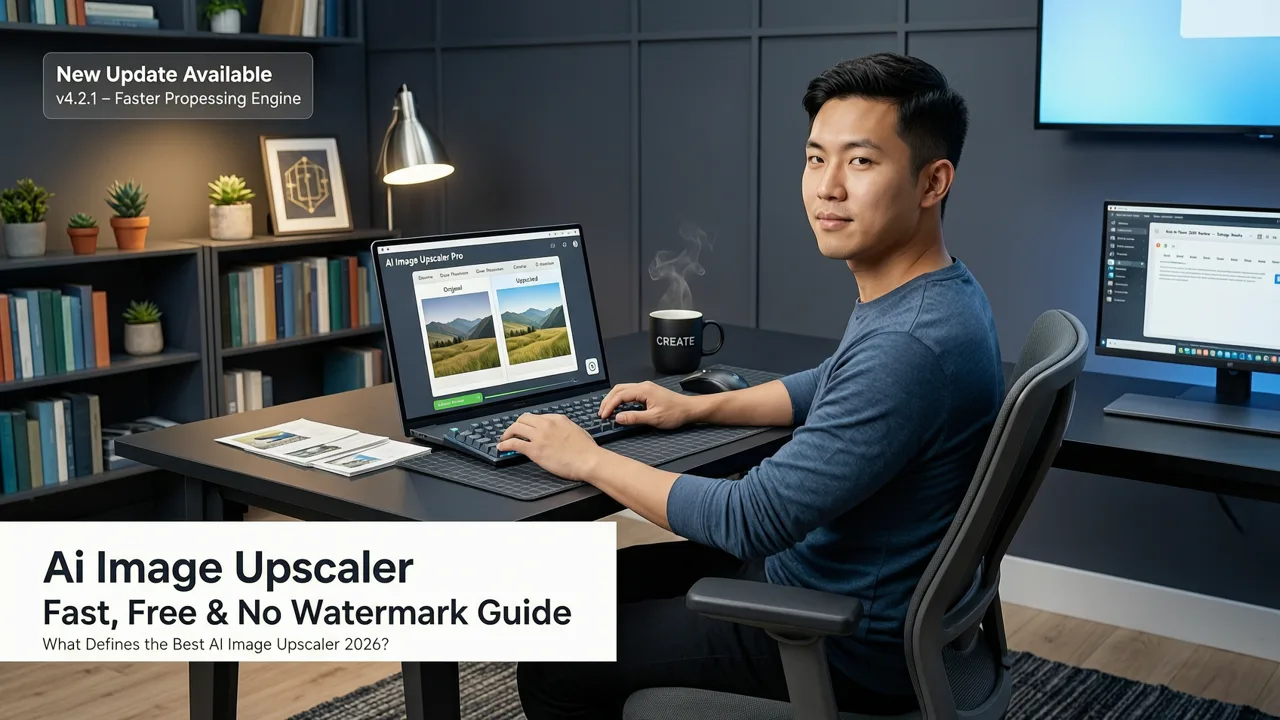
What Defines the Best AI Image Upscaler 2026?
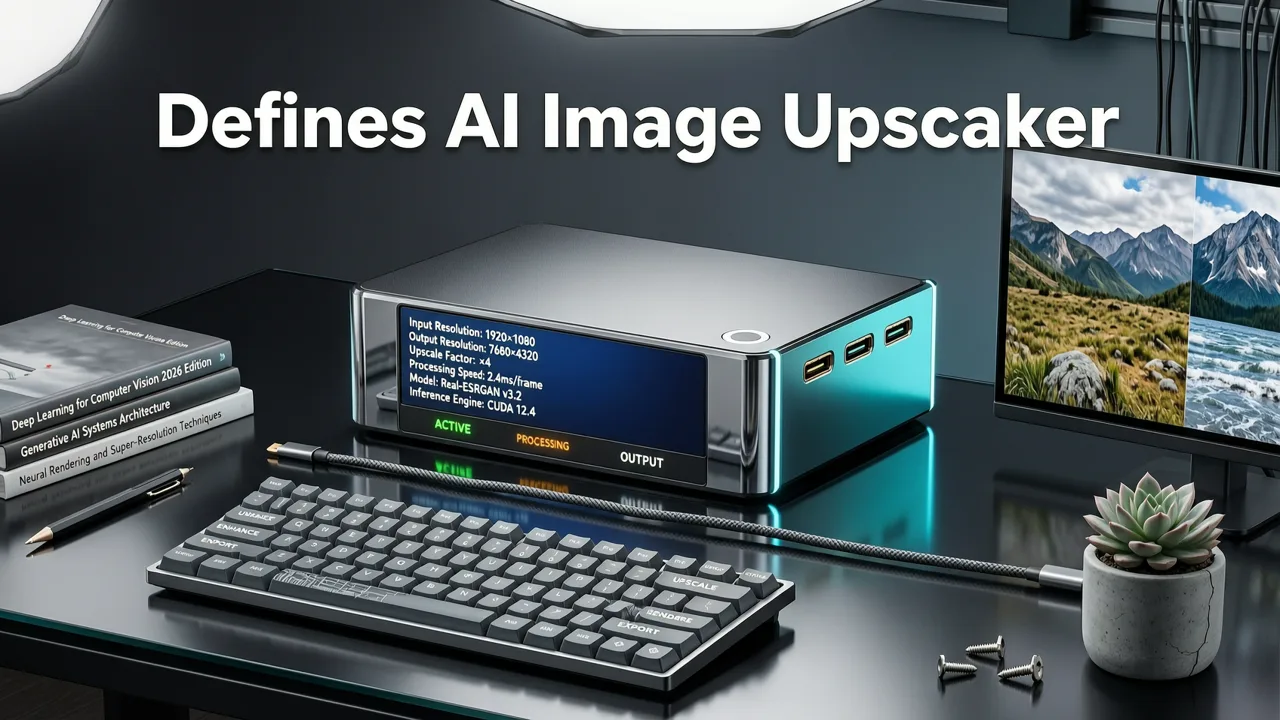
If you are searching for the best ai image upscaler 2026, the short answer is that browser-based AI platforms have matured enough to deliver pixel-perfect, high-resolution enlargements in seconds without requiring heavy software downloads. You no longer need expensive desktop suites or complex technical knowledge to transform a blurry, low-resolution photo into a crisp, print-ready image. The evolution of generative AI means that today’s top upscalers do not just stretch pixels; they intelligently reconstruct missing details, sharpen edges, and eliminate compression artifacts while keeping the process entirely free of watermarks.
In 2026, the standard for AI image enlargement has shifted dramatically. Historically, upscaling an image meant applying basic interpolation algorithms that resulted in soft, blurry outputs. Today, the best tools leverage advanced neural networks to hallucinate plausible textures, recover fine details like skin pores or fabric weaves, and maintain the structural integrity of the original subject. For everyday consumers, ecommerce sellers, and digital marketers, this means achieving professional-grade results directly from a web browser.
How Modern AI Upscaling Works Under the Hood
To understand why modern tools outperform legacy software, it helps to look at the underlying technology. Traditional upscaling relies on mathematical interpolation, such as bicubic or bilinear scaling, which simply averages surrounding pixels to create new ones. This approach inherently blurs edges and fails to recover lost information.
I Turned 1K Into a Clean 2× Upscale in Magnific
by Aitoolnavio
Modern AI upscalers, conversely, utilize Generative Adversarial Networks (GANs) and advanced diffusion models. These models are trained on millions of high-resolution and low-resolution image pairs. When you upload a small image, the AI does not just guess; it analyzes the semantic content of the photo. It recognizes that a specific cluster of pixels represents a human eye, a leaf, or a brick wall, and it reconstructs the high-frequency details associated with those objects.
For those interested in the foundational mechanics of these models, the OpenAI documentation provides extensive insights into how multimodal models process and generate visual data. Furthermore, as these tools become more powerful, industry standards emphasize ethical use. According to Google AI guidance on responsible computer vision, modern image enhancement models are designed to reconstruct plausible details without altering the fundamental truth or misleading context of the original subject.
Core Features to Expect from Top AI Upscalers
When evaluating an AI photo enhancer for your workflow, several key capabilities separate the industry leaders from basic utilities.
Intelligent Edge Detection and Texture Synthesis
The hallmark of a premium upscaler is its ability to distinguish between noise and actual detail. Advanced edge detection algorithms ensure that sharp lines remain crisp without introducing halos or artifacts. Simultaneously, texture synthesis fills in flat areas with natural-looking patterns, preventing the plastic or waxy appearance common in older enhancement tools.
Batch Processing for High-Volume Workflows
Ecommerce sellers and marketers often need to process dozens or hundreds of images at once. The best platforms in 2026 support batch image processing, allowing users to upload entire folders of low-resolution product shots and upscale them simultaneously. This automation is critical for maintaining consistent quality across large digital catalogs.
Seamless Integration with Broader Editing Tools
Upscaling is rarely the only edit an image needs. A truly comprehensive platform integrates upscaling with other essential features. For instance, after enlarging a product photo, you might need to clean up the backdrop. Utilizing a best AI photo editor online free allows you to chain these operations together, moving from upscaling to background removal and color correction without ever leaving your browser.
Practical Use Cases for High-Resolution AI Enlargement
The versatility of modern AI upscaling makes it indispensable across multiple industries and personal use cases.
Ecommerce Product Photography
Online retailers often receive supplier images that are too small for high-definition product pages or print catalogs. AI upscaling transforms these compressed JPEGs into sharp, detailed assets that meet the strict resolution requirements of major marketplaces, directly impacting conversion rates and perceived product quality.
Social Media and Digital Marketing
Marketers frequently need to repurpose content across different platforms. An image optimized for a small mobile thumbnail might look pixelated when adapted for a large digital billboard or a high-resolution website hero banner. Upscaling ensures brand assets look pristine regardless of the display size.
Archival Photo Restoration
Restoring old family photographs often starts with a low-resolution scan. AI enlargement recovers the fine details lost during the scanning process. When combined with tools for AI portrait retouch online, users can seamlessly upscale, repair scratches, and enhance facial features in historical photos, bringing them up to modern display standards.
Comparing AI Upscaling Solutions in 2026
Choosing the right tool depends on your specific needs, technical expertise, and budget. The following table compares the three primary approaches to AI image upscaling available today.
| Feature | Browser-Based AI Platforms | Legacy Desktop Software | Developer APIs |
|---|---|---|---|
| Setup & Accessibility | Instant; works on any device with a web browser. | Requires heavy downloads, installations, and OS compatibility checks. | Requires coding knowledge and server integration. |
| Processing Speed | Seconds per image; utilizes cloud-based GPU clusters. | Depends entirely on local hardware; can take minutes per image. | Highly scalable; processes thousands of images concurrently. |
| Cost Structure | Often free tiers available; pay-as-you-go or subscription for high volume. | High upfront licensing fees or expensive perpetual licenses. | Pay-per-call pricing; cost-effective only at massive scale. |
| Watermarks | Top platforms offer completely watermark-free downloads. | Usually watermark-free, but limited by local processing power. | N/A (outputs raw data directly to your servers). |
| Best For | Creators, marketers, ecommerce sellers, and everyday users. | Traditional photographers requiring offline, localized control. | Software developers building AI features into their own apps. |
Step-by-Step Guide to Upscaling Images Online
Getting started with a browser-based AI upscaler is straightforward. Follow these steps to achieve optimal results without downloading any software.
- Prepare Your Source Image: While AI can work miracles, starting with the highest quality scan or file possible yields the best results. Ensure the image is free of severe physical damage if it is a scanned print.
- Upload to the Platform: Navigate to your chosen AI editing platform and drag and drop your image into the upload zone. Most modern tools support standard formats like JPEG, PNG, and WebP.
- Select Your Upscaling Parameters: Choose your desired magnification level. Standard options include 2x, 4x, and 8x. For highly compressed images, selecting a specialized "artifact removal" or "face enhancement" mode can further improve the output.
- Process and Review: Click the generate or upscale button. The cloud servers will process the image in seconds. Review the side-by-side comparison to ensure the texture synthesis looks natural.
- Download and Integrate: Save the high-resolution file to your device. If you are preparing assets for a product listing, you can immediately use the same platform to remove background from photo online free, ensuring your newly upscaled subject is perfectly isolated on a clean canvas.
Maximizing Quality in AI-Enhanced Images
While AI upscalers are incredibly powerful, understanding their limitations ensures you set realistic expectations and achieve the best possible outcomes.
Understanding AI Hallucination vs. True Recovery
It is important to remember that AI upscaling is a form of generative reconstruction, not true optical recovery. If an image is极度 blurry, the AI will generate what it believes should be there based on its training data. In most cases, this results in a highly accurate and visually pleasing image. However, for highly specific, one-of-a-kind details (like a specific text string on a distant sign), the AI might misinterpret the pixels. Always review upscaled images closely if they contain critical, legible information.
Balancing Sharpness and Natural Appearance
Some users push the upscaling multiplier to the maximum limit (e.g., 16x) regardless of the source image size. This can sometimes lead to over-sharpened or unnatural textures. For the most natural results, match the upscaling factor to the original resolution. A 4x upscale on a 500x500 pixel image will generally look more natural than a 16x upscale on the same file.
Conclusion
The landscape of digital image enhancement has been fundamentally transformed by generative AI. The best ai image upscaler 2026 is no longer a bulky desktop application reserved for technical experts; it is a fast, accessible, and highly sophisticated browser-based tool capable of turning low-resolution files into stunning, high-definition assets. Whether you are refreshing an ecommerce catalog, restoring family memories, or preparing high-res graphics for a marketing campaign, modern AI upscalers deliver the quality you need without the friction of traditional software.
Ready to transform your low-resolution images into crisp, professional assets? Explore the comprehensive suite of over 200 AI-powered tools available on our platform, designed to streamline your editing workflow and deliver flawless results in seconds.