What Defines a Top-Tier AI Portrait Retouching Tool in 2026?
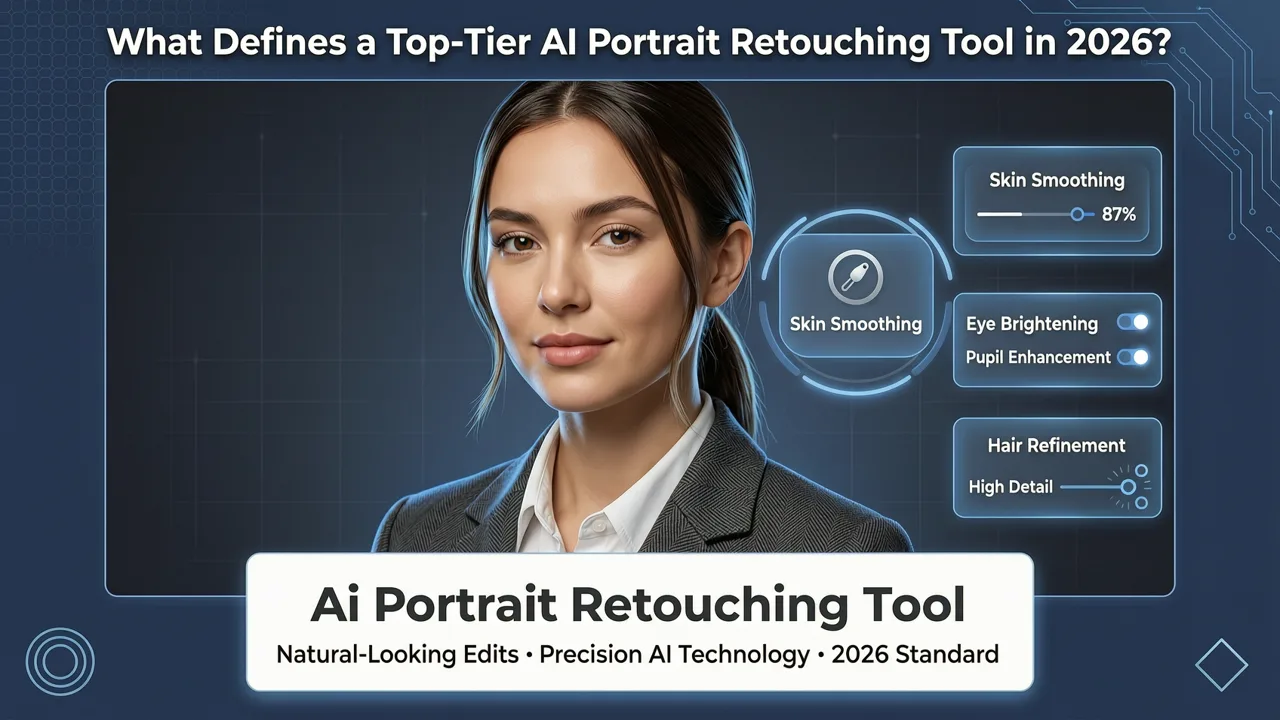
If you are searching for a reliable ai portrait retouching tool, you likely want professional-grade results without spending hours learning complex design software. In 2026, the landscape of automated photo editing has shifted dramatically. The era of overly smoothed, plastic-looking skin is over. Today, the best platforms use advanced generative models to enhance facial features, correct lighting, and remove blemishes while strictly preserving authentic skin texture and natural pore details.
Finding the right software means balancing technical capability with ethical design. Leading platforms now align with frameworks like Google AI responsibility guidelines to ensure that automated adjustments do not promote unrealistic beauty standards or introduce harmful biases. Instead, modern tools focus on authentic enhancement—making you look like the best version of yourself, not a completely different person.
Whether you are updating a corporate headshot, preparing product imagery for an ecommerce store, or simply want a polished profile picture, understanding what makes a tool effective is essential. The right platform should offer intuitive controls, context-aware adjustments, and seamless integration into your broader creative workflow.
How to RETOUCH a Portrait in 3 Seconds with EVOTO AI
by Mark McGee Photos
Core Features of the Best AI Portrait Retouching Tool
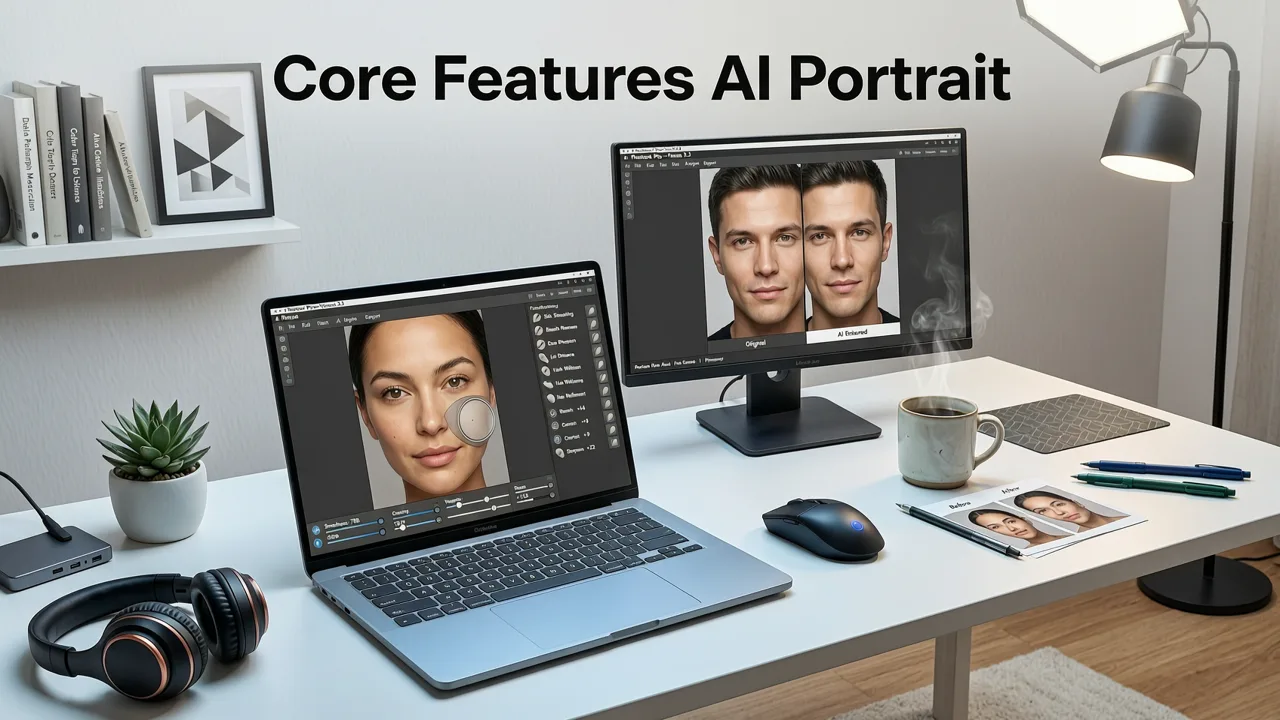
When evaluating options, it is important to look beyond basic filters. A truly capable ai portrait retouching tool relies on deep learning models that understand facial geometry, lighting physics, and skin composition. Here are the critical features that separate premium automated editors from basic mobile apps.
Natural Skin Refinement and Texture Preservation
The most noticeable flaw in older editing software was the tendency to blur skin into a uniform, artificial texture. Modern tools utilize semantic segmentation to identify skin regions and apply micro-contrast adjustments. This means blemishes, redness, and uneven pigmentation are reduced, but the natural texture of the skin remains intact. The result is a clean, professional appearance that holds up perfectly when viewed on high-resolution displays.
Intelligent Lighting and Shadow Correction
Harsh shadows and uneven lighting can ruin an otherwise great portrait. Advanced tools analyze the 3D structure of the face to simulate natural light sources. They can softly fill in shadows under the eyes, brighten the overall exposure without blowing out highlights, and even adjust the color temperature to match the ambient environment. This level of correction requires an understanding of physical lighting that only modern neural networks can provide.
Automated Blemish and Distraction Removal
Stray hairs, background clutter, and temporary skin imperfections are handled effortlessly through inpainting technologies. By understanding the context of the surrounding pixels, the software generates new, realistic details to fill in the removed areas. This eliminates the need for manual cloning or healing brushes, saving significant time during the editing process.
How the AI Portrait Retouching Tool Processes Your Image
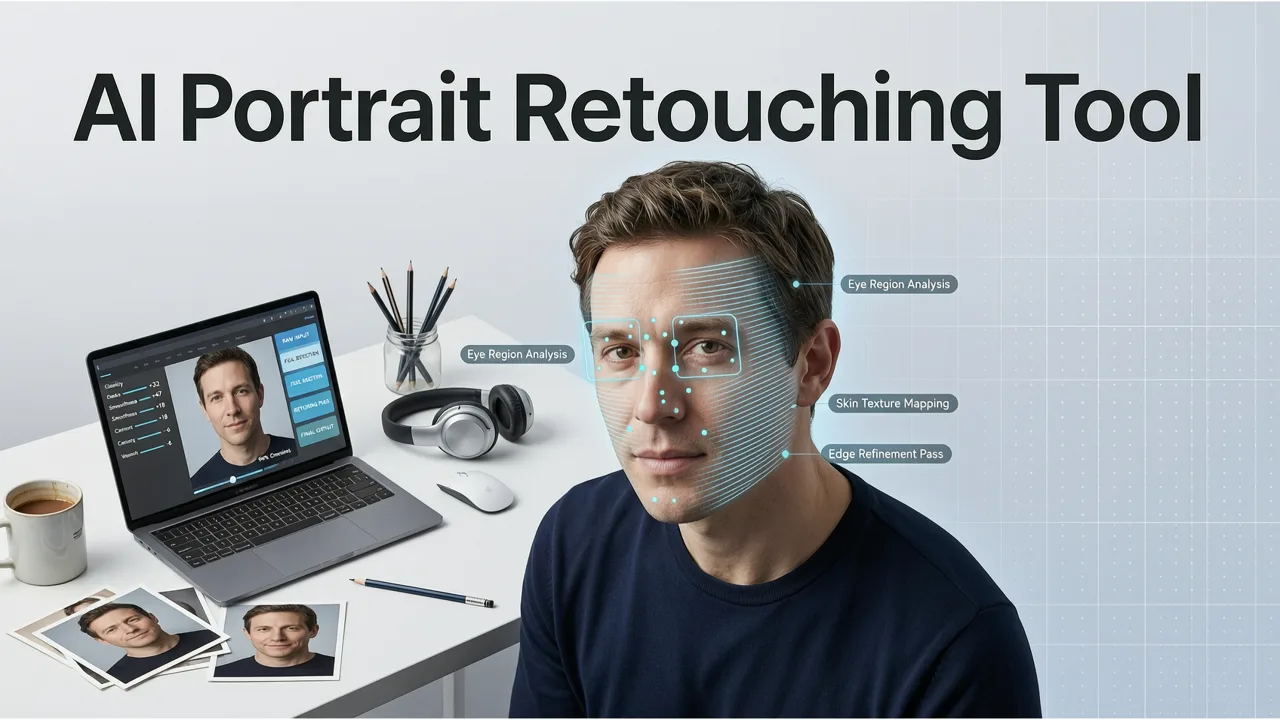
Understanding the underlying mechanics can help you achieve better results. When you upload an image, the platform does not just apply a static overlay. It initiates a multi-step analytical pipeline.
First, the system performs facial landmark detection, mapping out the eyes, nose, mouth, and jawline. Next, it analyzes the lighting conditions and color profile. Based on your specific prompts or selected enhancement presets, the model references vast datasets of professional photography. As detailed in the OpenAI documentation regarding modern image-to-image architectures, these models interpret structural cues to generate pixel-level adjustments that respect the original geometry of the subject.
Finally, the system renders the output, applying noise matching and grain preservation to ensure the edited regions blend seamlessly with the unedited areas of the photograph. This technical rigor is what allows everyday users to achieve studio-quality results in seconds.
AI Portrait Retouching Tool vs. Traditional Photo Editors
Choosing between an automated platform and traditional desktop software depends on your specific needs, skill level, and time constraints. The following comparison highlights the practical differences between the two approaches in a professional context.
| Feature | AI Portrait Retouching Tool | Traditional Photo Editor |
|---|---|---|
| Learning Curve | Minimal; intuitive prompts and sliders | Steep; requires knowledge of layers and masks |
| Processing Speed | Seconds per image | Minutes to hours per image |
| Skin Texture Handling | Automated frequency separation and texture preservation | Manual dodge, burn, and cloning required |
| Batch Processing | Highly efficient for consistent results | Complex; requires action recording and manual tweaking |
| Cost | Often subscription-based or freemium | High upfront cost or expensive monthly license |
For the vast majority of creators, marketers, and business owners, the automated approach delivers 95 percent of the desired aesthetic at a fraction of the time. Traditional software remains necessary only for highly complex, composite imagery where pixel-perfect manual control is mandatory.
Expanding Your Workflow with Complementary AI Tools
Portrait editing is rarely an isolated task. To create a truly polished final image, you often need to address background elements, overall image resolution, and global color grading. Integrating complementary tools into your workflow ensures a seamless end-to-end process.
If your primary concern is fixing low-resolution source files or dull lighting before you begin detailed retouching, an AI face enhancer online is the ideal starting point. It restores clarity and vibrancy to the facial features, giving the subsequent retouching tool a much higher quality foundation to work with.
Once the portrait is perfected, you may need to adapt it for different platforms. For professional headshots or ecommerce catalogs, using a remove background from photo AI tool allows you to instantly isolate the subject and place them against a clean, branded backdrop. This is particularly valuable for maintaining visual consistency across a corporate website or digital storefront.
Finally, when preparing your images for large-format printing or high-density displays, you must ensure the file size meets the necessary requirements. An AI image upscaler free online can intelligently increase the resolution of your retouched portrait, adding realistic detail and sharpness without introducing the pixelation associated with traditional resizing methods.
For those who are budget-conscious or just starting their editing journey, exploring AI portrait retouching free options can provide immediate access to these core capabilities without an upfront financial commitment, allowing you to test the quality of the results before scaling your usage.
Who Should Use Automated Portrait Editing?
The accessibility of modern software means it is no longer limited to professional photographers. A wide range of users benefit from integrating these tools into their daily routines.
- Ecommerce Sellers: Consistent, well-lit model photos increase conversion rates. Automated tools ensure every product image meets brand standards without the cost of a full retouching team.
- Content Creators and Influencers: Maintaining a high-volume posting schedule requires speed. Quick, natural enhancements keep feeds looking professional while preserving authentic audience connections.
- Corporate and HR Teams: Standardizing employee headshots for internal directories and LinkedIn profiles is easily achieved by applying uniform lighting and background adjustments across dozens of images.
- Real Estate Professionals: Polished, approachable profile photos help build trust with potential clients, and automated editing ensures you always look your best in marketing materials.
Achieving Professional Results Without the Learning Curve
The evolution of the ai portrait retouching tool has fundamentally democratized access to professional photo editing. By leveraging advanced neural networks, these platforms handle the technical complexities of frequency separation, color grading, and structural correction automatically. The focus in 2026 is firmly on ethical, natural-looking enhancements that respect the original subject.
Whether you are refining a single headshot or processing an entire catalog of lifestyle imagery, the right platform will save you hours of manual labor while delivering studio-quality results. By combining dedicated portrait enhancement with complementary tools for background removal and upscaling, you can build a robust, efficient visual workflow that scales with your needs.
Ready to transform your photos with precision and ease? Explore the comprehensive suite of over 200 text-prompt tools available at AI Image Editor, and experience the next generation of natural, professional photo editing today.