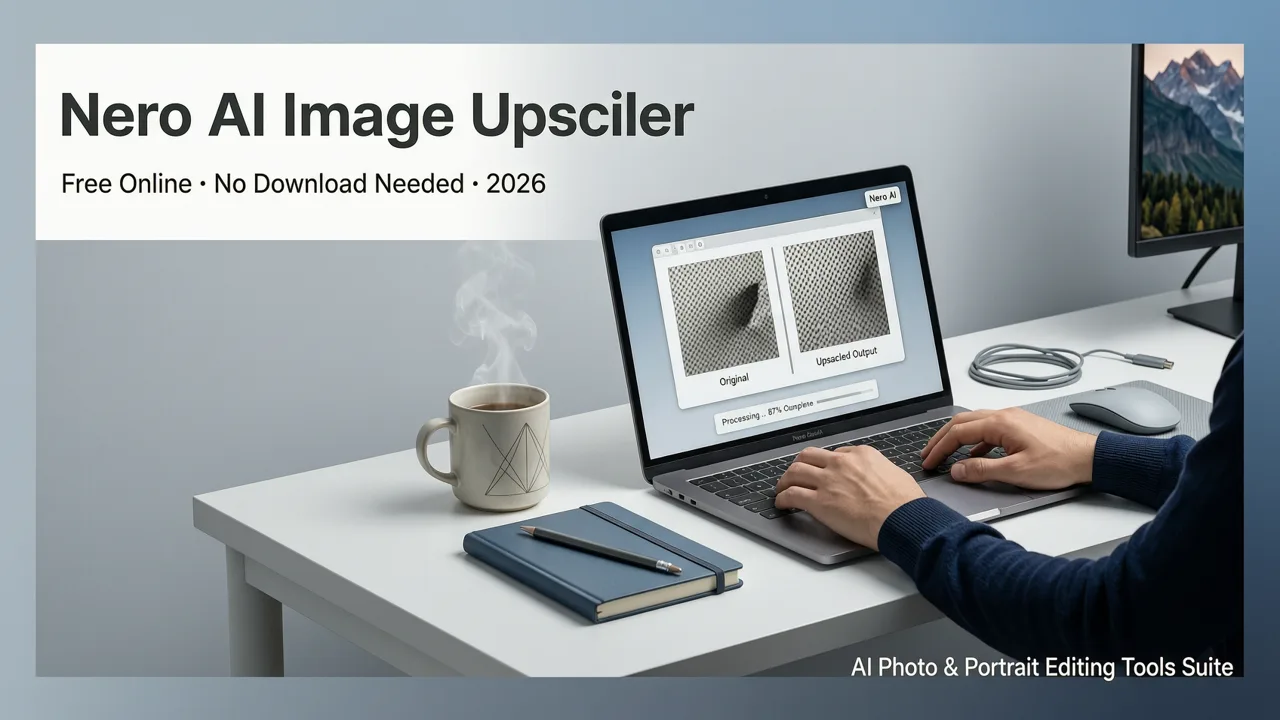
Nero AI Image Upscaler Free Online — No Download Needed in 2026
If you are searching for nero ai image upscaler free, the honest answer is that Nero AI offers a limited free tier — but in 2026, most users hit paywalls, watermarks, or resolution caps faster than expected. The good news: there are fully free, browser-based alternatives that upscale images to 4K and beyond without requiring a download, signup, or credit card.
This guide breaks down exactly what Nero AI's free image upscaler delivers, where it falls short, and how platforms like AI Image Editor compare when you need sharper, larger images in seconds — whether for ecommerce product listings, social media content, or print-ready files.
What Is Nero AI Image Upscaler and How Does It Work?
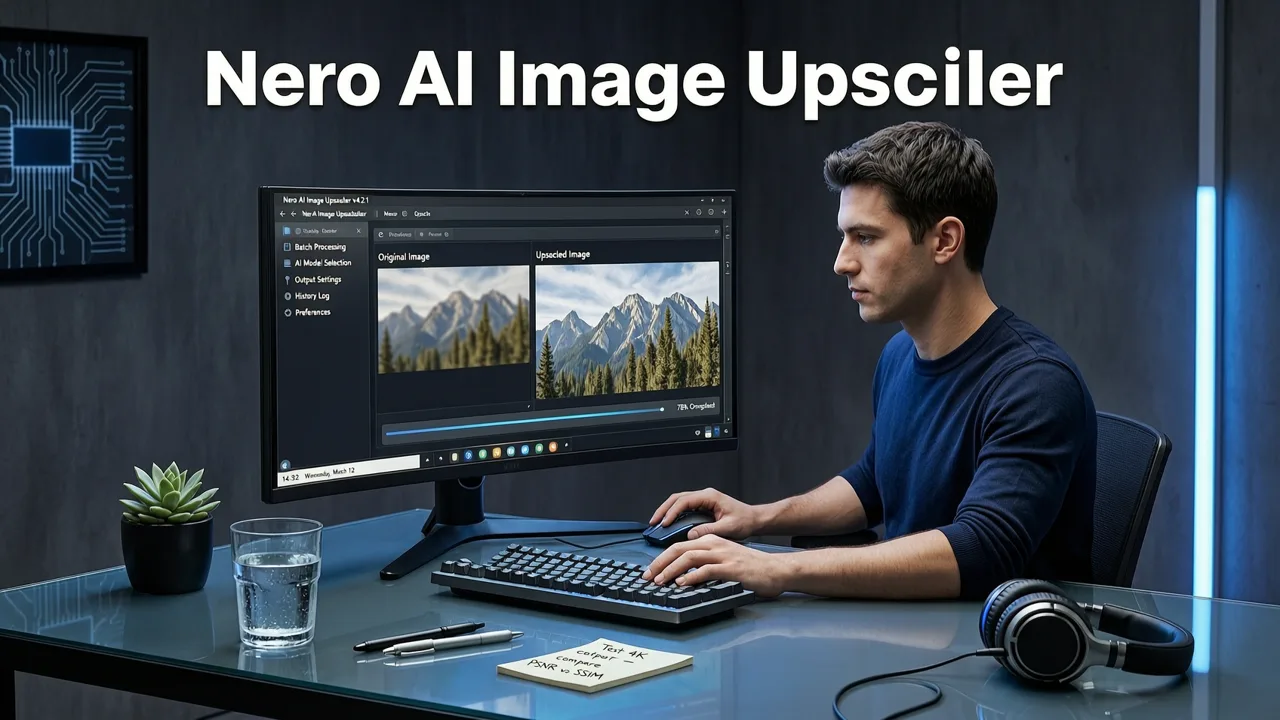
Nero AI Image Upscaler is a desktop and mobile application that uses AI-driven super-resolution models to increase the pixel dimensions of an image while attempting to preserve or reconstruct fine detail. The tool targets photographers, designers, and casual users who need to enlarge low-resolution photos for printing, display, or repurposing across platforms.
Turn Low-Quality Photos into 4K HD with Nero AI Image Upscaler 2026 | Best AI Photo Enhancer
by Tech Ai
Core Features of Nero AI Image Upscaler
- AI Super-Resolution Engine: Uses neural networks trained on millions of images to predict and reconstruct missing pixel data during upscaling.
- Multiple Scale Factors: Supports 2x, 4x, and in some versions 8x enlargement.
- Batch Processing: Allows multiple images to be upscaled in a single session (premium feature).
- Desktop Application: Requires download and installation on Windows or macOS.
- Face Enhancement Mode: Optimizes portrait upscaling with dedicated facial detail reconstruction.
How the Upscaling Process Works Under the Hood
Nero AI, like most modern upscalers, relies on convolutional neural networks (CNNs) or generative adversarial networks (GANs) to analyze the input image at a low resolution and synthesize high-frequency details that were not present in the original. The model essentially predicts what the image should look like at a higher resolution based on patterns learned during training. For a deeper look at how these models operate, OpenAI's documentation on generative models provides useful technical context.
Is Nero AI Image Upscaler Really Free?
Here is where the search for nero ai image upscaler free gets complicated. Nero AI does offer a free version, but with significant limitations that affect usability in 2026.
What the Free Tier Actually Includes
- A limited number of free upscales per day (typically 3–5 images).
- Maximum output resolution capped below the premium tier.
- No batch processing capability.
- Watermarks may appear on certain export options.
- Requires software download — no browser-based option.
When You Hit the Paywall
Once you exhaust your daily free credits, Nero AI prompts you to upgrade to a subscription plan. For ecommerce sellers uploading dozens of product photos or content creators producing daily social media assets, the free tier runs out almost immediately. This is the primary reason users begin searching for alternatives.
Nero AI Image Upscaler Free vs. AI Image Editor: 2026 Comparison
To help you decide which tool fits your workflow, here is a direct comparison of Nero AI's free upscaler against AI Image Editor's built-in upscaling capabilities.
| Feature | Nero AI (Free Tier) | AI Image Editor |
|---|---|---|
| Platform | Desktop app (download required) | Browser-based, no download |
| Free Daily Limit | 3–5 images | Generous free usage |
| Max Upscale Factor | Up to 4x (free), 8x (paid) | Up to 4x and beyond |
| Watermark on Free | Yes, on some exports | No watermark |
| Text-Prompt Editing | No | Yes — 200+ prompt tools |
| Background Removal | No | Yes, built-in |
| Batch Processing (Free) | No | Yes |
| Best For | Occasional desktop users | Creators, ecommerce, marketers |
The table makes one thing clear: if you need more than a handful of upscaled images per week, a browser-based platform with integrated editing tools saves time and money. For a broader look at upscaling without quality loss, our guide on how to upscale photos without losing quality in 2026 covers the technical side in detail.
Why Browser-Based AI Upscalers Are Winning in 2026
The shift toward cloud-based AI tools has accelerated dramatically. Users no longer want to install heavyweight desktop software for a task that takes seconds. Browser-based upscalers deliver three decisive advantages:
1. Zero Installation Friction
Upload your image, wait a few seconds, download the result. That is the entire workflow. No disk space consumed, no compatibility issues, no version conflicts. This matters enormously for teams working across Windows, macOS, ChromeOS, and mobile devices.
2. Continuous Model Improvements
Cloud platforms update their AI models server-side. When a better super-resolution architecture becomes available, every user benefits immediately — no manual updates, no re-downloads. Desktop tools like Nero AI require explicit version upgrades, which many users neglect.
3. Integrated Editing Ecosystem
Upscaling is rarely the only edit you need. You might need to remove the background and replace it with AI, apply generative fill to extend canvas dimensions, or enhance facial details — all before export. Platforms that bundle these tools eliminate round-tripping between multiple apps.
How to Upscale Images for Free Without Downloading Anything
If your goal is to find a nero ai image upscaler free alternative that works entirely in your browser, follow these steps:
- Navigate to AI Image Editor's upscaler tool. No account creation or software download is required.
- Upload your image. Drag and drop or click to browse. Supported formats include JPG, PNG, WebP, and TIFF.
- Select your desired upscale factor. Choose 2x, 3x, or 4x depending on your output needs.
- Wait for AI processing. The model analyzes your image, reconstructs detail, and generates the upscaled version in seconds.
- Download the result. Save the high-resolution file directly to your device.
The entire process takes under a minute for most images. For product photos, social media graphics, or archival images, this workflow eliminates the bottleneck of desktop software entirely.
Who Should Use a Free AI Image Upscaler in 2026?
Different users have different upscaling needs. Here is a quick breakdown of who benefits most from free browser-based upscaling tools.
Ecommerce Sellers
Marketplaces like Amazon, Shopify stores, and Etsy demand high-resolution product images. Upscaling supplier photos from 72 DPI to print-ready quality is a daily task. Free upscalers with no per-image fees keep overhead low.
Content Creators and Social Media Managers
Repurposing content across platforms often means resizing images for different aspect ratios and display densities. Upscaling ensures visuals stay crisp on Retina displays and 4K monitors without starting from scratch.
Marketers and Ad Designers
Ad platforms enforce minimum resolution requirements. When creative assets come in small, an AI upscaler rescues them without a reshoot or redesign.
Everyday Consumers
Old family photos, screenshots, and meme templates all benefit from upscaling. A free tool that works in the browser removes every barrier to getting better results.
Common Limitations of Free AI Upscalers (and How to Work Around Them)
No free tool is perfect. Understanding the limitations helps you set realistic expectations and choose the right platform for your needs.
Detail Hallucination
AI upscalers sometimes generate plausible but inaccurate details — particularly in text, faces, or intricate patterns. If accuracy matters (product labels, documents), always verify the output against the original.
Resolution Caps
Free tiers typically cap output at a certain pixel dimension. For most web and social media use cases, this is sufficient. For large-format printing, you may need a premium option.
Processing Speed Under Load
Browser-based tools depend on server capacity. During peak hours, processing may take slightly longer. Planning batch work during off-peak times helps.
For guidance on choosing the right tool for your specific use case, our comparison of the best Canva image upscaler alternatives in 2026 covers additional options and trade-offs.
The Role of Responsible AI in Image Upscaling
As AI-powered image tools become ubiquitous, responsible usage matters. Google's AI responsibility principles outline key considerations including transparency, fairness, and privacy. When using any AI upscaler — including Nero AI or alternatives — ensure you have the right to modify and distribute the images you process. Upscaling copyrighted material for commercial use without permission remains a legal risk regardless of which tool you choose.
Final Verdict: Is Nero AI Image Upscaler Free Worth It in 2026?
Nero AI Image Upscaler is a capable tool for users who prefer a desktop application and only need to upscale a few images occasionally. The free tier works — but its daily limits, download requirement, and lack of integrated editing features make it impractical for high-volume workflows.
For creators, ecommerce sellers, and marketers who need fast, free, browser-based upscaling with no watermarks and no download, AI Image Editor delivers a more complete solution. With 200+ text-prompt editing tools built into the same platform, you can upscale, edit, and export without ever leaving your browser.
Ready to try it? Upload your first image at AI Image Editor and see the difference in seconds — no download, no signup, no limits holding you back.