Why It Is Historically Difficult to Upscale Image Without Losing Quality
If you are searching for a reliable way to upscale image without losing quality in 2026, the short answer is that browser-based generative AI tools have matured enough to make this a seamless, one-click process. Whether you are recovering a pixelated archival photo, preparing a small product shot for a high-resolution ecommerce banner, or simply trying to print a social media graphic, AI-powered upscaling is the definitive solution.
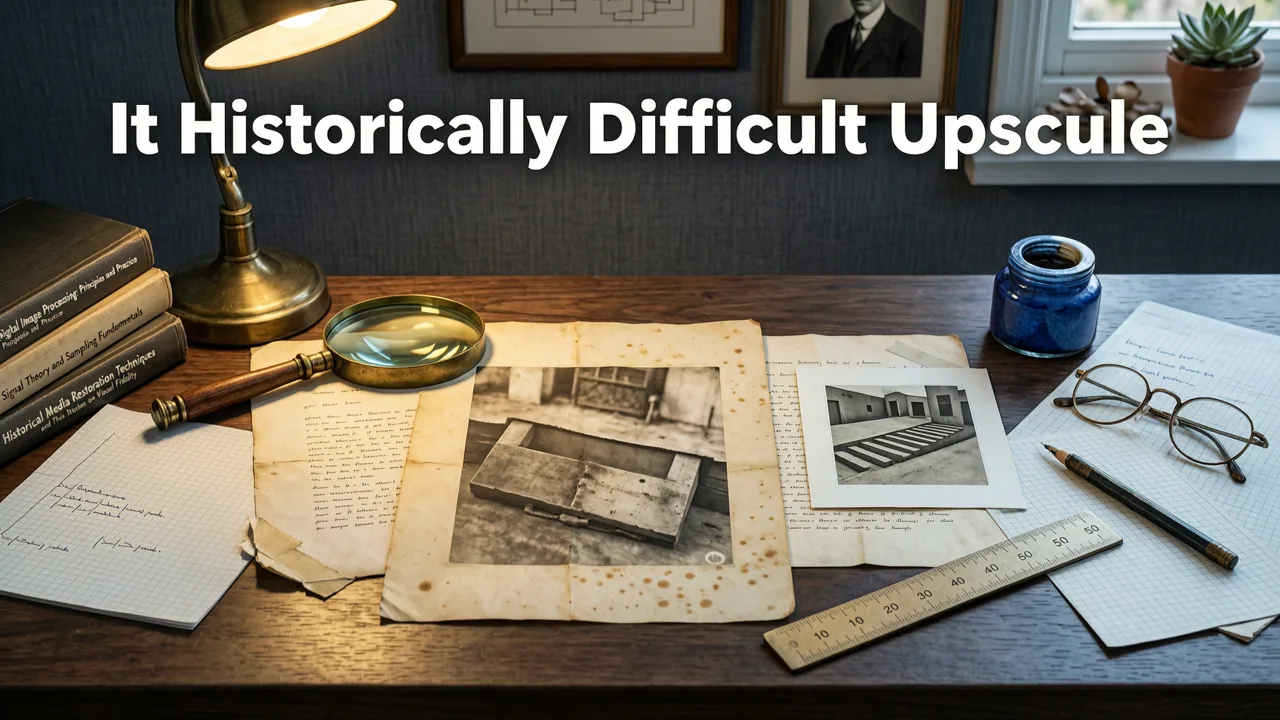
To understand why modern AI is so revolutionary, we first need to look at why traditional methods fail. When you increase the physical dimensions of a raster image, you are asking the software to invent new pixels. Traditional algorithms like nearest-neighbor, bilinear, and bicubic interpolation simply guess the color of new pixels based on the mathematical average of adjacent ones. This leads to blurriness, jagged edges, and a complete loss of fine texture. You cannot create detail out of nothing using basic math; you need contextual understanding.
How Modern AI Helps You Upscale Image Without Losing Quality
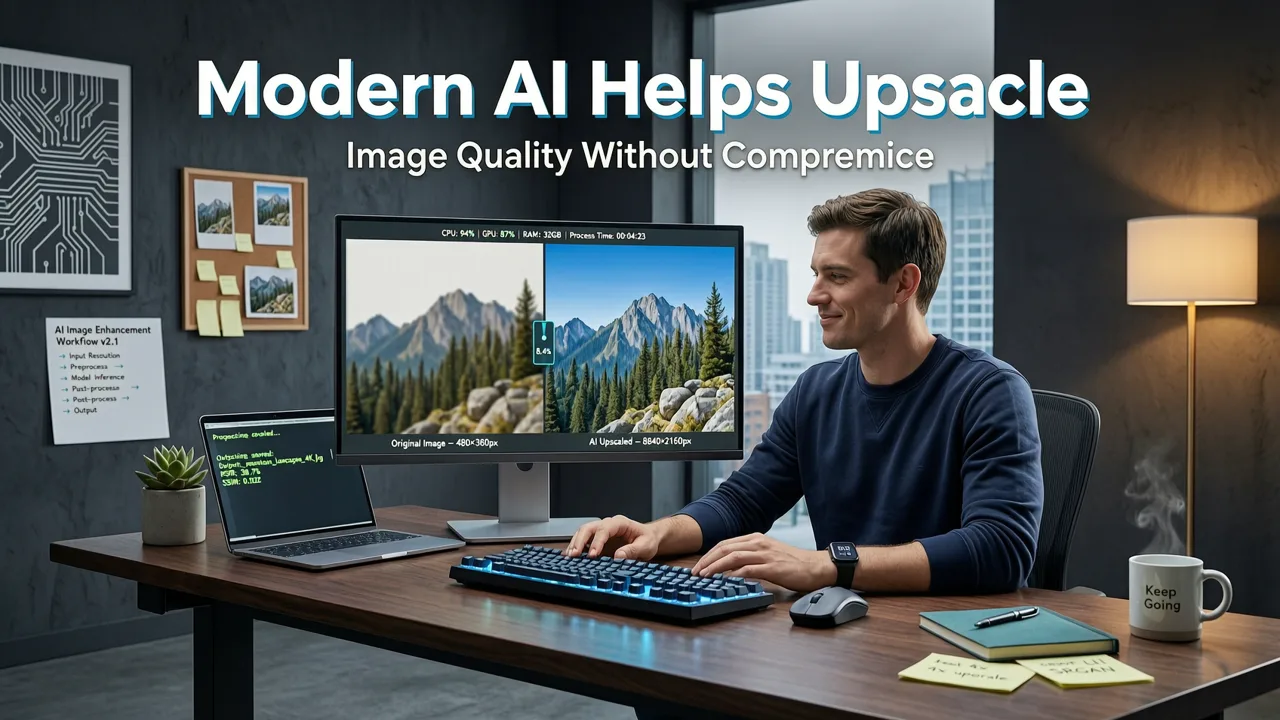
The shift from traditional mathematics to machine learning has fundamentally changed photo resolution enhancement. Instead of guessing pixel colors, modern AI models analyze the semantic content of the image. They recognize what they are looking at and reconstruct the missing details based on real-world patterns.
After 10yrs of Testing, This is the BEST Upscaler. Period.
by PiXimperfect
Beyond Traditional Pixel Interpolation
AI does not just stretch existing data; it interprets it. By leveraging deep learning models trained on millions of high-resolution images, an advanced AI image upscaler recognizes patterns like fabric weaves, skin pores, architectural lines, and foliage. When the software encounters a low-resolution edge, it doesn't just smooth it out—it sharpens it by referencing its training data to understand what a crisp edge actually looks like in the physical world.
Context-Aware Detail Generation
This is where generative models truly shine. As outlined in foundational resources like the OpenAI documentation, modern generative AI can infer missing textures with astonishing accuracy. If the AI detects a brick wall, it regenerates the mortar and individual bricks. If it detects human skin, it smooths out compression artifacts while preserving natural micro-textures. This context-aware detail generation is the secret to achieving true 4K resolution from a tiny source file.
Step-by-Step Guide to Upscale Image Without Losing Quality
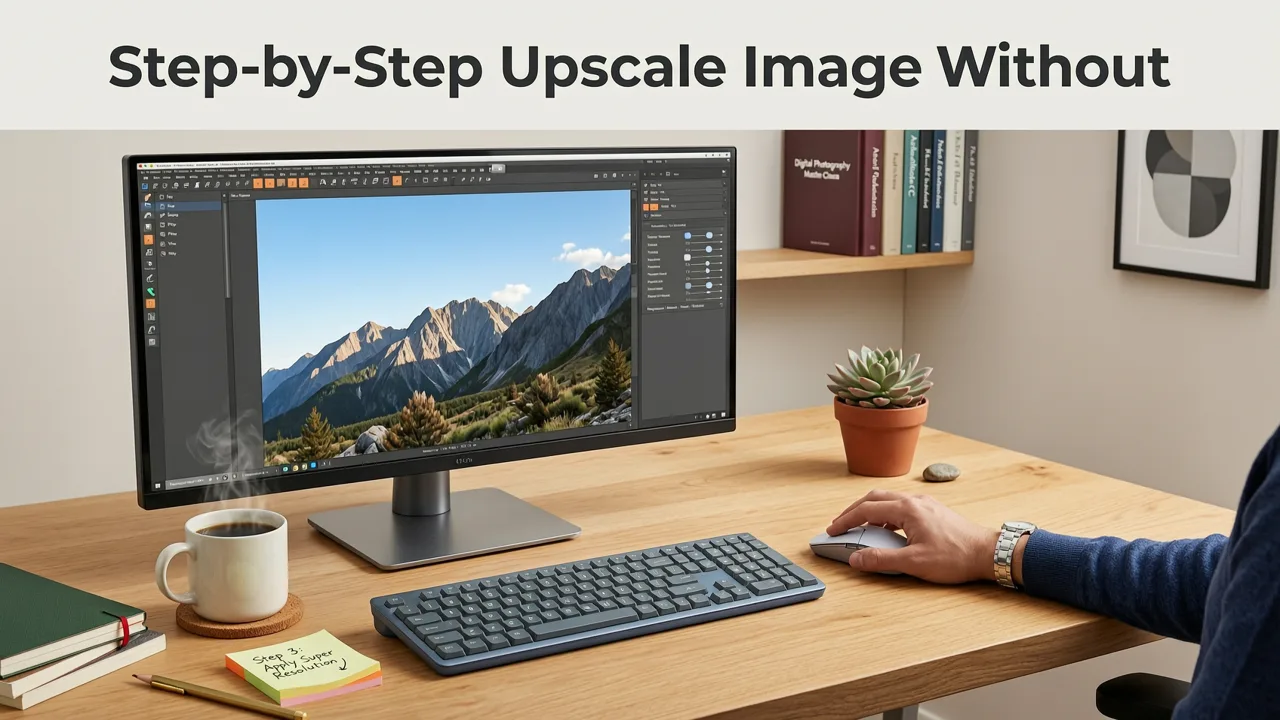
Executing a high-quality upscale is simpler than it has ever been. You no longer need expensive desktop software or a degree in graphic design. Here is the standard workflow for achieving pristine results in 2026.
- Select a specialized AI tool: Choose a platform designed specifically for enhancement. You can start with a free option like the AI Image Upscaler Online Free — Try Now (2026) to test the capabilities without downloading heavy software.
- Upload your source file: Drag and drop your low-resolution image into the browser interface. The AI will immediately begin analyzing the file for noise, compression artifacts, and semantic content.
- Choose your scale factor: Most professional tools allow you to scale by 2x, 4x, or even 8x. For web use, 2x is usually sufficient. For large-format printing, 4x is the standard.
- Adjust enhancement settings: Depending on the tool, you may be able to tweak the strength of the noise reduction or the level of detail generation. Keep it balanced to avoid an over-processed, artificial look.
- Process and download: Hit generate. Within seconds, the AI will render the new high-resolution file, ready for immediate download and use.
Comparing Upscaling Technologies in 2026
Not all upscaling methods are created equal. Below is a comparison of the technologies you will encounter when trying to improve image resolution.
| Upscaling Method | How It Works | Best Use Case | Quality at 4x Scale |
|---|---|---|---|
| Bicubic Interpolation | Uses mathematical averages of surrounding pixels to guess new colors. | Quick, low-stakes resizing where quality is not a priority. | Poor. Highly blurry with noticeable pixelation. |
| Lanczos Resampling | Applies a mathematical sinc function to preserve sharp edges better than bicubic. | Print media where slight ringing artifacts are acceptable. | Fair. Sharper than bicubic, but introduces halos and noise. |
| Basic AI Interpolation | Uses shallow neural networks to reduce noise and smooth edges. | General photography where minor detail loss is acceptable. | Good. Clean edges, but lacks fine texture recovery. |
| Generative AI Upscaling | Uses deep learning to reconstruct missing textures and context-aware details. | Ecommerce, professional portraits, and large-format printing. | Excellent. Crisp, natural-looking details with high fidelity. |
Best Practices for High-Resolution Results
While AI is incredibly powerful, the quality of your final output still depends on how you use the tool. Different subjects require different approaches to ensure the final image looks natural and professional.
Ecommerce and Product Photography
When upscaling product shots for ecommerce platforms, clarity and accuracy are paramount. You want the texture of the product to look real, not artificially generated. Using a dedicated platform to enhance photo quality in 2026 ensures that product edges remain sharp and colors stay true to the original file, which is critical for reducing return rates and building buyer trust.
Portraits and Headshots
Human faces are incredibly complex, and standard AI upscalers can sometimes over-smooth skin, resulting in a plastic or unnatural appearance. When working with portraits, you need specialized facial segmentation. Tools designed for this task, such as those explored in our guide on AI portrait retouch online, isolate the face and apply targeted enhancement. This preserves critical details like eye reflections, hair strands, and natural skin pores. For the best results, look for the best AI portrait retoucher online to ensure your headshots remain authentic while achieving the necessary resolution.
Ethical and Responsible AI Usage
As AI tools become more capable of generating realistic details, it is important to use them responsibly. Following established frameworks like the Google AI guidance, ensure that upscaled images used in commercial, editorial, or legal contexts maintain the authenticity of the original subject. AI should be used to restore and clarify, not to misrepresent or deceive the viewer about the original content of the photograph.
Conclusion
The days of accepting blurry, pixelated images are over. Thanks to context-aware generative models, you can easily upscale image without losing quality, transforming tiny, compressed files into stunning, high-resolution masterpieces. By understanding the technology and applying the right tools to the right use cases, you can elevate your visual content effortlessly.
Ready to see the difference for yourself? Upload your first photo today and experience the power of AI-driven photo resolution enhancement. Your crisp, clear, and professional images are just one click away.