If you are struggling with blurry product shots, low-resolution social media graphics, or pixelated archival photos, finding a reliable ai image upscaler free of hidden paywalls is a top priority in 2026. The good news is that modern neural networks can now increase image resolution and restore fine details in seconds, without requiring expensive software or advanced design skills. This guide explains how free AI upscaling works, what features matter most, and how to get professional-grade results without compromising on quality.
Why an AI Image Upscaler Free Tool Is Essential in 2026
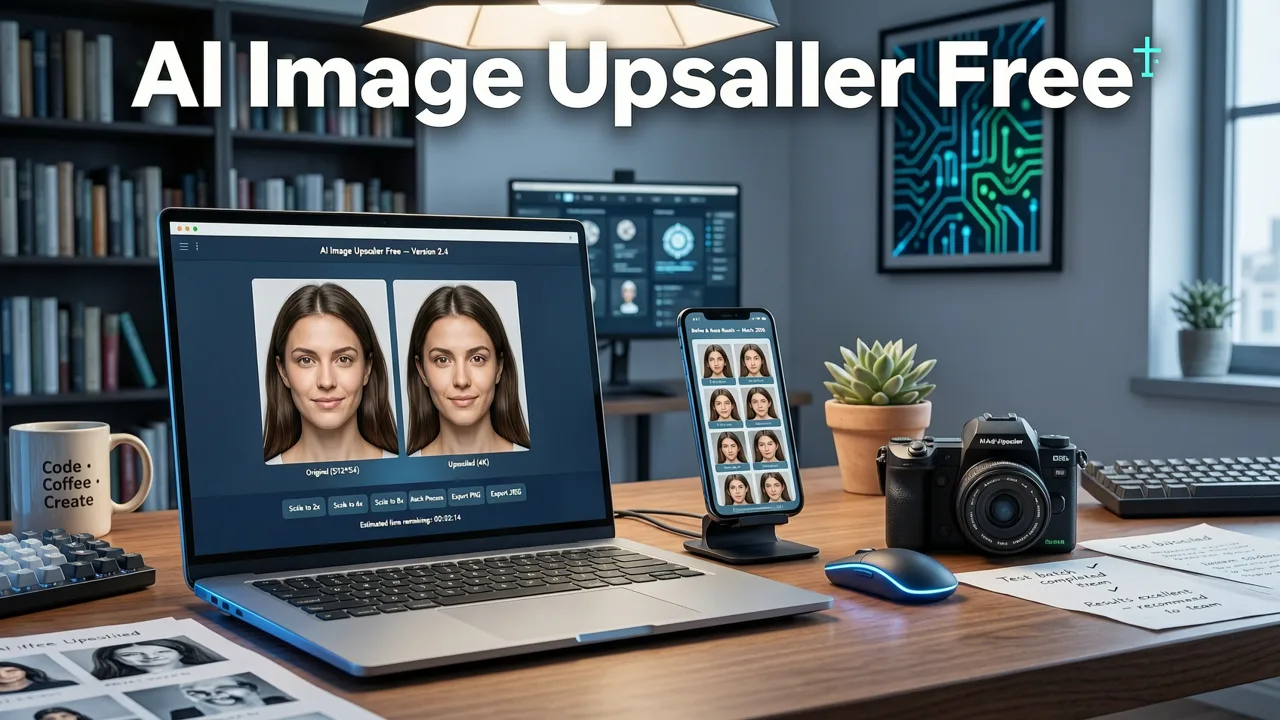
The demand for high-resolution imagery has never been higher. With the widespread adoption of 4K and 8K displays, coupled with the aggressive compression algorithms used by social media platforms, low-quality images stand out more than ever. For ecommerce sellers, a blurry product photo directly translates to lost trust and reduced conversion rates. For content creators, pixelated graphics fail to capture audience attention in crowded feeds.
Historically, increasing an image's resolution meant stretching the existing pixels, which resulted in a soft, blurry, or blocky appearance. Today, an ai image upscaler free platform utilizes advanced machine learning models to intelligently reconstruct missing data. This means you can take a small, low-quality JPEG and transform it into a crisp, high-definition asset ready for print or large-format display. The democratization of this technology in 2026 ensures that everyday users and small businesses have access to the same quality enhancements previously reserved for enterprise-level design teams.
Upscayl Tutorial - How to use Upscayl? | Best Free AI Image Upscaler for Linux, Mac and Windows
by Upscayl
How an AI Image Upscaler Free Platform Actually Works
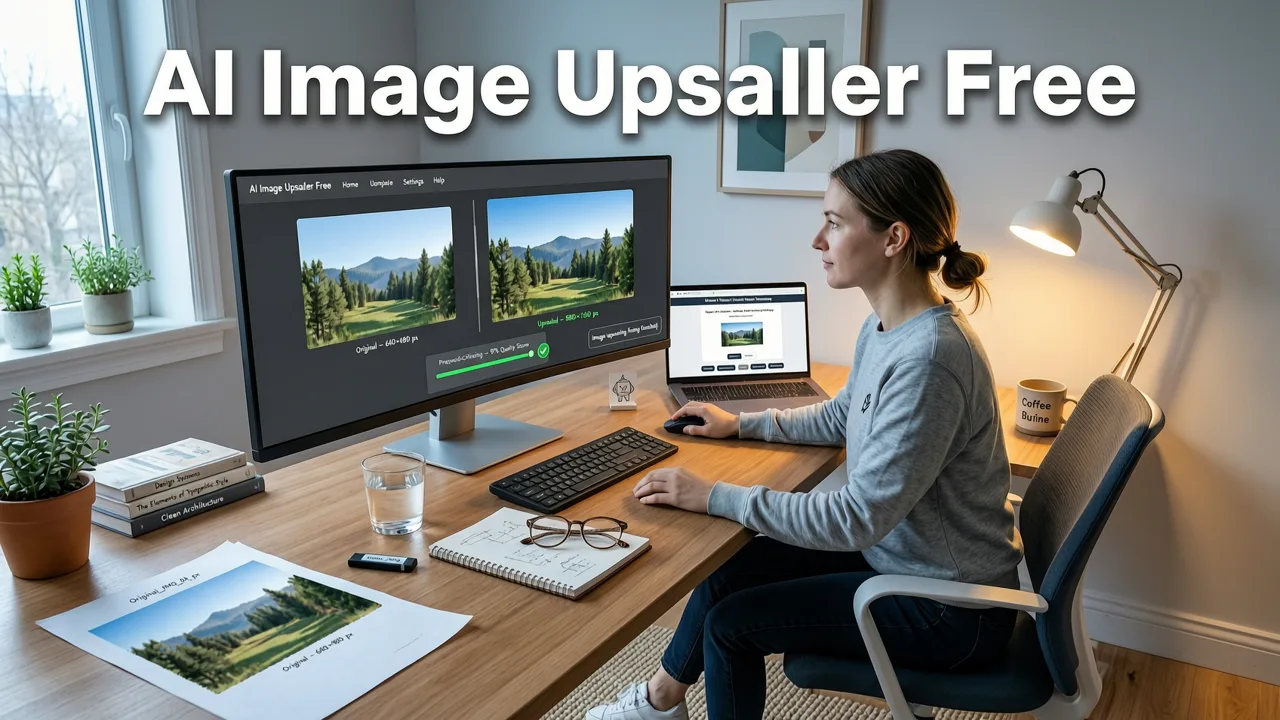
To understand the value of modern upscaling, it helps to understand the underlying technology. Unlike traditional software that simply guesses pixel colors based on neighboring pixels, AI-driven tools analyze the entire image context to generate new, accurate details.
Beyond Traditional Pixel Interpolation
Older methods like bicubic or bilinear interpolation calculate the color of new pixels by averaging the colors of surrounding original pixels. While this makes the image larger, it does not add any real detail, often resulting in a smeared or muddy look. AI upscaling, conversely, uses deep learning models trained on millions of high-resolution images. When you upload a low-resolution photo, the AI compares it against its vast training database to predict what the high-resolution version should look like.
Context-Aware Detail Generation
Modern generative AI models, including diffusion-based architectures, do not just enlarge the image; they hallucinate missing details based on context. If the AI recognizes a low-res patch of pixels as a human eye, it will generate the intricate details of an iris, eyelashes, and light reflections. If it recognizes a fabric texture, it will reconstruct the individual threads. This context-aware generation is what makes a ai image upscaler free tool so powerful for restoring old family photos or sharpening out-of-focus product shots.
Essential Features to Look for in Free AI Image Enhancement
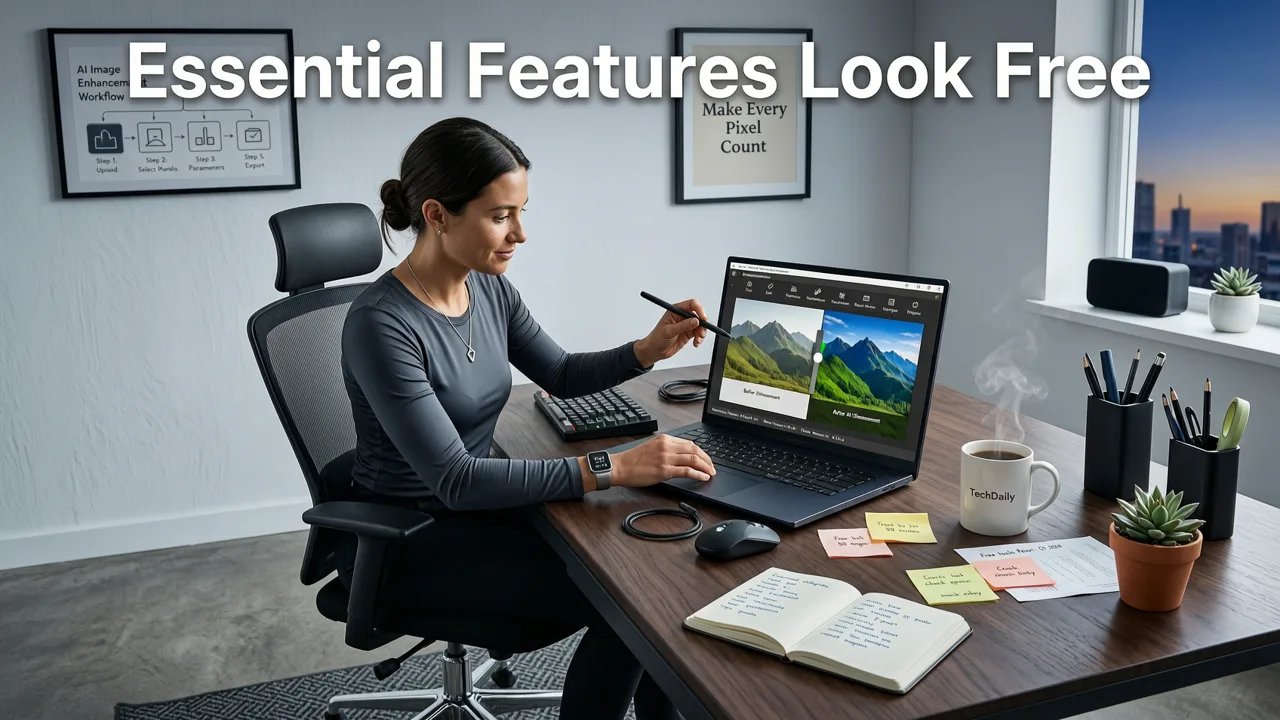
Not all upscaling tools are created equal. When evaluating options, look for features that ensure a seamless, professional workflow without forcing you into a premium subscription.
- No Watermarks or Hidden Limits: A truly free tool should not stamp a logo across your final image or restrict you to a tiny resolution after processing.
- Batch Processing Capabilities: If you are an ecommerce seller updating hundreds of product images, the ability to upload and upscale multiple files simultaneously is a massive time-saver.
- Specialized Enhancement Modes: The best platforms offer specific algorithms for different content types, such as dedicated modes for anime, text documents, landscapes, and human faces.
- Face Restoration Technology: Upscaling portraits requires specialized facial landmark detection to ensure eyes, skin texture, and facial proportions remain natural and do not look artificially generated.
If your upscaled image includes human faces and you want to refine the skin texture and lighting further, you might also want to use a best ai portrait retoucher online to ensure the final result looks completely natural and polished.
Comparing Free AI Image Upscaler Options in 2026
The market is flooded with image enhancement tools, but they vary significantly in their business models and technical capabilities. Below is a comparison of the primary categories of upscalers available today.
| Feature | Traditional Desktop Software | Freemium Online Tools | AI Image Editor (Fully Free) |
|---|---|---|---|
| Core Technology | Bicubic interpolation, manual sharpening | Basic AI models, limited processing | Advanced neural networks, context-aware generation |
| Resolution Output | Up to 2x, often blurry | Up to 2x or 4x, restricted by credit limits | Up to 4x and beyond, no resolution caps |
| Watermarks | None | Common on free tiers | None |
| Face Enhancement | Manual retouching required | Basic smoothing, can look unnatural | Dedicated facial restoration algorithms |
| Setup Required | Heavy software installation | None (browser-based) | None (browser-based, text-prompt optional) |
Practical Use Cases for High-Resolution AI Enhancement
The versatility of AI upscaling makes it invaluable across multiple industries and personal projects. Here is how different users leverage these tools to improve their visual content.
Ecommerce and Product Photography
Online marketplaces like Amazon and Shopify enforce strict image quality guidelines. Images must be crisp, well-lit, and high-resolution to pass automated quality checks and attract buyers. If you receive product samples from a manufacturer with low-quality reference photos, an AI upscaler allows you to meet platform requirements without organizing an expensive reshoot. For product photos where the upscale reveals empty background space, you can seamlessly use a best free generative fill alternative to expand the canvas and maintain perfect aspect ratios.
Social Media and Digital Marketing
Marketers often need to repurpose content across multiple channels. A banner designed for a small mobile ad might need to be scaled up for a desktop landing page or a digital billboard. AI upscaling ensures that text remains legible and graphics stay sharp, regardless of the display size. Maintaining visual consistency across all touchpoints builds brand trust and improves engagement metrics.
Archival and Personal Photo Restoration
Digitizing old physical photographs often results in low-resolution scans plagued by noise, scratches, and fading. AI upscalers not only increase the pixel count but also clean up artifacts and restore faded colors. This allows families to print large, high-quality physical copies of cherished memories or share them in high definition on social media.
Step-by-Step Guide to Upscaling with AI Image Editor
Using a modern, prompt-based AI platform simplifies the upscaling process into just a few intuitive steps. Here is how you can achieve high-resolution results using AI Image Editor.
- Upload Your Image: Navigate to the platform and upload your low-resolution file. The system accepts all major formats, including JPEG, PNG, and WebP.
- Select the Upscale Tool: Choose the image upscaling feature from the suite of 200+ tools. You can specify your desired output resolution or let the AI determine the optimal enhancement level.
- Add Text Prompts (Optional): If you want to guide the enhancement, you can use text prompts. For example, typing "enhance fabric texture and sharpen edges" helps the AI focus on specific areas of the image.
- Process and Download: Click generate. The neural network will process the image in seconds. Once complete, review the side-by-side comparison and download your high-resolution, watermark-free file.
As AI continues to evolve and become more deeply integrated into our daily workflows, it is important to use these tools responsibly. Adhering to ethical standards and Google AI guidance ensures that generated or enhanced images are used transparently and responsibly, especially in commercial and journalistic contexts.
Conclusion
Finding a high-quality ai image upscaler free of restrictive paywalls and watermarks is no longer a challenge in 2026. By leveraging advanced neural networks and context-aware detail generation, you can transform blurry, low-resolution assets into stunning, high-definition visuals in seconds. Whether you are optimizing product photos for ecommerce, preparing graphics for social media, or restoring family archives, AI upscaling provides a fast, professional solution that requires zero design experience. Upload your first image today and experience the difference that intelligent resolution enhancement can make for your visual content.