Why an AI Portrait Retoucher Online Is the Smart Choice in 2026
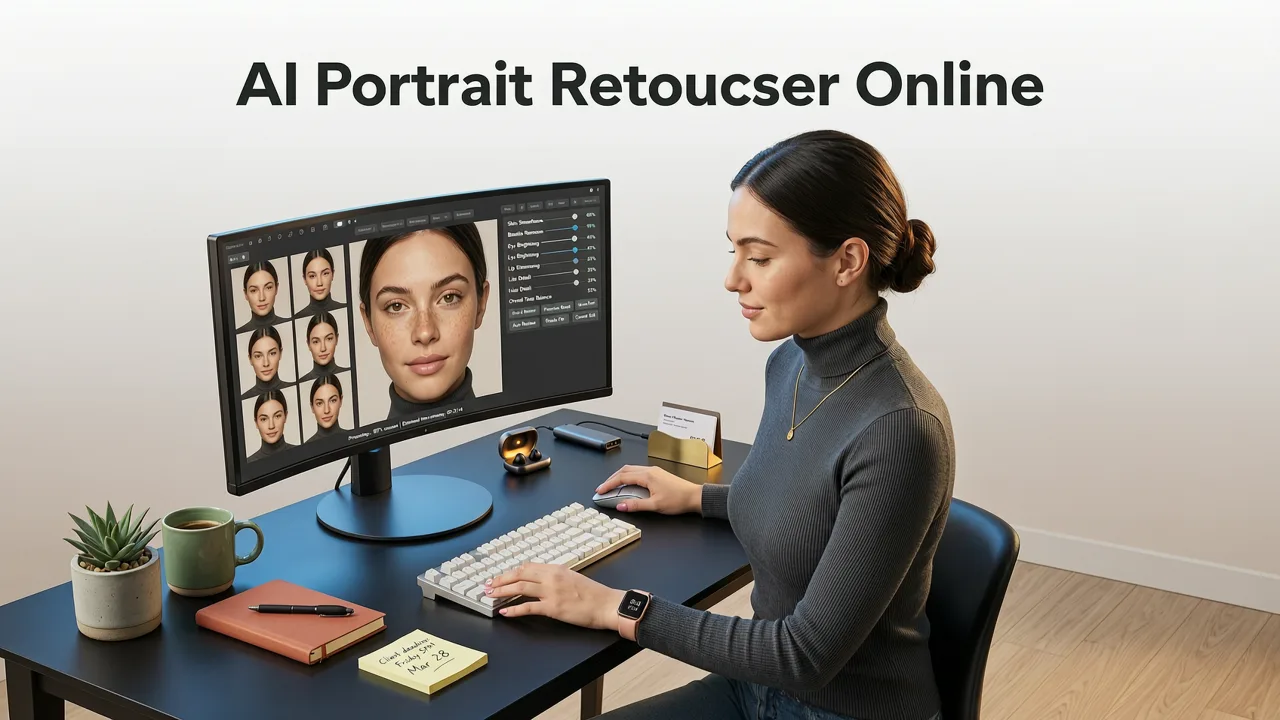
If you need to polish a LinkedIn headshot, fix lighting on a product model, or smooth skin for a social media campaign, an ai portrait retoucher online is the fastest path to professional results without installing heavy software. In 2026, browser-based AI platforms have replaced traditional desktop editors for most portrait workflows, delivering studio-quality retouching in seconds.
The shift toward cloud-based facial retouching software is driven by massive improvements in machine learning models. Today, you do not need to understand complex layer masks or manual dodge-and-burn techniques. Modern tools analyze facial landmarks, detect skin texture, and apply natural corrections automatically. Whether you are an ecommerce seller needing consistent model shots or a creator refreshing your personal brand, online solutions offer the speed and accessibility required for high-volume editing.
How the Best AI Portrait Retoucher Online Actually Works
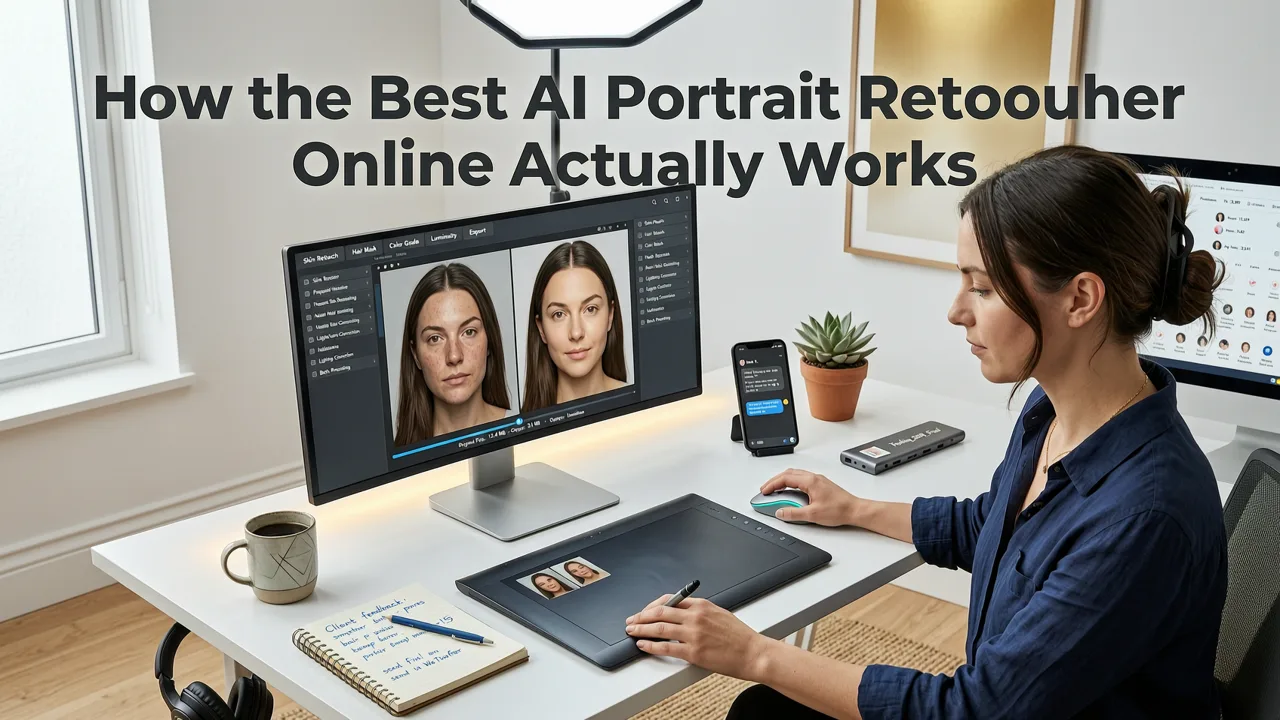
Unlike legacy software that relies on manual sliders for brightness and contrast, a modern automated headshot generator uses deep learning to understand the semantic structure of a face. The AI identifies specific regions such as the eyes, lips, hair, and skin boundaries, allowing it to apply targeted adjustments without affecting the rest of the image.
How to RETOUCH a Portrait in 3 Seconds with EVOTO AI
by Mark McGee Photos
The underlying architecture of these tools relies on advanced diffusion models, similar to those documented in the OpenAI documentation, which understand complex facial geometry and lighting dynamics. This means the software can intelligently reconstruct shadows, fill in uneven skin tones, and even adjust the direction of a gaze while maintaining the original identity of the subject.
The Three-Step Processing Pipeline
When you upload an image to a top-tier online photo editor, the system typically executes a rapid three-step pipeline:
- Facial Detection and Mapping: The AI scans the image to locate the face, mapping key landmarks like the jawline, cheekbones, and eye placement.
- Texture Analysis and Correction: The system analyzes skin texture, distinguishing between natural pores and temporary blemishes, applying AI skin smoothing only where necessary to avoid the plastic look.
- Lighting and Color Harmonization: Global adjustments are made to balance exposure, correct white balance, and enhance contrast to make the subject pop.
Essential Features in Modern Facial Retouching Software
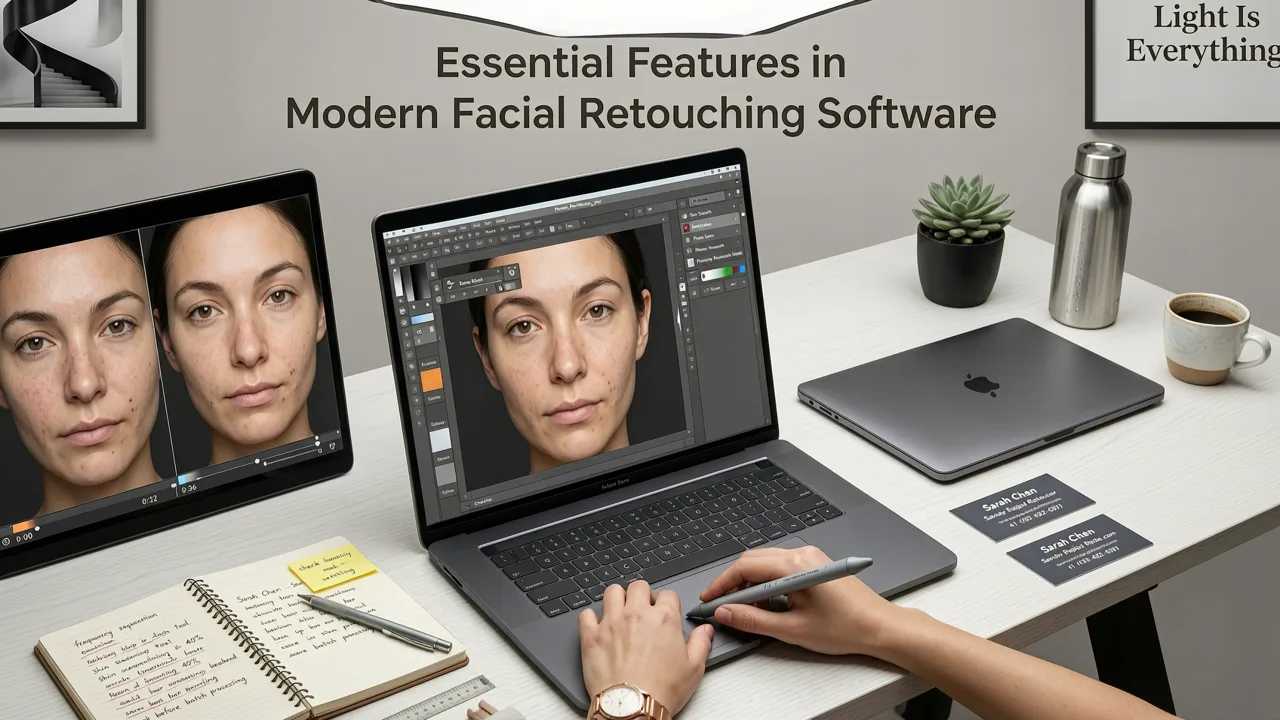
Not all online tools are created equal. When evaluating an ai portrait retoucher online for your specific needs, you should look for a suite of features that go beyond basic filters. The best platforms in 2026 offer granular control wrapped in an intuitive, text-prompt interface.
Automated Skin Smoothing and Blemish Removal
The hallmark of a great retouching tool is its ability to clean up skin without erasing natural character. Advanced algorithms preserve micro-textures like freckles and fine lines while removing acne, scars, and under-eye bags. This ensures the final image looks like a highly polished version of the real person, rather than an artificial mannequin.
Text-Prompt Transformations and Background Edits
One of the most significant advancements in 2026 is the integration of text-prompt image editing. Instead of manually selecting a background and deleting it, you can simply type a command like change the background to a blurred modern office. The AI understands the context of the portrait and seamlessly blends the new environment, matching the lighting and shadows on the subject. When you need to isolate your subject for a clean corporate look, pairing your retouching tool with a best ai background remover free ensures your headshot stands out against any backdrop.
Comparing AI Portrait Retouching Methods
To understand why browser-based AI has become the industry standard, it is helpful to compare it against traditional desktop workflows and basic mobile filters.
| Feature | Traditional Desktop Software | Basic Mobile Filters | Advanced AI Portrait Retoucher Online |
|---|---|---|---|
| Learning Curve | Steep (requires design skills) | Very Low | Low (intuitive UI and text prompts) |
| Processing Speed | Slow (manual adjustments) | Instant | Seconds (automated pipeline) |
| Skin Texture Preservation | High (if user is skilled) | Poor (often blurs everything) | High (AI distinguishes pores from blemishes) |
| Background Editing | Manual selection required | Limited to preset filters | Text-prompt generation and auto-removal |
| Hardware Requirements | High (needs powerful GPU) | Low (smartphone only) | None (runs entirely in the cloud browser) |
Real-World Use Cases for Everyday Users and Marketers
The versatility of an ai portrait retoucher online makes it indispensable across multiple professional and personal scenarios. Because the processing happens in the cloud, you can access these powerful tools from any device, making it easy to edit on the go.
Ecommerce and Product Photography
For online stores, consistent and appealing model imagery directly impacts conversion rates. AI retouching allows brands to quickly standardize the look of their models, ensuring skin tones are even and clothing looks pristine. If you are working with older, lower-resolution scans or heavily cropped selfies, you can easily upscale photo without losing quality to ensure your final portrait is crisp and print-ready.
Social Media and Personal Branding
Content creators and professionals need a steady stream of high-quality headshots for LinkedIn, Instagram, and personal websites. AI tools enable users to generate multiple variations of a single photo, testing different lighting setups or background styles to see what resonates best with their audience.
Restoring and Enhancing Vintage Portraits
Beyond modern headshots, these platforms excel at reviving damaged or faded family photos. By combining retouching algorithms with restoration models, users can remove scratches, colorize black-and-white images, and sharpen blurry faces, bringing historical memories into the modern era.
Ethical Considerations in AI Image Editing
As these tools become more powerful, platforms must adhere to strict guidelines regarding synthetic media, aligning with frameworks like Google AI guidance on responsible AI development and ethical image manipulation. Reputable platforms in 2026 include features that prevent the creation of deceptive deepfakes, ensuring that portrait enhancement remains a tool for beautification and correction rather than misrepresentation.
Conclusion
The landscape of photo editing has been fundamentally transformed by artificial intelligence. An ai portrait retoucher online offers an unmatched combination of speed, quality, and accessibility, eliminating the need for expensive software or specialized training. Whether you are refining a corporate headshot, preparing ecommerce assets, or simply wanting to look your best on social media, browser-based AI tools provide the perfect solution. Upload your photo, describe your vision, and let the algorithm handle the heavy lifting.