Why Generative Fill Without Photoshop Is Now the Standard
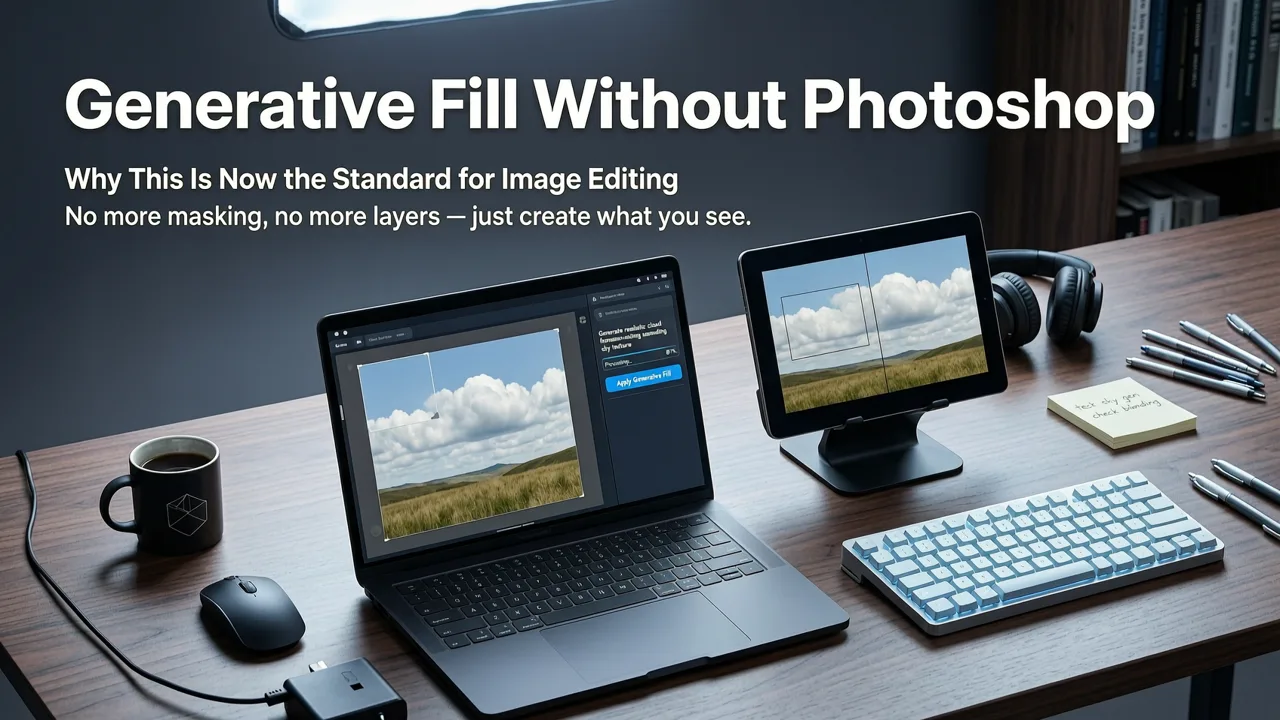
If you are searching for a reliable way to achieve generative fill without Photoshop in 2026, the short answer is that browser-based AI editors have matured enough to deliver seamless image expansions and object replacements in seconds. You no longer need expensive desktop subscriptions, powerful local hardware, or advanced design skills to manipulate pixels. Modern cloud-based platforms allow you to upload a photo, highlight an area, and describe the edit using plain text.
Historically, altering the boundaries of an image or removing an unwanted object required hours of manual cloning, complex masking, and intricate layer management. Today, advanced diffusion models handle the heavy lifting. These AI content generation tools analyze the surrounding context of your image and predict what should logically exist in the empty or selected space. This shift from localized desktop processing to cloud-based AI image expansion has democratized high-end editing, making it accessible to everyday consumers, marketers, and ecommerce sellers.
How Modern AI Handles Generative Fill in Your Browser
To understand how you can achieve professional results without traditional software, it helps to understand the mechanics behind browser-based photo editor technology. The process relies on sophisticated neural networks trained on billions of images to recognize patterns, textures, and spatial relationships.
Photoshop's NEW Offline AI: No Credits, No Internet!
by PiXimperfect
Context-Aware Prompt Matching
When you select an area and provide a text prompt, the AI does not simply paste a pre-made image into your file. Instead, it performs real-time context matching. The model evaluates the perspective, depth, and existing elements in your photo. If you are extending a landscape, the AI calculates the vanishing point and generates terrain that aligns with the original camera angle. This level of spatial awareness is what makes modern outpainting tools so effective.
Edge Blending and Lighting Consistency
The most common failure point in early AI editing was harsh, visible seams where the generated pixels met the original image. In 2026, edge blending algorithms have solved this. The AI analyzes the color grading, shadow direction, and light temperature of the source photo. It then applies these exact lighting conditions to the newly generated pixels, ensuring a flawless transition that looks like a single, continuous photograph.
Step-by-Step Guide to Generative Fill Without Photoshop
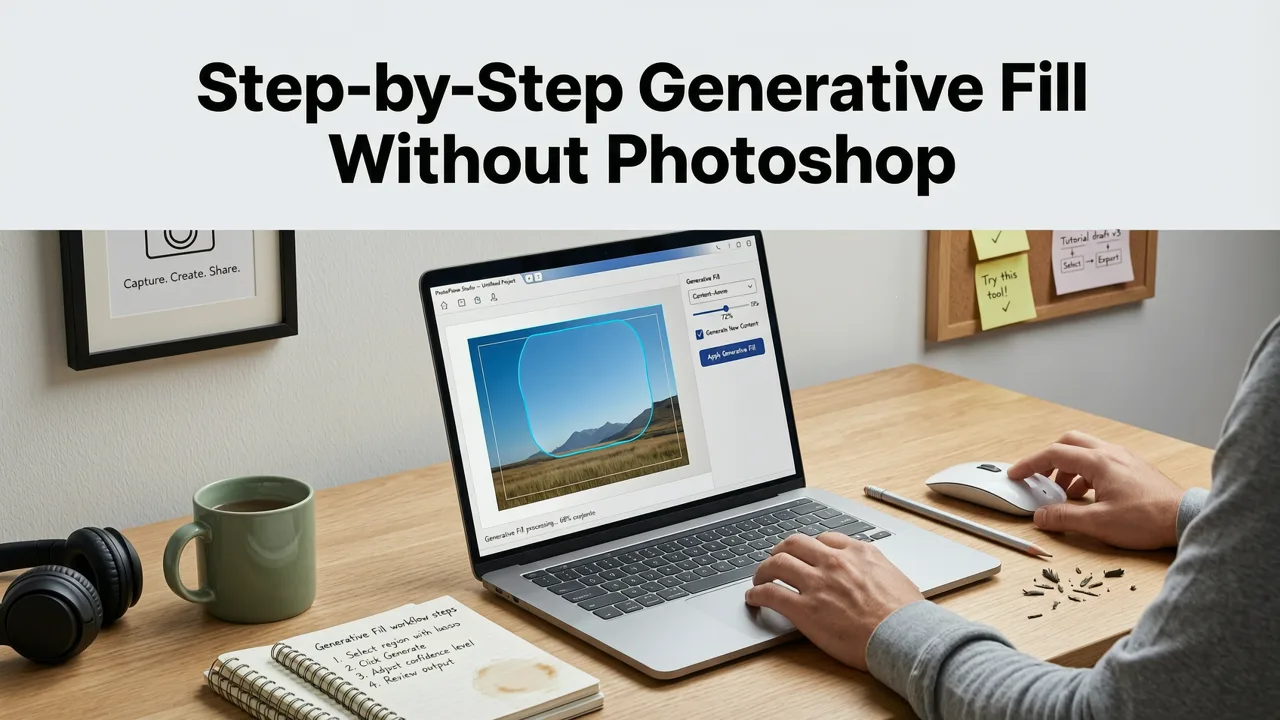
Using a web-based tool for AI image expansion is highly intuitive. Here is the standard workflow for modifying your images directly in your browser.
- Upload Your Image: Start by uploading your source photo to the platform. Most modern editors support high-resolution files and common formats like JPEG, PNG, and WEBP.
- Select the Target Area: Use the brush tool to paint over the area you want to change, or use the auto-mask feature to select specific objects. For outpainting, simply drag the canvas borders outward.
- Enter Your Text Prompt: Describe what you want to see in the selected area. Be specific about the objects, style, and lighting. Leave the prompt blank if you want the AI to automatically fill the space based on the surrounding context.
- Generate and Refine: Click generate. The AI will produce a few variations. Review them, select the one that best fits your vision, and download the final image.
Top Use Cases for AI Image Expansion and Replacement
The flexibility of text-prompt image editing means it can be applied across a wide variety of industries and personal projects. Here are the most common ways professionals and creators leverage this technology.
Ecommerce and Product Photography
For online sellers, having the right image dimensions and backgrounds is critical. If a product photo was shot too close, you can use AI to expand the canvas and create a clean, studio-quality environment. This is especially useful when you need to edit product photos online AI capabilities to meet specific marketplace requirements. You can seamlessly add props, change the surface texture, or generate a completely new background that matches the product's lighting.
Portrait and Lifestyle Adjustments
Photographers and social media creators often deal with cropping mistakes or cluttered backgrounds. If a portrait is framed too tightly, generative fill can naturally extend the subject's clothing or hair. Additionally, you can easily remove background from photo online free and use generative fill to replace it with a more suitable environment. Pairing this with an AI portrait retouch online tool ensures the subject looks polished while the expanded background remains perfectly coherent.
Comparing Desktop Software and Browser-Based AI Tools
While traditional desktop applications still hold a place in complex compositing, browser-based AI tools have closed the gap for 90% of everyday editing tasks. The table below highlights the key differences.
| Feature | Traditional Desktop Software | Modern Browser AI Editor |
|---|---|---|
| Hardware Requirements | Requires high-end GPU and significant RAM | Runs on any device with a modern web browser |
| Learning Curve | Steep; requires understanding of layers, masks, and tools | Minimal; relies on intuitive brushing and plain text prompts |
| Processing Speed | Depends entirely on local machine specifications | Fast, cloud-rendered results in seconds |
| Subscription Cost | Typically high monthly enterprise or pro fees | Often free or low-cost tiered pricing |
| Collaboration | Requires manual file sharing and version control | Cloud-native, allowing easy sharing and instant access |
Best Practices for Prompting Your Generative Fill
The quality of your AI-generated pixels is heavily dependent on the quality of your text prompt. To get the most out of the best AI photo editor online free platforms, follow these prompting strategies:
- Be Descriptive: Instead of typing "add a chair," type "add a vintage wooden dining chair with soft shadows." The more context you provide, the better the AI can match the scene.
- Specify Lighting: Mention the time of day or light source. Prompts like "illuminated by warm golden hour sunlight" help the AI adjust the shadows and highlights of the new elements.
- Match the Style: If your original photo is a moody, high-contrast black and white image, include keywords like "monochrome, high contrast, film grain" in your prompt to ensure the generated fill matches the aesthetic.
- Iterate: Do not settle for the first result if it is not perfect. Tweak your prompt slightly, adjusting the adjectives or the level of detail, and generate again.
Ethical Considerations and AI Transparency
As AI content generation becomes indistinguishable from traditional photography, responsible usage is paramount. When using these tools for commercial work, journalism, or public-facing content, it is important to adhere to ethical guidelines, such as those outlined in the Google AI guidance. Always ensure that your edits do not mislead viewers or create deceptive representations of reality, particularly in contexts where authenticity is expected.
Conclusion
Achieving generative fill without Photoshop is no longer a compromise; it is the most efficient way to edit images in 2026. By leveraging cloud-based diffusion models, you can expand canvases, replace objects, and fix framing issues in seconds, all from your web browser. Whether you are optimizing ecommerce listings, fixing a poorly cropped portrait, or simply creating unique social media content, browser-based AI tools provide the speed and quality modern creators demand.
Ready to transform your images? Upload your first photo to an AI-powered platform today and experience the speed of prompt-based editing for yourself.