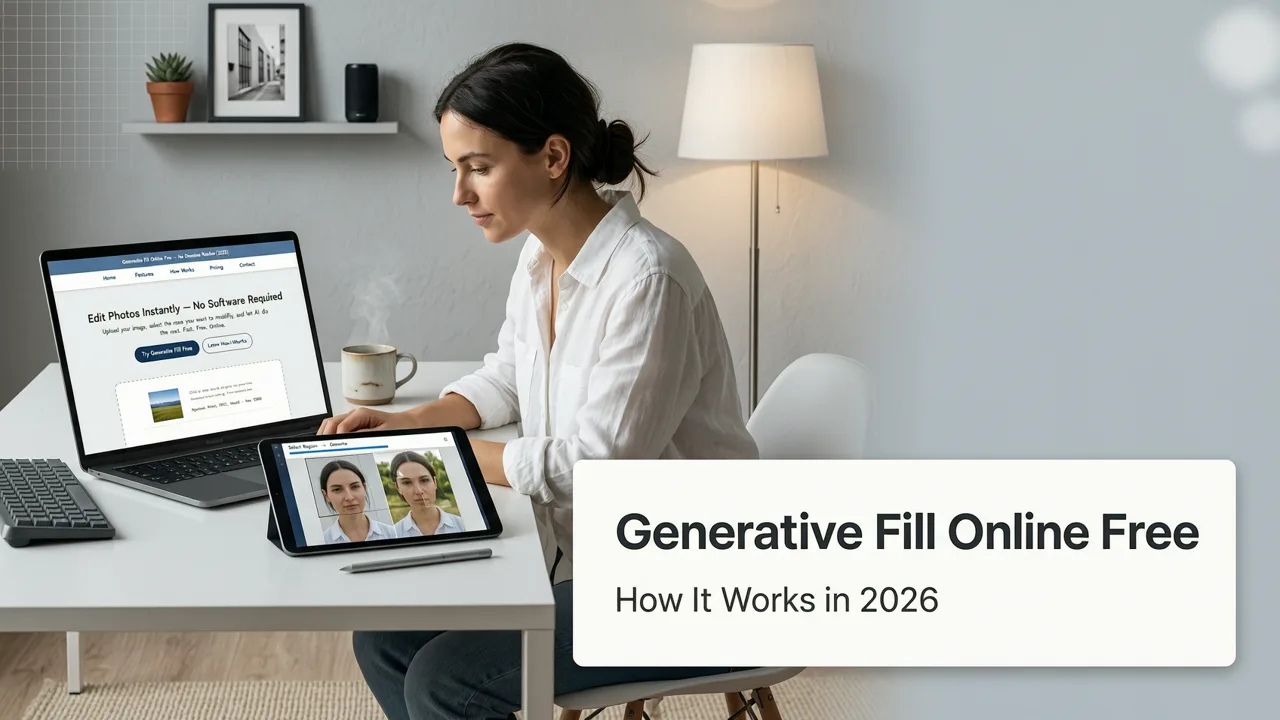
Generative Fill Online Free: How It Works in 2026
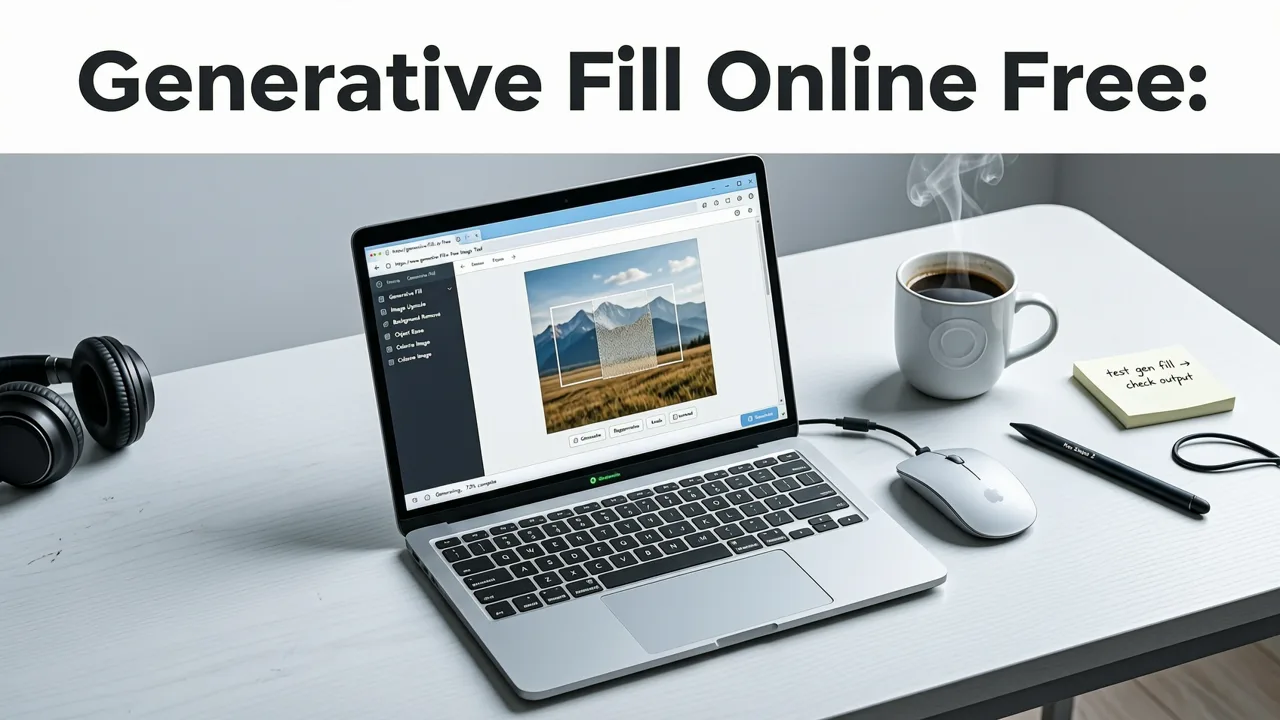
If you are searching for a reliable way to use generative fill online free in 2026, the short answer is that browser-based AI editors have matured enough to deliver pixel-perfect expansions and object replacements in seconds. You no longer need heavy desktop software, expensive subscriptions, or advanced design skills to manipulate image content. Modern web applications leverage advanced diffusion models directly in the cloud, allowing you to upload a photo, describe the edit, and get polished results instantly.
The shift toward cloud-based processing means your device hardware is no longer a bottleneck. Whether you are a content creator needing to adjust aspect ratios for social media, an ecommerce seller building lifestyle product shots, or a marketer designing campaign banners, generative fill has become an essential, accessible tool in the digital imaging landscape.
What Generative Fill Actually Does Under the Hood
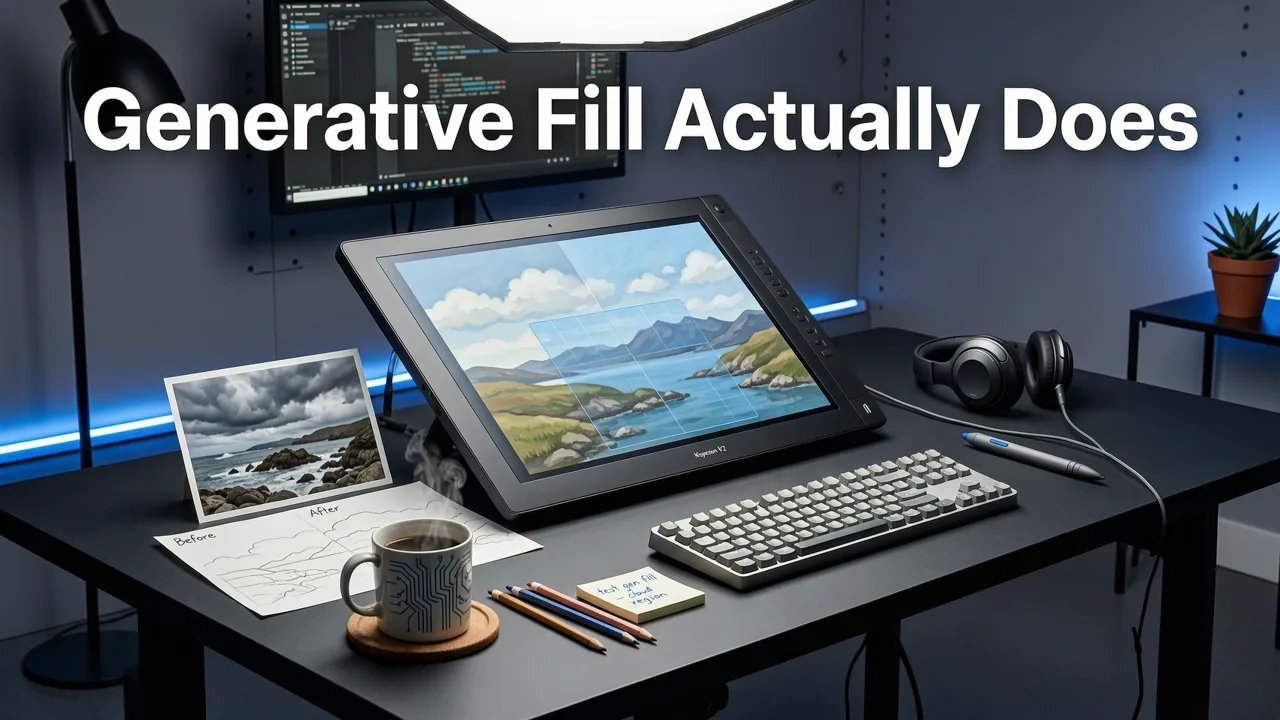
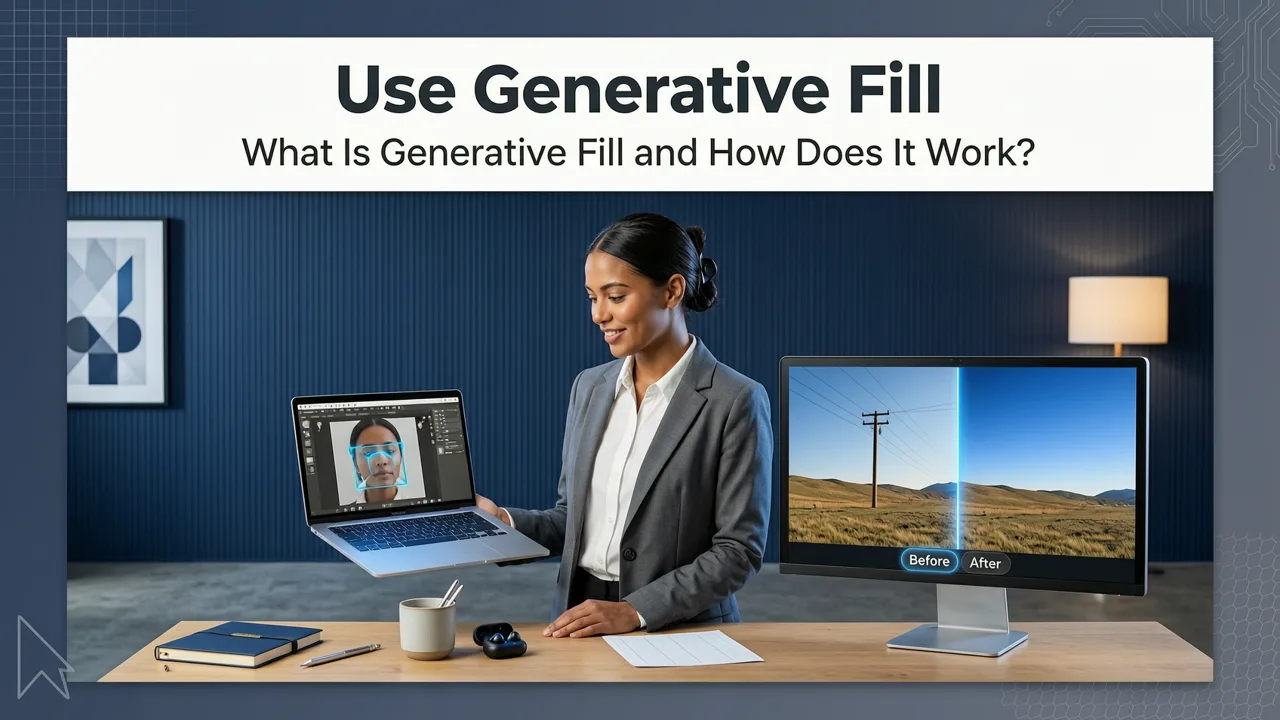
To use these tools effectively, it helps to understand the technology driving them. Generative fill relies on latent diffusion models, a type of machine learning architecture that learns to reconstruct data by gradually removing noise. When you select an area of an image and provide a text prompt, the AI does not simply copy and paste existing pixels.
Free Generative Fill Without Photoshop (4-Ways)
by Ali Abdlkareem
Instead, the model analyzes the surrounding context. It evaluates the lighting, perspective, color palette, and texture of the unmasked areas. According to foundational research detailed in the OpenAI documentation, these models map your text prompt into a latent space, generating entirely new pixel data that statistically aligns with the surrounding image. This process, known as inpainting when replacing objects and outpainting when expanding boundaries, ensures that the newly generated content looks like a natural extension of the original photograph.
How to Use Generative Fill Online Free in Your Browser

Using generative fill online free is designed to be an intuitive, frictionless process. While specific interfaces vary by platform, the core workflow remains consistent across modern AI photo editors.
- Upload Your Image: Begin by uploading the photo you want to edit. Most browser-based tools support standard formats like JPEG, PNG, and WebP.
- Select the Target Area: Use the brush or lasso tool to mask the area you want to change. If you are expanding the canvas, simply drag the edges of the image frame outward.
- Enter Your Prompt: Type a concise description of what you want to appear in the selected area. For object removal, you can often leave the prompt blank or use a generic term like "background".
- Generate and Refine: Click generate. The AI will process the request in seconds and typically provide multiple variations. Select the one that best matches your vision, or tweak your prompt and try again.
Core Capabilities of Modern AI Generative Fill
The versatility of generative fill extends far beyond simple object removal. In 2026, these tools are capable of handling complex compositional changes that previously required hours of manual masking and cloning.
Outpainting and Canvas Expansion
One of the most popular use cases is outpainting. If you have a vertically oriented photo but need a horizontal banner for a website header, generative fill can seamlessly extend the left and right sides of the image. The AI invents new background elements that match the depth of field and lighting of the original shot, saving you from having to reshoot or compromise on composition.
Inpainting and Object Replacement
Inpainting allows you to isolate specific elements and replace them entirely. You can change the color of a car, replace a messy desk with a clean workspace, or swap out clothing items. The AI understands the physical properties of the objects, ensuring that shadows and reflections update to match the new elements.
Context-Aware Lighting and Shadow Matching
Early AI editing tools often struggled with lighting consistency, resulting in pasted objects that looked flat or out of place. Modern generative fill calculates the direction of the light source in the original image. When generating new content, it automatically applies the correct highlights, midtones, and cast shadows, ensuring the edit blends perfectly with the existing environment.
Generative Fill vs. Traditional Photo Editing
Understanding how generative fill compares to traditional methods helps clarify why browser-based AI tools have become the default for many creators. The table below outlines the key differences in workflow and capability.
| Feature | Traditional Editing (Clone Stamp/Healing) | AI Generative Fill |
|---|---|---|
| Speed | Minutes to hours per edit | Seconds per generation |
| Learning Curve | High; requires manual dexterity | Low; relies on text prompts |
| Complex Replacements | Limited by surrounding pixel availability | Generates entirely new, context-aware content |
| Canvas Expansion | Impossible without stretching or blurring | Seamlessly invents new background elements |
| Shadow and Light Matching | Manual painting and blending required | Automatically calculated by the model |
Best Practices for Writing Generative Fill Prompts
The quality of your generative fill results is heavily dependent on the prompts you provide. While the AI is highly capable, treating it like a search engine rather than a creative director will yield better outcomes.
- Be Specific but Concise: Instead of typing "a really nice red sports car," use "red sports car." The AI relies more on the visual context of the surrounding pixels than on the length of your text.
- Describe Lighting and Time of Day: If the original photo is taken at sunset, include terms like "golden hour lighting" or "warm sunset tones" in your prompt to ensure the generated elements match the ambient light.
- Use Negative Prompting if Supported: Some platforms allow you to specify what you do not want. If the AI keeps generating unwanted elements, use negative prompts to exclude them.
- Iterate on Variations: Do not settle for the first result. Generate multiple variations and use the best elements, or slightly adjust your prompt to steer the AI in the right direction.
Navigating Limitations and Ethical Use
While generative fill is powerful, it is not infallible. The AI can occasionally hallucinate details, resulting in warped text, extra fingers in portraits, or physically impossible geometry in complex scenes. It is always necessary to review the generated pixels closely, especially when zooming in on fine details.
Furthermore, as AI-generated imagery becomes indistinguishable from reality, ethical considerations are paramount. When using generative fill to alter images for commercial, journalistic, or informational purposes, it is important to adhere to responsible AI practices. Guidelines outlined in the Google AI guidance emphasize transparency and the avoidance of deceptive imagery. Always ensure your edits do not misrepresent reality in contexts where authenticity is expected.
Integrating Generative Fill Into a Broader Editing Workflow
Generative fill is a highly effective tool, but it rarely operates in isolation. For professional results, it should be part of a broader, multi-step editing workflow. Combining different AI tools allows you to achieve complex visual goals efficiently.
For instance, if you are preparing headshots for a corporate website, you might first use an AI portrait retouch online tool to smooth skin and correct lighting on the subject. Once the portrait is perfected, you can use generative fill to expand the canvas and create a professional office background behind them.
Similarly, ecommerce sellers frequently combine these technologies. A seller might start with a basic product shot, use generative fill to place the product in a lifestyle setting, and then use a tool to remove background from photo online free to create clean, transparent PNGs for marketplace listings. For more complex storefront needs, marketers can edit product photos online AI suites to batch-process dozens of images, ensuring consistent lighting and shadow generation across an entire catalog.
The Future of Browser-Based Image Editing
The trajectory of AI photo editing points toward even greater integration and realism. As models continue to improve in their understanding of physics, material properties, and spatial awareness, the line between captured photography and generated imagery will become increasingly blurred. The ability to use generative fill online free without downloading software democratizes these capabilities, putting studio-level editing power into the hands of everyday users, creators, and businesses worldwide.
Conclusion
Generative fill has fundamentally changed how we interact with digital images. By leveraging cloud-based diffusion models, you can now expand canvases, replace objects, and correct lighting in seconds, all from within your web browser. Whether you are adjusting aspect ratios for social media or building complete lifestyle scenes for ecommerce, browser-based AI tools provide the speed and quality needed to keep up with modern content demands.
Ready to transform your images without the hassle of desktop software? Explore the full suite of over 200 text-prompt tools at AI Image Editor and start creating polished, professional visuals today.