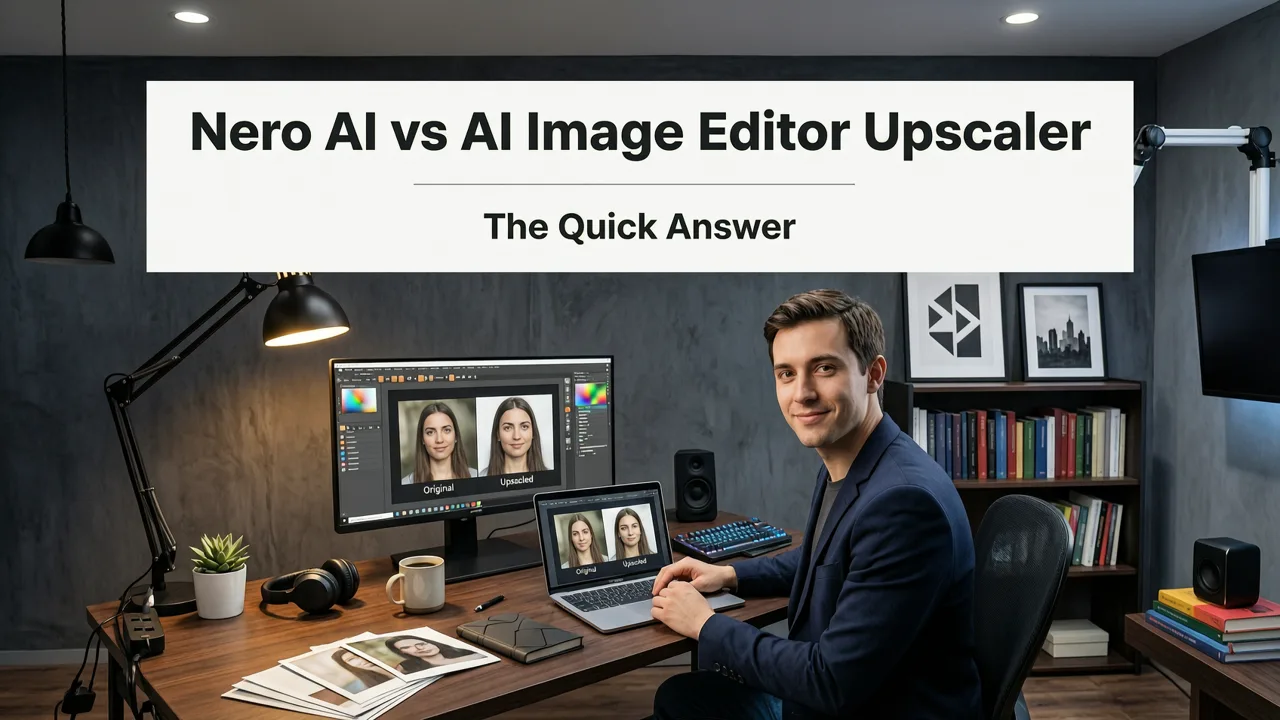
Nero AI vs AI Image Editor Upscaler — The Quick Answer
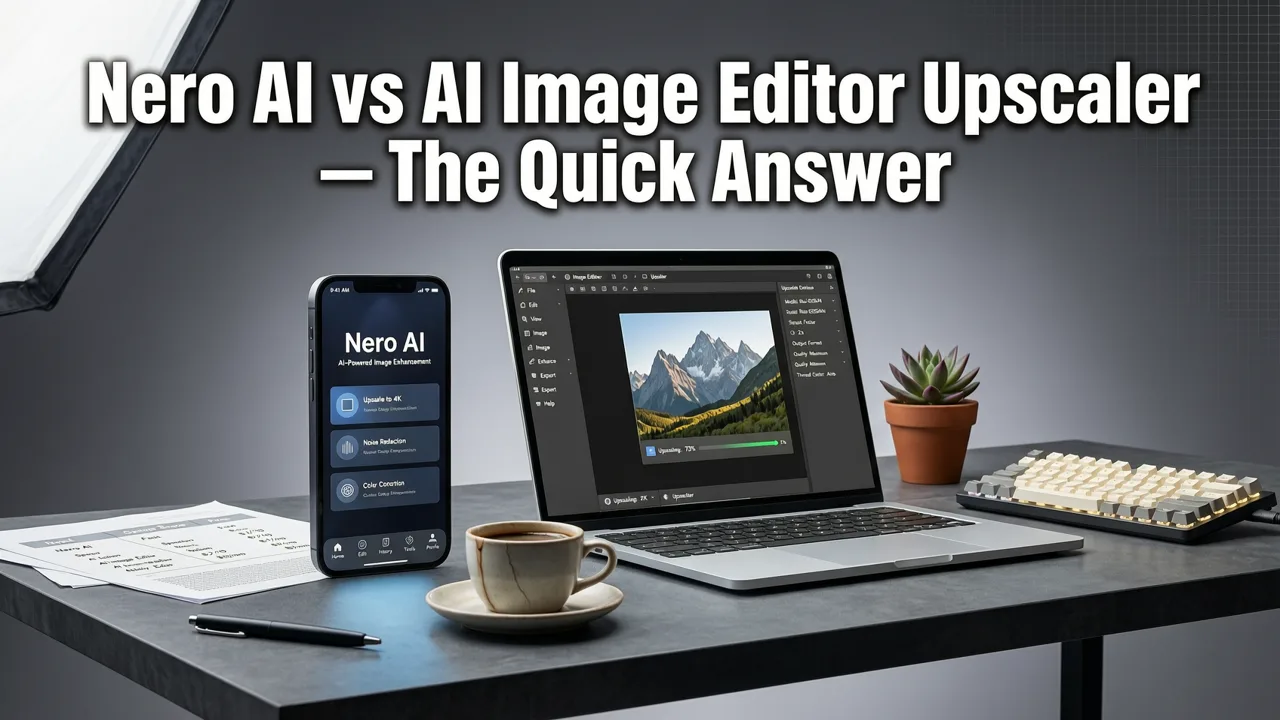
If you are searching for a nero ai vs aimageditor upscaler comparison, here is the short version: Nero AI is a solid free-tier upscaler for quick enlargements, while AI Image Editor's upscaler delivers noticeably better results on portraits, product shots, and detailed scenes thanks to its prompt-aware enhancement pipeline. Both run in the browser with no downloads, but AI Image Editor gives you finer control, higher maximum resolutions, and a full suite of companion edits — background removal, generative fill, retouching — in one place.
This guide breaks down image quality, speed, pricing, ease of use, and real-world use cases so you can decide which upscaler fits your workflow in 2026.
What Each Tool Actually Does
Before comparing features, it helps to understand the core purpose of each platform.
Can This Cheap AI Make Old Videos Look Amazing? (Nero AI Video Upscaler Review)
by Wade McMaster - Creator Impact
Nero AI Image Upscaler
Nero AI offers a lightweight, web-based image upscaler that uses neural networks to enlarge photos up to 4×. It is marketed as a free online tool with no download required, making it attractive for casual users who need a quick resolution boost. Nero AI handles general-purpose upscaling — landscapes, screenshots, and basic graphics — reasonably well. However, its portrait-specific performance has historically been inconsistent, with occasional artifacts around hair and skin texture.
AI Image Editor Upscaler
AI Image Editor's upscaler is part of a broader platform with 200+ prompt-driven tools. When you upscale an image, the system analyzes facial regions, fabric textures, and product details separately, then applies context-aware sharpening. This means faces retain natural skin texture instead of looking over-smoothed, and product edges stay crisp. You can read a deeper technical breakdown in our best AI upscaler for portraits guide.
Head-to-Head Comparison Table
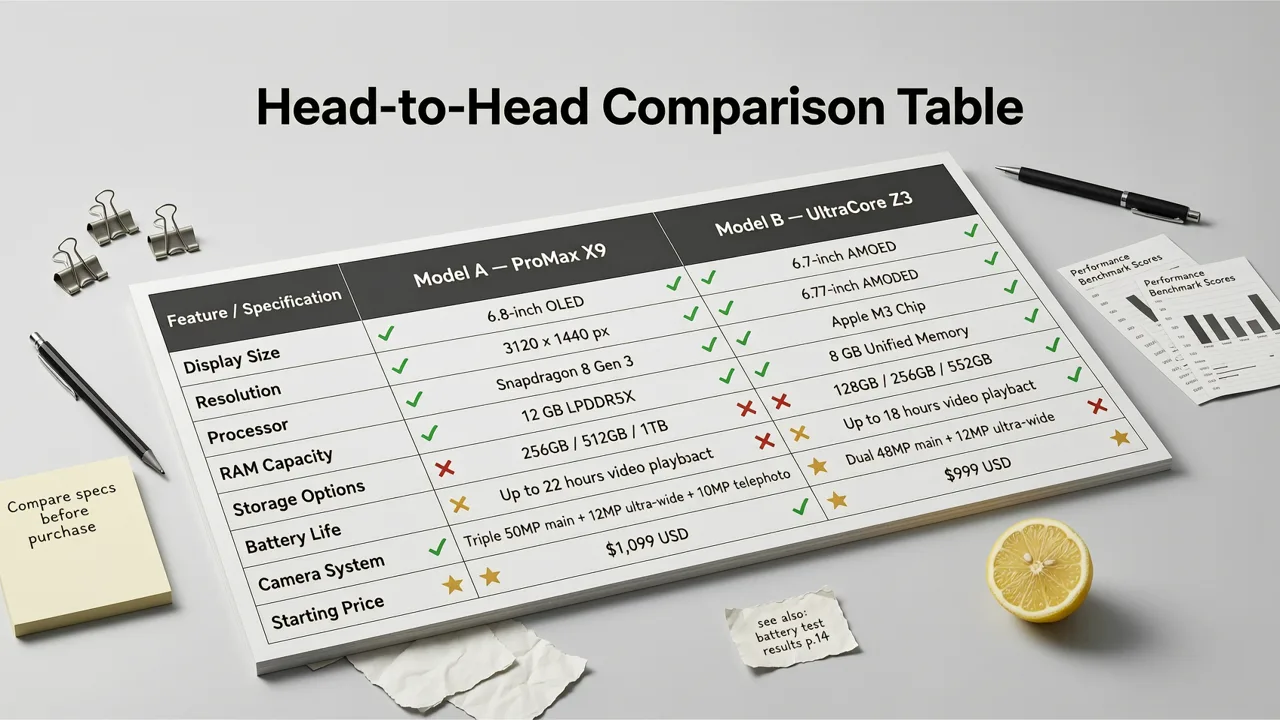
| Feature | Nero AI | AI Image Editor |
|---|---|---|
| Max Upscale | Up to 4× | Up to 8× with batch support |
| Portrait Optimization | Basic | Face-aware, skin-texture preserving |
| Product Photo Handling | General | Edge-aware sharpening for packaging, jewelry, fabrics |
| Companion Tools | Upscaler, enhancer | 200+ tools: generative fill, background removal, retouching |
| Prompt-Based Editing | No | Yes — describe edits in plain text |
| Free Tier | Limited daily credits | Free credits on signup, affordable plans |
| Browser-Based | Yes | Yes |
| Batch Processing | Limited | Full batch queue |
Image Quality: Portraits
Portrait upscaling is where the gap between the two tools becomes most obvious. Generic upscalers often fail on faces because they apply uniform sharpening across the entire image. Skin pores get exaggerated, teeth look unnatural, and fine hair strands dissolve into blurry halos.
AI Image Editor's upscaler uses a semantic segmentation layer that identifies facial landmarks — eyes, nose, lips, jawline — and applies region-specific enhancement. The result is a portrait that looks like it was shot at higher resolution, not like it was run through a sharpening filter. Nero AI can produce acceptable results on well-lit, high-resolution source images, but it struggles more with low-quality inputs or challenging lighting.
Image Quality: Products and E-Commerce
For ecommerce sellers, upscaling product photos is a daily task. You need clean edges on packaging, accurate fabric textures on clothing, and sharp details on jewelry. AI Image Editor handles these cases with edge-aware processing that preserves hard lines while softening noise in shadow areas. Nero AI tends to oversmooth fine textures, which can make products look flat or artificially rendered.
If you also need to remove backgrounds and replace them with AI, doing both tasks in one platform saves significant time compared to juggling separate tools.
Speed and Workflow
Both tools process images in seconds for standard resolutions. The real workflow difference emerges when you need more than just upscaling.
With Nero AI, your process is: upload, upscale, download. If you also need to remove a background, add text, or retouch skin, you have to open a different tool. With AI Image Editor, you can chain edits in a single session. Upscale first, then use generative fill to extend a canvas, swap a background, or add contextual elements — all driven by simple text prompts.
Pricing and Value in 2026
Nero AI's free tier gives you a handful of daily credits, which is fine for occasional use. Beyond that, pricing is straightforward but limited in scope — you are paying for upscaling and basic enhancement only.
AI Image Editor offers free credits on signup and tiered plans that unlock the full 200+ tool suite. For creators and marketers who regularly edit photos, the per-tool cost is significantly lower than subscribing to multiple single-purpose services. You get upscaling, background removal, object removal, style transfer, portrait retouching, and more under one roof.
Who Should Use Nero AI?
- Casual users who need occasional, no-frills upscaling.
- Users working with non-portrait images like landscapes or screenshots.
- Anyone who wants a completely free tool and does not need advanced editing.
Who Should Use AI Image Editor?
- Content creators and social media managers who edit photos daily.
- Ecommerce sellers who need consistent, high-quality product images at scale.
- Marketers running campaigns that require fast turnaround on multiple asset types.
- Anyone who wants portrait-quality upscaling without switching between tools.
How AI Upscaling Technology Has Evolved by 2026
The upscaling landscape in 2026 looks very different from even two years ago. Modern AI upscalers no longer rely on simple interpolation or single-pass neural networks. They use multi-stage pipelines that include semantic understanding, regional analysis, and perceptual quality scoring.
Platforms like AI Image Editor leverage architectures informed by advances documented in resources like OpenAI's documentation and responsible AI frameworks from Google AI. The result is tools that understand what they are looking at — a face, a product, a landscape — and enhance accordingly rather than applying a one-size-fits-all algorithm.
Step-by-Step: Upscaling a Portrait in AI Image Editor
- Upload your image to the AI Image Editor platform.
- Select the Upscaler tool from the dashboard.
- Choose your target resolution (up to 8×).
- Enable portrait optimization if your image contains faces.
- Click generate and review the result in seconds.
- If needed, chain additional edits — retouch skin, remove background, or extend the canvas — without leaving the platform.
- Download your final image in your preferred format.
Common Mistakes People Make With AI Upscalers
Expecting miracles from extremely low-resolution sources
No upscaler can invent detail that was never captured. If your source image is heavily pixelated or blurry, the output will be cleaner but not magically sharp. Start with the highest-quality source you can.
Ignoring portrait-specific settings
Using a general-purpose upscaler on a headshot often leads to waxy skin or over-sharpened eyes. Always enable portrait mode when available.
Not batching when you have volume
If you have dozens of product photos to upscale, doing them one at a time wastes time. AI Image Editor's batch processing handles this efficiently.
Final Verdict: Nero AI vs AI Image Editor Upscaler
For quick, free, occasional upscaling of non-portrait images, Nero AI does the job. It is lightweight, browser-based, and requires no commitment.
For anyone who takes photo quality seriously — especially portraits, product shots, or marketing assets — AI Image Editor's upscaler delivers meaningfully better results. The combination of face-aware processing, higher maximum resolution, batch support, and a full suite of companion editing tools makes it the stronger choice for creators, ecommerce sellers, and marketers in 2026.
The bottom line of this nero ai vs aimageditor upscaler comparison is simple: Nero AI is a utility tool, while AI Image Editor is a complete creative platform. If your work depends on image quality, the platform approach wins.
Ready to Try AI Image Editor's Upscaler?
Upload your first photo today and see the difference that portrait-aware, prompt-driven upscaling makes. Whether you are refreshing old headshots, scaling product catalogs, or preparing social media content, AI Image Editor gives you the tools to do it faster and better — all in one place.