AI Image Upscaler Online No Sign Up — Instant HD Results in 2026
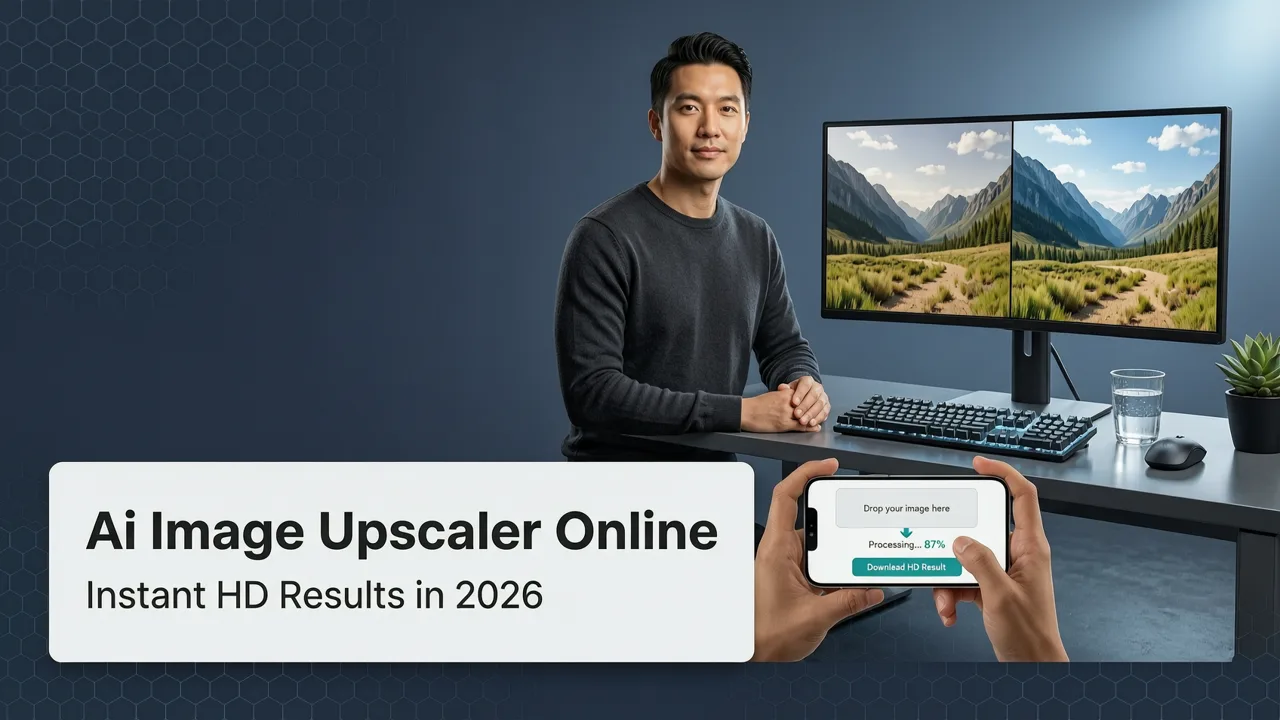
If you need to enlarge a photo right now without creating an account, the fastest path is an ai image upscaler online no sign up tool that delivers crisp, high-resolution output in seconds. AI Image Editor lets you upload any image, select your upscale factor, and download a sharper, larger version — no registration, no watermark, no software install required.
In 2026, AI upscaling has moved far past the old days of blurry bicubic stretching. Modern neural upscalers reconstruct missing detail, sharpen edges, and preserve natural textures so your photos look like they were taken at higher resolution to begin with. Whether you are prepping product shots for an ecommerce listing, enlarging a social media image, or fixing a pixelated screenshot, this guide shows you exactly how to do it in under a minute.
Why "No Sign Up" Matters for AI Image Upscaling

Most professional-grade AI upscalers in 2025 and earlier forced you to register, verify your email, or install a desktop app before you could process a single image. That friction wasted time and killed momentum — especially when you needed a quick fix for a client deliverable or a last-minute social post.
Best 3 FREE Image Upscalers in 2025 + Comparison!
by PiXimperfect
A true ai image upscaler online no sign up workflow removes every barrier between your low-resolution source file and a polished, print-ready result. Here is what you gain:
- Zero friction: Upload, upscale, download. That is the entire loop.
- Privacy by default: No email means no data trail tied to an account.
- Speed: Skip email verification screens and CAPTCHA walls.
- Accessibility: Works on any device with a browser — phone, tablet, Chromebook, or work laptop where you cannot install software.
- No watermark surprises: Many "free" upscalers add a watermark after you commit. A no-sign-up tool should deliver a clean file from the first use.
How AI Image Upscaling Works Under the Hood
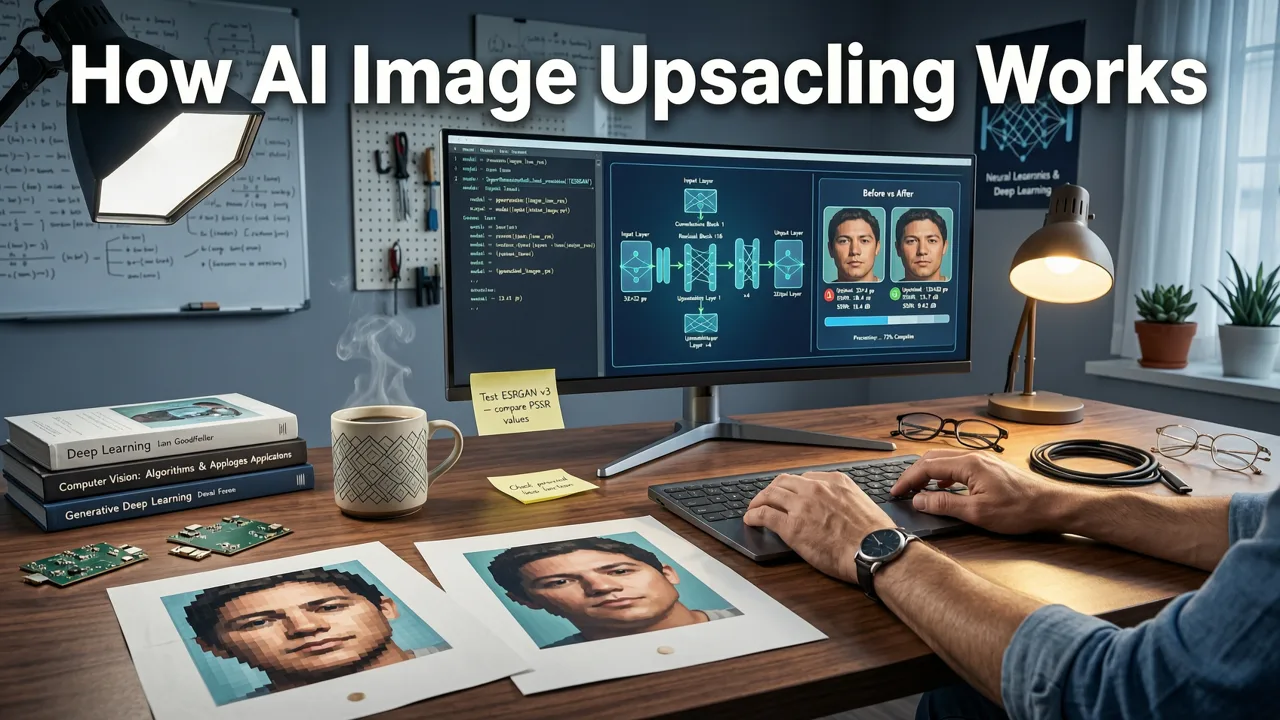
Modern AI upscalers use deep convolutional neural networks — often variants of ESRGAN, Real-ESRGAN, or SwinIR architectures — trained on millions of image pairs. The model learns to predict what high-resolution detail should exist between known pixels.
Step 1: Feature Extraction
The neural network analyzes your input image at multiple scales, identifying edges, textures, color gradients, and semantic regions such as skin, fabric, or text.
Step 2: Detail Reconstruction
Rather than simply stretching pixels, the model generates plausible new pixel data that matches the patterns it learned during training. This is why a 200-by-200 pixel icon can become a sharp 800-by-800 image instead of a blurry mess.
Step 3: Post-Processing and Output
The upscaled result passes through refinement layers that reduce artifacts, normalize color, and sharpen edges before the final file is rendered for download.
For a deeper technical breakdown of how these models handle portrait-specific challenges, check out the Best AI Upscaler for Portraits in 2026 guide on our blog.
AI Image Editor Upscaler: Step-by-Step Walkthrough
Here is exactly how to use the AI Image Editor upscaler — no account, no watermark, no catch.
- Open the tool: Navigate to the AI Image Editor upscaler page in any modern browser.
- Upload your image: Drag and drop your file or click to browse. Supported formats include JPG, PNG, WebP, and HEIC.
- Select your upscale factor: Choose 2x, 3x, or 4x depending on your target resolution.
- Choose a mode: Pick General, Portrait, or Art/Illustration to optimize the neural pathway for your content type.
- Wait seconds: Processing typically completes in 5 to 15 seconds depending on image size and server load.
- Download: Save your upscaled image directly to your device. No watermark. No sign-up prompt.
Comparison: Top AI Image Upscaler Options in 2026
Not every upscaler delivers the same quality or the same user experience. Here is how the leading options stack up when you specifically need an ai image upscaler online no sign up workflow.
| Feature | AI Image Editor | Upscaler A (Free Tier) | Upscaler B (Desktop App) |
|---|---|---|---|
| No sign-up required | Yes | Limited to 1 image | No (account needed) |
| Max upscale factor | 4x | 2x | 8x |
| Watermark-free output | Yes | Yes (low-res only) | Yes |
| Portrait-optimized mode | Yes | No | Yes |
| Browser-based (no install) | Yes | Yes | No |
| Batch processing | Yes | No | Yes |
| API access | Yes | No | No |
Who Benefits Most From a No-Sign-Up AI Upscaler?
Ecommerce Sellers
Product photos shot on a phone often need enlargement for marketplace listings that demand a minimum of 2000 pixels on the longest side. An instant upscaler lets you fix resolution issues without reshooting or outsourcing to a retoucher.
Content Creators and Social Media Managers
You grabbed a screenshot, saved a meme, or exported a graphic at the wrong size. Instead of hunting through old project files, upscale it on the spot and keep your content calendar moving.
Marketers and Agency Teams
When a client sends a low-res logo or a pixelated hero image hours before a campaign launch, you need a tool that works immediately. No onboarding, no license activation, no waiting for IT to approve a software install.
Everyday Users
Old family photos, scanned documents, or grainy vacation snapshots can be enlarged and sharpened in seconds — no technical skills required.
Common Use Cases for AI Image Upscaling in 2026
- Ecommerce product photography: Enlarge supplier images to meet Amazon, Shopify, or Etsy resolution requirements.
- Social media content: Scale down-upscaled images for crisp display on Retina and high-DPI screens.
- Print preparation: Turn web-resolution images into files suitable for small-format prints like flyers or business cards.
- Archival photo restoration: Breathe new detail into old scans before further editing.
- Presentation and pitch decks: Sharpen images that look fine on screen but appear soft when projected.
How to Get the Best Results From an AI Upscaler
Even the most advanced neural upscaler performs better when you follow a few simple best practices.
- Start with the highest-quality source available. AI can reconstruct detail, but it cannot invent information that was never captured. A slightly compressed JPG will upscale better than a heavily artifacted one.
- Choose the right mode. Portrait mode uses a model tuned for skin texture and hair detail. General mode works best for landscapes, products, and mixed scenes. Art mode preserves line work and flat color regions.
- Avoid extreme upscale factors on very small inputs. A 50-by-50 pixel thumbnail pushed to 4x will look better than one pushed to 8x, because the model has less guesswork per pixel.
- Combine upscaling with other edits. After upscaling, you may want to remove a distracting background or add generative elements. AI Image Editor supports a full pipeline — explore the Generative Fill tool and the background replacement guide for next steps.
Privacy and Data Safety When Using Online Upscalers
When you use any online image tool, you should understand what happens to your files. Reputable platforms in 2026 follow clear data-handling standards:
- Images are processed on secure, ephemeral servers and deleted within hours of completion.
- No account creation means your upload is not tied to a persistent user profile.
- Reputable services publish clear privacy policies aligned with guidance from bodies like Google AI responsibility standards and OpenAI documentation.
Before using any free upscaler, skim the privacy page. If a service claims to retain your images indefinitely or reserves broad licensing rights, move on.
AI Image Upscaler vs. Traditional Resizing: What Changed in 2026
Traditional image resizing tools — Photoshop's Image Size dialog, GIMP's scale function, or even basic OS-level resizers — use mathematical interpolation algorithms like bicubic or Lanczos. These methods calculate new pixel values by averaging surrounding pixels. The result is predictable but limited: edges soften, fine detail is lost, and textures look muddy at larger sizes.
AI upscaling is fundamentally different. Instead of averaging, the neural network predicts what detail should exist based on patterns learned from vast training datasets. The result is not just a larger image — it is a genuinely sharper, more detailed image that often looks better than the original.
This shift has been the defining trend in image processing from 2023 through 2026, and it is why tools like the Nero AI Image Upscaler and AI Image Editor's own upscaler have become daily-use utilities for millions of people.
Tips for Choosing the Right Upscale Factor
| Source Size | Recommended Upscale | Best For |
|---|---|---|
| Under 500 px | 4x | Thumbnails, icons, small logos |
| 500–1000 px | 2x or 3x | Social media images, web graphics |
| 1000–2000 px | 2x | Ecommerce photos, blog images |
| Above 2000 px | 2x (selective) | Already-large files needing subtle sharpening |
Frequently Asked Questions
Is there really no sign-up required?
Yes. AI Image Editor's upscaler lets you upload, process, and download without creating an account, entering an email, or verifying a phone number.
Will my upscaled image have a watermark?
No. The output is completely watermark-free, regardless of how many images you process.
What is the maximum resolution I can achieve?
With 4x upscaling, a 1000-by-1000 pixel source becomes 4000-by-4000 pixels — sufficient for most print and high-DPI display needs.
Does the tool work on mobile devices?
Yes. The upscaler runs entirely in your browser and is fully responsive on iOS, Android, and desktop platforms.
Are my uploaded images stored permanently?
No. Processed images are held temporarily for delivery and then deleted from servers in accordance with the platform's privacy policy.
Start Upscaling in Seconds
You no longer need to choose between image quality and convenience. With an ai image upscaler online no sign up tool like AI Image Editor, you get professional-grade neural upscaling, watermark-free downloads, and a zero-friction workflow — all in one visit. Upload your first image now and see the difference that modern AI upscaling makes in 2026.