What Makes the Best AI Upscaler for Portraits in 2026
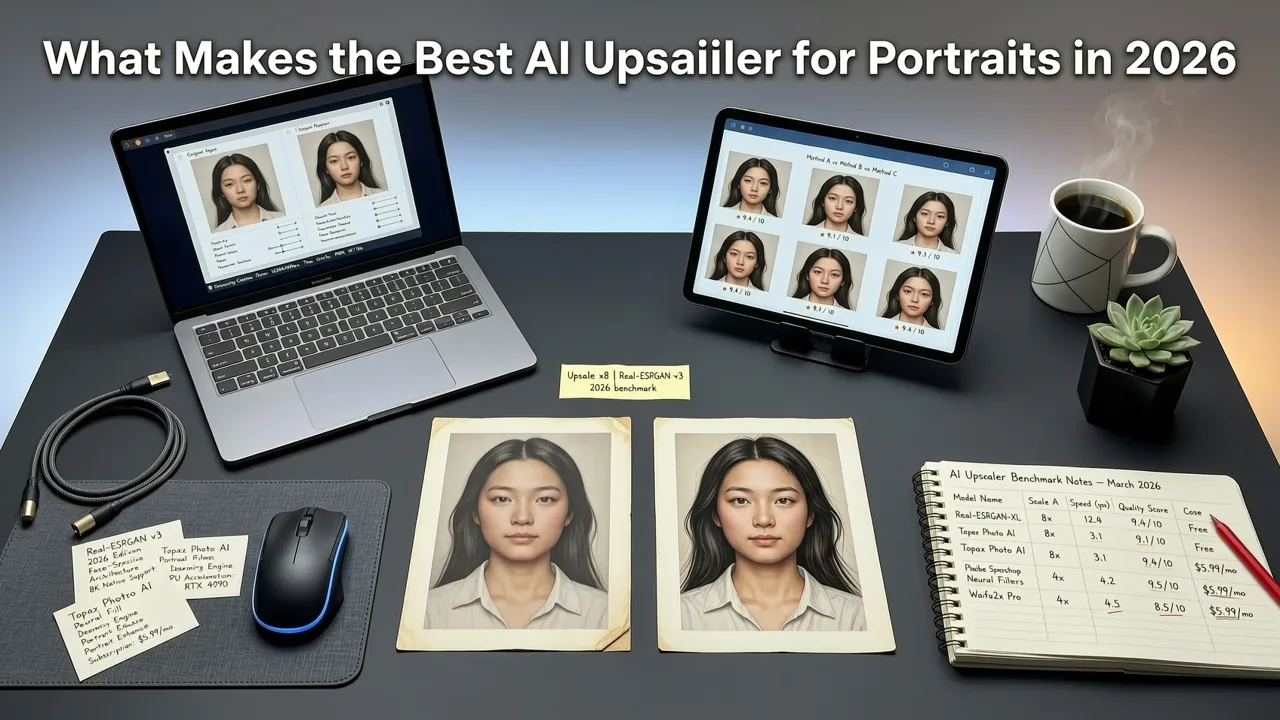
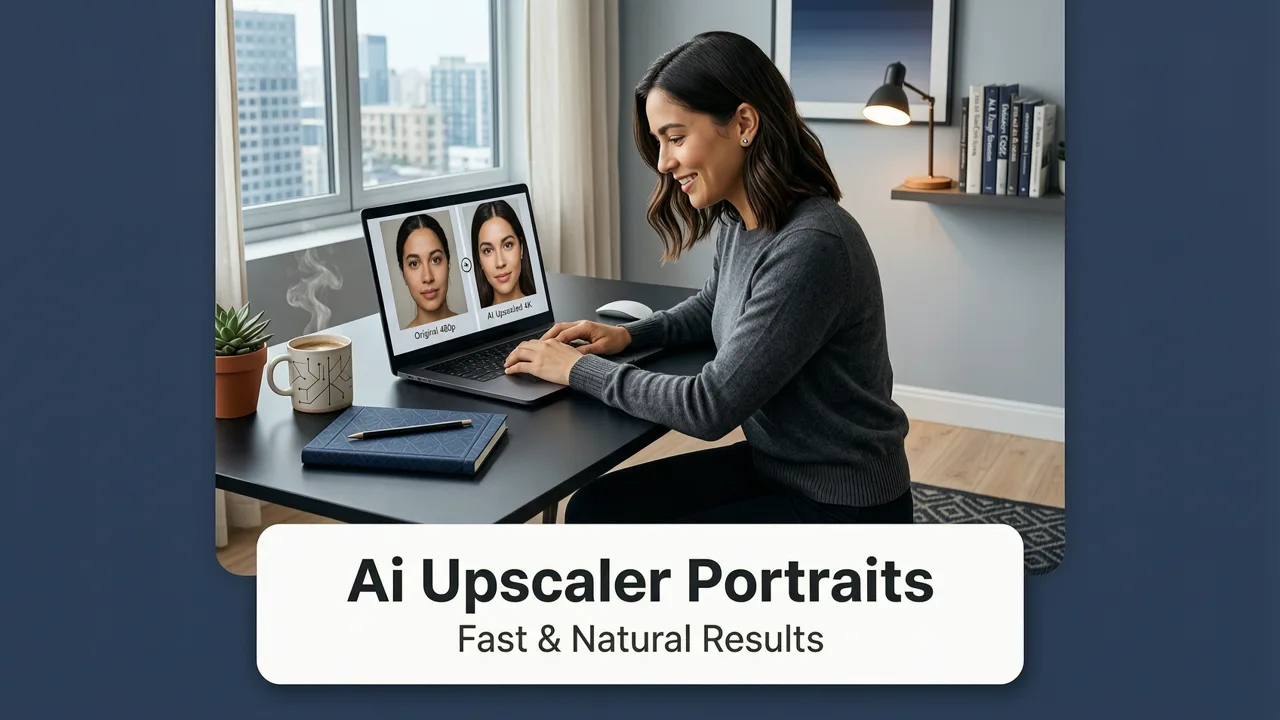
If you are searching for a reliable way to enhance low-resolution images, finding the best ai upscaler for portraits is essential for achieving professional results. In 2026, browser-based AI editors have matured enough to deliver pixel-perfect enlargements in seconds. You no longer need complex desktop software or advanced design skills to restore old family photos, prepare headshots for print, or enhance social media content. The short answer is that modern neural networks can intelligently reconstruct facial features, adding natural texture and clarity without the plastic, over-smoothed look of older algorithms.
Portrait upscaling is uniquely challenging. Unlike landscapes or abstract art, human faces require precise anatomical accuracy. The human eye is highly attuned to facial symmetry, skin texture, and micro-expressions. An inferior upscaler will blur fine details, alter the subject's identity, or introduce bizarre artifacts around the eyes and hair. The best AI photo enhancer tools available today utilize advanced generative models specifically trained on millions of high-resolution facial datasets to predict and reconstruct these delicate features accurately.
How AI Upscaling Works for Facial Features
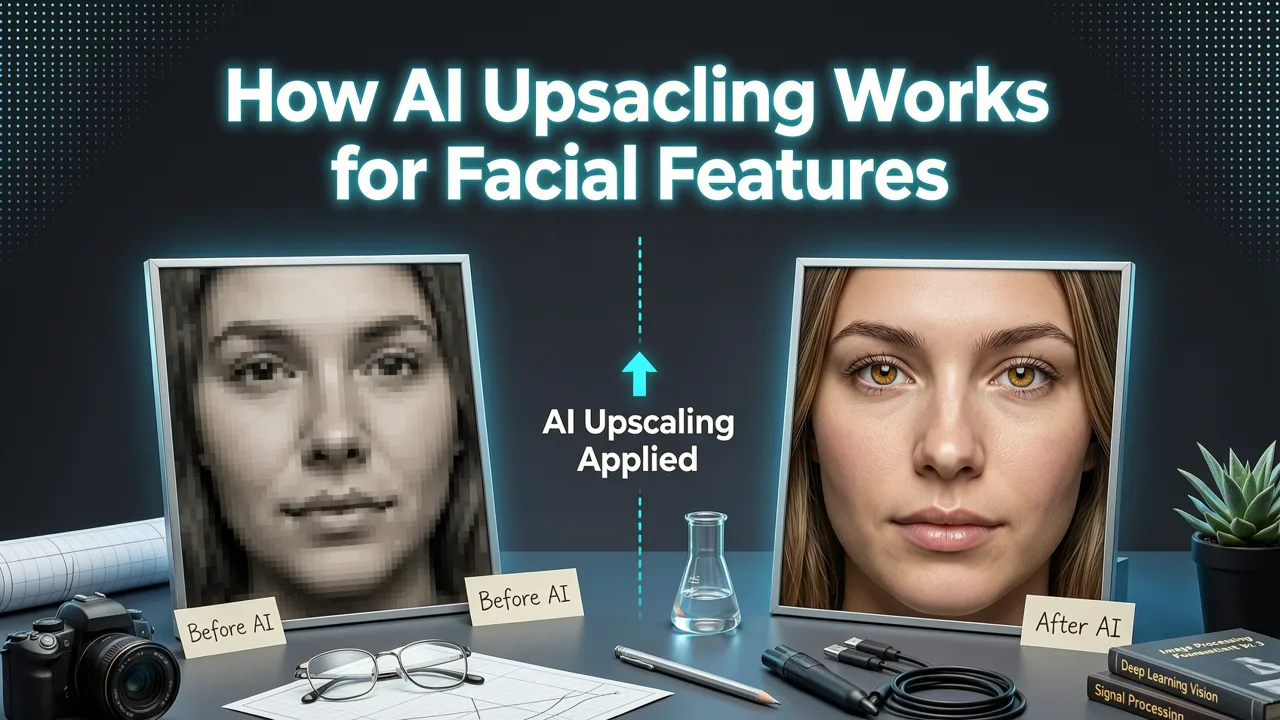
Understanding the underlying technology helps clarify why modern tools outperform legacy software. Traditional upscaling merely stretched existing pixels, resulting in a blurry or blocky image. Modern AI image upscaling relies on deep learning to generate new, contextually accurate pixels.
After 10yrs of Testing, This is the BEST Upscaler. Period.
by PiXimperfect
Neural Networks and Pixel Prediction
Contemporary AI portrait restoration relies on sophisticated architectures, including Generative Adversarial Networks (GANs) and diffusion models. These systems analyze the low-resolution input and predict what the high-resolution output should look like based on their training data. According to foundational principles outlined in OpenAI documentation, transformer-based models excel at understanding global context, meaning the AI understands the relationship between the eyes, nose, and mouth as a cohesive structure rather than isolated pixels.
Preserving Skin Texture and Micro-Details
Early AI upscalers often resulted in a "wax figure" effect, where skin was smoothed out to an unnatural degree. Today's best AI upscaler for portraits incorporates texture synthesis. The AI identifies skin regions and intelligently generates micro-details such as pores, fine vellus hair, and natural skin variations. This facial detail enhancement ensures the upscaled image retains the authentic, organic feel of the original photograph while significantly boosting the resolution.
Key Features to Look for in an AI Portrait Upscaler
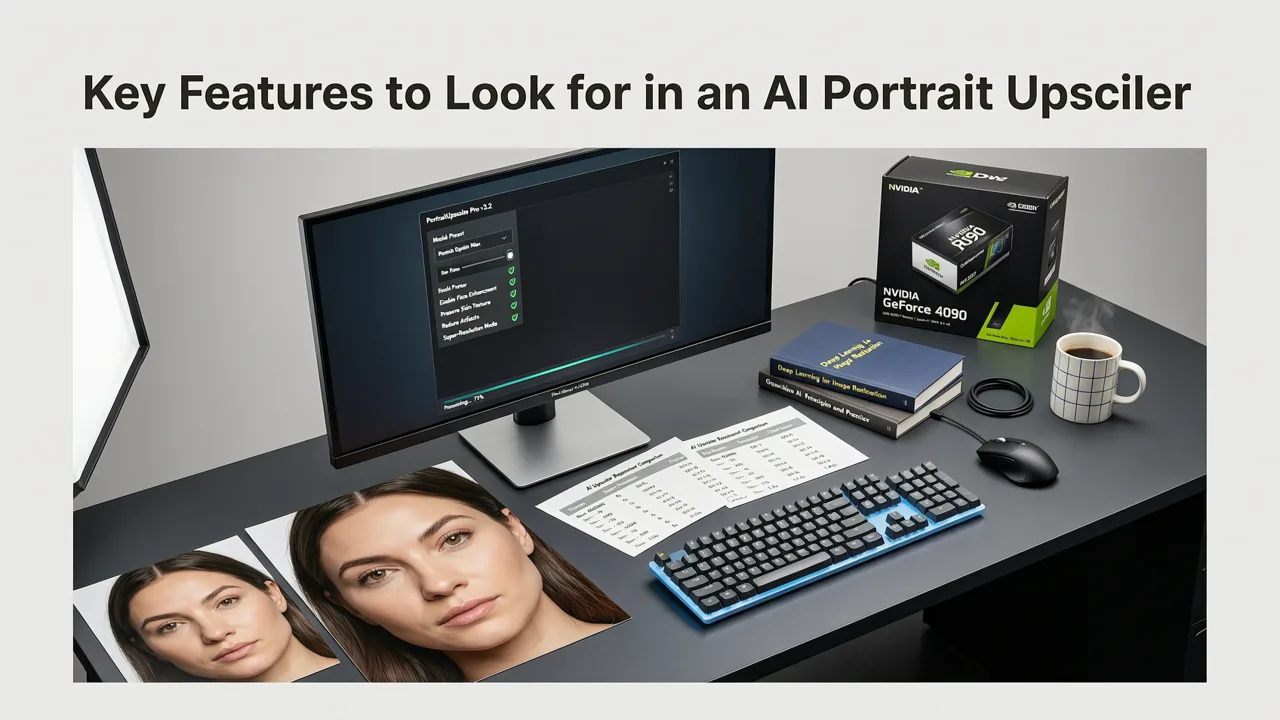
When evaluating tools for high-resolution portrait editing, several critical features separate the industry leaders from basic applications.
Artifact and Noise Reduction
Low-resolution images are often heavily compressed, resulting in JPEG artifacts and digital noise. A premium AI photo enhancer does not just enlarge the image; it simultaneously cleans it. Advanced artifact removal algorithms distinguish between actual facial details and compression noise, ensuring that only clean, sharp data is upscaled.
Natural Skin Tone Preservation
Color shifting is a common failure point in basic upscalers. The best tools maintain strict color fidelity, ensuring that the subject's skin tone remains consistent before and after the upscaling process. This is particularly important for diverse skin tones, where inaccurate color prediction can lead to unnatural灰度 or hue shifts.
Eye and Hair Detail Recovery
The eyes and hair are the most complex elements of a portrait. Hair consists of thousands of individual strands that easily blend into a solid mass in low-resolution images. Top-tier neural network upscaling models are trained to reconstruct individual hair strands and add realistic catchlights and iris details to the eyes, bringing life and focus back to the subject.
Comparing Upscaling Approaches: A Quick Guide
To understand the value of modern generative upscaling, it is helpful to compare it with traditional methods and earlier AI iterations.
| Feature | Traditional Interpolation | Early AI Upscalers (2023-2024) | Modern Generative AI (2026) |
|---|---|---|---|
| Core Technology | Bicubic / Bilinear math | Basic GANs | Advanced Diffusion & Transformers |
| Skin Texture | Blurry, lost details | Often over-smoothed (waxy) | Natural pores and micro-details |
| Hair Reconstruction | Blocky, undefined | Stringy, unnatural clumps | Realistic individual strands |
| Identity Preservation | High (but blurry) | Moderate (risk of altering features) | Excellent (strict facial mapping) |
| Processing Speed | Instant | Seconds to minutes | Seconds (cloud-optimized) |
Step-by-Step: Upscaling Portraits with AI
Integrating AI upscaling into your workflow is straightforward, especially with browser-based platforms designed for efficiency.
- Upload Your Image: Begin by uploading the low-resolution or compressed portrait to your chosen AI platform. Most modern tools support standard formats like JPEG, PNG, and WebP.
- Select the Upscaling Model: Choose a model optimized for faces or portraits. Some platforms offer specific sliders to control the strength of the AI generation, allowing you to balance between strict adherence to the original and creative enhancement.
- Adjust Enhancement Settings: If available, tweak settings for noise reduction and sharpening. For portraits, it is often best to keep sharpening moderate to avoid creating harsh edges around the facial contours.
- Generate and Review: Initiate the upscaling process. Once complete, use the side-by-side comparison slider to inspect the micro-details, ensuring the eyes and skin texture look natural.
- Download and Integrate: Export the high-resolution image. You can then seamlessly transition to other tools, such as an AI portrait retouch online suite, to perform final color grading or blemish removal.
Common Challenges in Portrait Upscaling and How AI Solves Them
Even with advanced technology, portrait upscaling presents unique challenges that require careful handling.
Preventing Identity Alteration
The most significant risk in AI upscaling is changing the subject's appearance. If the AI hallucinates new features, the portrait no longer represents the actual person. Following ethical frameworks similar to those detailed in Google AI guidance, responsible AI development focuses on strict identity preservation, ensuring the structural geometry of the face remains locked to the original input.
Handling Extreme Low Resolution
When an image is severely degraded, the AI has less data to work with. In these cases, the best AI upscaler for portraits relies on its extensive training on facial landmarks to infer missing information accurately. However, users should always aim to provide the highest quality source file possible to minimize the need for aggressive AI generation.
Background Hallucination
While the focus is on the portrait, the background can sometimes suffer from AI hallucination, creating weird shapes or distorted textures. A practical workaround is to isolate the subject first. You can easily remove background from photo online free tools to separate the subject, upscale the portrait independently, and then place it onto a clean or newly generated background.
Integrating Upscaling into a Broader Editing Workflow
Upscaling is rarely the final step in image preparation. For professional results, it should be part of a comprehensive editing pipeline. Whether you are preparing images for a corporate website, a marketing campaign, or personal archives, having a centralized suite of tools is crucial.
For instance, if you are creating lifestyle imagery for a brand, you might use tools to edit product photos online AI capabilities offer, ensuring that both the human models and the products are perfectly scaled and detailed. By combining a dedicated upscaler with a comprehensive suite, you can access the best AI photo editor online free of charge for basic tasks, or utilize premium features for advanced batch processing and commercial-grade enhancements.
Ultimately, the goal of AI upscaling is to remove technical limitations without compromising artistic integrity. By understanding how these models process facial data and preserving natural textures, creators can confidently transform low-resolution drafts into stunning, high-definition portraits ready for any medium.
Conclusion
Finding the best AI upscaler for portraits in 2026 comes down to selecting a tool that prioritizes natural texture, identity preservation, and seamless integration into your existing workflow. Modern browser-based platforms have eliminated the need for heavy software downloads, putting professional-grade photo resolution boosters directly into your hands. Whether you are restoring cherished memories or preparing high-end commercial headshots, leveraging advanced neural network upscaling ensures your subjects look their absolute best.
Ready to elevate your image quality? Explore the comprehensive suite of tools at AI Image Editor to upscale, retouch, and transform your portraits with precision and speed, all directly from your browser.