Why the Best AI Image Upscaler Online is Now Browser-Based
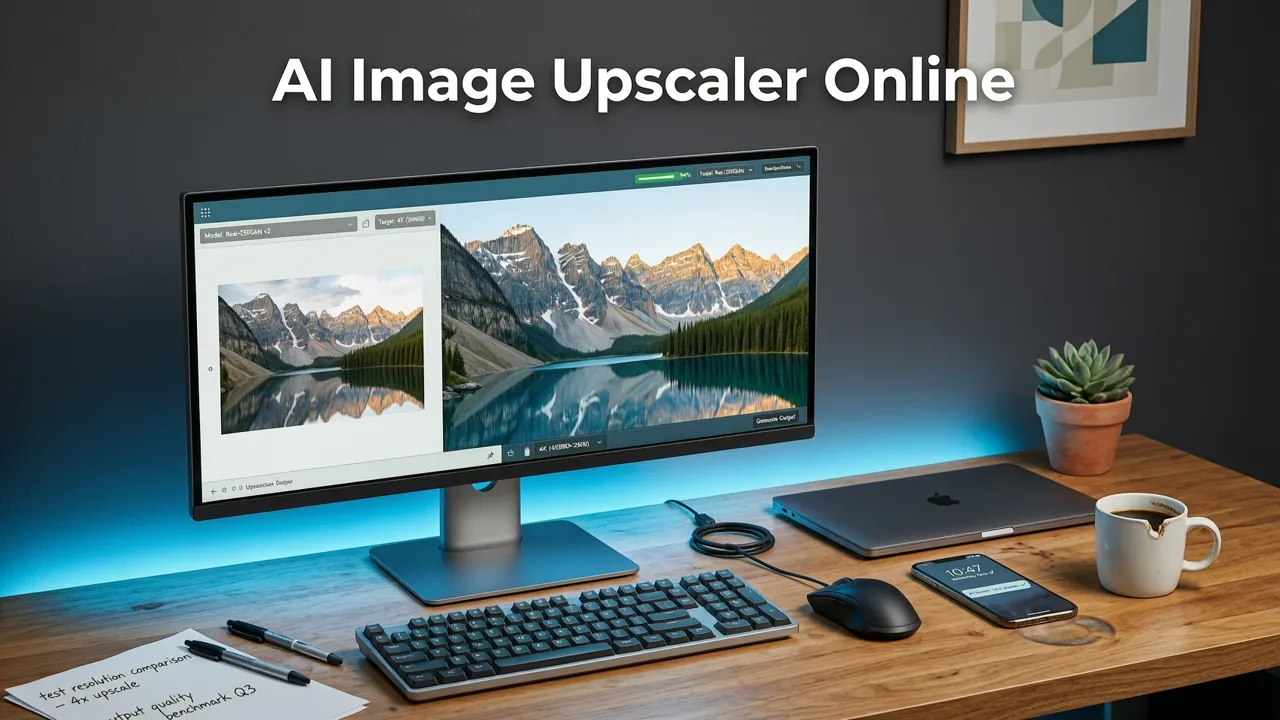
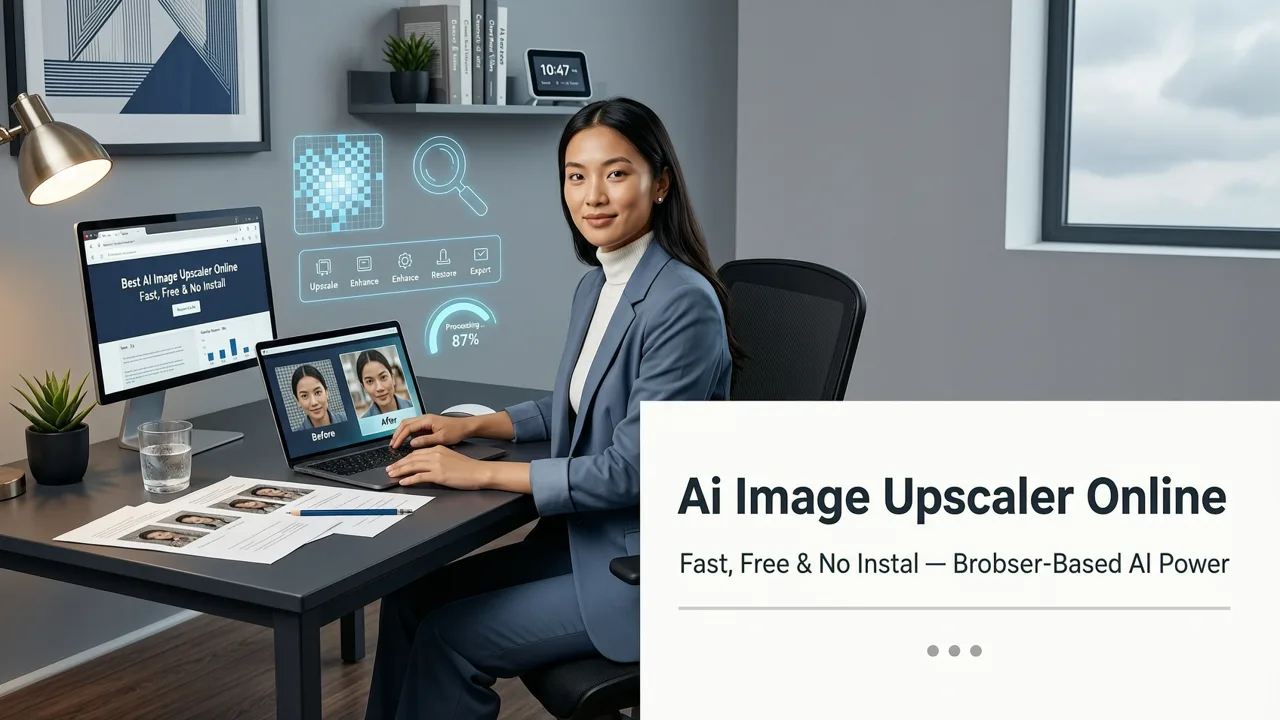
If you are searching for the best ai image upscaler online in 2026, the short answer is that modern browser-based platforms have completely redefined what is possible. You no longer need expensive desktop software, dedicated local graphics cards, or technical expertise to transform a low-resolution, blurry photo into a crisp, high-definition masterpiece. Today’s cloud-powered upscalers use advanced generative AI to reconstruct missing pixels, recover fine details, and scale images up to 4x or 8x their original size in seconds.
The shift toward cloud-based image enlargement tools has democratized high-end photo resolution enhancement. Historically, upscaling an image required heavy computational power that only local workstations could provide. Now, the heavy lifting is handled by enterprise-grade server infrastructure. This means everyday consumers, content creators, and ecommerce sellers can access the same professional-grade pixel reconstruction technology directly from their web browser, regardless of whether they are using a high-end desktop or a standard smartphone.
What Modern AI Image Upscaling Actually Does Under the Hood
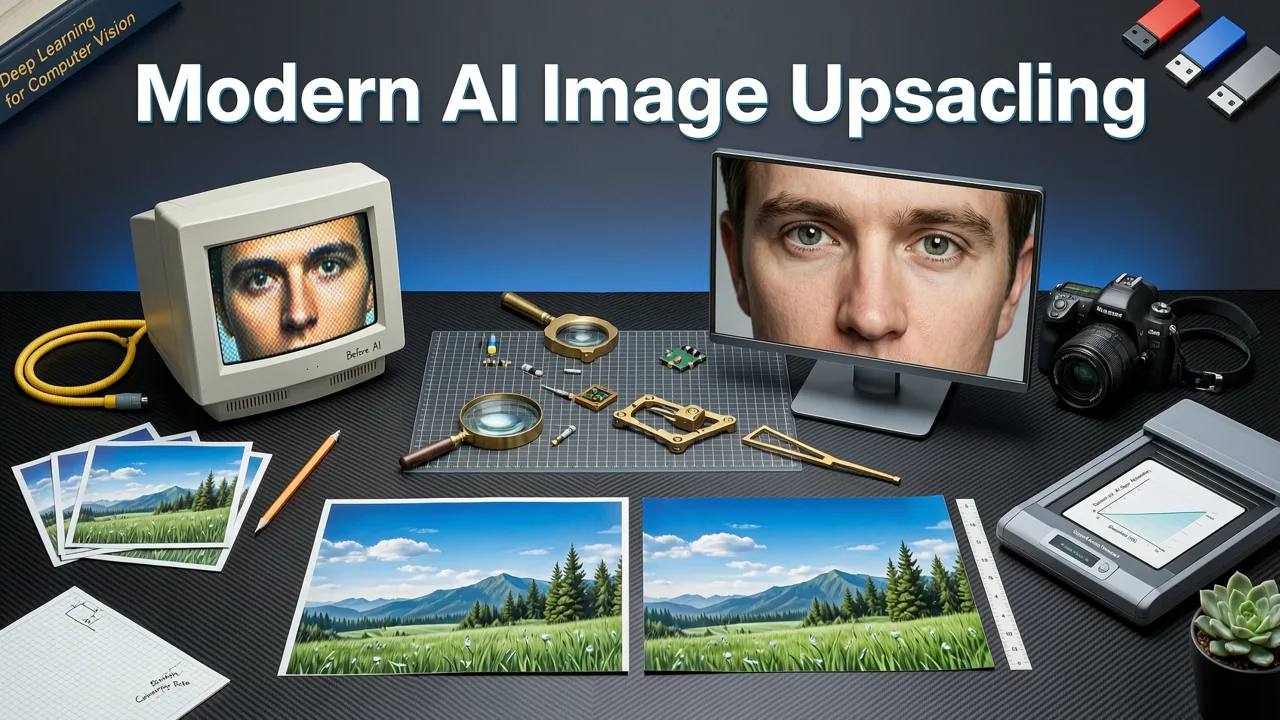
To understand why browser-based editors have become the default choice, it helps to understand the underlying technology. Early digital upscaling relied on simple mathematical interpolation, such as bicubic or bilinear resizing. These methods merely averaged surrounding pixels to create new ones, which inevitably resulted in a soft, blurry, or pixelated output when enlarging an image significantly.
Best 3 FREE Image Upscalers in 2025 + Comparison!
by PiXimperfect
Modern AI upscalers, however, utilize generative diffusion models and advanced neural networks. Instead of just calculating pixel averages, the AI semantically analyzes the image. It recognizes that a specific cluster of pixels represents human skin, a piece of woven fabric, or the edge of a product. It then generates entirely new, highly accurate pixel data that matches the recognized texture and context.
This semantic understanding is a hallmark of responsible and advanced AI development. As outlined in resources like Google AI guidance, the evolution of generative models focuses on creating systems that accurately interpret context and produce reliable, high-fidelity outputs without introducing harmful artifacts. In the context of image upscaling, this means the AI faithfully enhances the original subject matter rather than hallucinating unrelated details.
Semantic Detail Reconstruction
When you upscale a low-resolution image of a brick wall, a basic algorithm will just smear the red and grey pixels together. A 2026 AI upscaler identifies the pattern as masonry and reconstructs the individual bricks, mortar lines, and surface textures with striking clarity. This level of pixel reconstruction is what separates modern tools from legacy software.
Facial and Portrait Specific Enhancements
Portraits require special handling. The human eye is incredibly adept at spotting unnatural facial features. Leading AI photo editing platforms now include specialized sub-models dedicated solely to facial reconstruction. These models ensure that skin textures remain natural, eyes retain their sharpness, and hair strands are separated cleanly rather than merging into a blurry mass during the enlargement process.
Key Features to Look for in a 2026 AI Upscaler
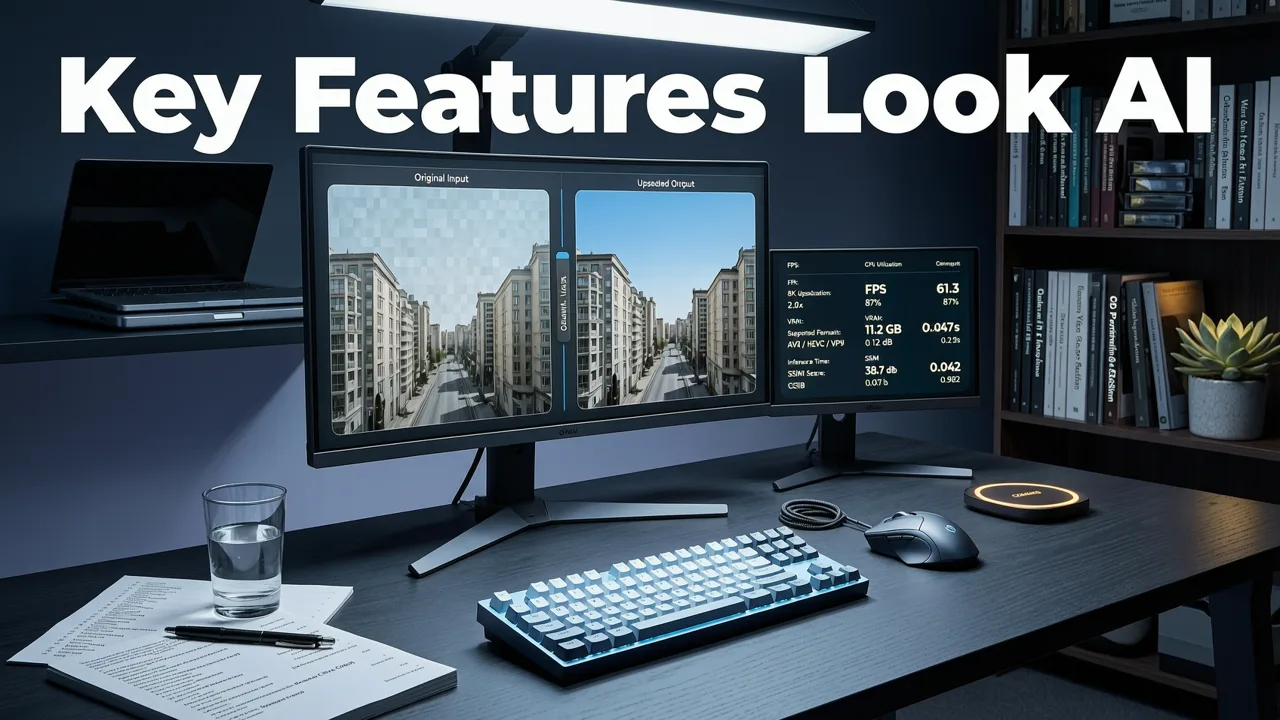
Not all image enlargement tools are built equally. When evaluating the best ai image upscaler online for your specific needs, look for the following core capabilities:
- Variable Scale Factors: The ability to choose between 2x, 4x, or even 8x upscaling depending on your final output requirements.
- Artifact and Noise Reduction: Built-in mechanisms to strip away JPEG compression artifacts, digital noise, and grain before or during the upscaling process.
- Face Enhancement Toggles: Specific controls to optimize portrait upscaling without over-smoothing skin textures.
- Batch Processing Workflows: The ability to upload and process multiple images simultaneously, which is critical for high-volume users.
Comparing Upscaling Technologies in 2026
To clearly see the advantage of modern cloud-based AI, consider how different upscaling methods compare in a professional workflow.
| Technology Type | Detail Recovery | Processing Speed | Hardware Required | Best Use Case |
|---|---|---|---|---|
| Traditional Interpolation | Poor (Blurry/Soft) | Instant | Any Device | Quick web thumbnails |
| Early AI (Basic GANs) | Moderate (Some artifacts) | Slow (Local GPU) | High-End PC | Basic photo enlargement |
| 2026 Diffusion Upscaling | Excellent (Semantic reconstruction) | Fast (Cloud optimized) | None (Browser only) | Print, ecommerce, archival |
As the table illustrates, the transition to diffusion-based upscaling hosted in the cloud provides the best balance of exceptional detail recovery and accessibility, removing the barrier of expensive local hardware.
Integrating Upscaling with Other AI Editing Tools
Upscaling is rarely the only edit an image needs. In a professional workflow, image enhancement is usually the final step in a broader editing pipeline. For instance, a marketer might first remove a distracting background, adjust the lighting, apply creative transformations, and finally upscale the image for a large-format print or a high-resolution digital billboard.
This is where choosing a comprehensive AI photo editing platform becomes crucial. Instead of juggling multiple subscriptions and browser tabs, users benefit from a unified suite. If you are managing an online storefront, you can seamlessly transition between tools. You might use specialized features to edit product photos online AI: ecommerce-ready in one click, generating clean studio backgrounds, and then immediately upscale those same images to meet strict marketplace resolution requirements.
Similarly, having access to a best AI photo editor online free environment ensures that your upscaling tools are integrated with color correction, cropping, and retouching features. This holistic approach saves time and maintains consistency across your visual assets.
Step-by-Step Guide to Upscaling an Image Online
Using a modern, browser-based upscaler is designed to be intuitive, requiring no design skills or technical configuration. Here is the standard workflow for achieving the best results:
- Upload Your Image: Drag and drop your low-resolution, blurry, or cropped photo directly into the browser-based editor. Most platforms support standard formats like JPEG, PNG, and WebP.
- Select Your Enhancement Preferences: Choose your desired scale factor (e.g., 2x or 4x). If your image contains people, toggle on the face enhancement feature to ensure natural skin textures.
- Apply Noise Reduction (If Needed): For older photos or images taken in low light, enable the artifact removal tool to clean up digital grain before the final pixel reconstruction.
- Process and Review: Click generate. The cloud servers will process the image in seconds. Review the side-by-side comparison to ensure the details meet your standards.
- Download in High Resolution: Save the newly upscaled, high-definition image to your device, ready for print, social media, or ecommerce listing.
Common Use Cases for High-Resolution AI Upscaling
Ecommerce and Product Photography
Marketplaces like Amazon, Shopify, and Etsy have strict image resolution requirements. Upscaling allows sellers to take standard product shots and enlarge them for zoom functionality without losing clarity. Crisp, high-resolution product images directly correlate with higher conversion rates and reduced return rates.
Social Media and Content Creation
Content creators often need to repurpose assets across different platforms. An image cropped for a small social media avatar might need to be upscaled for a YouTube thumbnail or a blog post header. Browser-based tools ensure creators can adapt their content instantly without carrying heavy software on the go.
Archival Photo Restoration
Old physical photographs, when scanned, often result in low-resolution digital files. AI upscaling is a game-changer for archival projects. When combined with AI portrait retouch online capabilities, users can restore faded family photos, repair tears, and enlarge the final image to print quality for framing.
Maximizing Your Results with Prompt-Based Refinements
The most advanced AI image editors in 2026 go beyond simple button-click upscaling. Many platforms now incorporate text-prompt tools directly into the enhancement workflow. If an upscaled image has a specific area that needs contextual adjustment—such as adding more texture to a specific material or clarifying a distant object—users can simply describe the edit in plain English. The AI interprets the prompt and refines the pixel data accordingly, offering an unprecedented level of control over the final output.
Conclusion
The landscape of photo resolution enhancement has evolved dramatically. The best ai image upscaler online in 2026 is no longer a heavy desktop application reserved for technical experts; it is a fast, accessible, and highly intelligent browser-based tool. By leveraging generative diffusion models, these platforms deliver stunning pixel reconstruction, faithful detail recovery, and seamless integration into broader creative workflows. Whether you are an ecommerce seller needing crisp product shots, a marketer preparing large-format ad creatives, or an everyday user looking to save a blurry memory, cloud-powered AI upscaling provides professional results in seconds.
Ready to transform your low-resolution images into stunning, high-definition assets? Explore the full suite of over 200 text-prompt tools at AI Image Editor today and experience the future of browser-based photo editing without any downloads or installations required.