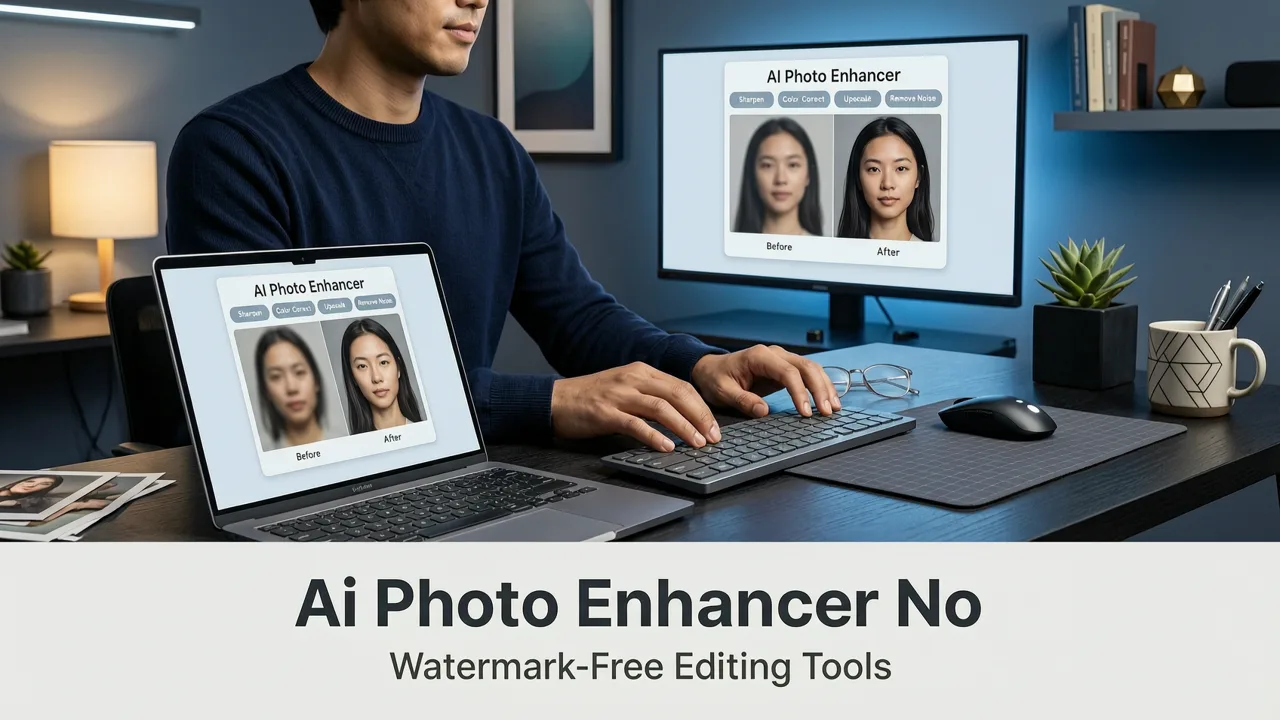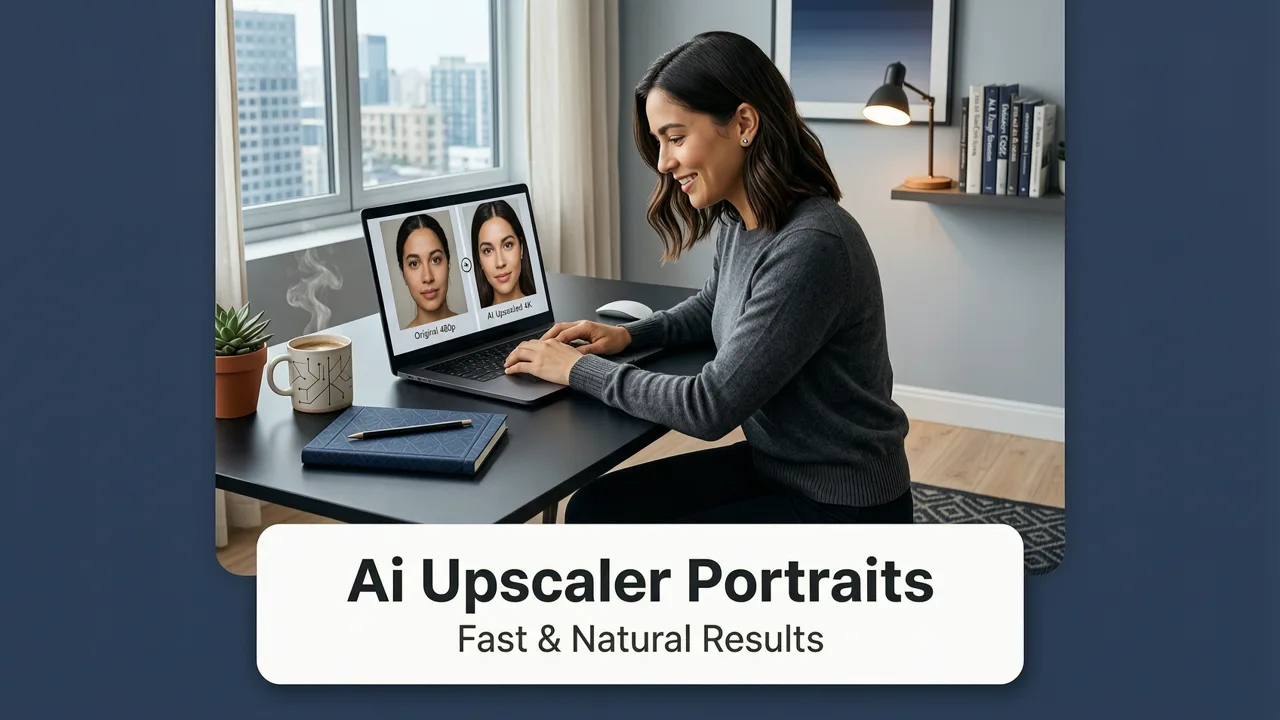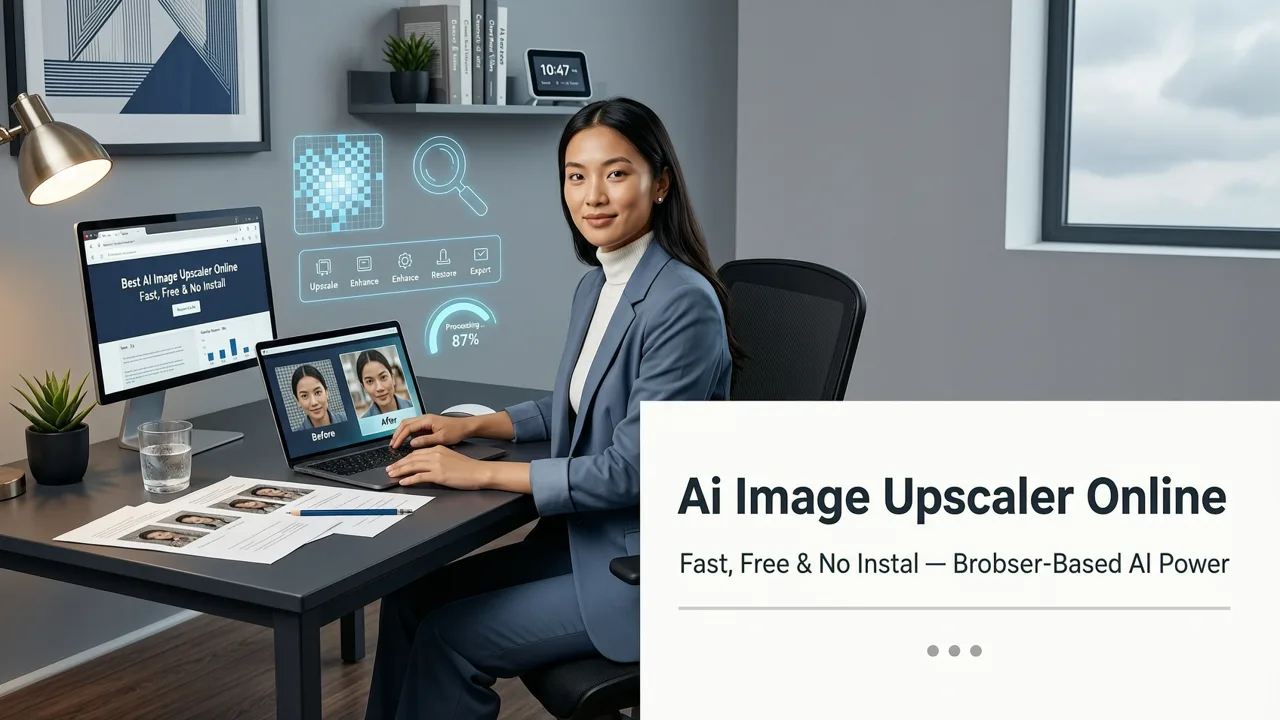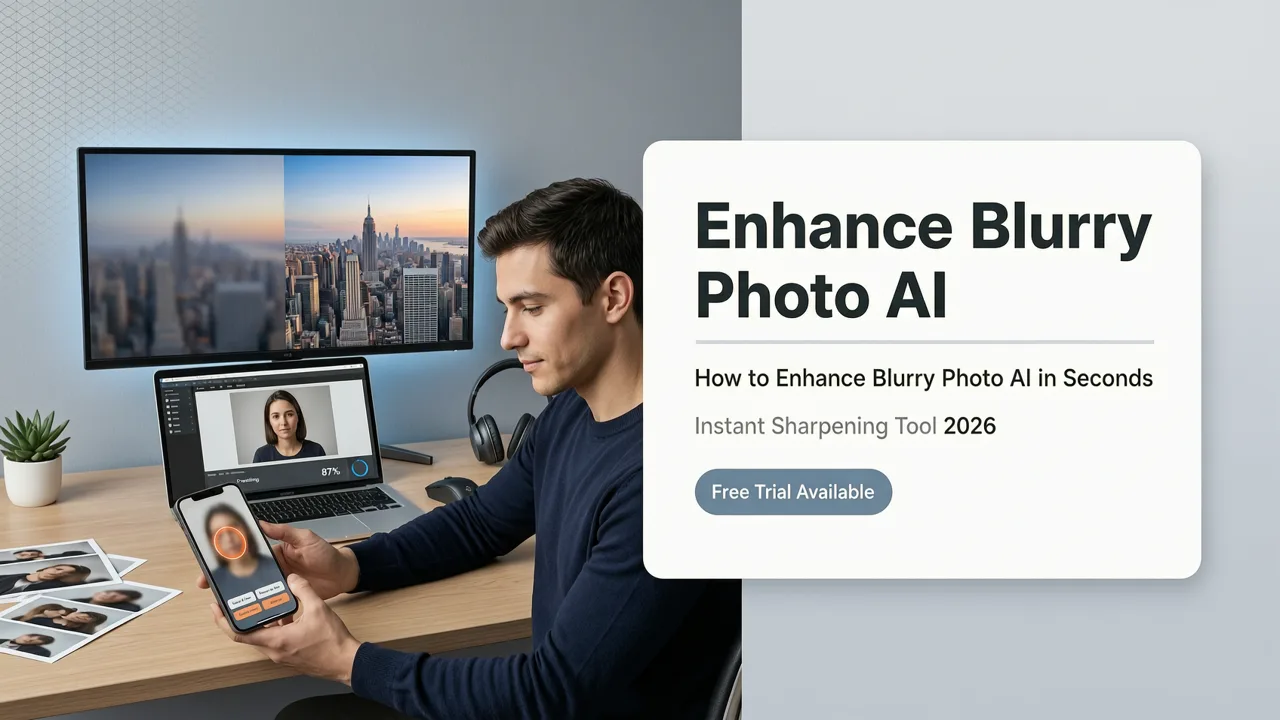
If you are searching for a reliable way to enhance blurry photo ai tools have matured enough in 2026 to reconstruct missing pixels and deliver studio-quality sharpness in seconds. Modern browser-based editors use advanced neural networks to analyze out-of-focus shots, low-resolution uploads, and pixelated crops, instantly generating crisp, high-definition results without requiring professional design skills. Whether you are salvaging a crucial family memory, fixing a soft product shot, or upscaling an image for a large print, artificial intelligence now handles the heavy lifting of pixel reconstruction automatically.
How to Enhance Blurry Photo AI in Seconds

Using an automated sharpening tool is designed to be frictionless. You do not need to understand the underlying mathematics of convolutional neural networks to get professional results. The process is streamlined into three straightforward steps that take less time than loading a traditional desktop editing program.
- Upload Your Image: Drag and drop your blurry, out-of-focus, or low-resolution file directly into the browser interface. The platform accepts all standard formats, including JPEG, PNG, and WEBP.
- Select the Enhancement Mode: Choose the specific AI model tailored to your image type. Options typically include general photo sharpening, portrait detail recovery, or product texture enhancement.
- Download the Restored File: Within seconds, the AI processes the image and presents a side-by-side comparison. Once satisfied, download the high-resolution result directly to your device.
This streamlined workflow eliminates the need for manual masking, frequency separation, or complex layer adjustments that were mandatory in legacy photo editing workflows.
How To Improve Image Quality With Ai (Blurry Photos) Using Canva Ai (2026 Guide)
by Tutorly
What Modern AI Photo Enhancement Actually Does

To appreciate the results, it is helpful to understand the mechanics behind the interface. Unlike older methods that simply increased the contrast along existing edges, modern AI utilizes deep learning models trained on millions of high-resolution image pairs. According to foundational documentation on neural architecture from OpenAI documentation, these models learn to predict what missing or blurred data should look like based on contextual clues.
Pixel Reconstruction and Edge Detection
When an image is blurry, the high-frequency data (the fine details and sharp edges) is lost or smeared. AI enhancement algorithms perform advanced edge detection to identify where boundaries between objects should exist. Instead of just darkening the pixels along an edge, the neural network hallucinates—or intelligently predicts—the missing micro-textures. It reconstructs the individual strands of hair, the weave of a fabric, or the texture of a brick wall by referencing its vast training data.
Noise Reduction and Artifact Removal
Blurry photos often suffer from secondary issues like sensor noise from high ISO settings or compression artifacts from heavy JPEG saving. A comprehensive photo clarity tool does not just sharpen; it simultaneously denoises. The AI distinguishes between actual image detail and random visual noise, smoothing out the grain while aggressively sharpening the true structural elements of the photo.
Traditional Sharpening vs. AI Enhancement
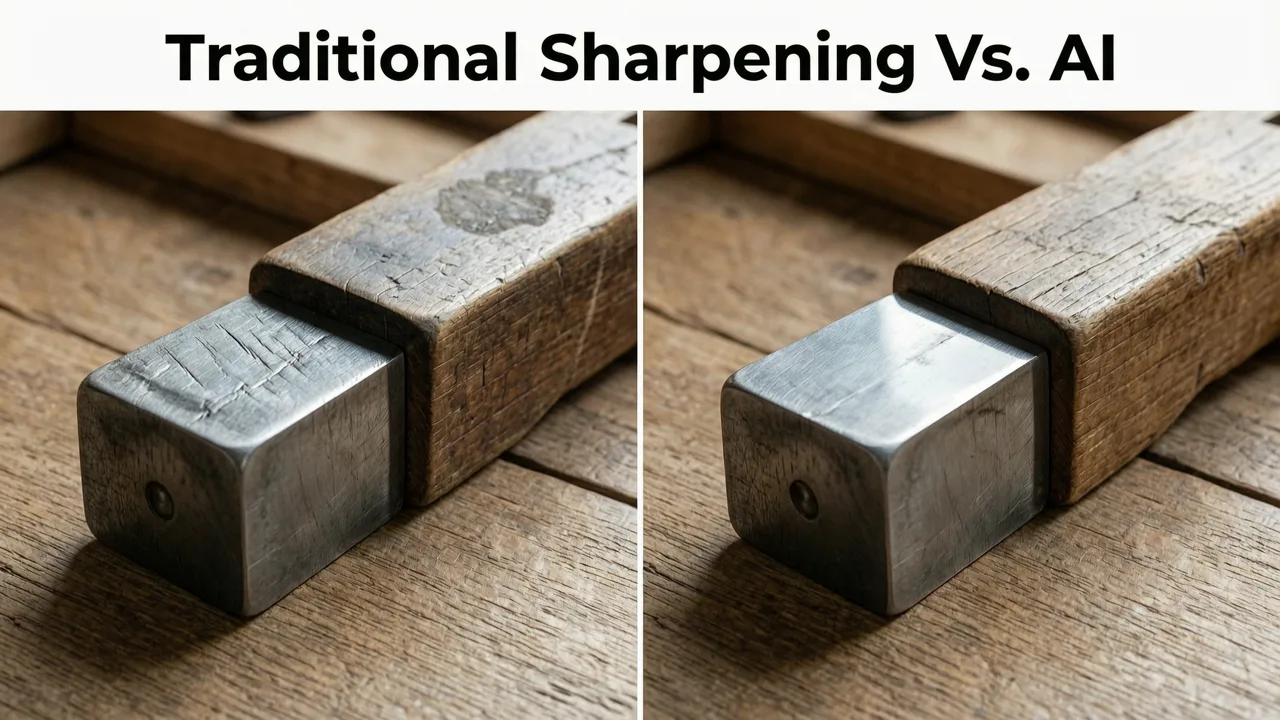
The shift from manual adjustments to automated neural processing represents a massive leap in image quality. Below is a comparison of how legacy techniques stack up against modern AI-driven restoration.
| Feature | Traditional Unsharp Mask | AI Neural Enhancement |
|---|---|---|
| Core Mechanism | Increases local contrast along existing edges | Predicts and reconstructs missing pixel data |
| Noise Handling | Amplifies noise and grain alongside details | Separates and removes noise before sharpening |
| Resolution Upscaling | Cannot add new pixels; only enhances existing ones | Generates new pixels to increase image dimensions |
| Learning Curve | Requires manual tuning of radius and threshold | Fully automated with one-click processing |
| Result on Heavily Blurred Images | Produces harsh halos and unnatural edges | Rebuilds natural textures and smooth gradients |
Best Use Cases for AI Photo Sharpening
The versatility of neural network sharpening means it applies to a wide variety of scenarios. From personal archives to commercial catalogs, the ability to rescue a soft image saves time and preserves valuable visual assets.
Restoring Old and Damaged Family Photos
Scanning physical photographs often introduces blur due to camera shake, poor scanner focus, or the natural degradation of the original print. AI upscaling and sharpening tools can reverse decades of wear, recovering facial features and background details that appear completely lost to the naked eye. This low-resolution enhancement is invaluable for genealogy projects and digital archiving.
Fixing Out-of-Focus Portraits
A slightly missed autofocus can ruin an otherwise perfect portrait. Modern tools specialize in facial recovery, ensuring that eyes, eyelashes, and skin textures appear razor-sharp even if the original capture was soft. If you are working with portraits, combining this sharpening with an AI portrait retouch online workflow allows you to fix the focus and refine the skin tone in a single, cohesive session.
Upscaling Product Images for Ecommerce
Ecommerce sellers frequently need to crop into product images to highlight specific features, which drastically reduces the overall resolution. AI enhancement restores the missing texture and sharpness, ensuring that product listings look professional and trustworthy. For a complete workflow, sellers can also edit product photos online AI tools to generate clean backgrounds and perfect lighting alongside the sharpening process.
Privacy and Ethics in AI Image Processing
As AI becomes more integrated into daily workflows, data privacy remains a top priority. Reputable platforms process images temporarily and do not retain personal photos on their servers. The development of these tools follows strict guidelines, such as those outlined in Google AI guidance on responsible data handling, ensuring that user uploads remain private and secure. When choosing a tool, always verify that the platform offers transparent data deletion policies and secure, encrypted uploads.
Why Browser-Based AI Editors Are the Standard in 2026
The era of downloading massive, resource-heavy desktop applications for simple image corrections is over. Cloud computing and optimized web-based models mean that the heavy processing happens on remote servers, leaving your device's battery and memory untouched. This accessibility ensures that anyone, regardless of their hardware specifications, can access enterprise-grade editing capabilities.
If you are looking for a comprehensive suite that goes beyond just sharpening, you can explore the best AI photo editor online free no download options available today. These platforms bundle sharpening with background removal, object expansion, and style transfers, creating a complete ecosystem for digital creators.
Conclusion
Blurry, out-of-focus, or low-resolution images no longer have to be discarded. The ability to enhance blurry photo ai systems provide in 2026 has completely redefined what is possible in digital image recovery. By leveraging deep learning to reconstruct missing pixels and eliminate noise, these tools deliver pristine, high-definition results in a matter of seconds. Whether you are a marketer needing crisp product shots, a creator fixing a soft portrait, or simply someone trying to save a cherished memory, AI-powered sharpening is the fastest, most reliable solution available.
Ready to bring your soft images back to life? Upload your first photo to AI Image Editor today and experience instant, professional-grade sharpening directly in your browser.