What Makes an AI Photo Editor Online Free in 2026?
If you are searching for a reliable ai photo editor online free in 2026, the short answer is that browser-based platforms have matured enough to deliver professional-grade results in seconds. You no longer need expensive desktop software, complex manual masking, or formal design experience to transform your images. The evolution of cloud computing and generative AI has shifted the industry away from pixel-pushing toward intuitive, text-prompt controls.
Modern web-based editors leverage advanced diffusion models and segmentation networks directly in your browser. This means the heavy computational lifting happens on remote servers, allowing you to access enterprise-level editing capabilities from any device with an internet connection. Whether you are a social media manager needing quick lifestyle shots, an ecommerce seller requiring clean product cutouts, or a casual user wanting to enhance a family portrait, the barrier to entry has completely vanished.
For those who have historically felt intimidated by layers, masks, and complex toolbars, finding the best AI image editor for beginners is the single most important step to upgrading your visual content. In 2026, the landscape of photo editing is defined by accessibility, speed, and semantic understanding, allowing you to simply describe the edit you want and watch the AI execute it flawlessly.
Free AI Tools for Photo Editing in 2025
by Management HQ
Core Features to Expect from Free Browser-Based AI Editors
A top-tier online AI suite goes far beyond basic filters. Today’s platforms offer specialized modules tailored to different creative and commercial needs. Here is a breakdown of the core capabilities you should expect from a modern, free-to-use web editor.
Intelligent Background Removal and Replacement
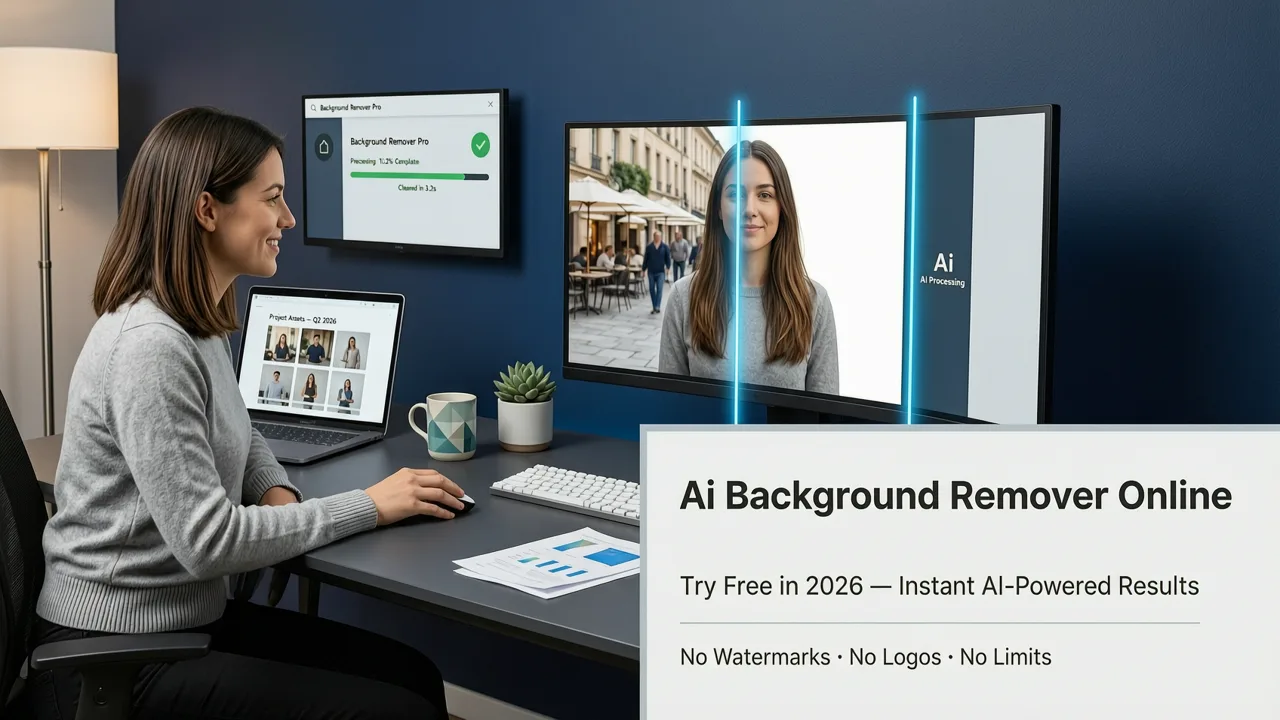
Removing backgrounds used to require meticulous manual selection with pen tools. Today, AI utilizes deep learning-based semantic segmentation to identify the subject and separate it from the backdrop in milliseconds. This technology excels at edge detection, cleanly handling fine hair, translucent objects, and complex lighting scenarios. Once the subject is isolated, you can instantly drop it into a new environment, generate a studio backdrop, or leave it transparent for graphic design work. If you need a dedicated workflow for this, learning how to remove background from photo online free with no sign-up friction is the fastest way to streamline your design process.
Portrait Retouching and Enhancement
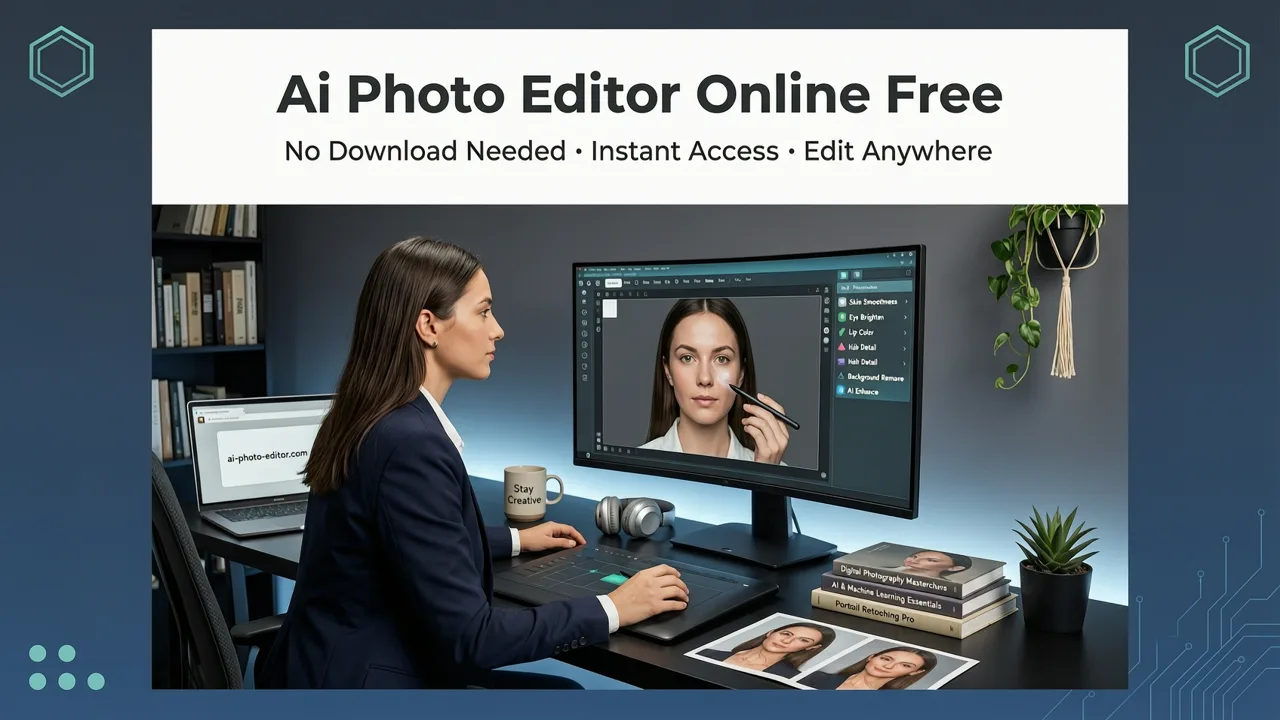
AI portrait tools analyze facial geometry and skin texture to apply natural-looking enhancements. Instead of the artificial plastic look of early filters, modern algorithms perform automated frequency separation. This allows the AI to smooth out temporary blemishes and even out skin tone while preserving natural pores, freckles, and facial details. You can also adjust lighting, correct red-eye, and enhance eye clarity with simple sliders or text prompts, ensuring headshots and social media profiles look polished and professional.
Product Photo Editing for Ecommerce
For online sellers, product photography is a major bottleneck. AI editors solve this by using inpainting and relighting models to place mundane product shots into lifestyle contexts. You can generate realistic shadows, adjust the color temperature to match a specific brand aesthetic, or create entirely new scenes based on text descriptions. To see how this transforms storefronts, explore how to edit product photos online AI capabilities to achieve ecommerce-ready results in a single click.
Creative Transformations and Upscaling
Beyond utility, AI editors offer powerful creative and restorative tools. Super-resolution models can upscale low-resolution images, recovering lost details and removing compression artifacts without introducing blur. Additionally, style-transfer algorithms allow you to turn standard photographs into artistic renditions. If you want to experiment with stylized content for social media, you can easily turn photo into cartoon AI styles, generating unique avatars and illustrations directly from your camera roll.
How to Use an AI Photo Editor Online Free: Step-by-Step
Using a browser-based AI editor is designed to be as frictionless as possible. The standard workflow requires no technical knowledge and can be completed in under a minute.
- Upload Your Image: Navigate to the web platform and drag and drop your photo, or select it from your device’s file library. Most platforms support standard formats like JPEG, PNG, and WebP.
- Select Your Tool or Enter a Prompt: Choose a specific module, such as background removal or portrait enhancement, from the sidebar. Alternatively, use the text-prompt box to describe your desired edit, such as “place this coffee cup on a wooden table in a sunlit cafe.”
- Refine the Output: Review the AI-generated result. If necessary, use secondary adjustment sliders to tweak the lighting, color balance, or intensity of the effect. Some tools allow you to brush over specific areas to regenerate only a portion of the image.
- Download and Export: Once satisfied, click download. The platform will render the final high-resolution file, which you can save directly to your device or share via a generated link.
Comparing Traditional Software vs. Modern AI Web Editors
To understand the value of cloud-based AI tools, it is helpful to compare them against traditional desktop photo editing software. The following table highlights the primary differences in workflow, capability, and accessibility.
| Feature | Traditional Desktop Software | Modern AI Web Editor |
|---|---|---|
| Installation | Requires heavy local download and installation | Runs entirely in the browser; zero installation |
| Learning Curve | Steep; requires knowledge of layers, masks, and tools | Minimal; driven by intuitive sliders and text prompts |
| Background Removal | Manual selection using pen or magic wand tools | Instant semantic segmentation with pixel-perfect edges |
| Hardware Dependency | Requires a powerful CPU/GPU and ample RAM | Cloud-processed; works on low-spec devices and mobile |
| Cost Structure | High upfront cost or expensive monthly subscription | Often free to start with pay-as-you-go or freemium tiers |
Under the Hood: How Text-Prompt AI Editing Works
The magic behind these instant edits relies on sophisticated machine learning architectures. When you input a text prompt or select an automated tool, the platform sends your image data to a cloud server where specialized neural networks process the request.
For generative tasks, such as adding a new background or changing an object, the system uses image-to-image diffusion models. As detailed in the OpenAI documentation, these models work by gradually adding noise to an image and then learning to reverse the process, guided by your text prompt. This allows the AI to seamlessly blend new pixels with the original lighting, perspective, and texture of your source photo.
For analytical tasks, like portrait retouching or background removal, the platform uses convolutional neural networks (CNNs) and vision transformers. These models are trained on millions of annotated images, allowing them to recognize the difference between a human face, a piece of clothing, and a background wall. They create a precise mathematical map of the image, enabling the software to apply adjustments selectively and accurately.
Privacy and Security in Cloud-Based Photo Editing
Whenever you upload personal or commercial images to a cloud platform, data privacy is a valid concern. Reputable AI photo editors in 2026 prioritize user security by implementing strict data handling protocols.
Leading platforms utilize ephemeral processing, meaning your images are held in temporary server memory only long enough to complete the edit. Once the processed file is delivered to your browser, the original and generated images are permanently purged from the server. Furthermore, responsible AI deployment ensures that user data is never used to train foundational models without explicit consent. For a broader understanding of how tech companies are establishing ethical frameworks for these technologies, reviewing the Google AI guidance on responsible development provides excellent context on industry standards for data protection and algorithmic safety.
Conclusion
The era of complicated, expensive, and hardware-dependent photo editing is over. An ai photo editor online free gives you the power to execute professional retouching, seamless background removal, and creative transformations directly from your browser. By leveraging advanced cloud-based neural networks, these platforms democratize high-quality visual content creation for everyone.
Ready to experience the speed and precision of modern AI editing? Explore the comprehensive suite of over 200 text-prompt tools available at AI Image Editor and start transforming your photos today without downloading a single piece of software.