If you are searching for a reliable way to remove background from photo online free in 2026, the short answer is that browser-based AI editors have matured enough to deliver pixel-perfect cutouts in seconds. You no longer need to download heavy desktop software, master complex masking tools, or create an account just to get a simple transparent PNG. AI Image Editor provides an instant, no-sign-up solution that handles everything from basic object isolation to complex hair segmentation, making it the default choice for creators, marketers, and ecommerce sellers.
Whether you are preparing product photography for an online store, creating social media content, or simply editing a personal portrait, modern background removal tools rely on advanced neural networks to understand depth, edges, and context. This guide explains how to achieve flawless results instantly and why 2026 AI segmentation has completely replaced traditional editing methods.
How to Remove Background from Photo Online Free in Seconds

The process of using a modern AI image editor is designed to be entirely frictionless. You do not need design experience, and you do not need to navigate complex menus. Here is the standard workflow to get your transparent PNG in under a minute.
Best 2025 FREE Background Remover! Top 12 Compared
by PiXimperfect
- Upload Your Image: Drag and drop your photo directly into the browser-based editor. The platform accepts all standard formats, including JPEG, PNG, and WebP.
- Automatic Segmentation: The AI instantly analyzes the image, identifying the primary subject and separating it from the background using semantic mapping.
- Review and Refine: If necessary, use the smart brush tool to manually add or subtract areas. The AI adjusts the edge detection in real-time.
- Download Your Cutout: Export the final image as a high-resolution transparent PNG, ready for immediate use in your marketing campaigns or personal projects.
This streamlined workflow eliminates the hours traditionally spent on manual selection. By automating the most tedious part of photo editing, you can focus entirely on the creative aspects of your project.
Why It Is Historically Difficult to Remove Backgrounds Cleanly
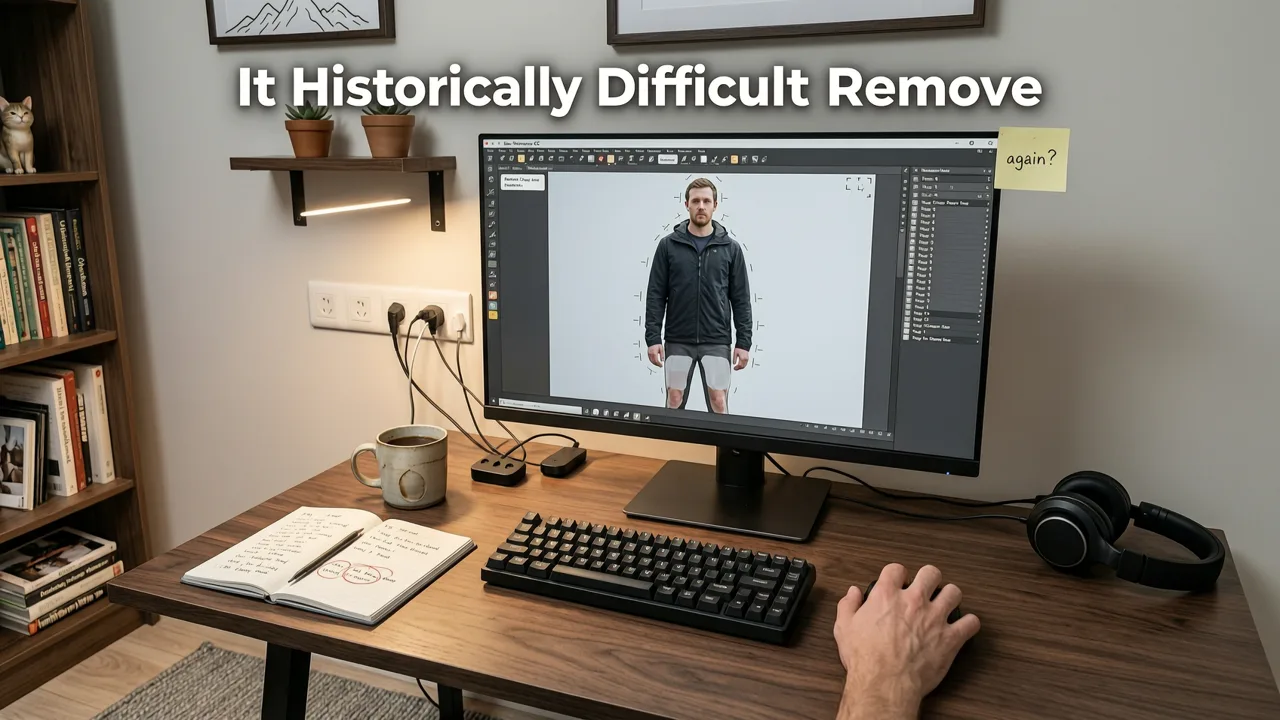
To appreciate the leap in 2026 AI technology, it helps to understand why background removal was historically such a frustrating task. For decades, photographers and designers relied on manual selection tools like the magic wand, lasso, and pen tool. These methods required a steady hand and a deep understanding of contrast and color theory.
The biggest challenge always lay in the edges. Fine details like curly hair, fur, translucent glass, or motion blur were nearly impossible to isolate cleanly. Early automated tools attempted to solve this using color-range selection, but they frequently destroyed edge details or left ugly halos around the subject. If the subject and the background shared similar color tones, the software simply failed, forcing the user back to manual pixel-by-pixel editing.
These legacy methods were not just slow; they were fundamentally limited by the fact that they only looked at 2D color values. They had no concept of depth, object boundaries, or physical context. This is exactly why a modern AI background removal tool is so transformative.
How Modern AI Helps You Remove Background from Photo Online Free
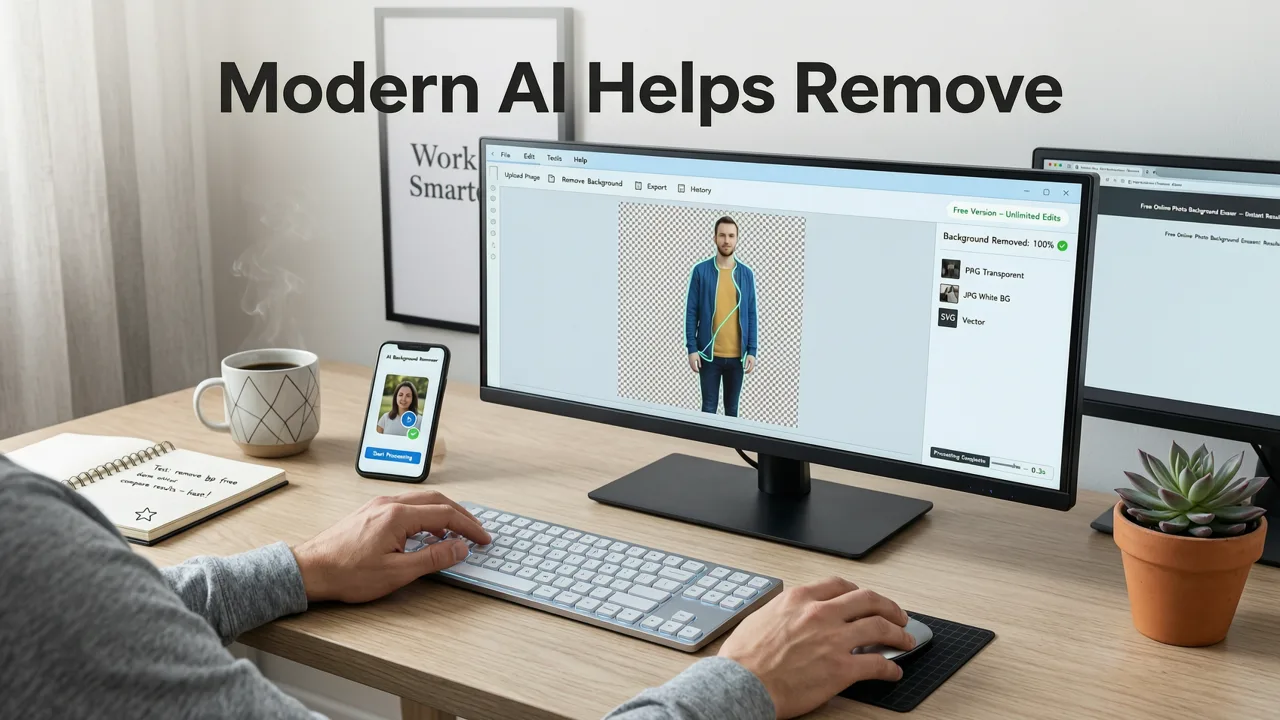
Modern AI does not just look at color; it understands the physical reality of the image. When you upload a photo, the AI image editor runs the image through a convolutional neural network trained on millions of segmented images. This allows the software to perform real-time image segmentation with a level of accuracy that was impossible just a few years ago.
According to foundational research in computer vision, modern models evaluate every pixel not just by its color, but by its relationship to surrounding pixels, its predicted depth in the scene, and its semantic category. As noted in the OpenAI documentation regarding advanced vision models, this contextual understanding allows the AI to differentiate between a person standing in front of a wall and a person wearing a shirt that matches the wall.
Edge Detection and Fine Hair Segmentation
The most visible improvement in 2026 is the handling of fine, translucent edges. When the AI encounters hair or fur, it switches to a specialized alpha-matting algorithm. Instead of making a hard binary choice (foreground or background), the AI calculates the exact percentage of foreground and background color in each edge pixel. This results in a smooth, natural transition that blends perfectly when placed on a new background, completely eliminating the dreaded "helmet head" effect.
Context-Aware Object Isolation
Beyond edges, the AI understands object permanence and depth. If a person is holding a transparent glass of water, the AI recognizes the glass as a distinct object and preserves its translucency rather than erasing it. This context-aware object isolation is critical for professional product photography, where preserving the integrity of reflective or transparent materials is mandatory. Developers building these systems follow strict ethical and performance guidelines, similar to those outlined in the Google AI guidance, ensuring the tools are both highly accurate and responsibly deployed.
Compare the Best Free Background Removal Methods
Not all background removal solutions are created equal. Below is a comparison of traditional methods versus the current generation of AI-powered cutout makers to help you understand the value of modern tools.
| Feature | Traditional Manual Tools | Early Auto-Removers (2020-2023) | 2026 AI Background Removers |
|---|---|---|---|
| Processing Speed | Minutes to hours per image | 1 to 3 seconds | Instant (Under 1 second) |
| Hair and Fine Edge Handling | Requires expert manual masking | Often creates halos or chops off hair | Pixel-perfect alpha matting |
| Shadow and Reflection Retention | Must be manually painted | Usually deleted entirely | Option to retain or regenerate natural shadows |
| Transparent Material Support | Extremely difficult | Struggles with glass and clear plastic | Context-aware preservation |
| Cost and Accessibility | Expensive software + high skill | Often paywalled or low resolution | Free, high-resolution, no sign-up |
As the table illustrates, the gap between manual effort and AI automation has closed completely. You no longer have to sacrifice quality for speed.
Advanced Workflows After You Remove Background from Photo Online Free
Removing the background is often just the first step in a broader editing workflow. Once you have a clean transparent PNG, you may need to prepare the image for specific use cases, such as high-resolution print, ecommerce listings, or social media ads. AI Image Editor integrates seamlessly with other tools to complete your project.
Upscaling for High-Resolution Ecommerce
If you extracted a product from a low-resolution source image, the resulting cutout might be too small for a large banner or a high-density display. Rather than letting the image become pixelated, you can pass the transparent PNG through an AI upscaler. By following the principles in our guide to Upscale Image Without Losing Quality: The 2026 AI Guide, you can enlarge your cutout up to 4K while the AI hallucinates and restores missing micro-details, ensuring your ecommerce photos look incredibly sharp.
Retouching Portraits Before Background Swaps
For portrait photography and headshots, you might want to perfect the subject before dropping them into a new environment. Skin smoothing, blemish removal, and lighting adjustments are best done before the final background swap. You can explore these techniques in depth via our resource on AI Portrait Retouch Online — Edit Photos in Your Browser (2026). Combining portrait retouching with instant background removal gives you studio-quality results without stepping foot in a physical studio.
Batch Processing for Marketers
Marketers often need to process hundreds of product images for a catalog update. While the free online tool is perfect for individual images, understanding how to apply these AI segmentation rules across an entire folder can save dozens of hours. Utilizing an AI Image Upscaler Online Free in conjunction with batch background removal ensures your entire catalog is uniform, high-resolution, and ready for deployment across all digital storefronts.
Why Free AI Tools Are the Standard in 2026
The shift toward free, browser-based AI tools reflects a broader change in how consumers and professionals interact with software. In the past, powerful image manipulation was locked behind expensive subscriptions and steep learning curves. Today, the underlying models are so efficient that they can run directly in your web browser or via lightweight cloud endpoints without charging the user per export.
This democratization of design means that small business owners, independent creators, and students have access to the exact same quality of image segmentation as large enterprise marketing teams. You do not need to compromise on resolution, deal with intrusive watermarks, or hand over your data to create professional-grade visuals.
Final Thoughts on Instant Background Removal
The ability to remove background from photo online free has evolved from a clunky, frustrating chore into a seamless, one-click experience. By leveraging advanced neural networks and context-aware segmentation, modern AI editors deliver flawless cutouts in seconds, completely bypassing the need for manual masking or expensive software.
Whether you are isolating products for an online store, creating striking social media graphics, or simply having fun with photo manipulation, the tools available today are faster, smarter, and more accessible than ever. Upload your first image today and experience the difference that true AI-powered editing can make for your creative workflow.