Free AI Background Remover Online — No Sign-Up Needed
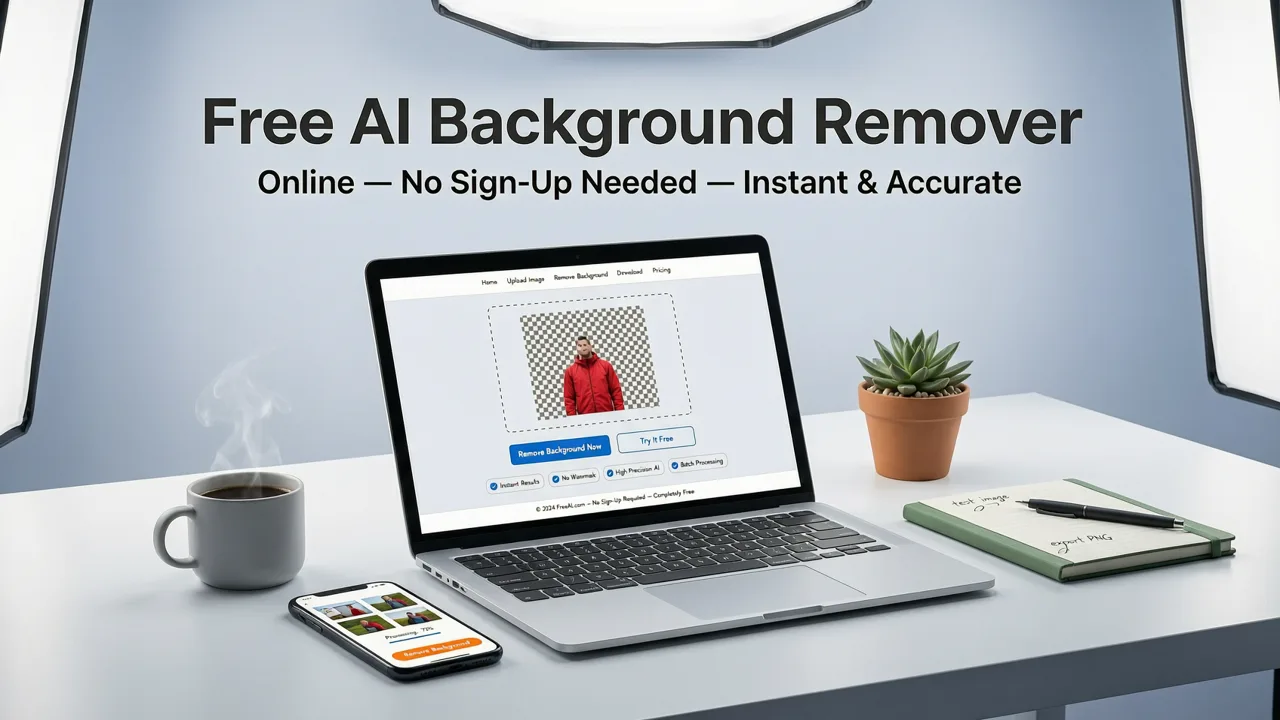
If you've ever needed a clean product shot, a polished LinkedIn headshot, or a meme-ready cutout — and didn't want to wrestle with Photoshop — a free AI background remover online is the fastest path to a professional result. In 2026, these tools use advanced segmentation models to detect subjects, preserve fine edges like hair and fur, and return a transparent PNG in under ten seconds — all without creating an account or installing software.
This guide explains how modern AI background removal actually works, walks you through a step-by-step workflow, compares the top approaches available today, and shows you how to go beyond simple cutouts using the full suite of AI editing tools at your disposal.
Why Background Removal Still Frustrates People in 2026

Despite years of progress, most users still run into the same problems when they try to remove a background manually:
Best AI Background Remover for Videos (2026)
by Thomas Creates
- Hair and fur edges get chopped off or look pasted-on.
- Semi-transparent objects like glass, mesh, or jewelry lose detail.
- Busy backgrounds bleed into the subject, especially with similar color tones.
- Batch workflows for ecommerce sellers require repetitive manual effort.
Older tools relied on simple color-difference algorithms or basic edge detection. Modern AI background removers use semantic segmentation — meaning the model understands what a person, product, animal, or vehicle actually is, not just where the color changes. That contextual understanding is what makes 2026-era tools dramatically more accurate.
How AI Background Removers Work in 2026
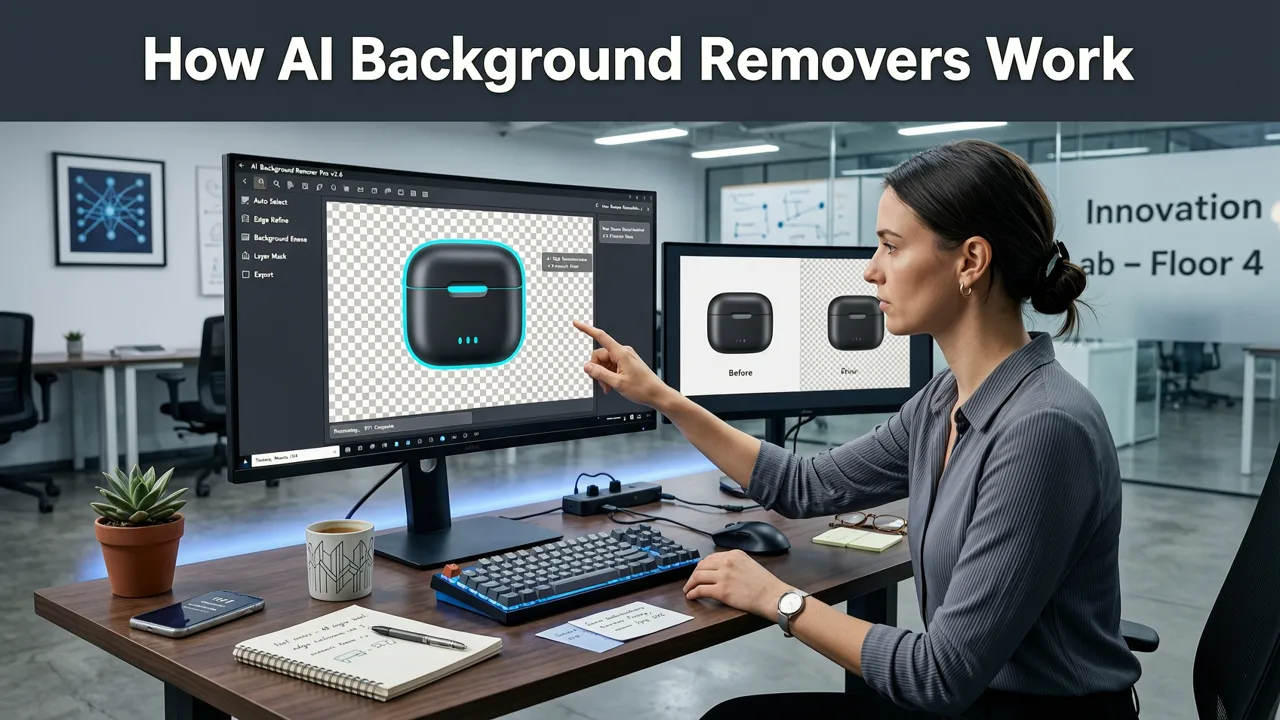
Under the hood, today's best free AI background remover online tools rely on a pipeline of three interconnected stages. Understanding these stages helps you choose the right tool and troubleshoot imperfect results.
Stage 1: Subject Detection & Semantic Segmentation
The AI first classifies every pixel in your image. Using transformer-based vision models trained on billions of labeled images, it identifies the primary subject — a person, product, pet, or object — and separates it from everything else. Unlike legacy tools that only detected "foreground vs. background," 2026 models recognize multiple subjects, shadows, reflections, and even overlapping objects.
Stage 2: Edge Refinement with Detail Preservation
Once the subject mask is generated, a refinement pass handles the tricky zones: flyaway hair, wispy fabric, transparent glass, and fine product details like jewelry chains or mesh textures. This stage uses attention-based inpainting to reconstruct micro-details that would otherwise be lost, producing a natural feathered edge rather than a hard cut.
Stage 3: Background Generation or Transparency Export
Finally, the tool either exports a transparent PNG for you to place on any background, or it generates a new background using a text prompt — a studio backdrop, a lifestyle scene, a branded gradient, or a seasonal theme. Many platforms, including AI Image Editor, let you do both in the same session.
Step-by-Step: How to Use a Free AI Background Remover Online
Here's the exact workflow to get a clean cutout in under 30 seconds, with no sign-up required.
- Upload your image. Drag and drop a JPG, PNG, or WebP file into the tool. Most platforms accept files up to 25 MB.
- Let the AI process automatically. The segmentation model runs in the cloud and returns a preview within 3–8 seconds.
- Review the edge quality. Zoom in on hair, product edges, and transparent areas. If anything looks off, use the manual brush to add or subtract from the mask.
- Choose your output. Download as a transparent PNG, or select a replacement background — solid color, gradient, custom image upload, or AI-generated scene.
- Export at full resolution. Free tiers typically support up to 4K output. For larger files, check if the tool offers a photo upscaling option after removal.
Free AI Background Remover Online vs. Desktop Software
Not sure whether a browser-based tool or desktop software is right for your workflow? Here's a direct comparison of the two approaches in 2026.
| Feature | Free AI Background Remover Online | Desktop Software (Photoshop, etc.) |
|---|---|---|
| Setup required | None — works in any browser | Download, install, configure |
| Cost | Free tier available; no credit card | $20–$55/month subscription |
| Processing speed | 3–8 seconds per image | Depends on hardware; often slower |
| Hair & fine edge quality | Excellent with 2026 AI models | Excellent with manual refinement |
| Batch processing | Limited on free tiers | Full batch actions with scripts |
| Learning curve | Near zero | Steep for beginners |
| Privacy & data control | Cloud-processed; check provider policy | Fully local processing |
For most everyday users, content creators, and small ecommerce sellers, the online option delivers equal or better results with a fraction of the effort. Desktop software still wins for high-volume enterprise batch work where local data control is a compliance requirement.
Who Benefits Most from a Free AI Background Remover Online?
Different users have different priorities. Here's how the tool serves the most common audiences.
Ecommerce Sellers & Marketplace Listings
Amazon, Shopify, and eBay all reward clean white-background product images with higher click-through rates and better conversion. A free background remover lets you process dozens of SKUs in minutes instead of hiring a retoucher. Pair it with AI-generated lifestyle backgrounds to create A/B test variants for your listing images.
Social Media Creators & Influencers
Need a cutout for an Instagram story, a YouTube thumbnail, or a TikTok overlay? Online background removers give you a transparent PNG ready to layer onto any design. Combined with tools like AI skin smoothing, you can produce polished portrait content in a single session.
Marketers & Ad Designers
Ad campaigns often require the same product or person placed across dozens of background variations. Remove the background once, then composite the subject into every ad format — display banners, social ads, email headers — without recreating the mask each time.
Everyday Users & Job Seekers
Updating your LinkedIn profile? Creating a family photo card? Removing a distracting background from a travel photo? A free online tool handles all of these in seconds, no design experience needed.
Common Mistakes That Ruin Background Removal Results
Even the best AI model can produce imperfect output if the source image has certain issues. Avoid these pitfalls:
- Low-resolution originals. If the subject is small in the frame, edge detection has fewer pixels to work with. Crop or upscale the image first before removing the background.
- Subject blending into the background. A person wearing a white shirt against a white wall gives the AI very little contrast to detect edges. If possible, reshoot with separation, or use the manual brush to correct the mask.
- Ignoring shadows. Some tools strip the ground shadow along with the background, making the subject look like it's floating. Look for an option to preserve or regenerate a natural shadow.
- Skipping the edge review. Always zoom in at 100% before exporting. A quick brush correction takes five seconds and saves you from an embarrassing halo artifact in your final image.
Beyond Removal: What to Do After the Background Is Gone
Background removal is often just the first step. Here's how to build on a clean cutout using additional AI tools.
Replace With an AI-Generated Background
Instead of a plain white or colored backdrop, describe the scene you want in a text prompt: "marble kitchen countertop with morning sunlight" or "minimalist pastel studio with soft gradient." The AI generates a contextually appropriate background that matches the lighting and perspective of your subject.
Enhance Subject Quality
After removal, you may notice the subject itself could use improvement. Tools for removing reflections from glasses, skin retouching, color correction, and sharpening can all be applied to the isolated subject before compositing it onto the new background.
Upscale for Print or Large-Format Use
If your final output needs to be printed on a banner, poster, or large product display, upscale the composited image to ensure crisp detail at any size. Modern AI upscalers add realistic texture rather than simply stretching pixels.
Privacy & Data Safety: What to Check Before You Upload
When using any free AI background remover online, your image is processed on a remote server. Before uploading sensitive or proprietary images, verify the following:
- Data retention policy. Does the platform delete your images after processing, or store them indefinitely?
- Commercial use rights. Are the output images yours to use commercially without restriction?
- Compliance standards. For regulated industries, check whether the provider follows responsible AI practices. Resources like Google's AI responsibility guidelines offer a useful benchmark for evaluating any AI platform's ethical commitments.
Reputable platforms — including AI Image Editor — process images transiently and do not retain uploads beyond the active session unless you explicitly save them to an account.
How to Choose the Right Free AI Background Remover in 2026
Not all free tools are created equal. Use this checklist when evaluating your options:
- Edge quality on hair and fur. Test with a portrait featuring loose hair. If the result looks like a sticker, the model isn't advanced enough.
- Transparency handling. Upload an image with glass or mesh. The tool should preserve semi-transparent areas, not turn them opaque.
- Output resolution. Confirm the free tier supports at least 2K resolution. Anything below that limits professional use.
- No sign-up requirement. The best tools let you upload and download immediately. If a tool forces account creation before showing results, it's adding friction you don't need.
- Additional editing tools. A platform that offers background removal plus upscaling, retouching, and AI generation gives you a complete workflow without juggling multiple sites.
The Bottom Line on Free AI Background Removers in 2026
The gap between free online tools and premium desktop software has never been smaller. Today's free AI background remover online platforms deliver edge-accurate, context-aware cutouts in seconds — no sign-up, no download, no design skills required. Whether you're listing products on ecommerce marketplaces, creating social media content, designing ad campaigns, or simply cleaning up a personal photo, the technology is ready to handle it.
The key is choosing a platform that combines accurate segmentation with a full editing suite, so your workflow doesn't end at removal. With the right tool, you can remove, replace, retouch, and upscale — all in one session, all from your browser.
Ready to try it? Head to AI Image Editor, upload your first image, and see how clean your cutouts can be — no account needed.