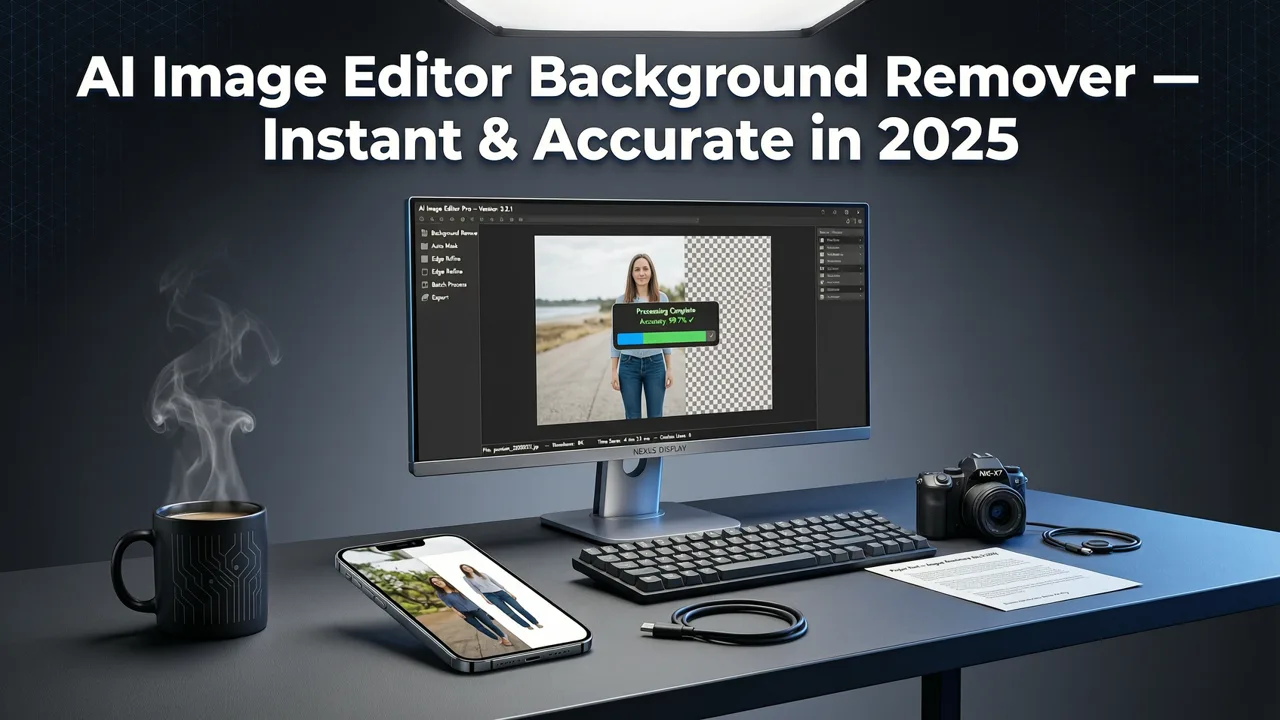
AI Image Editor Background Remover — Instant & Accurate in 2026
If you have ever spent ten minutes wrestling with a polygon lasso tool just to cut a person out of a cluttered photo, you already know why the aimageditor background remover exists. Upload your image, type a quick prompt like “remove the background and replace it with a soft studio gray,” and get a clean, high-resolution result in seconds — no design skills, no subscriptions to legacy software, and no guesswork.
In 2026, background removal is no longer a niche editing task reserved for graphic designers. It is a daily workflow for ecommerce sellers listing products on Amazon, marketers building social ads, real-estate agents staging property photos, and everyday users cleaning up selfies. The aimageditor background remover handles all of those use cases inside a single, prompt-driven platform that already powers 200+ AI editing tools.
Related YouTube video for aimageditor background remover
Recommended from YouTube search
Below you will learn exactly how the tool works, what makes its edge detection different from older one-click removers, which file formats and resolutions it supports, and how to pair it with other AI Image Editor features for polished, publish-ready results.
What the AI Image Editor Background Remover Actually Does
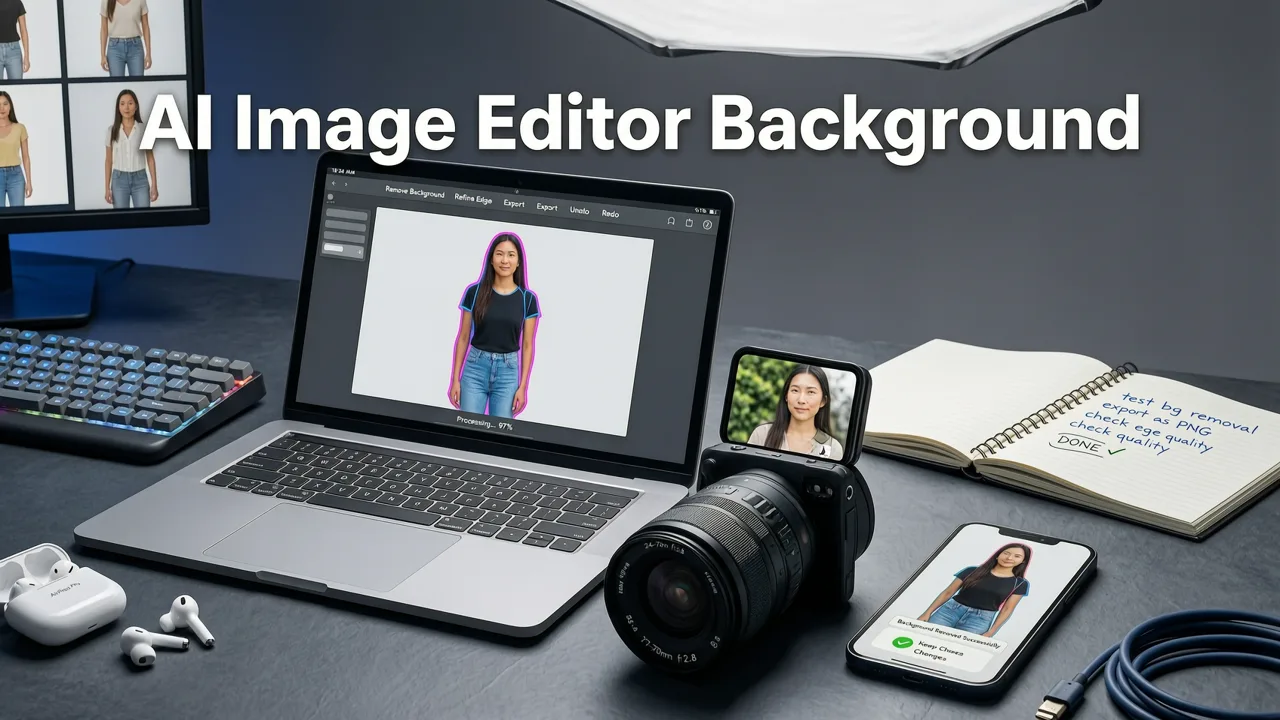
At its core, the aimageditor background remover separates the foreground subject from everything behind it using a combination of semantic segmentation and depth-aware edge refinement. Unlike the blunt “chroma key” logic of early green-screen tools, this system understands what a person, product, pet, or object looks like in three dimensions — and it respects tricky boundaries like flyaway hair, translucent glass, lace fabric, and fine product edges.
Once the background is removed, you can:
- Replace it with a solid color — ideal for marketplace listings that require pure white or branded backgrounds.
- Swap it with a new scene — place your product on a marble countertop or your portrait on a sunset beach, all via a text prompt.
- Export as a transparent PNG — ready for overlays, thumbnails, mockups, or print-on-demand designs.
- Batch-process multiple images — perfect for ecommerce catalogs with hundreds of SKUs.
The entire workflow lives inside the broader AI Photo Editor platform, so you never need to leave the site to refine skin, upscale resolution, or adjust lighting after the background is gone.
How the AI Image Editor Background Remover Works Under the Hood
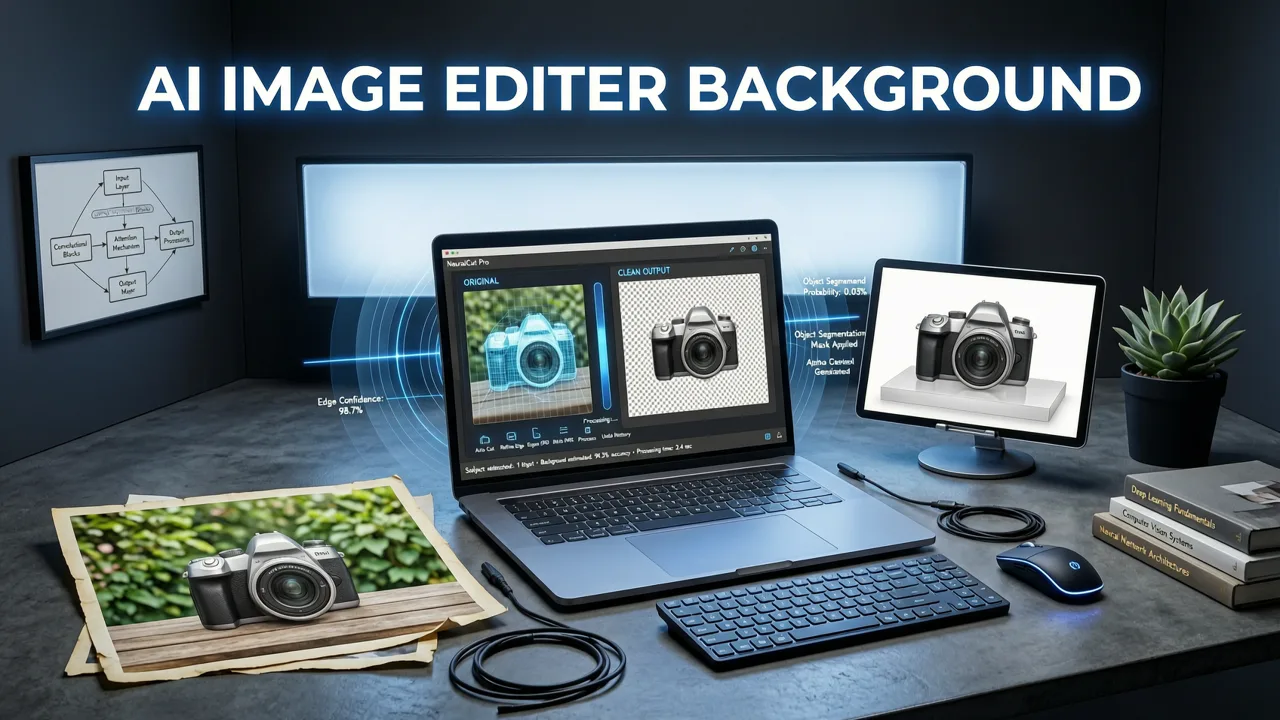
Modern background removal is a multi-step pipeline, and the aimageditor background remover runs each step in under two seconds for most standard images.
Step 1 — Subject Detection and Segmentation
A vision model scans the image and classifies every pixel into foreground or background categories. It identifies people, animals, vehicles, products, and common objects with contextual awareness — so a person holding a coffee cup keeps both the hand and the cup in the foreground.
Step 2 — Edge Refinement with Alpha Matting
Hard binary masks look unnatural around hair, fur, and semi-transparent materials. The tool applies alpha matting to create smooth, gradual transitions at the pixel level, preserving fine detail that older tools simply erased.
Step 3 — Shadow and Lighting Consistency
When you replace the background, the system analyzes the original light direction and color temperature. It then generates a matching drop shadow or ambient occlusion so the subject looks grounded in the new scene rather than pasted on top of it.
Step 4 — Prompt-Driven Customization
Because the platform is text-prompt powered, you can describe the exact background you want: “minimalist pastel gradient, soft light from the left,” or “rustic wooden table with morning sunlight.” The AI composes the scene to match.
Key Features That Set the Aimageditor Background Remover Apart in 2026
There are dozens of background removal tools on the market. Here is what makes this one worth bookmarking.
Pixel-Level Precision on Difficult Edges
Hair, feathers, lace, chain-link fences, glass bottles, and product packaging with reflective surfaces are the traditional weak points of background removers. The aimageditor background remover uses transformer-based segmentation trained on millions of real-world edge cases, so even wispy hair against a busy background comes out clean.
Batch Processing for Ecommerce Workflows
Sellers managing large catalogs can upload dozens of product photos at once. The tool processes them in parallel and delivers a zip file of transparent PNGs or composited images — cutting hours of manual work into minutes.
Transparent PNG Export at Full Resolution
Many free removers cap output at 720p or add a watermark. This tool exports at the original upload resolution with a true alpha channel, ready for professional use.
Integrated Upscaling and Enhancement
After removing the background, you might notice the subject looks slightly soft compared to the new scene. Instead of switching apps, you can immediately run the image through the platform’s upscaler or AI face enhancer to sharpen detail and restore natural texture.
Identity-Aware Foreground Preservation
The system respects skin tone, fabric texture, and product color accuracy. It will not over-saturate a red dress or shift a product’s packaging color during background replacement — a common complaint with less mature tools.
Who Benefits Most from the Aimageditor Background Remover
Different users have different priorities. Here is a quick breakdown of who gets the most value and why.
| User Type | Primary Use Case | Key Benefit |
|---|---|---|
| Ecommerce sellers | Product photos for Amazon, Shopify, Etsy | Batch removal, pure white backgrounds, marketplace compliance |
| Social media creators | Thumbnails, story graphics, profile pictures | Fast scene swaps, transparent PNGs for overlays |
| Marketers and ad teams | Campaign visuals, A/B test variants | Prompt-driven backgrounds, consistent lighting |
| Real-estate agents | Virtual staging, property highlights | Object removal and background replacement in one flow |
| Everyday users | Selfies, family photos, memes | Zero learning curve, free-tier access, instant results |
Step-by-Step: How to Remove a Background in Under 30 Seconds
The workflow is deliberately simple so that first-time users can get results without a tutorial.
- Go to aimageditor.com and open the background remover tool from the main dashboard.
- Upload your image — drag and drop or click to browse. JPG, PNG, WebP, and HEIC files are all supported.
- Choose your action — remove the background entirely, replace it with a solid color, or describe a new scene in the prompt box.
- Review the preview — zoom in on edges to confirm hair, product details, and transparency look correct.
- Download — save as a transparent PNG, a JPG with a new background, or a higher-resolution upscaled version.
That is the entire process. No layers panel, no pen tool, no export settings to configure.
Background Removal vs. Full Object Erasure — Know the Difference
Users sometimes confuse background removal with object erasure. They are related but distinct tasks.
- Background removal isolates the main subject and discards everything behind it.
- Object erasure removes an unwanted item from within the scene and fills the gap with surrounding context — for example, deleting a trash can from a landscape photo.
Both capabilities live inside the same AI Image Editor suite. If your goal is to clean up a scene rather than isolate a subject, the platform’s inpainting and eraser tools handle that workflow just as smoothly. For portrait-specific cleanup, the best AI face retoucher tools on the platform refine skin, eyes, and lighting before you even touch the background.
Tips for Getting the Cleanest Results
Even the most advanced AI benefits from a good source image. Follow these guidelines to maximize output quality.
Lighting Matters
Even, diffused lighting produces the sharpest edge detection. Harsh directional light that creates deep shadows behind the subject can confuse the segmentation model. If possible, shoot with a soft light source or in open shade.
Contrast Between Subject and Background
A dark jacket against a dark wall is harder to segment than a dark jacket against a pale wall. You do not need a studio backdrop, but some separation helps the model lock onto edges faster.
Avoid Extreme Motion Blur
Blurry edges lose the high-frequency detail that alpha matting relies on. A sharp source image always yields a cleaner cutout.
Use the Upscaler After Removal
If your original photo is low resolution, run it through the platform’s upscaler after background removal. The enhance portrait photo AI pipeline can restore detail that was lost in the original capture, especially around hair and fabric textures.
How the Aimageditor Background Remover Compares to Alternatives
Shoppers researching background removal tools typically weigh four factors: accuracy, speed, output quality, and workflow flexibility. Here is how the aimageditor background remover stacks up against the general categories of alternatives available in 2026.
| Factor | AI Image Editor Background Remover | Standalone Free Removers | Desktop Editing Software |
|---|---|---|---|
| Edge accuracy (hair, glass, lace) | Transformer-based, pixel-level alpha matting | Often struggles with fine detail | Manual refinement required |
| Speed | Under 2 seconds per image | 1–3 seconds, but lower resolution | Minutes per image for complex edges |
| Output resolution | Full original resolution, transparent PNG | Often capped or watermarked | Full resolution, but manual workflow |
| Background replacement | Prompt-driven scene generation | Solid colors only | Manual compositing |
| Batch processing | Supported for large catalogs | Rarely available | Action scripts, but steep learning curve |
| Integrated editing suite | 200+ tools in one platform | Single-purpose tool | Full suite, but requires expertise |
Common Use Cases and Prompt Examples
The prompt box is where the aimageditor background remover really shines. Instead of choosing from a fixed library of backdrops, you describe exactly what you want. Here are a few prompts that produce consistently strong results:
- “Remove the background and replace it with a clean white studio backdrop, soft shadow underneath.” — Ideal for ecommerce product listings.
- “Swap the background to a blurred coffee shop interior with warm lighting.” — Great for lifestyle portraits and social content.
- “Replace the background with a gradient from light blue to white, top to bottom.” — Perfect for SaaS marketing visuals and app store screenshots.
- “Remove the background entirely and export as a transparent PNG at original resolution.” — Best for designers who need a cutout asset for further work.
Because the platform interprets natural language, you can iterate quickly. If the first result is not quite right, adjust the prompt and regenerate — no layers to undo, no history to manage.
Privacy, Data Handling, and Responsible AI
Uploading personal or commercial photos raises valid privacy questions. AI Image Editor processes images on secure infrastructure and follows responsible AI principles consistent with Google's AI responsibility guidance. Images used for editing are not republished, redistributed, or used to train public-facing models without explicit consent. For enterprise users with compliance requirements, the platform offers dedicated processing options.
Why Background Removal Is a Gateway Tool
Most users discover AI Image Editor through the background remover — it is the single most searched editing task worldwide. But once they see how fast and accurate it is, they naturally explore the rest of the suite. Portrait retouching, object removal, style transfers, product photo enhancements, and image upscaling all live under the same roof. The background remover is the entry point; the full platform is the destination.
Final Thoughts on the Aimageditor Background Remover in 2026
Background removal used to be a skill. In 2026, it is a sentence. The aimageditor background remover turns a task that once required software expertise into a simple prompt — and it delivers results that hold up at professional resolution, on marketplace product pages, in social ad campaigns, and in print. Whether you are listing your hundredth product or cleaning up your first selfie, the tool is fast enough to feel instant and precise enough to feel trustworthy.
Head to aimageditor.com, upload an image, and see the difference for yourself. No account required to try — just drag, drop, describe, and download.