Best AI Background Remover for Instagram in 2026

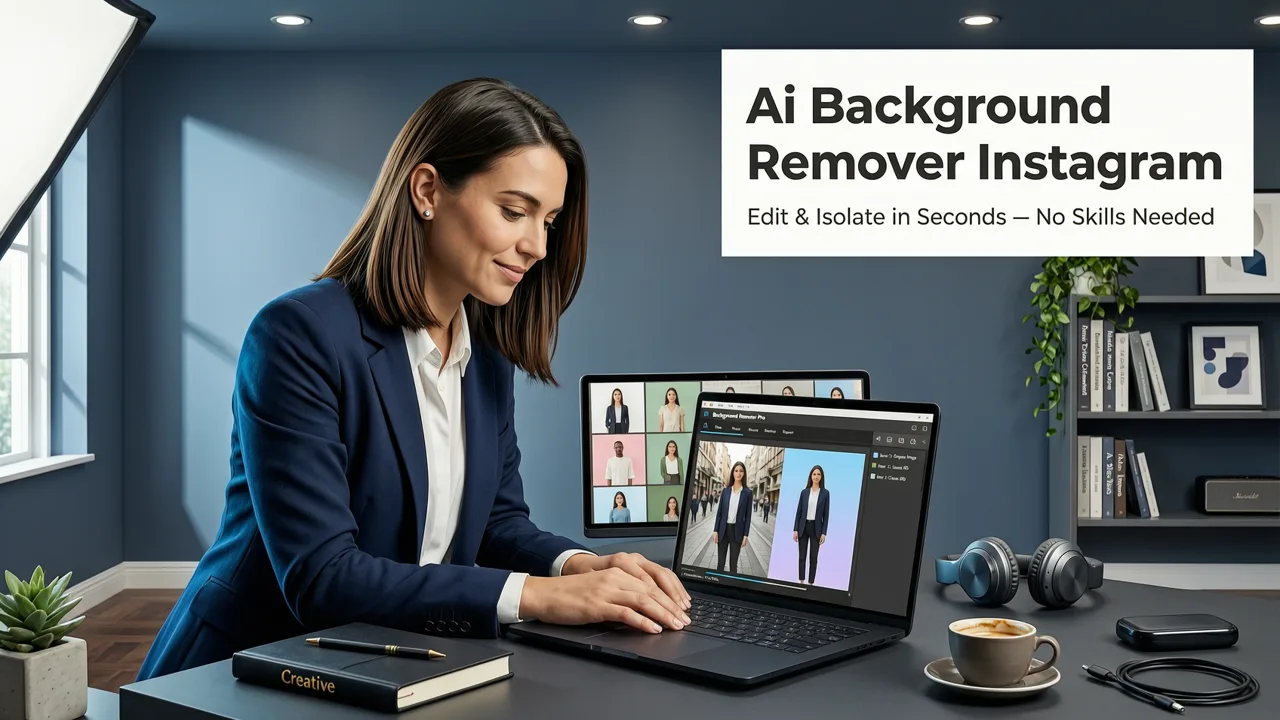
If you post on Instagram regularly, you already know the drill: a cluttered background kills engagement before your caption even loads. The best AI background remover for Instagram in 2026 strips backdrops cleanly in seconds, preserves fine detail like hair and jewelry, and exports in the exact aspect ratio Instagram rewards. Below, we break down what actually matters when choosing a remover, compare the leading tools head-to-head, and show you a repeatable workflow for feed posts, Stories, Reels covers, and product carousels.
Why Instagram Creators Need a Dedicated Background Remover

Instagram's algorithm in 2026 continues to favor high-contrast, visually clean content. Feed posts with isolated subjects consistently outperform busy originals in saves and shares. Stories with transparent or branded backgrounds drive higher tap-through rates on product links. And Reels covers with crisp cutouts earn more profile visits because they read instantly in the grid.
A general-purpose photo editor can handle basic crops, but it cannot match a purpose-built AI background remover when it comes to edge fidelity, batch speed, and format flexibility. Instagram demands square (1:1), portrait (4:5), and Story-sized (9:16) exports — often from the same source image. Dedicated tools handle all three without manual resizing.
Best AI Background Remover | Remove background with ai for free
by grapexels
The Edge-Case Problems Only AI Solves
Portrait hair strands, translucent fabrics, reflective jewelry, and motion blur in Reels stills are the four scenarios where legacy cutout tools fail. Modern AI models trained on billions of labeled images now handle these edge cases with pixel-level precision, something manual lasso work simply cannot match at scale.
What Makes the Best AI Background Remover for Instagram

Not every background remover is built for social media workflows. The best options share five traits that directly affect your Instagram output quality.
- Sub-second processing — Instagram creators post multiple times per day; waiting minutes per image is not viable.
- Hair and fine-detail preservation — Stray strands, lace, and mesh must remain intact or the cutout looks obviously fake.
- Transparent PNG export at full resolution — Instagram compresses aggressively, so starting with the highest resolution matters.
- Batch processing — Ecommerce sellers and agencies need to clear entire product catalogs in one session.
- One-click aspect ratio presets — Feed, Story, and Reels cover sizes should be selectable before export.
Top AI Background Removers for Instagram Compared
We evaluated the most popular tools used by Instagram creators, ecommerce sellers, and social media managers in 2026. The comparison below focuses on the features that matter for social publishing.
| Tool | Speed | Hair Detail | Batch Mode | IG Presets | Free Tier |
|---|---|---|---|---|---|
| AI Image Editor | Under 3 sec | Excellent | Yes (50+ images) | 1:1, 4:5, 9:16 | Yes, no watermark |
| Remove.bg | Under 5 sec | Very Good | Limited | Manual resize | Low-res only |
| Canva BG Remover | 5–8 sec | Good | Yes (Pro) | Via canvas | Pro only |
| Photoshop AI Cutout | 8–15 sec | Excellent | Actions | Manual | Subscription |
| Pixelcut | Under 4 sec | Very Good | Yes | 1:1, 4:5 | Limited |
For creators who post daily and need transparent exports without a subscription, AI Image Editor's free background remover stands out because it combines speed, full-resolution PNG output, and built-in Instagram aspect ratios in a single workflow.
How an AI Background Remover Actually Works for Instagram Content
Under the hood, modern background removers use segmentation models — typically variants of transformer-based architectures — trained to distinguish foreground subjects from backgrounds at the pixel level. When you upload an Instagram photo, the model performs three steps:
- Subject detection — The AI identifies the primary subject (person, product, pet) and maps its boundaries.
- Edge refinement — A second pass handles semi-transparent regions like hair, glass, and smoke using alpha matte prediction.
- Background replacement or removal — The original background is deleted, and a transparent layer or new backdrop is applied before export.
This pipeline, documented in research from OpenAI's model documentation and aligned with Google's responsible AI guidelines, is what allows tools to produce Instagram-ready cutouts in seconds rather than minutes.
Instagram-Specific Workflows Using a Background Remover
Removing the background is only step one. Here is how top creators turn clean cutouts into high-performing Instagram content.
Feed Posts With Branded Backgrounds
After removing the original background, drop your subject onto a solid brand color or a subtle gradient. This creates a cohesive grid aesthetic that makes your profile look curated even when shooting on location. Use the 4:5 preset for maximum screen real estate in the feed.
Product Carousels for Ecommerce
Consistency across carousel slides increases save rates. Remove backgrounds from every product shot, place each on the same white or pastel backdrop, and export at 1080 × 1350. If your product photos need extra sharpness after cropping, an AI image upscaler can restore detail before you post.
Story Stickers and Highlights
Transparent PNGs exported from a background remover double as custom Story stickers. Save them to your camera roll and overlay them on Story templates for a branded look that templates alone cannot achieve.
Reels Cover Images
A clean cutout on a bold background makes your Reels cover readable in the grid. Remove the background from your best frame, add your title text, and export at 1080 × 1920.
Portrait vs. Product Background Removal for Instagram
The challenges differ depending on what you are photographing. Portrait cutouts demand hair-level precision and natural skin-tone preservation. Product cutouts demand shadow control, reflective surface handling, and color accuracy.
If you shoot mostly people — influencers, team photos, UGC — start with a portrait-specific background remover that prioritizes edge softness. If you sell physical products, use an AI background remover built for product photography that preserves shadows and reflections where they add realism.
Common Mistakes Creators Make With Background Removal
- Exporting at low resolution — Instagram compresses everything; start with the largest file your tool allows.
- Ignoring edge halos — A faint white fringe around your subject screams "bad edit." Choose a tool that refines alpha edges.
- Using the wrong aspect ratio — A square crop on a portrait subject wastes feed space. Always match the preset to the content type.
- Skipping the background replacement step — A transparent PNG on a dark-mode device looks unfinished. Always add a backdrop before posting.
- Batch-exporting without quality checks — Spot-check at least three images from every batch before scheduling.
Pricing: What Instagram Creators Actually Spend in 2026
Most creators fall into one of three tiers:
- Casual posters (1–5 posts per week) — Free tiers with credit limits are sufficient. Tools like AI Image Editor offer no-watermark free exports.
- Growing creators and small shops (daily posts plus Stories) — Monthly plans between $9 and $19 unlock batch processing and higher resolution.
- Agencies and high-volume sellers — Enterprise plans with API access and 500+ image batches typically run $39 to $99 per month.
The key is matching your plan to your posting cadence. Paying for unlimited batch processing makes no sense if you post twice a week, and a free tier with watermarks is unusable for any brand account.
Tips for Getting the Cleanest Instagram Cutouts
- Shoot with even lighting and minimal background clutter — AI works faster and more accurately on well-lit subjects.
- Use the highest resolution source image available; upscaling after removal is better than removing from an already-compressed file.
- Preview the cutout at 100% zoom before exporting to catch any edge artifacts.
- Save transparent PNGs to a dedicated folder so you can reuse them across Stories, Highlights, and feed posts.
- Test your final image on both light and dark mode previews before scheduling — some backgrounds that look great in one mode disappear in the other.
Final Verdict: Which Tool Should You Use
For most Instagram creators in 2026, the best AI background remover is the one that fits your posting rhythm, delivers clean edges on the first try, and exports in Instagram-ready dimensions without extra steps. If you need a free, no-signup option with full-resolution transparent PNGs and built-in feed and Story presets, AI Image Editor covers all three. If your workflow is portrait-heavy or product-heavy, the specialized modes within the same platform handle those edge cases without switching tools.
Ready to clean up your grid? Upload your first photo, remove the background in seconds, and export in the exact size Instagram rewards. Your next post deserves a backdrop that matches the quality of your content.