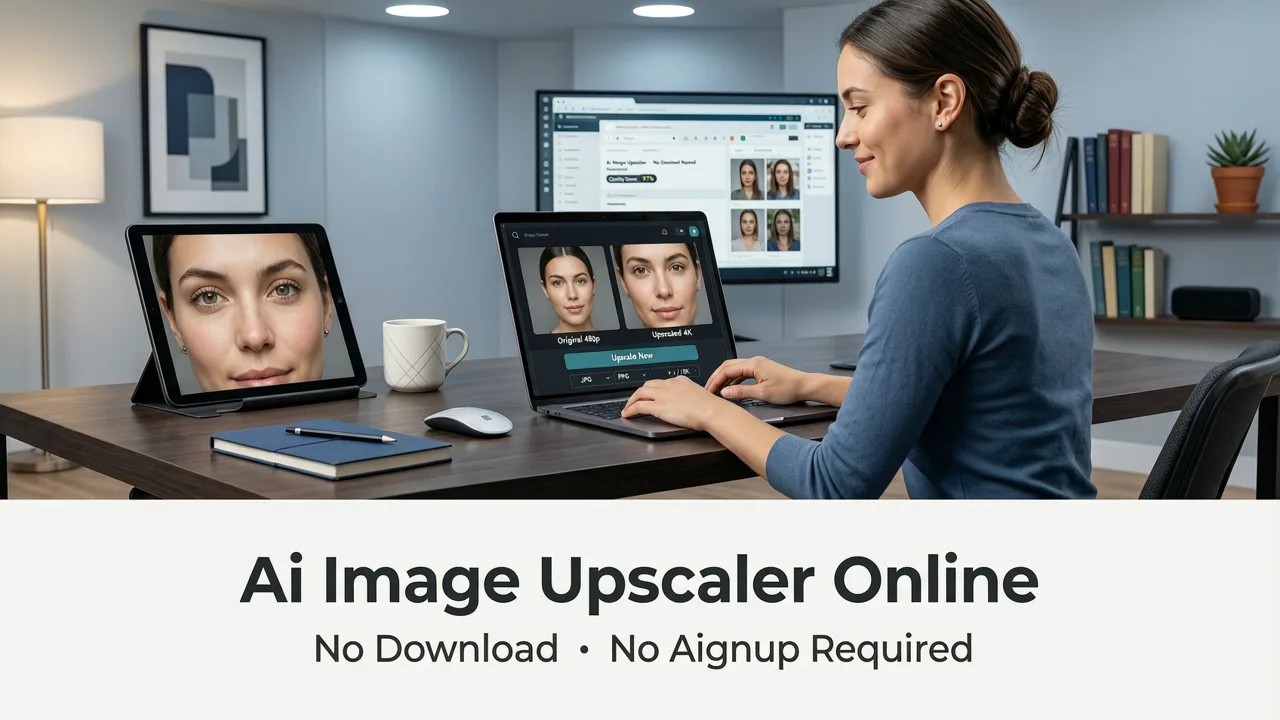
AI Image Upscaler Online — No Download, No Signup Required
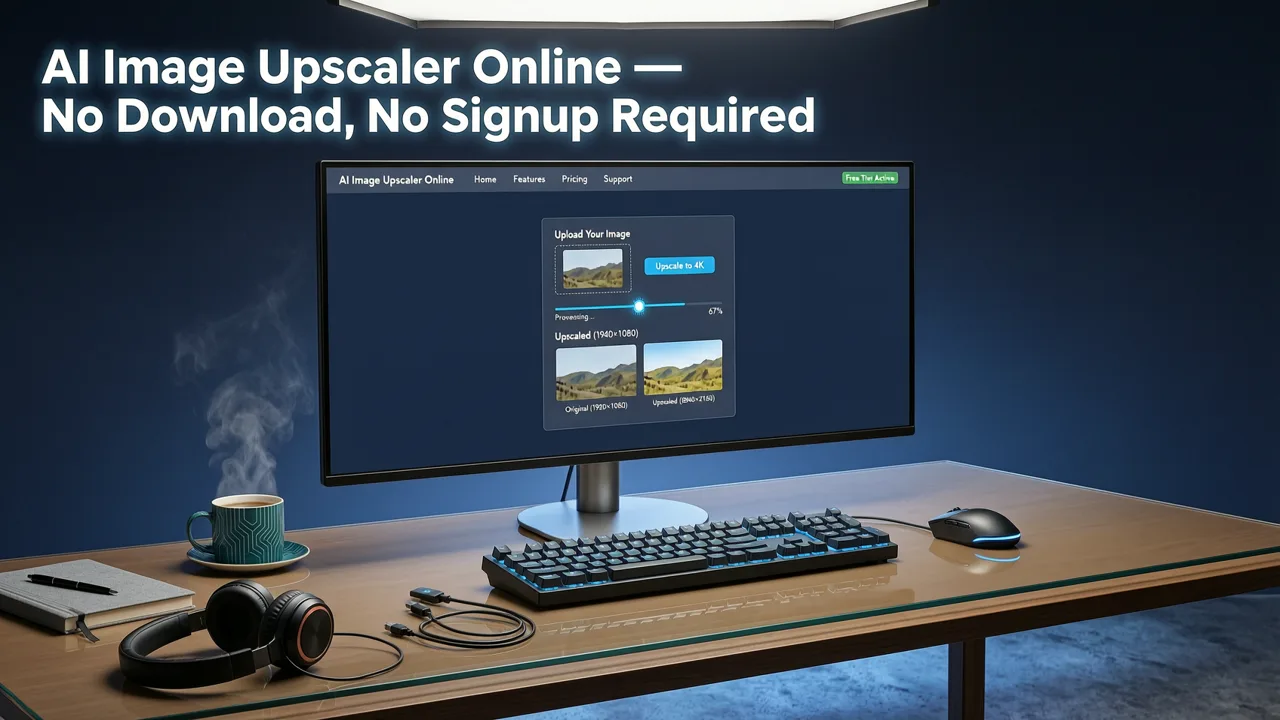
If you need to enlarge a low-resolution photo right now and don't want to install anything, an ai image upscaler online no download tool is the fastest path to crisp, print-ready results. AI Image Editor lets you upload any image, upscale it up to 4× in your browser, and download the enhanced file — all without creating an account or installing software.
This guide walks you through exactly how browser-based AI upscaling works in 2026, what to look for in a no-download upscaler, and how to get the sharpest possible output for portraits, product photos, social media content, and vintage prints.
Why Browser-Based AI Upscaling Has Replaced Desktop Software
Just two years ago, serious image upscaling meant downloading a heavy desktop application, waiting for GPU drivers to update, and wrestling with batch-processing queues. In 2026, cloud-based AI models running on distributed GPU clusters deliver equal or better quality directly in your browser tab. The shift matters for three reasons:
Best 3 FREE Image Upscalers in 2025 + Comparison!
by PiXimperfect
- Zero friction: Open a URL, upload, and download. No installer, no license key, no system requirements.
- Always-current models: Server-side AI improves continuously. You never need to click "update."
- Device agnostic: Works on a Chromebook, an iPad, a borrowed laptop, or a public terminal.
For creators, ecommerce sellers, and marketers who need results in seconds — not hours — a no-download workflow is no longer a compromise. It is the default.
How an AI Image Upscaler Online Actually Works
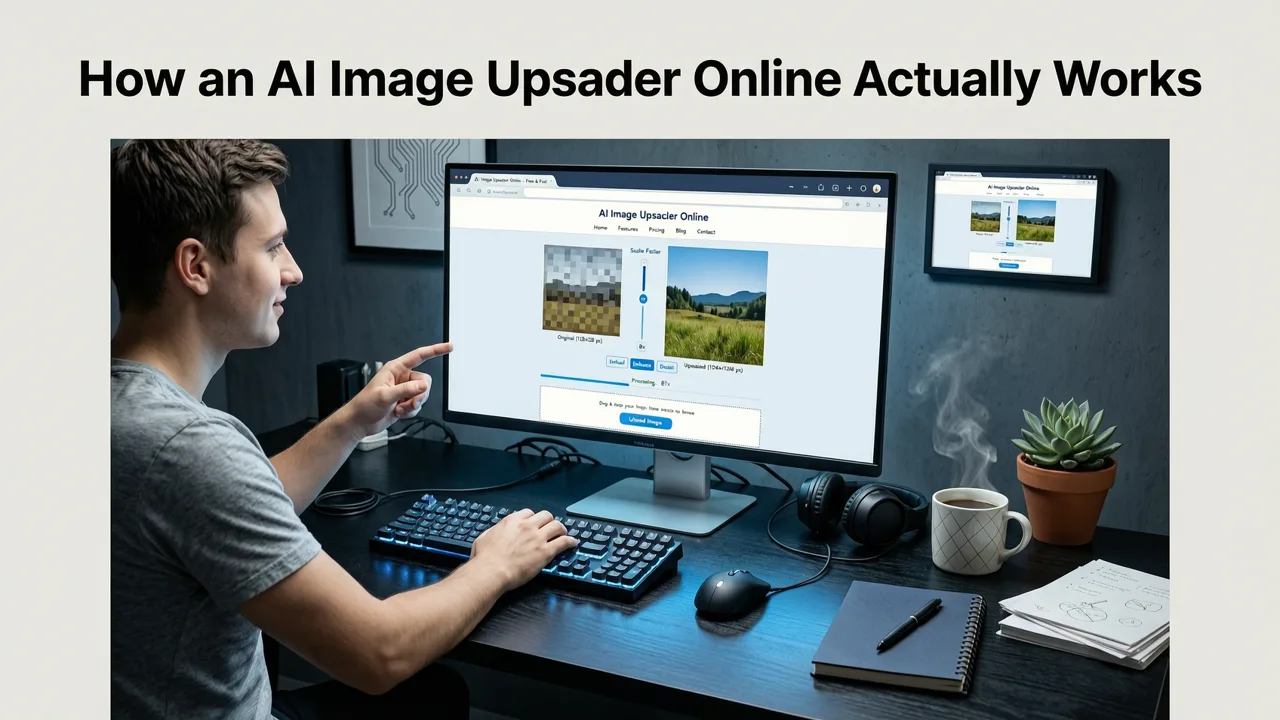
Modern upscalers no longer simply stretch pixels or apply a sharpening filter. They use perceptual reconstruction — a class of AI models trained on millions of high-resolution and low-resolution image pairs — to predict and synthesize the detail that should exist between your current pixels.
The Three-Step Pipeline
- Analysis: The model examines your image at the original resolution, identifying edges, textures, skin tones, noise patterns, and compression artifacts.
- Reconstruction: A diffusion-based or GAN-powered neural network generates plausible high-frequency detail, guided by the semantic context of each region — a face is treated differently from foliage, which is treated differently from fabric.
- Refinement: A final pass removes hallucinated artifacts, preserves color fidelity, and sharpens edges without introducing halos or ringing.
The entire pipeline runs server-side. Your browser only sends the image file and receives the upscaled result. Nothing is installed, and nothing touches your hard drive unless you choose to save it.
What to Look for in an AI Image Upscaler Online — No Download Needed
Not all browser-based upscalers deliver the same quality. Here is a practical checklist to evaluate any tool before you commit your workflow to it.
| Feature | Why It Matters | AI Image Editor |
|---|---|---|
| No download or install | Works on any device, any OS, instantly | ✓ |
| No signup required | Start editing in seconds; no email gate | ✓ |
| Upscale factor (2×, 4×, 8×) | Higher factors unlock print and large-format use | Up to 4× |
| Face-aware processing | Portraits need skin texture, not plastic smoothing | ✓ |
| Batch processing | Ecommerce sellers need to upscale dozens of SKUs | ✓ |
| No watermark on output | Commercial use requires clean files | ✓ |
| Privacy-respecting data handling | Your images should not train third-party models | ✓ |
Best Use Cases for a No-Download AI Upscaler
Portrait and Headshot Enhancement
Whether you are prepping a LinkedIn headshot, a dating-profile photo, or a team page for your company website, portrait upscaling demands special care. Generic sharpening tools turn skin into plastic. A face-aware AI model preserves pores, eyelashes, and hair strands while removing compression blur. For a deeper look at portrait-specific workflows, see our guide on the Free AI Portrait Upscaler — Instant HD Results in 2026.
Ecommerce Product Photography
Amazon, Shopify, and Etsy all enforce minimum resolution requirements for product images. If your supplier sent you 800 × 800 JPEGs, an AI upscaler can bring them to 3200 × 3200 without the pixelation that kills conversion rates. Batch mode lets you process an entire catalog in one session.
Social Media Repurposing
A photo shot vertically on a phone may look fine on Instagram Stories but falls apart when cropped for a YouTube thumbnail or a Pinterest pin. Upscaling before resizing preserves perceived sharpness at every output dimension.
Vintage and Damaged Photo Restoration
Scanned family prints often come in at 300 DPI — fine for a 4 × 6 reprint, but insufficient for a wall-sized canvas. AI upscaling combined with restoration tools can recover detail from faded, scratched, or water-damaged originals. For a dedicated workflow on aging prints, read our breakdown of the Best AI Tool to Enhance Old Photos in 2026.
How to Upscale an Image Online — Step by Step
- Open AI Image Editor in any modern browser. No account needed.
- Upload your image by drag-and-drop or file picker. Supported formats include JPEG, PNG, WebP, and HEIC.
- Select your upscale factor — 2× for social media, 4× for print and large displays.
- Click "Enhance." Processing typically completes in 5–15 seconds depending on image size.
- Preview the result side by side with the original using the built-in comparison slider.
- Download the upscaled file in your preferred format.
That is the entire workflow. No plugins, no extensions, no desktop app.
AI Image Upscaler Online vs. Desktop Alternatives — 2026 Comparison
Skeptical that a browser tool can match installed software? The gap closed in 2025 and has stayed closed. Here is a head-to-head comparison of the two approaches as they stand today.
| Criterion | Online (No Download) | Desktop Software |
|---|---|---|
| Setup time | 0 seconds | 5–30 minutes |
| Hardware requirements | Any browser | Dedicated GPU recommended |
| Model updates | Automatic | Manual download |
| Output quality (2026 models) | Equivalent | Equivalent |
| Offline access | No | Yes |
| Batch processing | Cloud-parallelized | Local GPU-bound |
| Cost | Freemium / subscription | Often $50–200 one-time |
The only scenario where desktop still wins is offline access — for example, editing sensitive documents on an air-gapped machine. For virtually every other use case, the online route is faster, cheaper, and equally sharp. If you want to see how this platform compares to another popular design tool, check out our Best Canva Image Upscaler Alternative in 2026 guide.
Common Mistakes That Degrade Upscaled Results
Even the best AI upscaler cannot overcome poor input. Avoid these pitfalls:
- Uploading an already-upscaled image. Re-upscaling a file that was previously enlarged adds artifacts without adding real detail. Always start from the original.
- Choosing too high a factor for heavily degraded input. If the source is extremely blurry or pixelated, 2× will look more natural than 4×. For a full workflow on avoiding quality loss, see How to Upscale Photo Without Losing Quality in 2026.
- Ignoring color profiles. sRGB is safest for web output. If your source is in Adobe RGB or ProPhoto, convert before uploading to avoid shifted tones.
- Over-sharpening after upscaling. The AI model already optimizes edge definition. Adding another sharpening pass in a separate editor often introduces halos.
Privacy and Data Handling — What Happens to Your Uploaded Image
When you use any online tool, the question of data privacy is legitimate. Reputable AI upscalers in 2026 follow a clear pattern:
- Images are processed in ephemeral server memory and deleted within minutes of delivery.
- Uploaded files are not used to train AI models unless you explicitly opt in.
- Connections are encrypted end-to-end via TLS 1.3.
AI Image Editor does not store your images beyond the processing session and does not use customer uploads for model training. If you are handling commercially sensitive product photography or personal portraits, verify the privacy policy of any tool before uploading — a principle that aligns with broader responsible AI practices endorsed across the industry.
Who Benefits Most from a No-Download AI Image Upscaler
- Social media managers who need to repurpose assets across platforms with different resolution requirements.
- Ecommerce sellers managing large catalogs of product images that must meet marketplace resolution standards.
- Freelance designers working on client machines where installing software is impractical or prohibited.
- Content creators producing YouTube thumbnails, podcast cover art, and blog headers from mobile-captured source photos.
- Everyday users who want to print a cherished memory at a larger size without visiting a photo lab.
Frequently Asked Questions
Is an online AI image upscaler really free to try?
Yes. AI Image Editor lets you upload and upscale images without creating an account or entering payment details. Free-tier usage includes watermark-free downloads at standard resolution factors.
Can I use upscaled images for commercial purposes?
Yes. As long as you hold the rights to the original image, the upscaled output is yours to use commercially — in product listings, marketing materials, print, and more.
What is the maximum resolution I can achieve?
At 4× upscale, a 1024 × 1024 source becomes 4096 × 4096 — sufficient for large-format print, high-DPI displays, and detailed ecommerce zoom.
Does the tool work on mobile browsers?
Absolutely. The interface is fully responsive. Upload from your phone's camera roll, upscale, and save directly back to your device.
How does this compare to Photoshop's Super Resolution?
Photoshop's Super Resolution is a solid 2× upscaler, but it requires a Creative Cloud subscription and desktop installation. Browser-based AI upscalers in 2026 offer comparable or superior quality at a fraction of the cost and with zero setup.
Start Upscaling — Right Now, in Your Browser
The era of downloading heavy software to enlarge a photo is over. With an ai image upscaler online no download tool like AI Image Editor, you can go from a blurry, low-resolution file to a crisp, high-definition image in under fifteen seconds — no signup, no install, no friction.
Upload your first image today and see the difference perceptual AI reconstruction makes. Whether you are prepping a product catalog, restoring a family heirloom photo, or simply making a selfie look sharper on LinkedIn, the fastest path to HD starts in your browser tab.