AI Background Remover for Product Photos — Fast & White
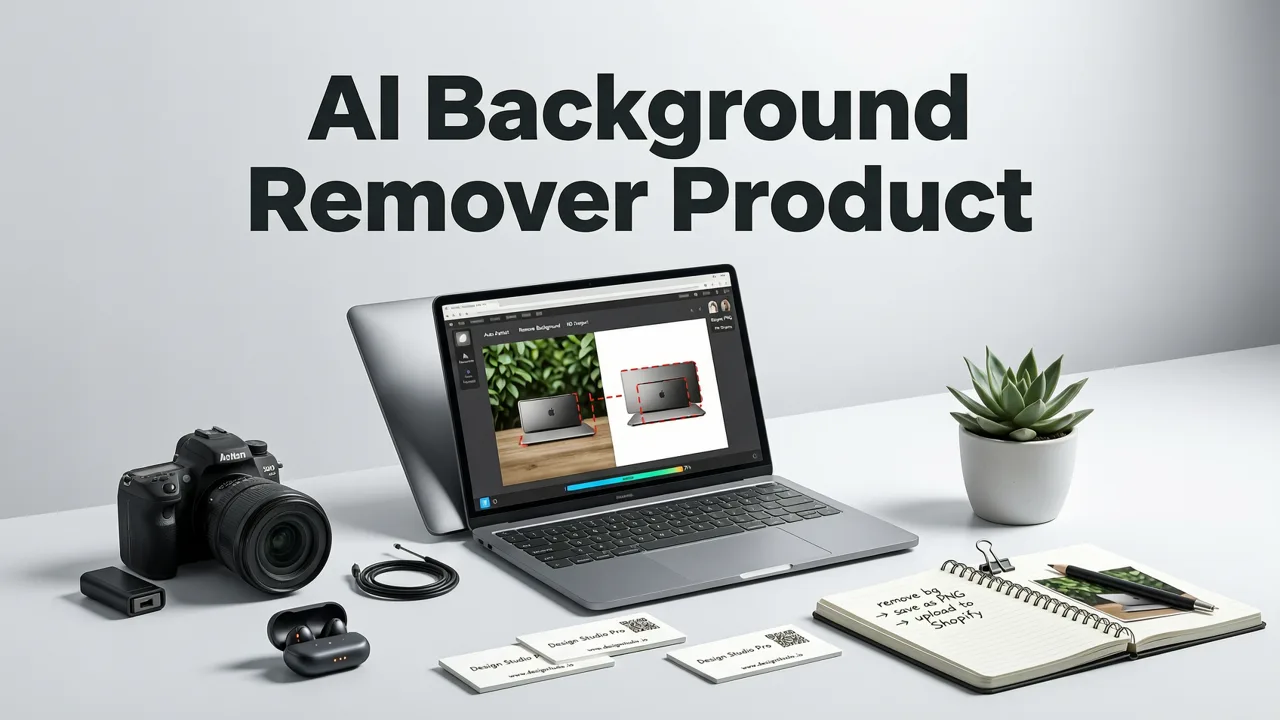
If you sell anything online, you already know the rule: a clean, white-background product shot sells more. The ai background remover for product photos you choose in 2026 needs to handle tricky edges, preserve fine details like hair, mesh, and glass, and output a ready-to-publish image in seconds — not hours. The short answer is that modern AI background removers now use multi-layer segmentation models that detect subjects, shadows, and transparency in a single pass, giving ecommerce teams and creators catalog-grade results without Photoshop.
This guide explains how today's AI background removers actually work, what separates a genuinely clean cut from a messy one, and how to pair background removal with upscaling and retouching to build a full product-photography pipeline that runs in the browser.
Why Product Photos Need a Dedicated AI Background Remover

Generic background removers are built for portraits and social posts. Product photography is a different beast. A bottle has a transparent edge. A necklace has fine chain links. A shoe has laces that curl into empty space. A wool sweater has fuzzy fibers that blur into the backdrop. Each of these edge types fools simpler cutout tools, which either chop off detail or leave a hazy halo.
The BEST Free AI Background Remover for Pictures in 2025 | Remove image background instantly!
by Photoroom
Marketplaces like Amazon, Shopify storefronts, and Google Merchant Center have strict image requirements: pure white backgrounds, consistent framing, and high resolution. A dedicated ai background remover for product photos is trained specifically on these edge cases, so you get clean paths, accurate alpha channels, and shadow control from the first export.
The Edge-Case Problem in Product Imagery
- Transparent and reflective objects: glass, plastic, and liquid containers require the AI to distinguish the object from what is behind it, not just trace an outline.
- Fine, fuzzy textures: fabric, fur, and foliage need soft-edge matting, not hard binary masks.
- Thin, intricate structures: jewelry chains, mesh grilles, and lace demand pixel-level precision.
- Shadow retention: buyers expect a subtle ground shadow for realism; the best tools let you keep, soften, or regenerate it.
How an AI Background Remover for Product Photos Actually Works

Under the hood, a modern AI background remover runs a multi-stage pipeline. First, a segmentation model identifies the subject and classifies every pixel as foreground, background, or ambiguous. Then, an edge-refinement network sharpens the alpha channel around complex boundaries. Finally, a post-processing pass handles transparency, shadow reconstruction, and color correction.
This pipeline is what allows a single upload to produce a cutout that looks like it was hand-masked by a retoucher. The same architecture powers the broader suite at AI Image Editor, which combines background removal with 200-plus text-prompt tools for everything from portrait retouching to full scene transformation.
The Three-Stage Pipeline
- Subject detection and segmentation: A vision model identifies the product category and maps foreground pixels with high confidence.
- Edge matting and alpha refinement: A dedicated matting network recovers soft edges, transparency, and fine detail that a simple mask would destroy.
- Output generation: The tool composites the cutout onto a white, transparent, or custom background, optionally adding a regenerated shadow.
What to Look for in the Best AI Background Remover for Product Photos
Not every tool marketed as an AI background remover is built for product work. Here are the features that separate a consumer-grade toy from a production-ready ecommerce tool.
| Feature | Why It Matters for Products | What to Expect in 2026 |
|---|---|---|
| Edge matting for transparency | Glass, liquid, and plastic need accurate alpha, not hard cuts | Dedicated matting models that preserve refraction edges |
| Shadow control | Flat cutouts look fake; natural shadows boost conversion | AI-regenerated contact shadows with adjustable intensity |
| Batch processing | Catalogs have hundreds or thousands of SKUs | Queue-based uploads with consistent output settings |
| High-resolution output | Marketplaces require 2000px+ images | Native HD export or integrated upscaling |
| Background replacement | Lifestyle scenes and branded backdrops need one click | Text-prompt scene generation or preset library |
| No watermark on paid plans | Watermarks destroy trust and waste time | Clean exports at every tier above free |
Step-by-Step: Removing a Product Background in Under 30 Seconds
The workflow should feel effortless. Upload, review, export. Here is the exact process using a purpose-built product background remover.
Step 1 — Upload Your Raw Product Shot
Drop in the original photo straight from your camera, phone, or supplier. The AI handles varying lighting conditions, uneven backgrounds, and even slightly off-center framing. You do not need a professional studio setup; the model is trained on real-world product imagery.
Step 2 — Let the AI Detect and Cut
Within seconds, the segmentation engine isolates your product. If the first pass misses a thin strap or a translucent edge, most tools let you refine the mask with a brush or a text prompt such as "keep the shadow" or "preserve the glass reflection."
Step 3 — Choose Your Background
Select pure white for marketplace compliance, transparent PNG for layered design work, or a lifestyle scene generated from a text prompt. For Amazon and Google Shopping, pure white at 2000 pixels or wider is the standard.
Step 4 — Export at Full Resolution
Download the finished image in the resolution and format you need. If your source file was low resolution, pair the export with an AI image upscaler online to push the result to catalog-grade sharpness without leaving the browser.
Common Mistakes That Ruin Product Background Removal
Even the best AI can produce poor results if the input is bad or the settings are wrong. Avoid these pitfalls.
Shooting on a Clashing Background
If your product is white and your backdrop is also white, the AI may struggle to separate the two. Use a contrasting backdrop for the source shot, even if you plan to replace it later. A mid-gray or colored surface gives the segmentation model more signal to work with.
Ignoring Lighting and Shadows
Harsh, directional light creates deep shadows that the AI might interpret as part of the product. Soft, even lighting produces cleaner cutouts. If you want a shadow in the final image, let the tool regenerate one rather than keeping the original.
Exporting at the Wrong Resolution
A perfectly cut product image at 500 pixels is useless for a marketplace listing. Always export at the highest native resolution, and if the source is small, run it through a dedicated upscaler. The best AI background remover free options in 2026 often include upscaling as part of the export flow, so check whether your tool bundles both.
AI Background Removal vs. Manual Masking in Photoshop
For years, professional retouchers used the Pen Tool and channel-based masking in Photoshop. That approach still wins for a handful of ultra-complex hero shots. But for the vast majority of product catalogs, AI background removal has closed the quality gap and obliterated the speed gap.
A manual mask that takes a retoucher 15 minutes per image can now be produced by AI in under 10 seconds, with comparable or better edge quality on standard product categories.
The math is simple. A 500-SKU catalog that once took a week of retouching can now be processed in an afternoon. That time savings translates directly into faster listing launches, more frequent catalog refreshes, and lower cost per image.
Pairing Background Removal with Other AI Editing Tools
Background removal is rarely the only edit a product photo needs. The most efficient workflows chain multiple AI tools together in a single session.
Background Removal Plus Upscaling
Supplier images are often low resolution. Remove the background first, then run the cutout through an upscaler to sharpen edges and increase pixel count. This two-step process produces marketplace-ready images from mediocre source files.
Background Removal Plus Retouching
After the background is gone, you may want to clean up dust spots, correct color casts, or enhance material textures. Text-prompt retouching tools let you describe the fix — "remove the dust on the lens" or "make the leather look richer" — and the AI applies it non-destructively.
Background Replacement for Lifestyle Scenes
Once the product is isolated, you can place it into any scene. A perfume bottle on a marble countertop. A sneaker on a city street. A watch on a wrist. Text-prompt background generation makes lifestyle imagery accessible to sellers who cannot afford a photo shoot for every SKU.
Who Benefits Most from an AI Background Remover for Product Photos
The tool pays for itself across many roles, but certain users see the biggest return.
- Ecommerce sellers on Amazon, Shopify, and Etsy: Clean white-background images are non-negotiable for listing approval and conversion.
- Dropshippers and resellers: Supplier photos are inconsistent; AI normalization makes your storefront look professional.
- Social media marketers: Product cutouts layered onto branded templates speed up campaign production.
- Content creators and reviewers: Unboxing videos and comparison posts need clean product shots for thumbnails and overlays.
- Print-on-demand businesses: Accurate cutouts ensure designs print correctly on apparel, mugs, and accessories.
Pricing Reality: Free Tools vs. Production-Ready Platforms
Free background removers are fine for a one-off image. For a live catalog, they become a bottleneck. Free tiers often cap resolution, add watermarks, limit batch uploads, or degrade edge quality on transparent objects. A production-ready platform charges per export or per month, but the cost per image drops to pennies at scale — a fraction of what you would pay a retoucher.
When evaluating pricing, look at total cost per usable image, not just the sticker price. A free tool that requires manual rework on 20 percent of your SKUs is more expensive than a paid tool that delivers clean results on the first pass.
The Future of AI Background Removal in Product Photography
The trajectory is clear: faster models, better edge handling, and tighter integration with the rest of the editing pipeline. By late 2026, the leading tools already combine segmentation, matting, shadow generation, and scene replacement in a single forward pass. The next step is full 3D-aware editing, where the AI understands the shape of the product and can relight it convincingly in any scene.
For sellers and creators, this means the gap between a DIY photo and a professionally shot image will continue to shrink. The competitive advantage will shift from who has the best camera to who has the smartest editing workflow.
Final Thoughts: Choose Speed, Quality, and Scale
An ai background remover for product photos is no longer a nice-to-have. It is the foundation of a modern ecommerce image workflow. The right tool gives you clean cutouts, marketplace-compliant white backgrounds, and the flexibility to create lifestyle scenes — all in seconds, not hours.
If you are ready to turn raw product shots into catalog-ready images at scale, start with a purpose-built platform that handles background removal, upscaling, and retouching in one place. Your listings will look better, your workflow will run faster, and your conversion rates will reflect the difference.