Free AI Background Remover — No Sign-Up Needed (2026)
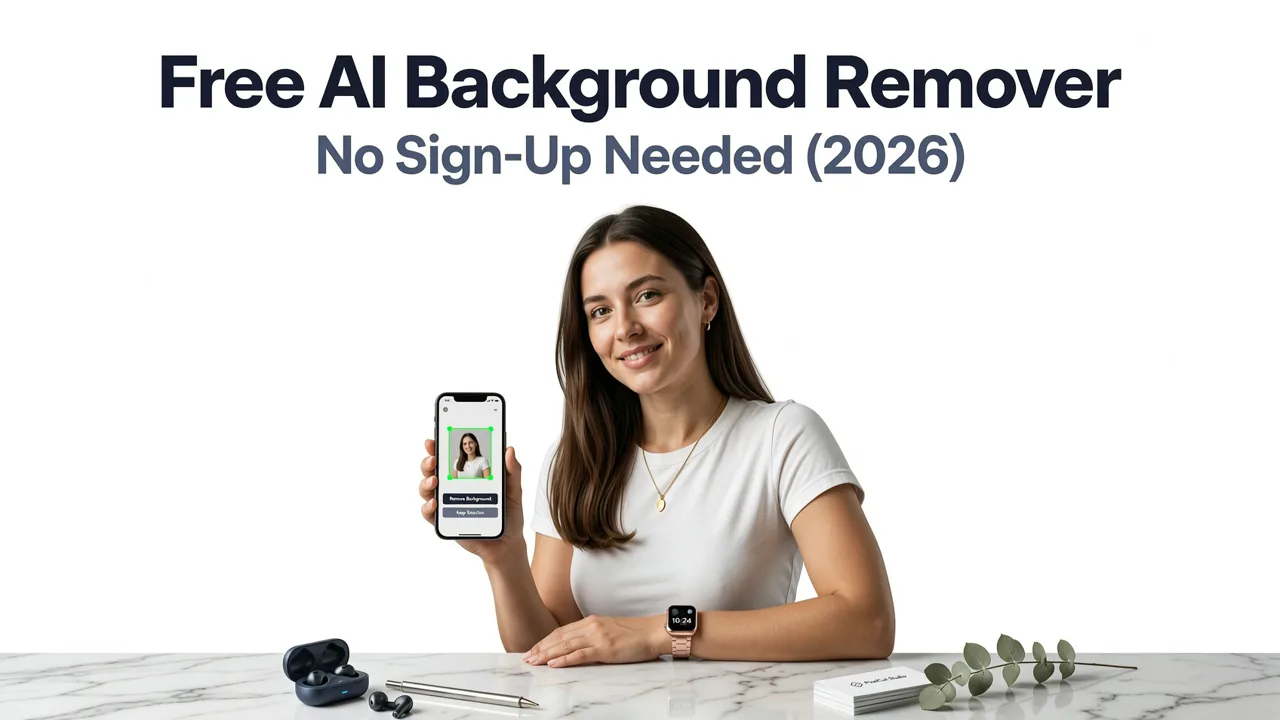
If you've ever spent ten minutes wrestling with the Magic Wand tool just to isolate a product for an eBay listing, you already know why the search for a reliable ai background remover free tool is one of the most common queries in online image editing. The short answer is this: AI Image Editor's background remover lets you upload any photo, erase the backdrop in under five seconds, and download a clean PNG — all without creating an account, entering a credit card, or installing software.
In this guide, we'll walk through exactly how the tool works, where it outperforms legacy options like Photoshop, how it compares to other free tools on the market in 2026, and which use cases benefit most from instant background removal.
What Is a Free AI Background Remover?
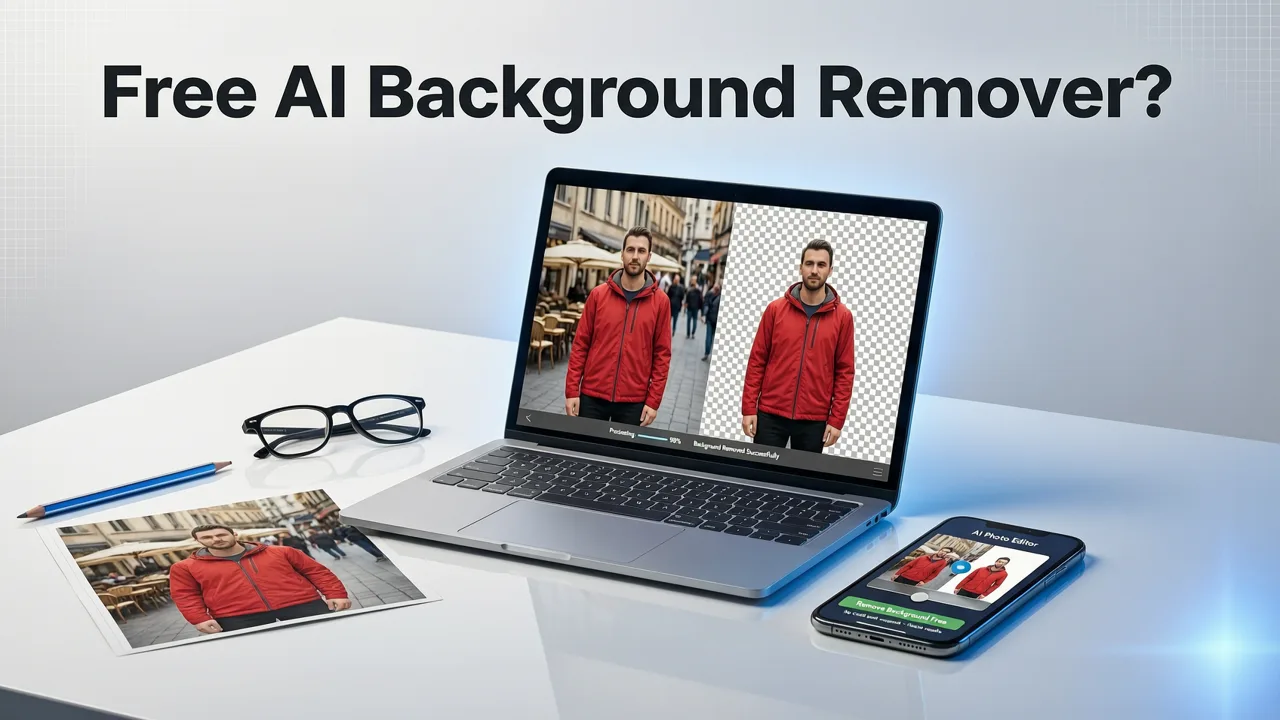
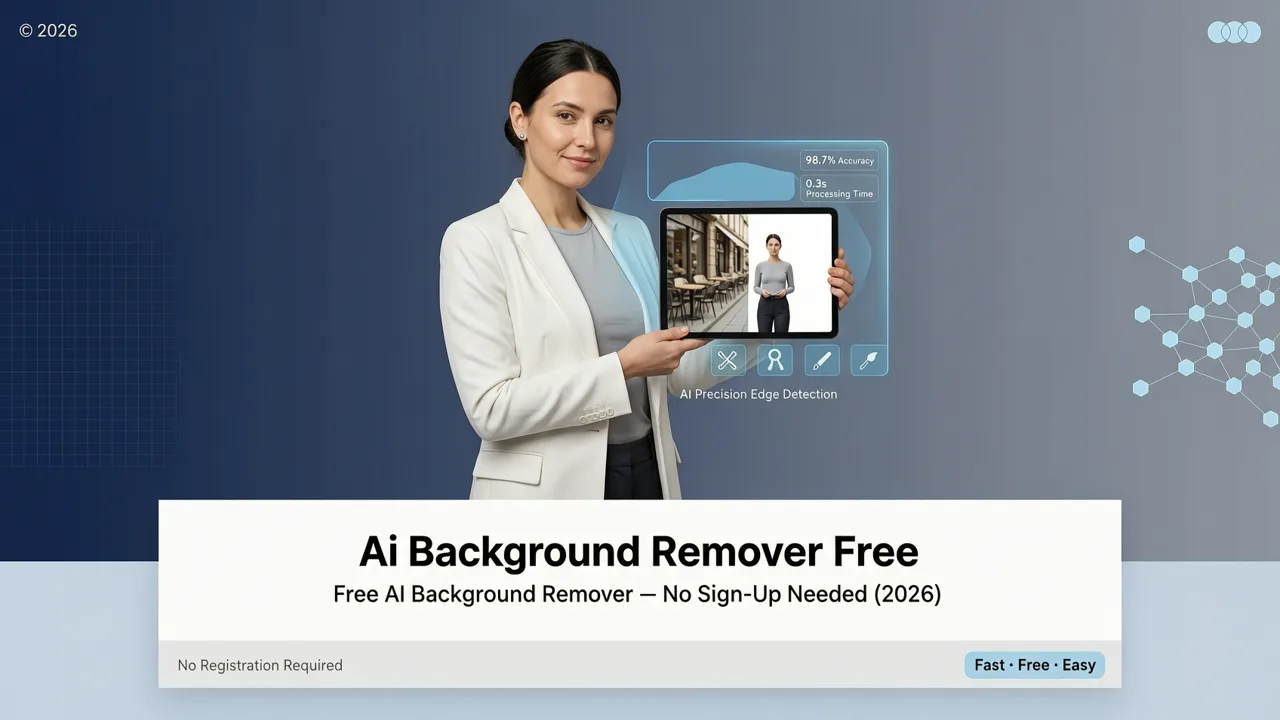
A free AI background remover is a web-based tool that uses machine learning models to detect the primary subject of an image and separate it from everything else. Unlike old-school cutout methods that rely on manual tracing or color-range selection, an AI-powered remover analyzes edges, shadows, hair strands, and transparency in a single pass.
Best AI Background Remover for Videos (2026)
by Thomas Creates
The best tools in 2026 go beyond simple cutouts. They understand depth, preserve fine detail like individual hair fibers, and handle semi-transparent objects like glass, lace, and smoke. AI Image Editor's background removal engine is built on this generation of segmentation models, which is why it consistently produces clean edges even on complex subjects.
How AI Background Removal Works Under the Hood
Modern background removal relies on a technique called semantic segmentation. Here's a simplified breakdown of the process:
- Upload: You drag or upload an image into the tool.
- Analysis: The AI model scans every pixel and classifies it as foreground (subject) or background.
- Edge Refinement: A secondary pass smooths jagged edges and restores fine details like hair and fur.
- Output: The tool generates a transparent PNG or lets you swap in a new background color or image.
This entire pipeline runs in seconds on cloud GPUs, which is why you don't need a powerful computer — or any software at all — to get professional results. For more on how AI handles pixel-level editing tasks, the OpenAI documentation provides useful technical context on how vision models process images.
Why Creators Are Choosing Free AI Background Removers in 2026
The shift toward browser-based AI editing tools has accelerated dramatically. Here's why so many creators, sellers, and marketers now reach for a free AI background remover instead of opening Photoshop:
- Speed: Background removal takes seconds, not minutes. For ecommerce sellers with hundreds of product photos, that time savings compounds into hours.
- Zero learning curve: No layers, no masks, no pen tool. Upload, remove, download.
- No software to install: Everything runs in your browser on any device.
- Consistent quality: AI doesn't have off days. The output is uniform across large batches.
- Cost: Free tools eliminate the need for expensive subscriptions just for a single task.
If you've been exploring alternatives to paid suites, our breakdown of the best Adobe background remover alternative in 2026 covers how browser-based AI tools stack up against desktop software in detail.
Key Features to Look for in a Free AI Background Remover
Not all free background removers are created equal. When evaluating your options in 2026, these are the features that separate a genuinely useful tool from a frustrating demo:
1. No Sign-Up or Watermark
Many "free" tools lure you in with a one-click removal, then slap a watermark on the download or require an email address to access the file. AI Image Editor's background remover requires no sign-up and delivers clean, unwatermarked PNGs every time.
2. High-Resolution Output
Some free tools cap your download at 720p or lower. For ecommerce product photos, social media content, and print materials, you need full-resolution output. AI Image Editor preserves the original resolution of your upload.
3. Hair and Fine-Edge Handling
This is the hardest problem in background removal. Humans, pets, and fluffy products require precise edge detection around individual strands. The AI model behind AI Image Editor's remover is specifically trained on these edge cases.
4. Batch Processing
If you manage an online store or a content calendar, processing images one at a time is a bottleneck. Look for tools that support batch uploads and consistent results across varied photo styles.
5. Background Replacement
Removing the background is only half the job. The best tools also let you drop in a solid color, a gradient, or a custom background image in the same workflow.
Free AI Background Remover vs. Photoshop: 2026 Comparison
Photoshop's "Remove Background" button has improved significantly, but it still requires a Creative Cloud subscription, software installation, and at least basic familiarity with layers. Here's how the two approaches compare for everyday use:
| Feature | AI Image Editor (Free) | Adobe Photoshop (2026) |
|---|---|---|
| Price | Free | $22.99/month+ |
| Sign-up required | No | Yes (Adobe ID) |
| Installation needed | No (browser-based) | Yes (desktop app) |
| Speed per image | ~3 seconds | ~10–30 seconds |
| Hair/fine-edge quality | High | High (with manual refinement) |
| Batch processing | Supported | Supported (Actions) |
| Learning curve | None | Moderate to steep |
| Output resolution | Full original resolution | Full original resolution |
| Background replacement | Built-in | Manual (layers) |
For quick background removal tasks, the free AI tool wins on speed and accessibility. For complex compositing work that involves multiple layers, masks, and color grading, Photoshop still has its place. But for the vast majority of everyday use cases — product photos, social media posts, profile pictures, marketing banners — a free AI background remover handles the job perfectly. If you want a deeper look at this comparison, check out our guide on how to remove backgrounds without Photoshop using free AI tools.
Who Benefits Most from a Free AI Background Remover?
Background removal isn't just for designers. In 2026, it's a daily task for a wide range of users:
Ecommerce Sellers
Marketplaces like Amazon, Shopify, and eBay require or strongly prefer white-background product photos. A free AI background remover lets you process hundreds of listings without hiring a photo editor or learning retouching software.
Social Media Content Creators
Thumbnails, story stickers, and post graphics often need clean subject cutouts. Removing the background in seconds keeps your content pipeline moving without design bottlenecks.
Marketers and Ad Designers
Ad creatives demand fast iteration. Being able to swap backgrounds on product shots and lifestyle images in seconds means more A/B tests and faster campaign launches.
Everyday Users
Passport photos, profile pictures, meme templates, school projects — there are countless personal uses for instant background removal that don't justify paying for professional software.
How to Use AI Image Editor's Free Background Remover
The workflow is deliberately simple. Here's the step-by-step process:
- Upload your image: Drag and drop any JPG or PNG into the tool, or click to browse your files.
- Automatic removal: The AI detects the subject and removes the background automatically. No adjustments needed for most photos.
- Refine (optional): If needed, use the built-in brush to add or remove areas from the selection.
- Replace or download: Choose a new solid-color background, upload a custom backdrop, or download the transparent PNG directly.
The entire process takes under five seconds for a standard photo. There's no account creation, no email prompt, and no watermark on the final file.
Tips for Getting the Best Results
- Use well-lit photos: Good lighting helps the AI distinguish subject from background more accurately.
- Avoid cluttered backgrounds with similar colors to the subject: If your subject wears a green shirt against a green hedge, any tool will struggle. A slight color contrast helps.
- Start with the highest resolution you have: The tool preserves your original resolution, so uploading a sharp source image gives you the best output.
- Use the refine brush for tricky edges: Hair, fur, and translucent objects may benefit from a quick manual touch-up.
Common Use Cases for Free Background Removal
To make this practical, here are some of the most common scenarios where AI Image Editor's free background remover saves time and delivers results:
Product Photography for Online Stores
White or transparent backgrounds are the standard for product listings. Upload your raw product shot, remove the background, and drop in a clean white fill — all in seconds.
Social Media Graphics
Creating a YouTube thumbnail? Need a clean headshot cutout for an Instagram story? Background removal is the fastest way to isolate your subject for overlay graphics.
Real Estate and Interior Design
Stage photos by removing unwanted objects or swapping backgrounds entirely. Virtual staging workflows become significantly faster with AI-powered cutouts.
Event and Portrait Photography
Swap distracting backgrounds for clean studio-style backdrops. Pair this with AI Image Editor's portrait retouching tool for a complete headshot workflow, or use the AI skin smoothing tool for natural-looking skin before removing the background.
Privacy and Data Handling
When you upload a photo to any online tool, privacy matters. AI Image Editor processes images on secure servers and deletes uploaded files after processing. Your photos are not stored, shared, or used for model training. For broader context on how leading AI organizations approach data responsibility, the Google AI responsibility guidelines offer a useful framework for evaluating any AI-powered service.
Free vs. Paid Background Removers: What's the Trade-Off?
Some users wonder whether a free tool can truly match a paid one. In 2026, the gap has narrowed dramatically. Here's an honest look at the differences:
| Factor | Free Tools (AI Image Editor) | Premium Tools |
|---|---|---|
| Edge quality | Excellent for most photos | Slightly better on extreme edge cases |
| Resolution limit | Full resolution | Full resolution |
| Batch processing | Available | Available |
| API access | Limited | Full API typically included |
| Advanced editing | Basic refine brush | Layer-based editing |
| Cost | Free | $5–$30/month |
For 95% of users, a free AI background remover handles the job perfectly. Premium tools make sense only if you need API integration for automated workflows or deep layer-based compositing that goes beyond simple background swaps.
Frequently Asked Questions
Below are the most common questions about using a free AI background remover.
Is AI Image Editor's background remover really free?
Yes. You can upload, remove backgrounds, and download clean PNGs without paying, creating an account, or entering payment details.
Will the removed background leave a watermark?
No. Downloads are completely clean with no watermarks or branding overlaid on your image.
Does it work on mobile devices?
Yes. AI Image Editor runs entirely in your mobile browser. There's no app to download — just open the site, upload, and go.
What file formats are supported?
You can upload JPG and PNG files. The tool outputs transparent PNGs by default, with options to add a solid-color or custom background before downloading.
How accurate is the AI on difficult subjects like hair?
The AI model is specifically trained to handle fine edges including hair, fur, feathers, and translucent materials. For the most challenging cases, the built-in refine brush lets you make quick manual corrections.
Start Removing Backgrounds for Free Today
A free AI background remover doesn't have to mean compromised quality, hidden fees, or frustrating sign-up walls. AI Image Editor gives you fast, clean, high-resolution background removal with zero friction — just upload and download. Whether you're prepping product photos for your online store, creating social media graphics, or cleaning up personal images, the tool handles it in seconds. Head to AI Image Editor and try the background remover now — no account needed.