AI Image Editor Portrait Retouching — The 2026 Workflow for Flawless Portraits
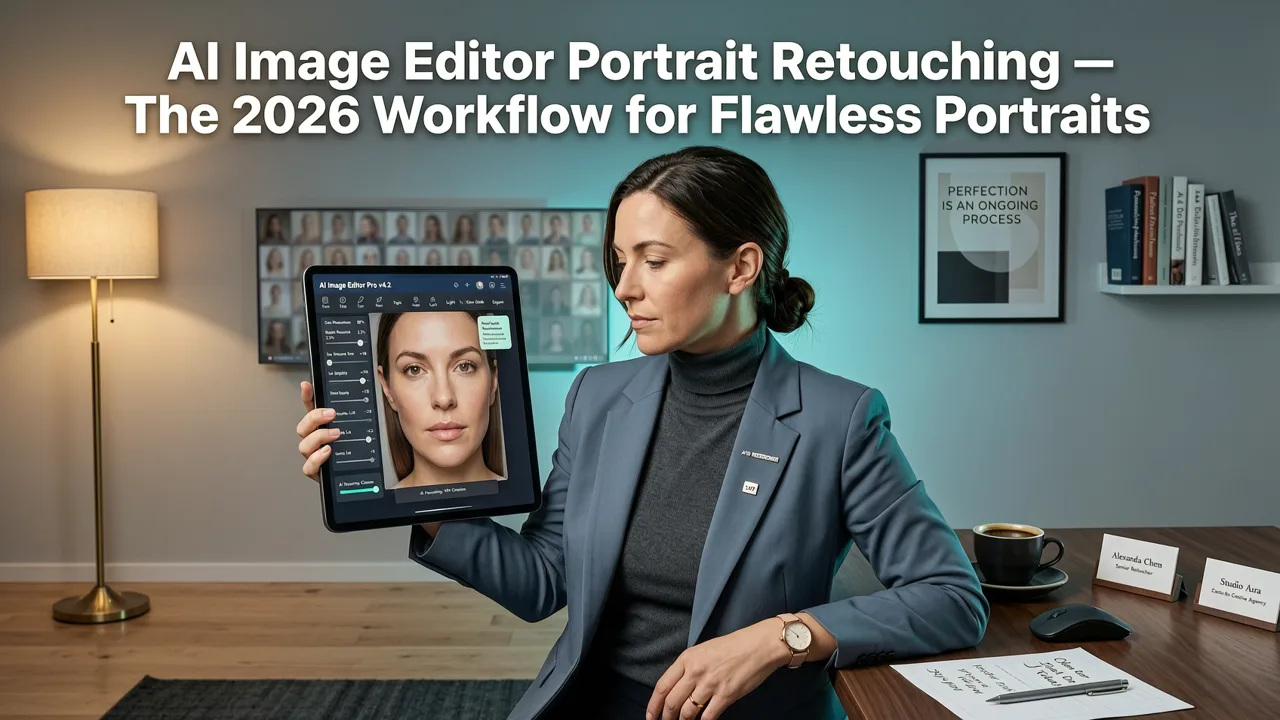
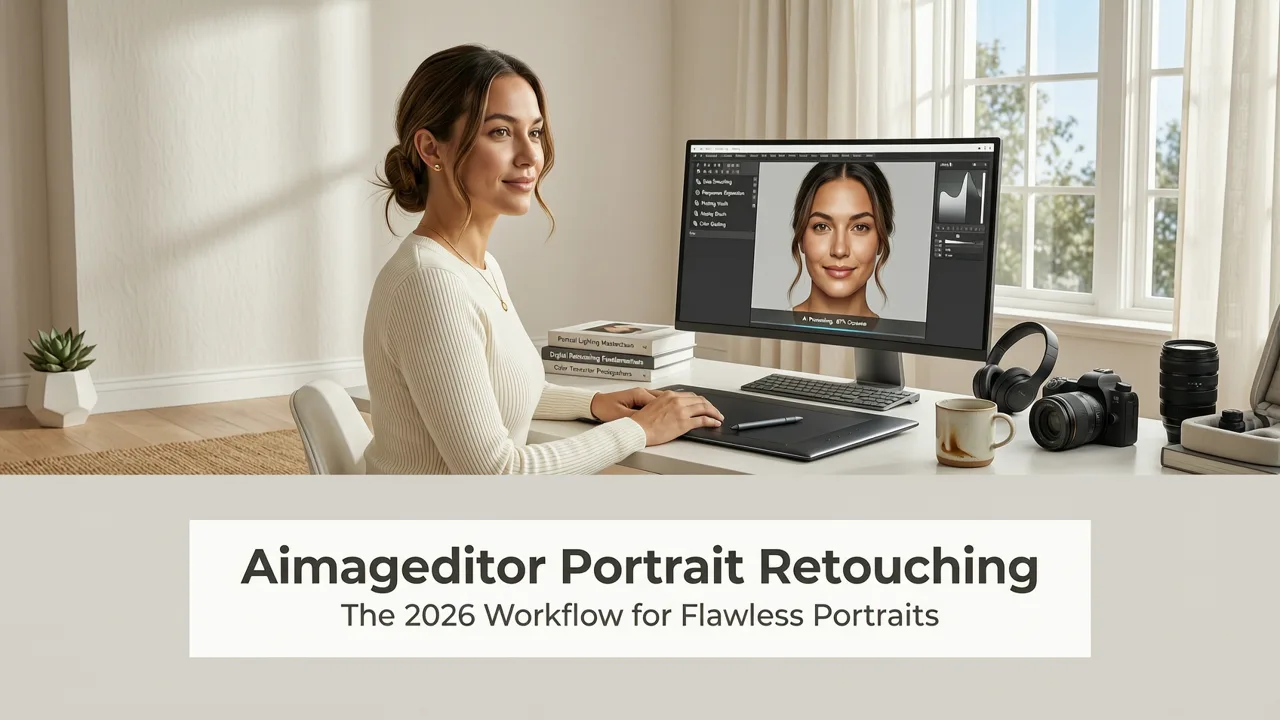
If you've been searching for aimageditor portrait retouching, the short answer is this: AI Image Editor's portrait retouching suite lets you smooth skin, brighten eyes, whiten teeth, reshape facial features, and polish headshots using simple text prompts — no Photoshop skills required. Upload any photo, describe the edit you want, and get studio-quality results in seconds.
Whether you're preparing a LinkedIn headshot, editing a family portrait, or producing product lifestyle images for your ecommerce store, the aimageditor portrait retouching toolkit handles the heavy lifting so you can focus on creating content that performs. In this guide, we'll walk through exactly how the portrait retouching tools work, what edits you can make, and how to get the best results in 2026.
Related YouTube video for aimageditor portrait retouching
Recommended from YouTube search
What Is AI Image Editor Portrait Retouching?
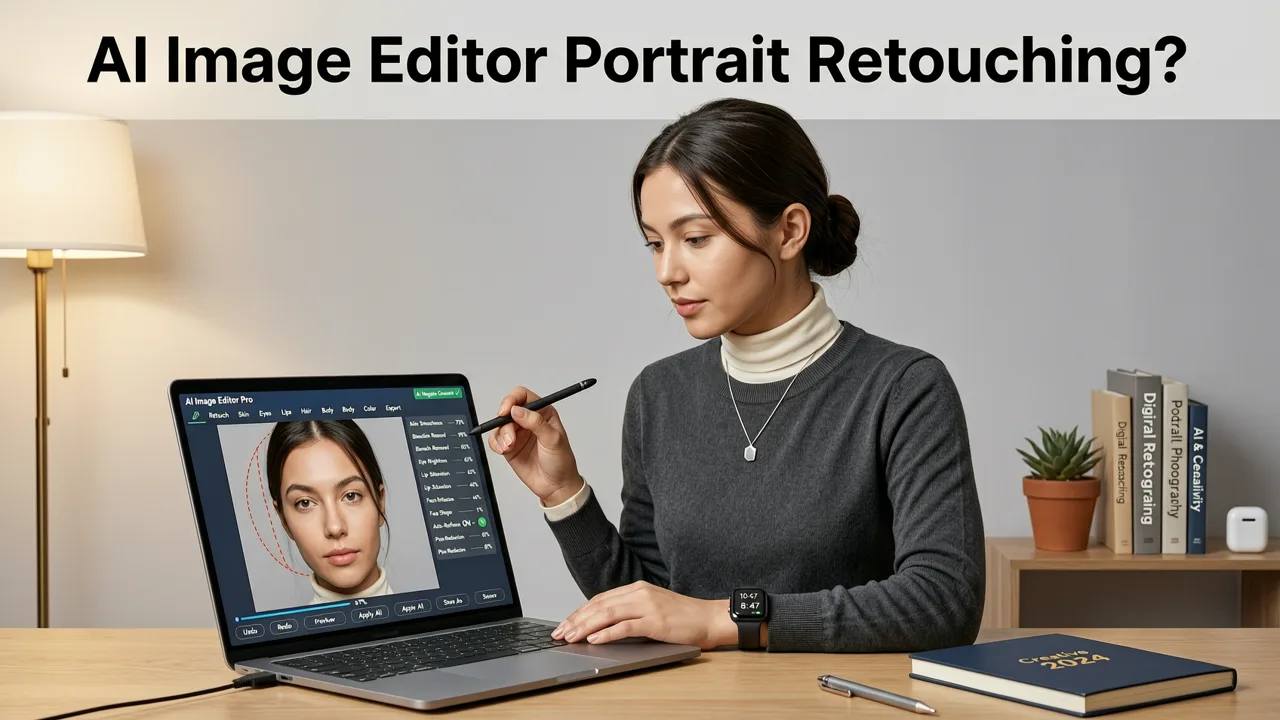
AI Image Editor portrait retouching is a collection of AI-powered tools designed to enhance facial features, correct skin imperfections, and improve the overall quality of portrait photographs. Unlike traditional retouching workflows that require hours of manual cloning, dodging, and frequency separation, the aimageditor portrait retouching system uses generative AI models trained on millions of professional portraits to understand facial anatomy, lighting, and skin texture.
The result is a retouching experience that feels intuitive and fast. You don't need to understand layers, masks, or brush opacity settings. You simply describe what you want — or choose from preset options — and the AI delivers natural-looking edits that preserve your subject's authentic appearance.
Core Portrait Retouching Capabilities
- Skin smoothing: Reduce blemishes, pores, wrinkles, and uneven tone without creating the plastic, over-filtered look.
- Eye enhancement: Brighten eyes, increase clarity, and add subtle catch-light for a more engaging gaze.
- Teeth whitening: Apply natural-looking whitening that avoids the unnatural blue tint common in older tools.
- Face reshaping: Subtly adjust jawline, cheekbones, nose, or other features with realistic proportions.
- Background removal and replacement: Isolate your subject and place them against any backdrop — studio, office, or creative scene.
- Lighting correction: Fix harsh shadows, balance exposure, and add professional-grade lighting effects.
- Image upscaling: Enlarge portraits for print or high-resolution displays while maintaining sharp facial detail.
How AI Image Editor Portrait Retouching Works Under the Hood
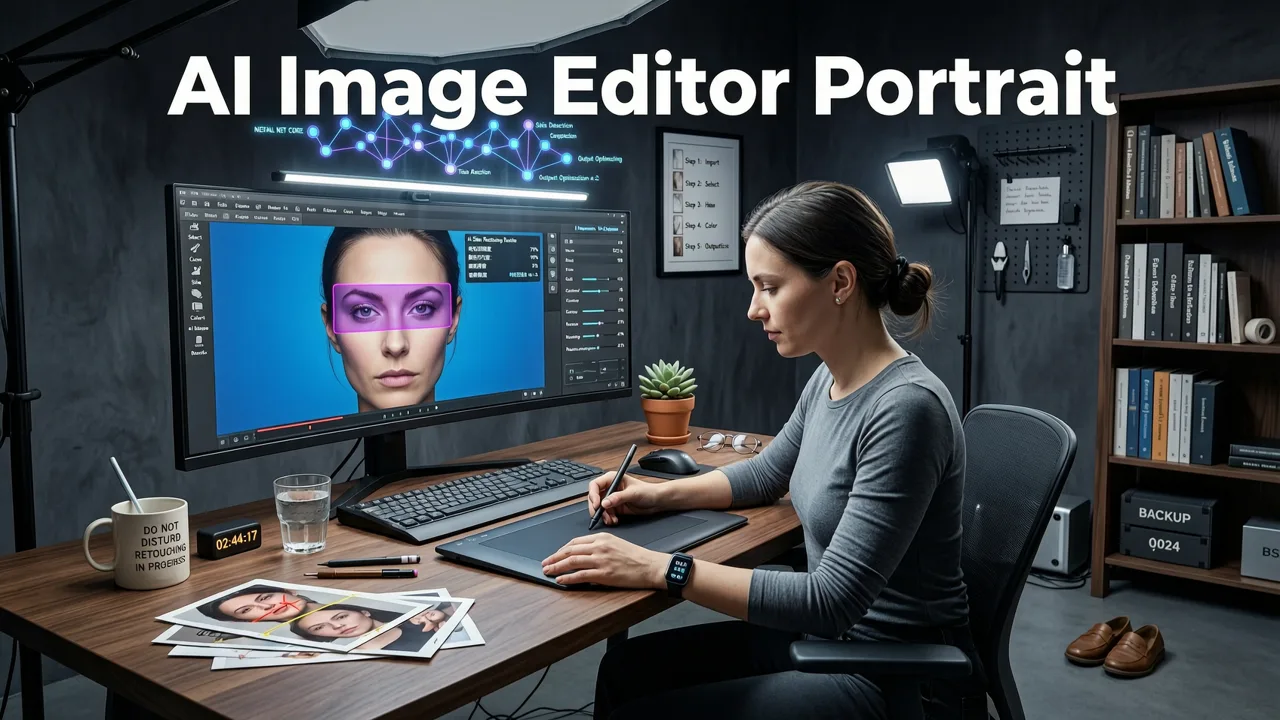
The aimageditor portrait retouching engine is built on a pipeline of specialized AI models, each optimized for a specific editing task. When you upload a portrait, the system first runs facial landmark detection to map key features — eyes, nose, mouth, jawline, and skin zones. This structural understanding ensures that edits are applied precisely where they're needed and that no edit bleeds into areas it shouldn't affect.
Next, the system applies generative models that have been fine-tuned on professional retouching styles. These models understand the difference between a natural editorial retouch and an over-processed social media filter. They preserve skin texture in areas where it should remain visible, maintain realistic pore patterns, and respect the subject's unique facial characteristics.
For text-prompt-driven edits, the platform interprets your instructions using natural language processing and maps them to the appropriate generative pipeline. For example, a prompt like "smooth the skin under the eyes and reduce dark circles" triggers targeted skin correction models focused on the under-eye region, preserving the rest of the face untouched.
Step-by-Step: How to Use AI Image Editor Portrait Retouching
Here's a complete walkthrough of the portrait retouching process in 2026. The workflow is designed to be fast enough for batch ecommerce work and precise enough for professional headshots.
Step 1: Upload Your Portrait
Navigate to the AI Image Editor portrait retouching tool and upload your photo. The platform accepts all common formats — JPEG, PNG, WebP, and HEIC — and handles images from smartphones, DSLRs, and even scanned film negatives. There's no minimum resolution requirement, though higher-resolution source images will yield better upscaled results.
Step 2: Choose Your Retouching Approach
You have two options:
- Preset retouching: Select from curated styles like "Natural Headshot," "Editorial Beauty," "Social Media Glow," or "Ecommerce Product Portrait." Each preset applies a balanced set of enhancements tuned for its use case.
- Custom text prompts: Describe exactly what you want. Examples include "remove the blemish on the left cheek," "brighten the eyes slightly," "add a soft studio background," or "whiten teeth naturally."
Step 3: Review and Refine
The AI generates your retouched portrait in seconds. Use the before-and-after slider to compare results. If an edit needs adjustment, simply refine your prompt or tweak the intensity slider for preset-based edits. You can layer multiple edits — for example, smooth skin first, then adjust background, then upscale the final image.
Step 4: Export in Your Preferred Format
Download your retouched portrait in the resolution and format you need. The platform supports export at up to 4K resolution. For ecommerce sellers, batch export options let you process dozens of product portraits in a single session. If you need to enlarge an image beyond its original resolution, the AI Image Upscaler can boost resolution while preserving facial sharpness.
Portrait Retouching Use Cases in 2026
The aimageditor portrait retouching tools serve a wide range of users and workflows. Here's how different audiences are using the platform right now.
Professional Headshots for LinkedIn and Resumes
Job seekers and professionals use portrait retouching to transform casual selfies into polished headshots. The AI can remove background clutter, even out skin tone, brighten eyes, and adjust lighting — producing a result that rivals a studio session costing hundreds of dollars.
Ecommerce Product Portraits
Online sellers need consistent, high-quality lifestyle images featuring models wearing or using their products. Portrait retouching ensures every model image meets brand standards for skin tone, lighting, and background consistency — critical for maintaining trust across product pages.
Social Media Content Creation
Content creators and influencers use portrait retouching to maintain a consistent aesthetic across their feeds. The preset system allows creators to apply the same retouching style to every photo, building a recognizable visual brand without spending hours in editing software.
Family and Event Photography
Photographers and everyday users alike use portrait retouching to enhance group photos, wedding portraits, and event snapshots. Quick fixes like removing temporary blemishes, brightening tired eyes, or fixing harsh flash lighting make a meaningful difference in final images.
AI Image Editor Portrait Retouching vs. Traditional Methods
To understand why creators are switching to AI-powered portrait retouching, it helps to compare the approach against traditional editing workflows.
| Feature | AI Image Editor Portrait Retouching | Traditional Photoshop Retouching |
|---|---|---|
| Time per image | 10–30 seconds | 15–60 minutes |
| Skill required | None — text prompts or presets | Advanced — layers, masks, frequency separation |
| Consistency across batch | High — presets ensure uniformity | Variable — depends on operator skill |
| Cost | Free tier available; affordable plans | Expensive software + training time |
| Natural results | AI preserves skin texture and anatomy | Depends entirely on retoucher skill |
| Background editing | One-click removal and replacement | Manual masking and compositing |
| Upscaling capability | Built-in AI upscaler | Requires separate tools or plugins |
As this comparison shows, the aimageditor portrait retouching workflow dramatically reduces the time and expertise needed to produce professional results. This is especially valuable for ecommerce sellers and marketers who need to process large volumes of images quickly.
Tips for Getting the Best Portrait Retouching Results
While the AI handles most of the technical work, a few best practices will help you get even better outcomes.
Start with the Best Source Image Possible
AI retouching can work miracles, but it performs best when the source image has reasonable lighting and focus. Avoid heavily blurred or extremely dark photos — the AI can enhance what's there, but it can't reconstruct details that were never captured.
Use Specific Prompts for Targeted Edits
Rather than saying "make me look better," try specific instructions like "reduce under-eye shadows," "smooth forehead texture," or "add a warm tone to skin." Specific prompts produce more predictable and controllable results.
Avoid Over-Retouching
The most compelling portraits in 2026 retain authentic skin texture and natural features. Resist the urge to smooth everything to zero. The AI is designed to produce natural results by default — trust its judgment and make only the adjustments that matter for your use case.
Combine Portrait Retouching with Generative Fill
For more complex edits — like changing a subject's clothing, adding accessories, or placing them in a completely new environment — combine portrait retouching with the AI Image Editor Generative Fill tool. This lets you retouch the face and body while simultaneously transforming the surrounding scene. If you're coming from a Photoshop background, our guide on how to use Generative Fill in Photoshop can help you understand the underlying concepts.
Is AI Image Editor Portrait Retouching Free?
Yes. AI Image Editor offers a free tier that includes access to core portrait retouching tools. You can upload photos, apply preset retouching styles, and use text-prompt edits without paying. Premium plans unlock higher-resolution exports, batch processing, priority rendering, and additional advanced features. For creators evaluating alternatives, the best free generative fill alternatives comparison can help you understand where AI Image Editor stands in the broader market.
Privacy and Ethical Considerations
AI Image Editor takes portrait privacy seriously. Uploaded images are processed securely and are not used to train AI models without explicit consent. The platform follows responsible AI development practices aligned with industry guidance from organizations like Google AI's responsibility framework and OpenAI's documentation standards. Users retain full ownership of their edited images.
Why AI Image Editor Portrait Retouching Stands Out in 2026
The portrait retouching landscape in 2026 is crowded with tools, but AI Image Editor differentiates itself through a combination of factors:
- 200+ text-prompt tools: Portrait retouching is just one part of a comprehensive editing suite that includes background removal, image upscaling, object removal, style transfer, and more.
- Speed: Most portrait edits complete in under 30 seconds, making the platform viable for high-volume workflows.
- Accessibility: No design software experience is needed. If you can type a sentence, you can retouch a portrait.
- Quality: The AI models are trained on professional retouching standards, producing results that hold up at print resolution and across devices.
- Global availability: The platform serves creators, sellers, and marketers worldwide with a web-based interface that works on any device.
Frequently Asked Questions
Can AI Image Editor portrait retouching handle group photos?
Yes. The facial detection system identifies and maps each face in a group photo independently, allowing you to retouch multiple subjects in a single image. You can apply different edits to different faces using targeted prompts.
Does portrait retouching work on selfies taken with a phone?
Absolutely. Smartphone selfies are one of the most common use cases. The AI corrects common phone-camera issues like uneven lighting, lens distortion near the edges, and skin texture inconsistencies caused by harsh flash.
Will retouched portraits look natural or over-processed?
The AI is designed to produce natural-looking results by default. It preserves skin texture, maintains realistic proportions, and avoids the plastic appearance associated with aggressive filter-based editing. You control the intensity of each edit.
Can I use retouched portraits for commercial purposes?
Yes. You retain full rights to images you edit on the platform. Retouched portraits can be used for ecommerce listings, marketing materials, social media, print, and any other commercial application.
Start Retouching Portraits with AI Today
AI Image Editor portrait retouching puts professional-quality editing in the hands of anyone who needs it — from job seekers polishing a headshot to ecommerce teams processing hundreds of product images. The combination of text-prompt flexibility, preset convenience, and AI-powered precision makes it the fastest path from raw photo to polished portrait in 2026. Upload your first image now and see the difference AI retouching makes in seconds.