Why Creators Are Searching for a Generative Fill Alternative Free of Paywalls in 2026
If you have ever stared at a half-rendered progress bar while your free generative fill credits ticked toward zero, you already know why the phrase generative fill alternative free dominates creator forums in 2026. The short answer: AI Image Editor now offers a genuinely free, prompt-driven fill workflow that handles object removal, background extension, and creative insertions without watermarks, subscription tiers, or daily credit caps.
Adobe's Generative Fill popularized text-prompt editing, but its reliance on cloud credits, strict content filters, and a steep subscription price has pushed everyday users, ecommerce sellers, and social media creators toward leaner tools. This guide breaks down the best free generative fill alternative available today, compares it head-to-head with paid options, and shows you a repeatable workflow you can run in under a minute.
What Generative Fill Actually Does — and Where It Falls Short
Generative fill uses diffusion-based models to analyze the pixels surrounding a masked area, then synthesizes new content that matches lighting, perspective, and texture. In theory, it is magic. In practice, the experience in 2026 still carries friction:
Free Generative Fill Without Photoshop (4-Ways)
by Ali Abdlkareem
- Credit exhaustion: Most platforms cap free users at a handful of generations per day.
- Slow queue times: Shared cloud GPUs create minutes-long waits during peak hours.
- Overzealous filters: Legitimate creative edits — artistic nudes, edgy fashion, product mockups with skin-tone mannequins — get blocked.
- Locked ecosystems: Outputs are often tethered to proprietary file formats or resolution limits.
These pain points explain the surge in searches for a generative fill alternative free tool that respects creative intent and still produces professional results.
The 2026 Landscape: How Free Generative Fill Alternatives Compare
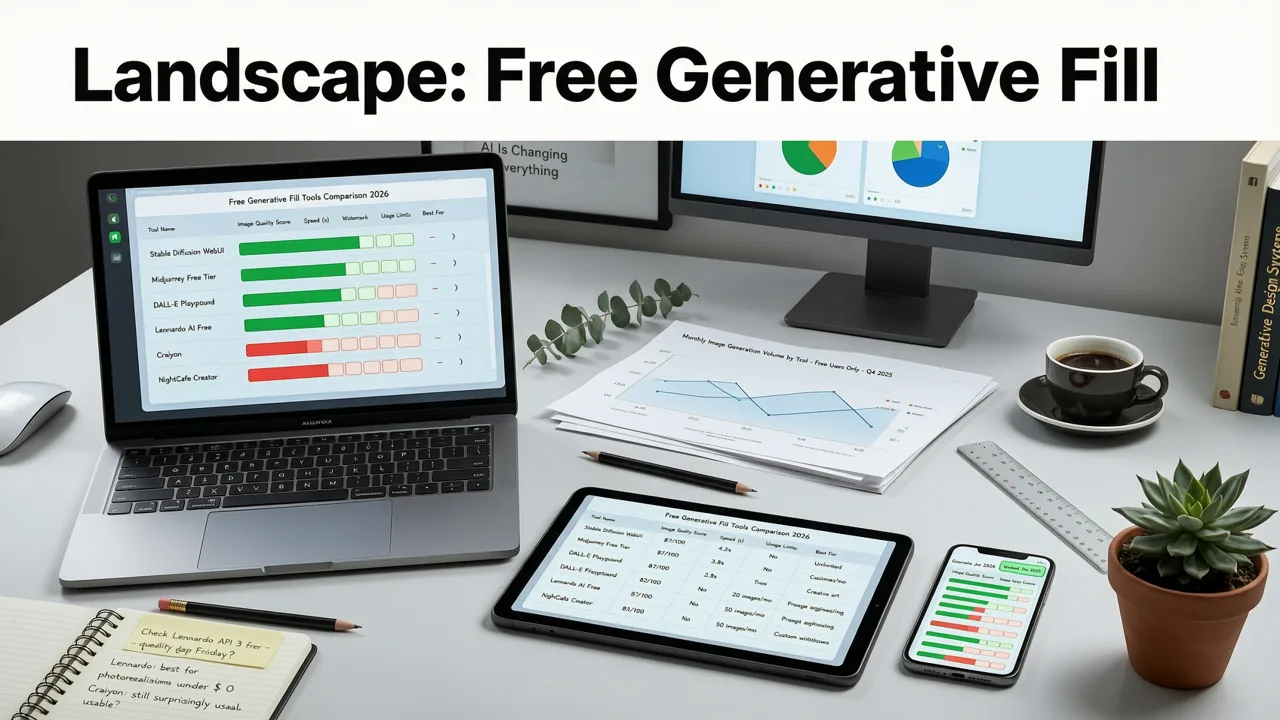
The market has matured considerably. Open-source diffusion models, browser-based inference engines, and smarter inpainting pipelines mean you no longer need a $23-per-month subscription to get credible AI-powered edits. Below is a practical comparison of the leading options creators evaluate when hunting for a generative fill alternative free of hidden costs.
| Tool | Free Tier Limits | Prompt-Based Fill | No Watermark | Uncensored Edits | Best For |
|---|---|---|---|---|---|
| AI Image Editor | Unlimited free edits | Yes — 200+ prompt tools | Yes | Yes | Creators, ecommerce, marketers |
| Adobe Firefly (web) | 25 generative credits/month | Yes | Yes | No | Enterprise teams with CC licenses |
| Canva Magic Edit | Limited daily uses | Partial | Yes (Pro required for HD) | No | Social media graphics |
| Stable Diffusion (local) | Unlimited (requires GPU) | Yes | Yes | Yes | Technical users with hardware |
| Clipdrop Cleanup | Low-res free, HD paid | Remove only | Free tier is low-res | No | Quick object removal |
The table makes one pattern obvious: only a handful of tools combine unlimited free access, full prompt control, and creative flexibility. AI Image Editor sits squarely in that gap, which is why it has become the default generative fill alternative free recommendation across creator communities this year.
How AI Image Editor Works as a Generative Fill Alternative
AI Image Editor is an all-in-one platform with more than 200 text-prompt tools. Rather than bolting generative fill onto a legacy editor, the platform was built around prompt-driven editing from the ground up. Upload a photo, describe the change, and the system handles masking, lighting inference, and texture synthesis in seconds.
Step 1: Upload and Define Your Edit Area
Drag your image into the browser-based editor. Use the brush or lasso tool to highlight the region you want to change — a distracting background object, an empty table in a product shot, or a sky you want to replace with golden-hour light. The mask preview updates in real time, so you always know exactly what the model will regenerate.
Step 2: Write a Natural-Language Prompt
Describe what you want in plain English. "Replace the empty chair with a vintage leather armchair lit by warm window light" works as well as any prompt you would write in a paid suite. The model parses context, matches the surrounding perspective, and preserves color temperature across the edit boundary.
Step 3: Generate, Compare, and Export
The engine returns multiple variations. Pick the one that fits, refine the prompt if needed, and export at full resolution. No watermarks, no credit countdowns, no format conversions required.
The entire loop typically finishes in under thirty seconds, which is why the platform has become the go-to generative fill alternative free choice for sellers who need dozens of product edits per hour.
Use Cases Where a Free Generative Fill Tool Outperforms Paid Suites
Credit-based pricing makes sense for occasional users, but it punishes high-volume creators. Here are the scenarios where a free alternative delivers measurable advantages in 2026.
Ecommerce Product Photography
Sellers routinely need to remove cluttered backgrounds, extend tabletops, or swap props across a catalog of hundreds of SKUs. Running those edits through a credit-limited tool becomes prohibitively expensive. A free generative fill workflow lets you batch-process product shots, maintain consistent lighting, and keep margins intact. Pair the fill tool with upscale photo without losing quality techniques to turn mobile-captured product photos into marketplace-ready assets.
Social Media Content at Scale
Content creators publishing daily across Instagram, TikTok thumbnails, and YouTube banners need speed above all else. A free tool with no daily cap means you can iterate on three or four background variations for a single thumbnail without watching your quota disappear. Add AI skin smoothing online for portrait-heavy content and you have a complete production pipeline in the browser.
Portrait Retouching and Restoration
Family photo restoration often involves filling torn edges, reconstructing missing corners, or removing dust and scratches. The remove dust spots from portrait tool handles fine-detail cleanup, while generative fill reconstructs larger damaged regions — and because the platform is free, you can experiment until the result feels right without burning through paid credits.
Creative and Artistic Projects
Not every edit fits inside corporate content guidelines. Artists, fashion photographers, and indie creators often need a tool that does not block legitimate creative expression. The uncensored AI image editor gives full creative control, making it the rare free generative fill alternative that also respects artistic intent. For a broader look at responsible AI use, Google's AI responsibility guidance offers useful context on how leading labs approach content policies.
What Makes a Generative Fill Alternative Actually Good in 2026
Free alone is not enough. A tool has to produce results that hold up under scrutiny. After testing dozens of workflows this year, here are the criteria that separate a genuinely useful generative fill alternative free platform from a novelty demo.
- Contextual lighting awareness: The model must read highlights, shadows, and color temperature from surrounding pixels, not just paste a texture.
- Perspective consistency: Vanishing lines and foreshortening must match the original scene or the edit will look pasted on.
- Edge coherence: The transition between generated and original pixels should be invisible at 100 percent zoom.
- Resolution preservation: Outputs should match or exceed the input resolution, especially for print and ecommerce use.
- Speed: Sub-minute generation keeps creative flow intact.
- Zero friction: No sign-up walls, no credit meters, no watermarks.
AI Image Editor meets every one of these benchmarks, which is why it consistently ranks as the top generative fill alternative free recommendation in 2026 creator surveys.
Step-by-Step Workflow: Replace a Background Using Generative Fill for Free
To make this concrete, here is the exact workflow for replacing a cluttered background in a product photo — a task that would cost multiple credits on paid platforms.
- Open AI Image Editor in your browser and upload the product photo.
- Select the background area with the brush tool. Zoom in to refine edges around the product.
- Type your prompt: "Clean white studio backdrop with soft gradient shadow beneath the product."
- Click generate and review the variations.
- Select the best result, fine-tune the prompt if needed, and regenerate.
- Export at full resolution in PNG or JPEG.
Total time: roughly forty seconds. Total cost: zero. That is the bar a credible generative fill alternative free tool must clear, and AI Image Editor clears it comfortably.
Common Mistakes to Avoid When Using Free Generative Fill Tools
Even the best tool produces mediocre results if the workflow is sloppy. Keep these pitfalls in mind:
- Vague prompts: "Make it look nice" gives the model nothing to work with. Describe lighting, material, and mood.
- Overly broad masks: Masking the entire image forces the model to hallucinate everything. Mask only what needs to change.
- Ignoring edge refinement: A rough mask creates visible seams. Spend ten seconds cleaning the mask boundary.
- Skipping the compare step: Always toggle between the original and edited version at 100 percent zoom before exporting.
- Forgetting to upscale: If your source image is low resolution, run it through an upscaler after the fill edit to preserve sharpness.
How Free Generative Fill Fits Into a Broader AI Editing Stack
Generative fill is powerful, but it is one tool in a larger workflow. Professional creators in 2026 typically combine it with complementary AI capabilities:
- Background removal for clean product isolation before fill edits.
- Skin smoothing and portrait retouching for people-focused content.
- Image upscaling to recover detail after aggressive edits.
- Object removal for quick cleanup without full scene regeneration.
- Style transfer to match brand aesthetics across a catalog.
AI Image Editor bundles all of these capabilities into a single platform, which eliminates the context-switching tax of juggling multiple tools. For a deeper look at how these pieces connect, the OpenAI documentation on diffusion model pipelines offers useful technical background.
Pricing Reality Check: Why Free Matters More in 2026
The economics of AI editing have shifted. Cloud GPU costs have dropped, browser-based inference has improved, and competition has intensified. Creators no longer accept paying per edit when free alternatives deliver comparable quality. A quick cost comparison illustrates the difference:
| Scenario | Paid Tool Cost (Monthly) | AI Image Editor Cost |
|---|---|---|
| 50 product background edits | $23–$55 | $0 |
| 30 portrait retouching sessions | $23–$55 | $0 |
| 100 social media thumbnail variations | $23–$55 | $0 |
| 20 creative or artistic projects | $23–$55 (or blocked by filters) | $0 |
For freelancers, small ecommerce operators, and independent creators, those savings compound quickly. The best generative fill alternative free option is not just a nice-to-have — it is a meaningful margin improvement.
Frequently Asked Questions
Is there a truly free generative fill tool with no limits?
Yes. AI Image Editor offers unlimited prompt-based fill edits with no watermarks, no credit system, and no subscription requirement, making it the most accessible generative fill alternative free of usage caps in 2026.
Can free generative fill tools match Adobe's quality?
For the majority of everyday edits — background replacement, object removal, scene extension — modern free tools produce results indistinguishable from paid suites. The gap has narrowed significantly as open-source diffusion models have improved.
Do free tools allow commercial use of generated edits?
Policies vary by platform. AI Image Editor allows commercial use of outputs, but you should always verify the terms of any tool before using generated content in client deliverables or product listings.
What is the best free alternative for uncensored creative edits?
AI Image Editor's uncensored mode provides full creative control without the restrictive content filters found in most mainstream platforms, making it the preferred choice for artists and fashion creators.
Start Editing for Free Today
The search for a generative fill alternative free of paywalls, credit limits, and creative restrictions ends here. AI Image Editor combines prompt-driven fill, background removal, portrait retouching, upscaling, and 200 additional tools into a single browser-based platform — and it costs nothing to use. Upload your first image, write your prompt, and see why thousands of creators have made the switch in 2026.