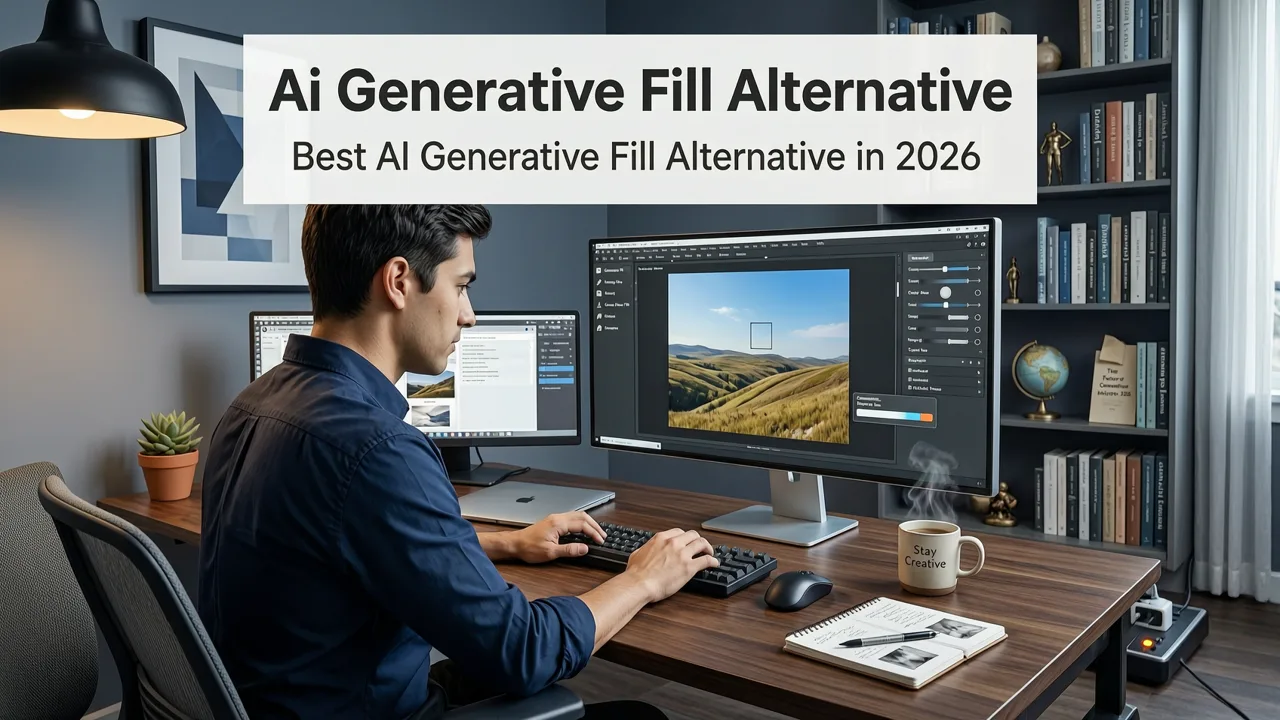
Best AI Generative Fill Alternative in 2026
If you have ever stared at a blank canvas in a heavyweight editor, waiting thirty seconds for a single generative fill pass to render, you already understand why so many creators are searching for a faster, simpler ai generative fill alternative in 2026. The short answer: AI Image Editor gives you 200-plus text-prompt tools that handle background swaps, object removal, scene extension, and portrait retouching in a single upload-and-describe workflow — without a subscription, plugin, or design degree.
This guide breaks down what generative fill actually does, where the mainstream options fall short, and how a dedicated AI photo editing platform can replace that entire workflow with a prompt, a click, and a polished result in seconds.
What Is AI Generative Fill and Why Do Creators Need Alternatives?
Generative fill is an AI-powered editing technique that uses diffusion models to synthesize new pixels inside a selected region of an image. You brush an area, type a prompt like "wooden table on cobblestone street," and the model paints context-aware content that matches the surrounding lighting, perspective, and texture.
Best Free Adobe Generative Fill Alternative | Krita AI Diffusion
by AmanBytes
It is genuinely powerful. It is also genuinely frustrating when:
- You need a desktop application with a steep learning curve.
- Render times stretch past a minute per iteration.
- A monthly subscription locks you behind a paywall for basic edits.
- The output looks plausible at thumbnail size but falls apart when inspected closely.
- You only need to edit a handful of images and do not want enterprise-grade software.
For ecommerce sellers dropping fifty product shots a week, social media creators iterating on thumbnails, and marketers swapping backgrounds for ad variants, these friction points add up fast. That is exactly the gap a modern ai generative fill alternative is built to close.
What to Look for in a True AI Generative Fill Alternative
Not every tool that mentions "AI" deserves the label. Before comparing platforms, here are the capabilities that separate a real generative-fill replacement from a repackaged filter app.
Prompt-Based Editing Without Manual Masking
The best alternatives let you describe the change in plain language. If you want to replace a cluttered backdrop with a minimalist studio gradient, you should be able to type that and let the model handle segmentation, inpainting, and relighting automatically.
Context-Aware Inpainting
Strong models do not just paste a texture over a selection. They analyze surrounding pixels, estimate depth, preserve edge detail, and match the color temperature of the original scene. Weak models produce obvious seams and floating artifacts.
Batch Processing for Production Workflows
If you edit product photos or social content at scale, single-image tools will bottleneck your output. Look for platforms that support batch uploads and consistent style presets.
No Subscription Lock-In
Many creators are moving away from monthly software commitments. Pay-per-use or credit-based models let you scale editing costs with actual output instead of paying for idle seats.
Privacy-First Handling
Responsible platforms follow guidelines similar to those outlined in Google's AI responsibility principles — transparent data handling, clear retention policies, and no surprise training on your uploads.
How AI Image Editor Works as a Generative Fill Alternative
AI Image Editor was built from the ground up as an all-in-one AI photo editing platform. Instead of bolting generative fill onto a legacy desktop editor, it treats every edit as a prompt-driven task. Upload an image, describe what you want, and the system routes your request to the right model.
Step 1 — Upload and Automatic Subject Detection
Drop your photo into the editor. The platform runs a fast segmentation pass to identify the main subject, background regions, and any foreground objects. This is the same technology that powers the AI Image Editor Background Remover, and it means you rarely need to manually brush a mask.
Step 2 — Describe the Edit in Plain Language
Type what you want. Examples include:
- "Replace the background with a bright white studio backdrop."
- "Add a wooden table surface beneath the product."
- "Remove the person on the left and fill the space with the brick wall."
- "Extend the image downward to add more floor space."
The editor parses your prompt, selects the appropriate model from its library of over 200 tools, and generates the result.
Step 3 — Review, Refine, and Export
Preview the output at full resolution. If the first pass is close but not perfect, adjust your prompt or tweak the selection and regenerate. Export in your preferred format and resolution, ready for upload to your store, social channel, or ad platform.
AI Generative Fill Alternative vs. Traditional Editors: A Practical Comparison
To make the decision concrete, here is how a dedicated AI platform stacks up against the conventional generative-fill workflow found in legacy photo editors.
| Feature | Traditional Editor with Generative Fill | AI Image Editor (Prompt-Based Platform) |
|---|---|---|
| Setup time | Install desktop app, learn interface | Open browser, upload image |
| Masking | Manual brush or lasso selection | Auto subject detection + text prompt |
| Render speed | 30–90 seconds per pass on most machines | |
| Tool count | Generative fill plus a few presets | 200+ specialized text-prompt tools |
| Pricing model | Monthly subscription, often $20–$55 | Credit or pay-per-use options |
| Batch support | Limited or requires scripting | Built-in batch workflows |
| Learning curve | Steep for non-designers | Designed for everyday users |
Who Benefits Most from an AI Generative Fill Alternative?
Different users hit different walls with traditional generative fill. Here is how the alternative approach maps to real workflows.
Ecommerce Sellers and Product Photographers
Product listings demand clean, consistent backgrounds. Swapping a lifestyle scene, extending a surface, or removing distracting props used to mean a round of manual masking. With a prompt like "place this bottle on a marble countertop with soft window light," the edit is done in seconds. For a deeper look at product-specific workflows, see the guide on AI Product Photo Editor for Ecommerce in 2026.
Social Media Creators and Influencers
Thumbnail iteration moves fast. You might test five background variations for a single post. Prompt-based editing lets you cycle through ideas without rebuilding a project file each time.
Marketers and Ad Teams
Ad creative requires rapid A/B variants. Changing a backdrop, adjusting wardrobe color, or extending an image for different aspect ratios becomes a matter of rewriting a prompt rather than re-shooting or re-compositing.
Everyday Users and Small Business Owners
Not everyone identifies as a designer. If you need a clean headshot for LinkedIn, a polished family photo for a holiday card, or a tidy product image for a marketplace listing, a generative fill alternative that speaks plain language removes the intimidation factor entirely.
Common Use Cases Where Prompt-Based Editing Replaces Generative Fill
Rather than walking through a single brush-and-paint workflow, prompt-based platforms handle a wide spectrum of edits. Here are the most common scenarios where creators are switching away from traditional generative fill.
Background Replacement and Scene Expansion
Whether you need a pure white backdrop for a marketplace listing or a moody gradient for a music release cover, describing the scene in words is faster than painting it pixel by pixel. For dedicated background work, the Best AI Background Remover Free in 2026 guide walks through the process in detail.
Object Removal and Scene Cleanup
Power lines, photobombers, watermark residue, and stray packaging materials disappear when you describe the surrounding context. The model reconstructs what should logically be behind the removed object.
Portrait Retouching and Wearable Corrections
Generative fill is often used to fix glasses glare, smooth skin, or adjust clothing. A prompt-based tool streamlines this further. If eyewear reflection is a recurring problem, the walkthrough on how to remove reflection from glasses photos shows exactly how the process works.
Image Upscaling and Detail Recovery
After a generative edit, you may want to push resolution higher for print or large-format display. Integrated upscaling tools add realistic detail without the halos and noise of older super-resolution methods.
Tips for Getting the Best Results from Any AI Generative Fill Alternative
Even the smartest model responds better to clear input. Follow these practices to maximize output quality.
- Be specific in your prompt. "Warm wooden table with soft afternoon light from the left" outperforms "nice table."
- Provide a clean source image. Well-lit, sharp originals give the model more information to work with.
- Iterate rather than over-prompt. One focused prompt, then a small refinement, usually beats a paragraph of competing instructions.
- Use the right tool for the job. Background removal, object inpainting, and style transfer are different tasks. A platform with 200-plus tools routes each request to the model best suited for it.
- Check outputs at full resolution. What looks seamless at 25 percent zoom may reveal edge artifacts at 100 percent. Always inspect before exporting.
How the Technology Behind These Alternatives Has Evolved
The generative models available in 2026 are meaningfully different from the diffusion systems that debuted a few years ago. Key advances include:
- Improved semantic understanding. Models now parse longer, more nuanced prompts and disambiguate between similar concepts.
- Better edge coherence. Inpainted regions blend more naturally with surrounding pixels, reducing the telltale soft halo that older models left behind.
- Faster inference. Optimized model architectures and hardware acceleration have cut render times dramatically.
- Stronger safety filters. Following frameworks like those in the OpenAI documentation, platforms now block harmful or misleading generations more reliably.
These improvements are what make a browser-based, prompt-first platform a credible replacement for desktop generative fill rather than just a novelty.
Frequently Asked Questions
Is AI Image Editor a direct replacement for Photoshop generative fill?
For the majority of everyday editing tasks — background swaps, object removal, scene extension, portrait retouching, and product photo edits — yes. AI Image Editor handles these through text prompts without requiring manual masking or a desktop application. For highly specialized compositing work that demands layer-level control, a traditional editor may still be useful, but most creators find the prompt-based workflow faster and more intuitive.
Do I need design experience to use an AI generative fill alternative?
No. The entire workflow is built around plain-language prompts. If you can describe what you want in a sentence, you can use the tool. There is no brush tool to master, no layer panel to navigate, and no plugin to install.
How does pricing compare to a traditional generative fill subscription?
Traditional editors with generative fill typically charge a monthly subscription ranging from roughly $20 to $55. AI Image Editor uses a credit or pay-per-use model, so you only pay for the edits you actually make. For users who edit sporadically or in seasonal bursts, this usually results in significant savings.
Can I use the edited images commercially?
Yes. Images you create and edit through the platform are yours to use for ecommerce listings, social media, advertising, print, and other commercial purposes, subject to the platform's standard terms of service.
What image formats and resolutions are supported?
The platform accepts common formats including JPG, PNG, and WebP. Output resolution depends on the source image and the specific tool used, with upscaling options available for enlarging results without quality loss.
Final Thoughts: Rethinking How You Edit in 2026
The best ai generative fill alternative is not another plugin bolted onto a decades-old editor. It is a purpose-built platform that treats every edit as a conversation between you and the model. AI Image Editor brings that approach to life with over 200 prompt-driven tools, automatic subject detection, fast rendering, and a workflow designed for people who need results — not a design degree.
Whether you are refreshing product photos for a storefront, iterating on social content, or simply cleaning up a family portrait, the question is no longer whether you need generative fill. It is whether you want to wrestle with a brush tool to get it — or just describe what you want and move on with your day. Upload your first image at AI Image Editor and see the difference a prompt-first workflow makes.