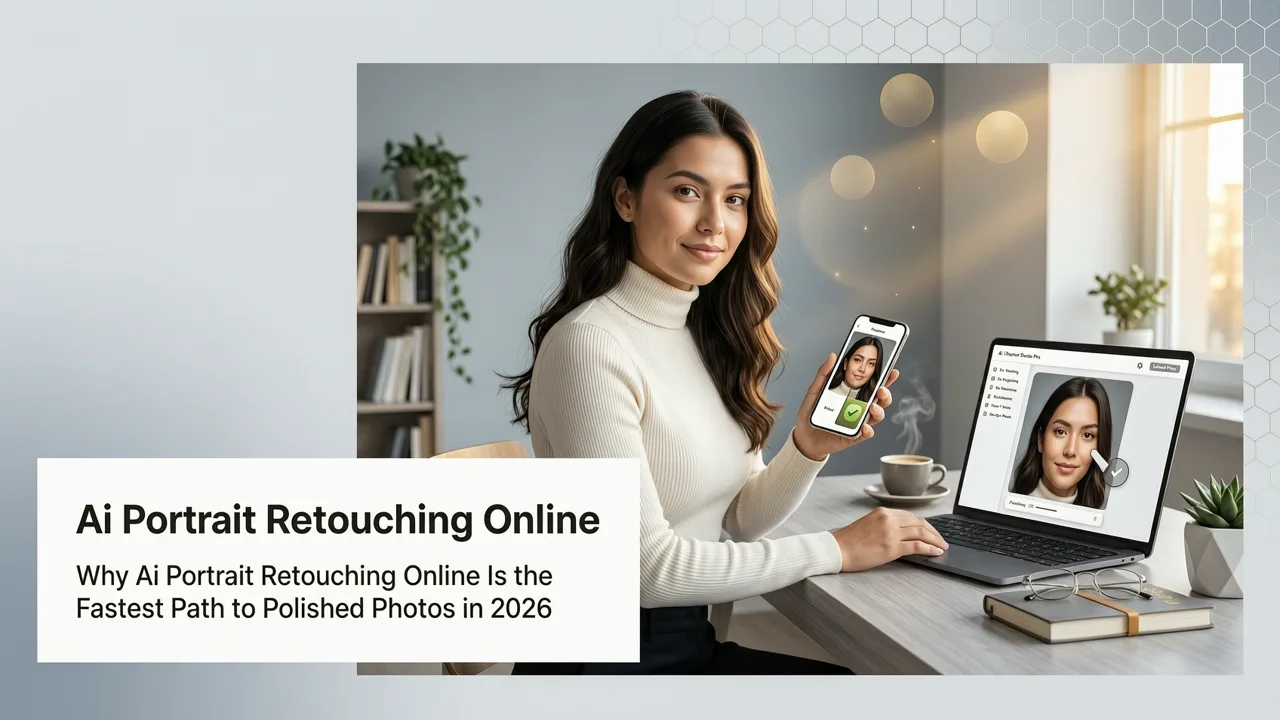
Why AI Portrait Retouching Online Is the Fastest Path to Polished Photos in 2026
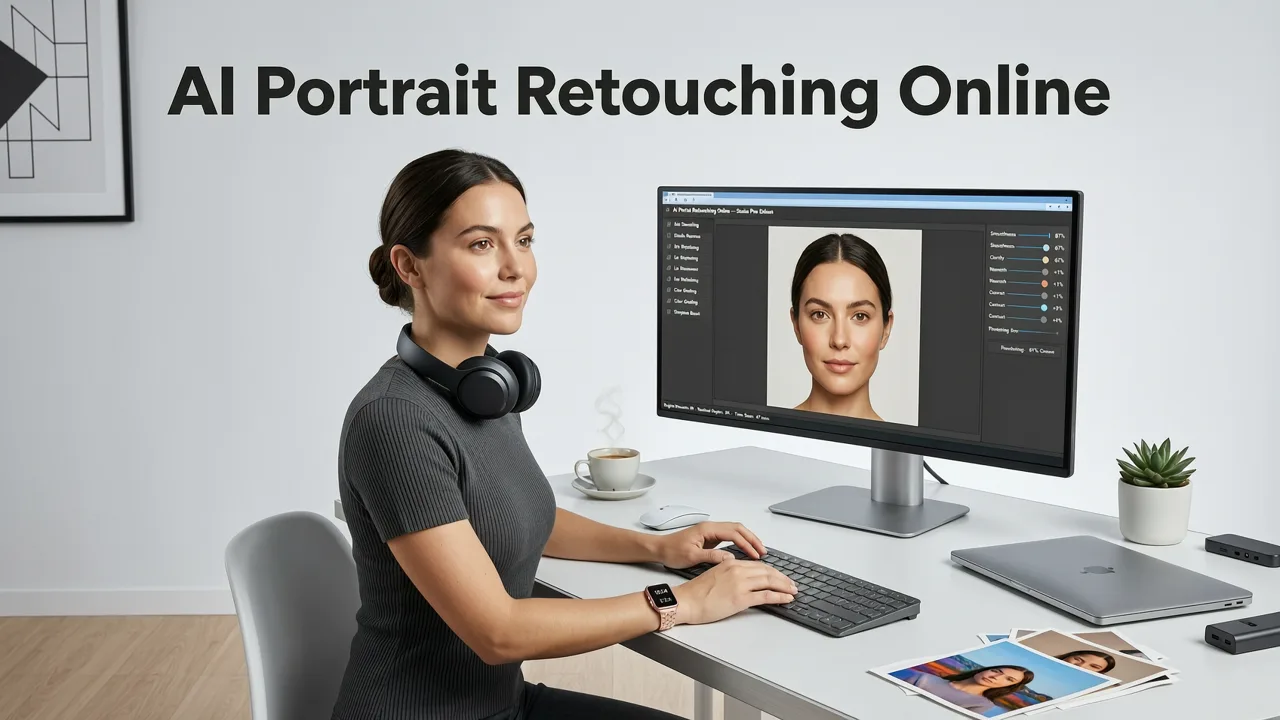
If you have ever spent an hour manually smoothing skin, fixing lighting, or erasing blemishes in a portrait only to feel like the result still looks flat, you already know why creators are turning to ai portrait retouching online tools. In 2026, the best platforms let you upload a photo, describe the edit you want, and receive a studio-quality portrait in seconds — all from your browser, with zero software to install.
This guide breaks down how online AI portrait retouching works, what features actually matter, how the leading tools compare, and how to get professional results whether you are a content creator, ecommerce seller, marketer, or everyday user.
What Is AI Portrait Retouching and How Has It Evolved?
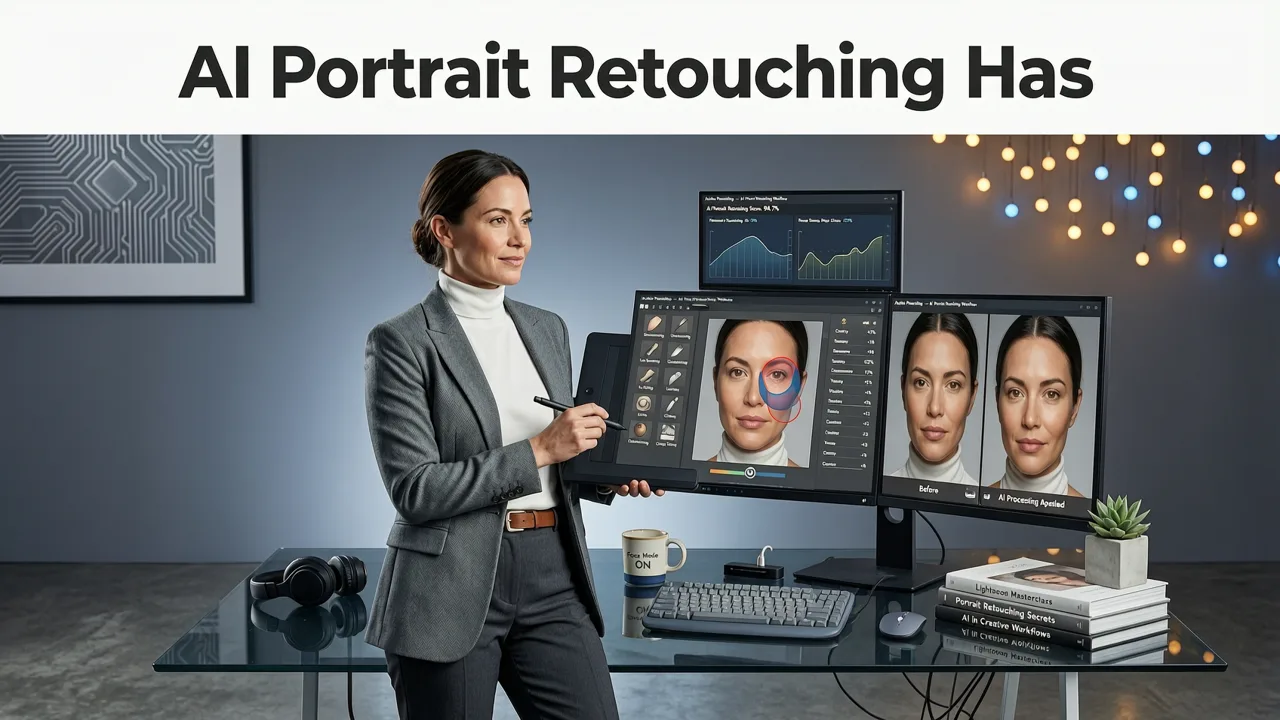
AI portrait retouching uses machine learning models trained on millions of professional photographs to automatically detect and correct common portrait issues: uneven skin tone, stray hairs, red-eye, harsh shadows, dull backgrounds, and low resolution. Unlike the manual sliders of early editing software, modern AI understands facial geometry, skin texture, and lighting context, which means edits look natural rather than over-processed.
Forget Photoshop, Try This Free & Unlimited AI Photo Editing Software - AI Ease
by AI Tools Spot
By 2026, the technology has shifted from single-task filters to multi-prompt workflows. You can now ask an AI to smooth skin, whiten teeth, reshape jawlines, adjust lighting, and replace a background — all in one pass or through a chain of text instructions. The result is a dramatic reduction in editing time and a consistent quality that used to require a professional retoucher.
Key Milestones in AI Portrait Editing
- 2022–2023: First-generation AI skin smoothing and background removal tools appeared as standalone apps.
- 2024: Diffusion-based models enabled prompt-driven edits, letting users describe changes in plain language.
- 2025: Real-time browser-based processing eliminated the need for desktop software for most common edits.
- 2026: Multi-prompt pipelines, identity-preserving generative fill, and sub-second rendering have become the standard.
How AI Portrait Retouching Online Works Under the Hood
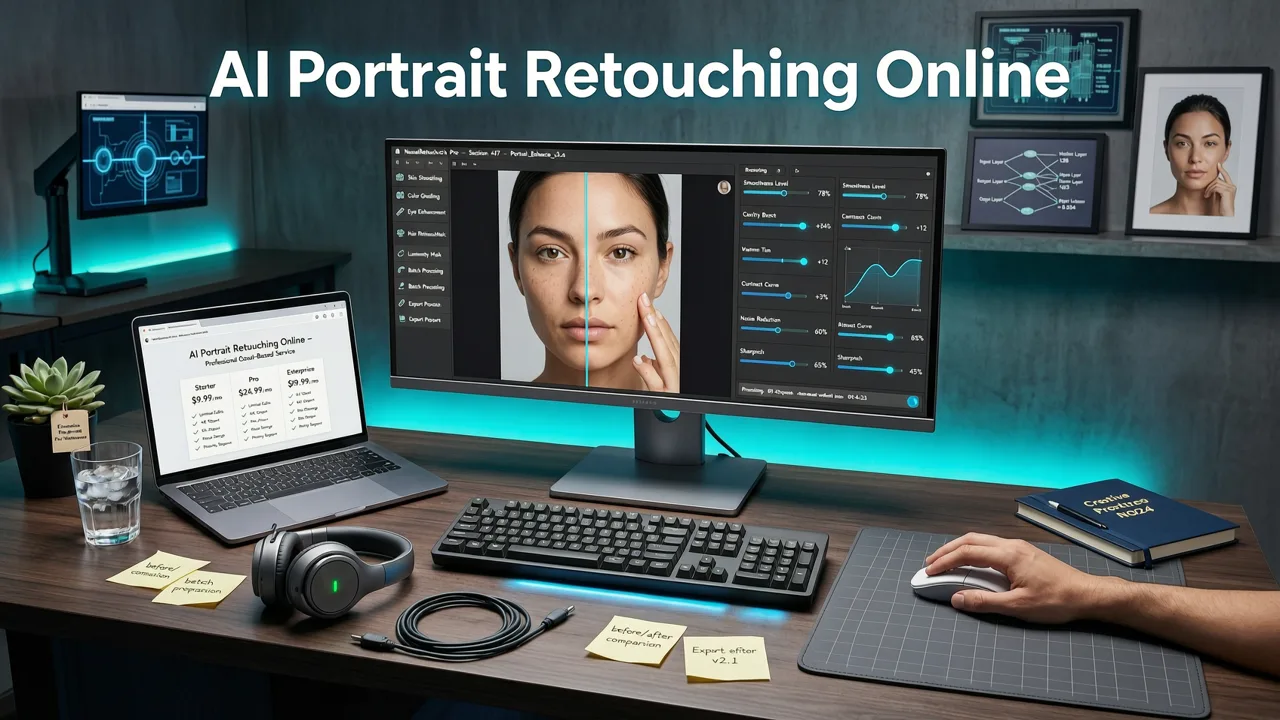
Understanding the process helps you get better results and choose the right tool for your workflow. Here is what happens when you upload a portrait to an AI retouching platform:
Step 1: Facial Detection and Semantic Mapping
The AI scans your image and identifies facial landmarks — eyes, nose, mouth, jawline, eyebrows, and hair boundaries. It also maps skin regions, clothing, and background elements into separate layers. This semantic segmentation is what allows the tool to edit specific areas without affecting the rest of the image.
Step 2: Prompt Interpretation or Auto-Enhancement
Depending on the platform, you either select from preset enhancement categories (skin smoothing, teeth whitening, eye brightening) or type a text prompt such as "smooth skin, remove blemishes, brighten eyes, and add soft studio lighting." The AI translates your instruction into targeted pixel-level adjustments.
Step 3: Generative Refinement
Advanced tools use diffusion models to reconstruct texture in edited regions. For example, if the AI removes a blemish, it does not just blur the area — it generates realistic skin texture that matches the surrounding pixels. This is the same technology behind generative fill tools, adapted specifically for portrait work.
Step 4: Output and Export
The final image is rendered at full resolution, ready to download. Most platforms support high-resolution exports suitable for print, social media, and ecommerce product listings.
Core Features to Look for in AI Portrait Retouching Online Tools
Not all AI portrait editors are created equal. Here are the features that separate professional-grade platforms from basic filters in 2026.
Skin Smoothing and Blemish Removal
The foundation of any portrait retouching tool. Look for AI that preserves natural skin texture and pore detail rather than applying a uniform blur. The best tools let you control the intensity of smoothing so your subject still looks human.
Teeth Whitening and Eye Brightening
Subtle teeth whitening and eye enhancement can make a portrait look significantly more vibrant. AI tools in 2026 detect teeth and iris regions automatically and apply color-corrected adjustments that avoid the unnatural "bleached" look of older software.
Background Removal and Replacement
One of the most requested features for ecommerce sellers and social media creators. Modern AI can remove backgrounds and replace them with AI-generated scenes in a single prompt — whether you need a clean white backdrop for a product catalog or a moody studio setting for a headshot.
Face Reshaping and Contouring
Subtle adjustments to jawline, cheekbones, and nose shape are now possible without the distortion artifacts that plagued earlier tools. The key is restraint — the best AI reshaping tools apply micro-adjustments that enhance without altering identity.
Lighting and Color Correction
AI can analyze the lighting conditions in your original photo and simulate professional studio setups: Rembrandt lighting, soft fill, rim lighting, and more. This is especially useful for photos taken in mixed or harsh natural light.
Image Upscaling
If your source photo is low resolution, built-in AI upscaling can enlarge it while adding realistic detail. Platforms like Nero AI Image Upscaler demonstrate how far this technology has come, producing sharp, print-ready images from small source files.
AI Portrait Retouching Online Tools Compared: 2026 Feature Matrix
To help you evaluate your options, here is a comparison of the feature sets offered by leading online AI portrait retouching platforms this year.
| Feature | AI Image Editor | Tool B | Tool C |
|---|---|---|---|
| Browser-based, no download | Yes | Yes | Partial |
| Text-prompt editing | 200+ prompts | Limited | No |
| Skin smoothing + texture preservation | Yes | Yes | Basic |
| Background removal and replacement | Yes | Yes | No |
| Generative fill for portraits | Yes | No | No |
| AI image upscaling | Yes | No | Yes |
| Batch processing | Yes | No | Limited |
| Free tier available | Yes | Limited | Yes |
As the table shows, platforms that combine multiple AI editing capabilities in a single workflow save significant time compared to juggling separate tools for each task. For creators who need both portrait retouching and generative fill capabilities, an all-in-one platform is the most efficient choice.
Who Benefits Most from AI Portrait Retouching Online?
Content Creators and Influencers
Consistency is everything on social media. AI portrait retouching lets you maintain a polished look across hundreds of posts without hiring a retoucher or spending hours in editing software. A single prompt can apply your preferred enhancement style to every photo in a batch.
Ecommerce Sellers
Product photos and brand portraits need to look clean, professional, and on-brand. AI tools can remove backgrounds, standardize lighting, and ensure skin tones look accurate across your entire catalog — critical for building trust with buyers.
Marketers and Agencies
Turnaround time matters when you are producing campaign assets under tight deadlines. AI portrait retouching compresses what used to be a multi-hour process into minutes, freeing your team to focus on strategy and creative direction.
Everyday Users
You do not need to be a professional to benefit. Whether you are updating your LinkedIn headshot, preparing photos for a family event, or simply want to look your best in social media profiles, online AI retouching makes professional-quality edits accessible to everyone.
How to Get the Best Results with AI Portrait Retouching Online
Even the most advanced AI produces better output when you start with a solid input. Follow these guidelines to maximize quality.
Start with the Best Source Photo You Can
AI can enhance a good photo dramatically, but it cannot fully rescue a badly lit or heavily blurred one. Aim for sharp focus, even lighting, and a resolution of at least 1080p. If your source is low resolution, use an AI upscaler before retouching.
Use Specific, Descriptive Prompts
Vague instructions produce vague results. Instead of "make it look better," try "smooth skin, reduce under-eye shadows, whiten teeth slightly, and add warm golden-hour lighting." The more specific your prompt, the more control you have over the output.
Apply Edits in Layers
Rather than trying to do everything in one pass, apply edits sequentially: start with skin and blemish correction, then move to lighting and color, then handle background and composition. This layered approach gives you finer control and makes it easier to undo individual steps.
Preserve Natural Texture
The biggest mistake users make is over-smoothing. Skin should still look like skin. If your tool offers a texture preservation or detail retention slider, use it. A portrait with natural pores and subtle imperfections always looks more authentic than one that resembles plastic.
Ethical Considerations and Responsible AI Use
As AI portrait retouching becomes more powerful, responsible use matters. Google's AI responsibility guidelines and OpenAI's documentation both emphasize transparency and consent. When editing portraits of other people — especially for commercial use — obtain permission before publishing retouched images. Avoid edits that fundamentally alter a person's identity in misleading contexts.
Most professional platforms, including AI Image Editor, include watermarks or metadata indicators on AI-edited images to support transparency standards emerging in 2026.
Getting Started with AI Portrait Retouching Online
The barrier to entry has never been lower. Here is a quick-start workflow to try right now:
- Open your browser and navigate to an online AI portrait retouching platform.
- Upload a portrait photo — a clear headshot or half-body image works best.
- Select your desired enhancements from the preset menu or type a text prompt describing the edits you want.
- Review the AI-generated result and adjust intensity sliders if needed.
- Download the final image in your preferred resolution and format.
The entire process typically takes under 60 seconds from upload to download.
Final Thoughts on AI Portrait Retouching Online in 2026
AI portrait retouching online has matured from a novelty into an essential tool for anyone who works with images. The combination of browser-based access, text-prompt control, and multi-feature workflows means you can achieve professional results without design experience, expensive software, or lengthy editing sessions. Whether you are refining headshots for your team, polishing product photos for your store, or simply want to look your best online, the right AI platform puts studio-quality retouching at your fingertips.
Ready to see the difference? Upload your first portrait to AI Image Editor and experience how fast, natural, and effortless AI retouching can be.