Why Creators Need to Turn Photo Into Cartoon AI in 2026
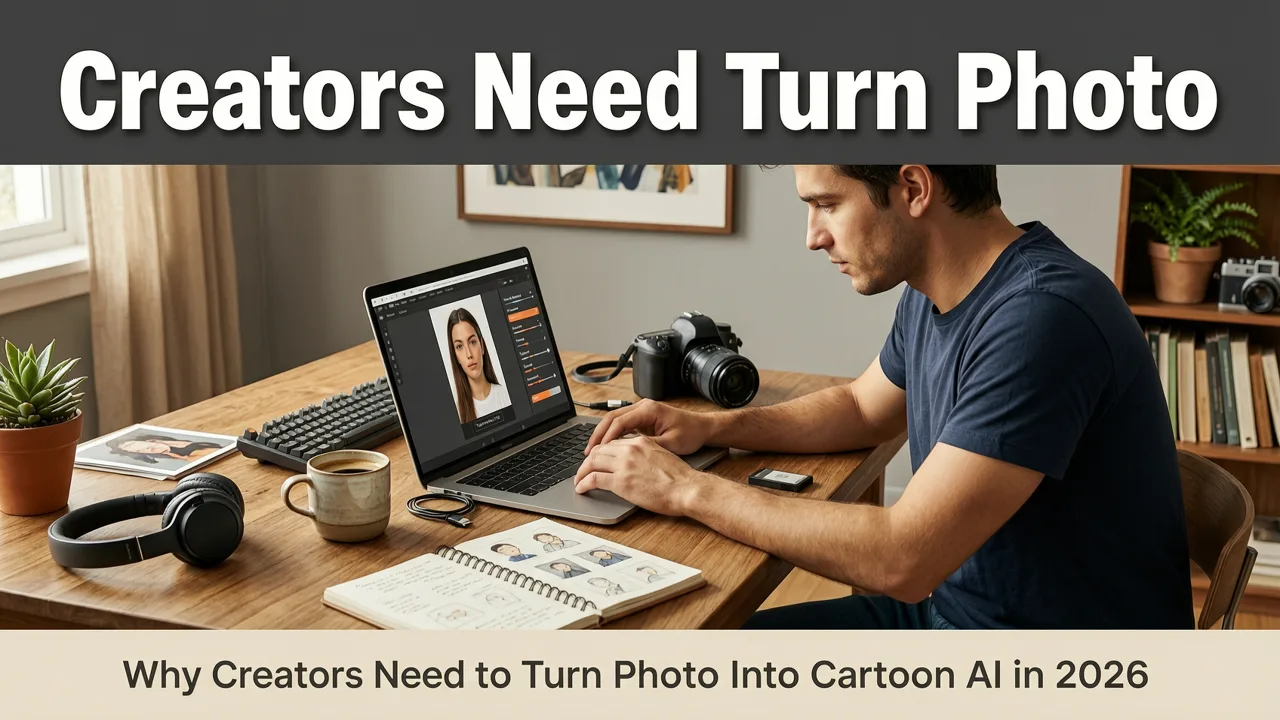
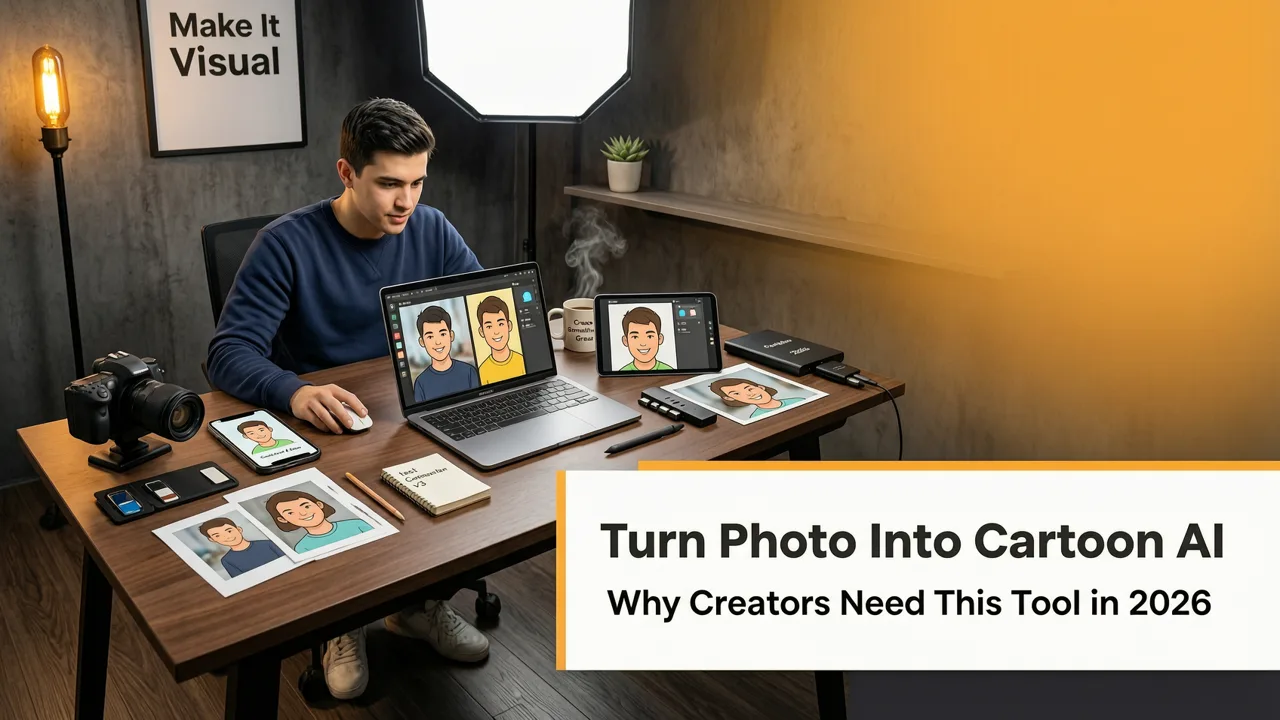
If you want to transform a standard headshot into a stylized digital illustration, learning how to turn photo into cartoon AI is the most efficient approach in 2026. Modern image-to-image models allow you to upload a picture, apply a text prompt, and generate a polished cartoon avatar in seconds. Whether you are building a personal brand, designing characters for a game, or creating engaging social media content, AI cartoonization bridges the gap between professional illustration and everyday photography.
In the past, converting a photograph into a cartoon required hiring a digital artist or spending hours manually tracing over a reference image in complex design software. Today, neural networks handle the heavy lifting. By analyzing facial landmarks, lighting, and structural geometry, these models reconstruct your photo using the aesthetic rules of traditional animation, comic books, or modern 3D rendering. The result is a highly personalized, visually striking image that retains your unique likeness while adopting a completely new artistic identity.
This technology has become a staple for content creators, marketers, and everyday users who want to stand out in crowded digital spaces. A well-executed cartoon portrait captures attention much faster than a standard photograph, making it ideal for profile pictures, blog author bios, and marketing campaigns. As AI models continue to refine their understanding of artistic styles, the quality and consistency of these transformations have reached a point where they are virtually indistinguishable from hand-drawn artwork.
I Found the Secret to INFINITE Cartoon Effects in ChatGPT!
by Pixvu
How the Technology Behind AI Cartoonization Works
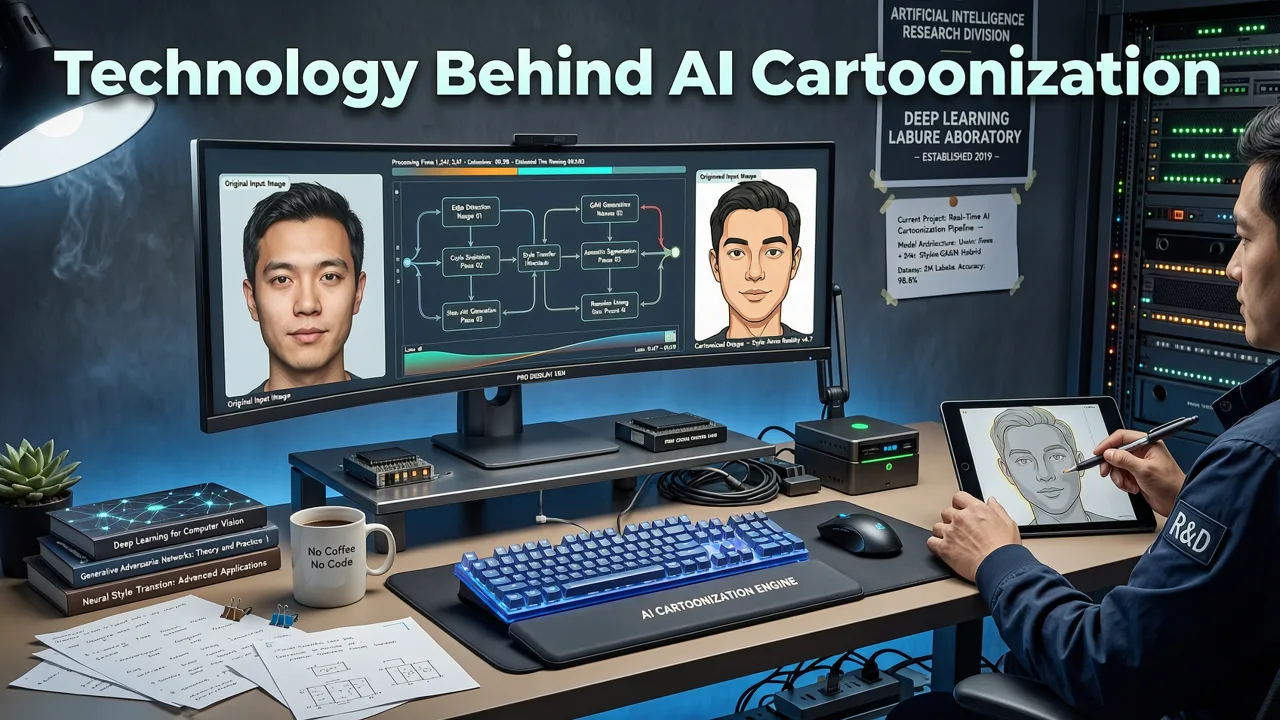
To get the best results when you turn photo into cartoon AI, it helps to understand the underlying mechanics of the software. The process is not merely a simple filter applied over your image. Instead, it relies on advanced diffusion models and image-to-image translation techniques that deconstruct and rebuild your photo from the ground up.
Facial Landmark Detection and Mapping
Before any artistic style is applied, the AI must first understand the structural composition of your face. The system uses facial landmark detection to map out critical features such as the eyes, nose, mouth, jawline, and eyebrows. This geometric mapping ensures that the final cartoon output maintains your actual proportions. If the AI skips this step, the resulting image might look like a generic cartoon character rather than a stylized version of you. Understanding the underlying mechanics of these models, as detailed in the OpenAI documentation, reveals how latent space mapping preserves core facial structures while altering surface textures.
Image-to-Image Translation Models
Once the facial structure is mapped, the image-to-image translation model takes over. This model compares your uploaded photograph against a vast dataset of cartoon illustrations, anime frames, and digital art. It identifies the stylistic differences between a photorealistic image and a cartoon, then calculates the mathematical steps required to bridge that gap. The AI essentially repaints the image, replacing realistic skin textures with flat colors or cel-shading, and converting complex lighting into simplified, stylized shadows. Always ensure your generated avatars comply with ethical AI standards, following guidelines similar to those outlined in the Google AI guidance on responsible image synthesis.
Step-by-Step Guide to Cartoonize Your Photos
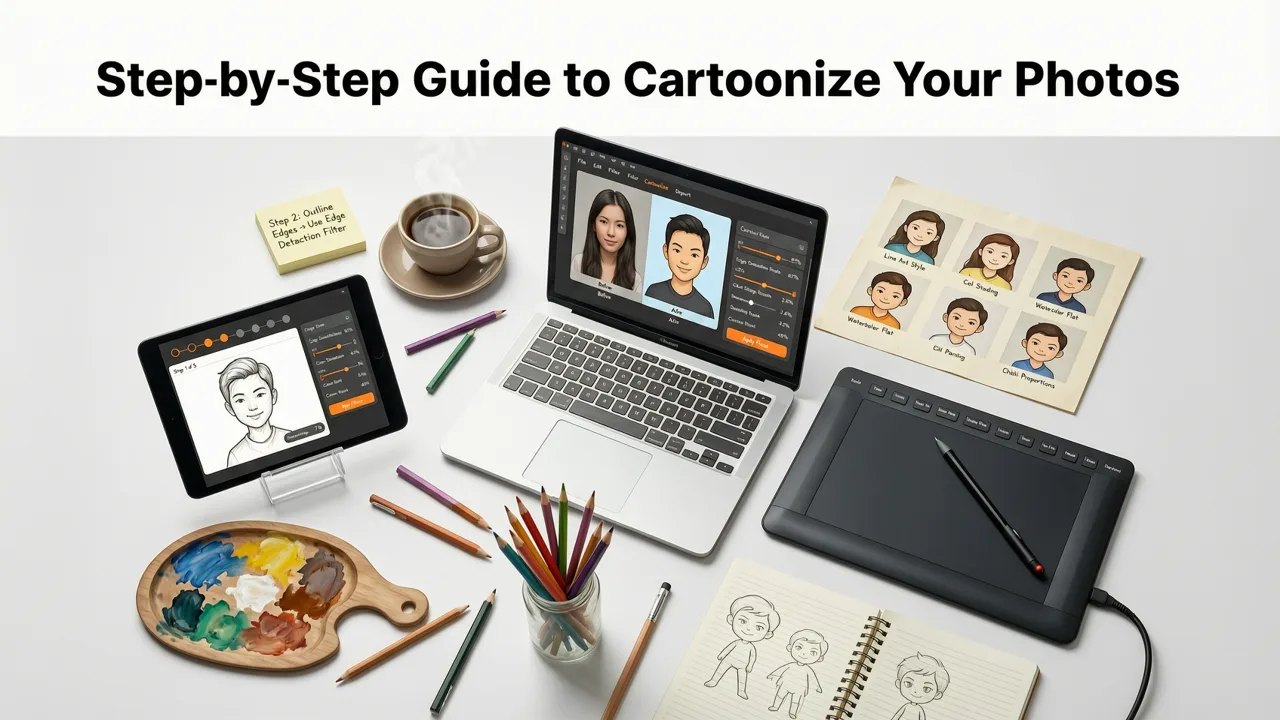
Executing a high-quality cartoon transformation requires a strategic approach. While the AI does most of the work, the quality of your input and the precision of your prompts dictate the final output. Follow these steps to ensure your cartoon portrait looks professional and accurately reflects your likeness.
- Prepare Your Base Image: Start with a high-resolution, well-lit photograph. The AI needs clear details to map your facial features accurately. If you want to clean up the original photo before stylization, you might want to check out our guide on the best AI portrait retoucher online to fix lighting and skin texture first.
- Upload to the AI Editor: Navigate to an AI image editing platform that supports image-to-image generation. Upload your prepared photograph to the canvas.
- Craft Your Text Prompt: Describe the exact cartoon style you want. Be specific about the medium, lighting, and artistic influences. For example, use prompts like "2D vector art, flat colors, bold outlines, Pixar style 3D render," or "vintage comic book illustration, halftone shading."
- Adjust the Denoising Strength: This setting controls how much the AI alters your original image. A lower strength keeps the image closer to the original photo, while a higher strength allows the AI to apply the cartoon style more aggressively. Find the balance that preserves your likeness while achieving the desired artistic effect.
- Generate and Refine: Run the generation process. Review the output and tweak your prompt or settings if necessary. You can regenerate specific areas or adjust the prompt to fix minor distortions.
Comparing Popular AI Cartoon Styles
Choosing the right artistic direction is crucial when you turn photo into cartoon AI. Different styles serve different purposes, from professional branding to casual social media engagement. The table below breaks down the most popular cartoon styles available in 2026, helping you select the perfect aesthetic for your project.
| Cartoon Style | Visual Characteristics | Best Use Cases | Prompt Keywords |
|---|---|---|---|
| Modern 3D Animation | Smooth shading, expressive eyes, soft lighting, highly detailed textures. | Professional avatars, LinkedIn profiles, personal branding. | Pixar style, 3D render, Unreal Engine 5, soft studio lighting. |
| Japanese Anime | Sharp jawlines, large detailed eyes, vibrant colors, dynamic hair. | Gaming profiles, social media, pop-culture content. | Anime style, Studio Ghibli, cel-shaded, vibrant color palette. |
| Flat Vector Art | Minimalist, bold outlines, flat colors, no gradients, geometric shapes. | Corporate blogs, app illustrations, modern web design. | Flat vector, corporate memphis, minimalist, bold outlines. |
| Vintage Comic Book | Halftone dots, heavy ink lines, high contrast, muted primary colors. | Editorial content, storytelling, retro-themed marketing. | Comic book style, pop art, halftone shading, ink lines. |
| Watercolor Illustration | Soft edges, blended colors, paper textures, organic brush strokes. | Artistic portfolios, wedding invitations, lifestyle blogs. | Watercolor painting, soft edges, paper texture, delicate brush. |
Advanced Prompting Tips for Better Cartoon Results
The text prompt is your primary tool for guiding the AI. While uploading the photo provides the structural foundation, the prompt dictates the artistic execution. To get the most out of your software, you need to master the language of AI image generation.
Define the Medium and Technique
Don't just ask for a "cartoon." Specify the exact medium. Is it a digital painting, a pencil sketch, a 3D render, or a vector graphic? Mentioning specific techniques like "cel-shading," "impasto brush strokes," or "line art" forces the AI to apply those specific rendering rules to your face.
Control the Lighting and Atmosphere
Lighting defines the mood of a cartoon just as much as it does a photograph. If your original photo has flat, boring lighting, you can use the prompt to inject drama. Add phrases like "cinematic lighting," "rim light," "neon cyberpunk glow," or "soft pastel sunset" to completely transform the atmosphere of the portrait.
Use Negative Prompts
What you don't want is just as important as what you do want. Use negative prompts to prevent the AI from introducing unwanted elements. Common negative prompts for cartoonization include "photorealistic," "3D noise," "blurry," "deformed," and "extra fingers." This ensures the AI stays strictly within the boundaries of your chosen cartoon style.
Integrating Cartoon AI into Your Broader Editing Workflow
Cartoonizing a photo is rarely the final step in a comprehensive visual project. Often, you need to integrate the new character into a broader design, fix background issues, or prepare the image for a specific platform. Building a seamless workflow ensures your final output is polished and ready for publication.
For those on a budget, starting with a free AI portrait retouch tool ensures your base image is polished without hitting a paywall. Once your character is generated, you might find that the background doesn't match the new cartoon aesthetic. Instead of starting over, you can use a free generative fill alternative to place them in a custom illustrated background that perfectly matches the new art style.
The entire process, from base editing to final stylization and background replacement, can be done seamlessly when you use AI portrait retouching online without downloading heavy software. This cloud-based approach allows you to iterate quickly, test different styles, and export high-resolution files directly to your design pipeline.
Conclusion
Learning how to turn photo into cartoon AI opens up a world of creative possibilities for creators, marketers, and everyday users in 2026. By combining high-quality base images with precise text prompts and an understanding of image-to-image mechanics, you can generate stunning, personalized cartoon portraits in seconds. Whether you are aiming for a sleek 3D animated look or a classic comic book aesthetic, the right AI tools provide the flexibility and control needed to bring your vision to life.
Ready to transform your photos into captivating cartoon art? Upload your first image to our AI Image Editor today and experiment with over 200 text-prompt tools to find the perfect style for your brand.