Why an AI Product Photo Editor Is Essential for Ecommerce in 2026

If you run an online store, your product images are your digital storefront. In 2026, an ai product photo editor is no longer a luxury for enterprise brands; it is a baseline requirement for converting browsers into buyers. Whether you need to place a skincare bottle on a sunlit marble countertop or remove distracting backgrounds from flat-lays, AI tools now deliver studio-quality results in seconds without the need for a physical photoshoot.
The shift toward AI-driven visual commerce has fundamentally changed how sellers operate. Traditional product photography requires renting studio space, hiring lighting technicians, and spending days on post-production. Today, an intelligent ai product photo editor allows you to generate, edit, and optimize hundreds of product variations from a single base image. This guide breaks down how these platforms work, what features matter most, and how to choose the right solution for your brand.
How the Best AI Product Photo Editor Actually Works
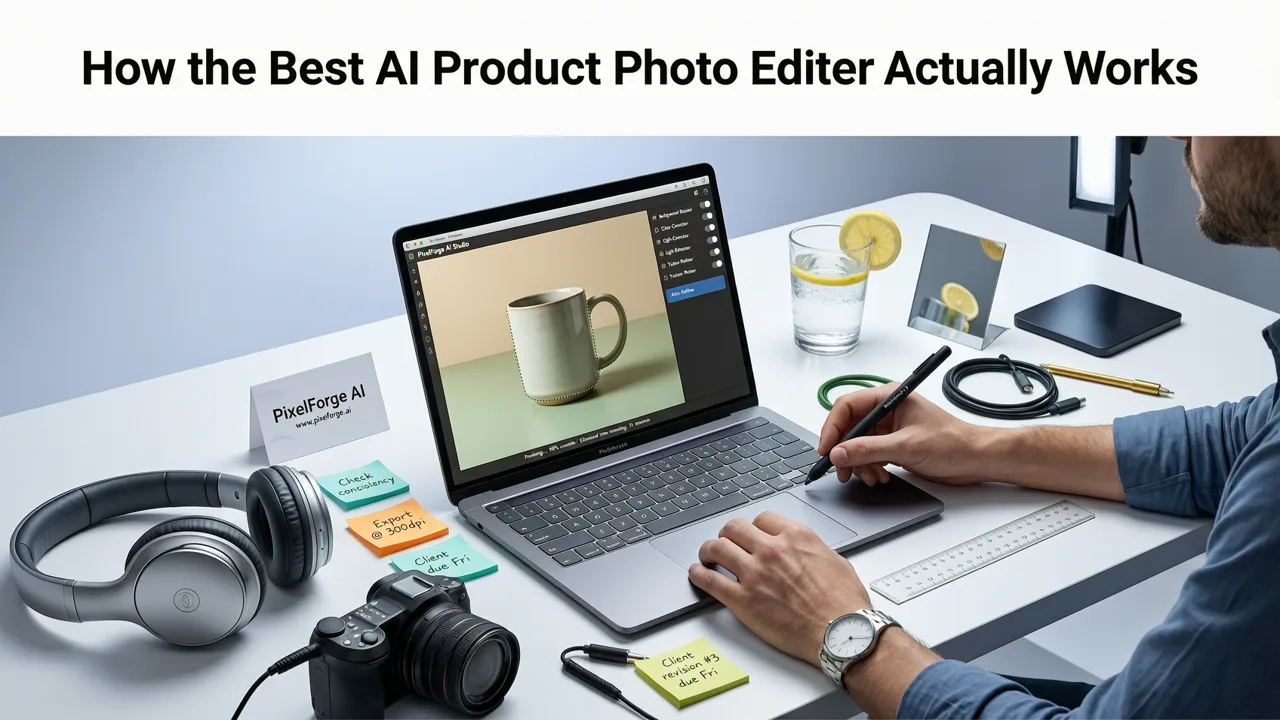
Under the hood, modern product editing platforms rely on advanced diffusion models and computer vision. Unlike basic filters that simply overlay colors, these tools understand the physical properties of your product, including its geometry, texture, and how light interacts with its surface.
I Generated 1,000 AI Product Images, I Wish I Knew this Sooner
by Roboverse
Contextual Lighting and Shadow Mapping
The biggest giveaway of a poorly edited product image is mismatched lighting. When you place a product into a newly generated scene, the AI analyzes the light source of the background. It then recalculates the highlights, mid-tones, and shadows on your product to match the environment. This depth-aware rendering ensures your item looks like it was physically placed in the scene, rather than awkwardly pasted on top of it.
Object Segmentation and Background Replacement
Before a product can be staged, it must be perfectly isolated. Modern segmentation algorithms map the exact edges of your item, handling complex details like the bristles of a makeup brush, the liquid inside a glass bottle, or the fine mesh of a sneaker. Once isolated, the background can be replaced with solid colors for marketplace compliance (like Amazon or eBay) or swapped for lifestyle environments.
Essential Features to Look for in an AI Product Photo Editor
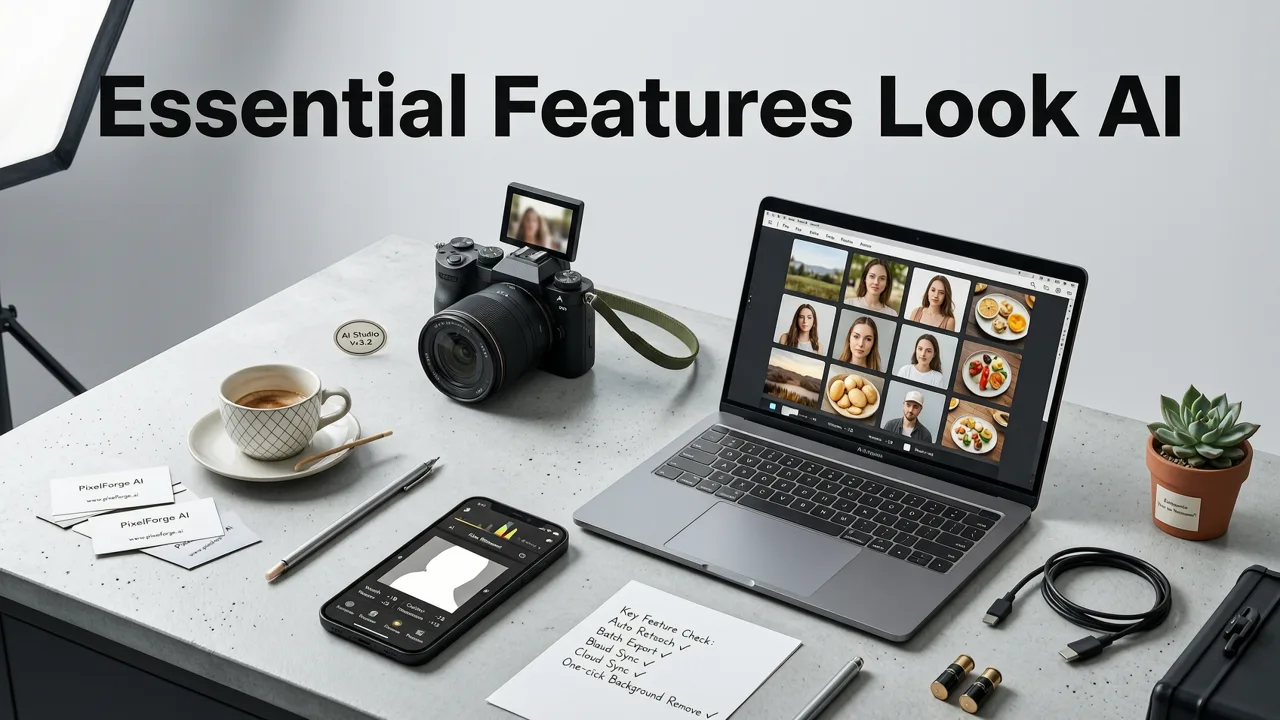
Not all editing platforms are built for commercial use. When evaluating tools for your ecommerce workflow, prioritize features that save time and maintain brand consistency.
Prompt-Based Scene Generation
The ability to type a description and generate a background is standard, but the best tools allow for granular control. You should be able to specify materials (e.g., "brushed stainless steel"), lighting conditions (e.g., "golden hour sunlight"), and spatial arrangements. For deeper control over image manipulation, exploring a best free generative fill alternative can help you seamlessly expand backgrounds or add contextual props around your main product.
Batch Processing for High-Volume Sellers
If you manage a catalog of hundreds of SKUs, editing images one by one is a bottleneck. Look for platforms that offer batch processing, allowing you to apply the same background, lighting preset, or color correction to dozens of images simultaneously. API access is also a massive advantage for integrating AI editing directly into your existing content management system.
Advanced Retouching and Model Editing
Product photography often intersects with lifestyle imagery. If your products are worn or held by models, you need robust retouching capabilities. Platforms that double as a best AI portrait retoucher online allow you to smooth skin, fix clothing wrinkles, and adjust model poses while keeping the product in sharp, accurate focus.
Traditional Photography vs. AI Product Photo Editors
To understand the ROI of switching to AI, it helps to compare the traditional workflow against a modern AI-powered pipeline.
| Feature | Traditional Studio Photography | AI Product Photo Editor |
|---|---|---|
| Cost per Image | High (Studio rental, photographer, props) | Low (Subscription or pay-per-credit) |
| Turnaround Time | Days to weeks | Seconds to minutes |
| Scene Variety | Limited by physical props and sets | Unlimited (Generate any environment) |
| Consistency | Requires strict lighting control | Algorithmic consistency across batches |
| Skill Required | High (Photography and Photoshop) | Low (Basic prompt writing and UI navigation) |
Step-by-Step: Creating Studio-Quality Images with AI
Getting professional results requires a structured approach. Follow this pipeline to ensure your product images are accurate, appealing, and ready for conversion.
- Start with a High-Quality Base Image: AI can enhance, but it cannot invent missing details. Photograph your product against a neutral background with even, diffused lighting. Ensure the focus is sharp and the resolution is high.
- Remove the Background: Use the platform's auto-removal tool to isolate the product. Manually refine the edges if necessary, especially around transparent or reflective surfaces like glass or jewelry.
- Generate the Scene: Enter your prompt. Be specific about the environment, lighting, and camera angle. Instead of "bottle on a table," use "glass serum bottle resting on a wet slate surface, soft overhead studio lighting, macro photography, 8k resolution."
- Refine Lighting and Shadows: Check the generated image. If the shadows look too harsh or the highlights don't match the product's material, use the editing tools to adjust the light direction and intensity.
- Upscale for Final Output: AI generation can sometimes result in lower-resolution outputs. Use an AI image upscaler to increase the pixel count without losing sharpness, ensuring your images look crisp on high-DPI mobile screens and 4K monitors.
Best Practices for AI Product Photography
While AI is powerful, it must be used responsibly and strategically to maintain consumer trust and platform compliance.
Maintain Product Authenticity
The primary goal of product photography is to represent the item accurately. Never use AI to alter the physical shape, color, or key features of the product. Misleading representations lead to high return rates and damage brand trust. Always refer to Google AI guidance on ethical AI use to ensure your generated images comply with emerging digital authenticity standards.
Master Prompt Engineering
The quality of your output is directly tied to the quality of your input. Treat your prompts like a creative brief. Include details about the camera lens (e.g., 50mm for standard perspective, 100mm for macro), the film stock or digital sensor style, and the exact mood of the lighting. Reviewing OpenAI documentation on prompt structure can significantly improve your understanding of how text translates into visual elements.
Optimize for Different Marketplaces
Different platforms have different visual requirements. Amazon requires a pure white background for the main image, while Instagram favors lifestyle, context-rich imagery. Use your AI editor to generate one main white-background image, then branch out to create multiple lifestyle variations for social media and email marketing campaigns from that same base file.
Conclusion
The landscape of ecommerce visual content has evolved permanently. An ai product photo editor is no longer just a tool for quick fixes; it is a comprehensive production studio that empowers sellers to compete with major brands on a fraction of the budget. By understanding how these tools process light, handle segmentation, and interpret prompts, you can build a scalable, high-converting image pipeline. Ready to transform your product catalog? Explore AI Image Editor to access over 200 text-prompt tools and start creating studio-quality product photos in seconds.