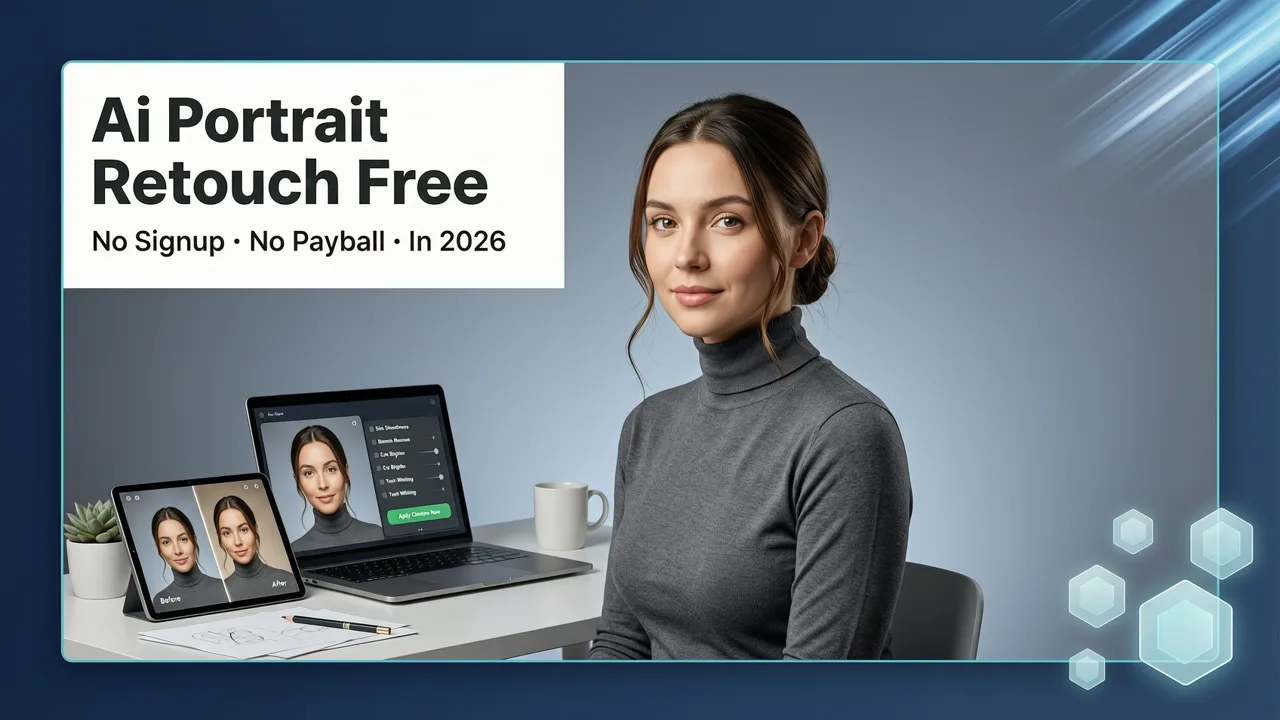
AI Portrait Retouch Free: No Signup, No Paywall in 2026

If you are looking for an ai portrait retouch free solution that actually works in 2026, you have probably hit a wall of credit limits, watermarks, and forced signups. The honest truth is that most "free" portrait tools gate their best features behind paywalls after a single use. But there is a better path — and it starts with understanding what modern AI retouching can actually do when you use the right platform.
This guide walks you through how free AI portrait retouching works in 2026, what to look for in a tool, and how to get polished, professional-quality results without spending a dime or downloading software. Whether you are a content creator fixing headshots, an ecommerce seller cleaning up product model photos, or just someone who wants to look better on camera, this breakdown gives you everything you need.
Why Everyone Is Searching for Free AI Portrait Retouching in 2026
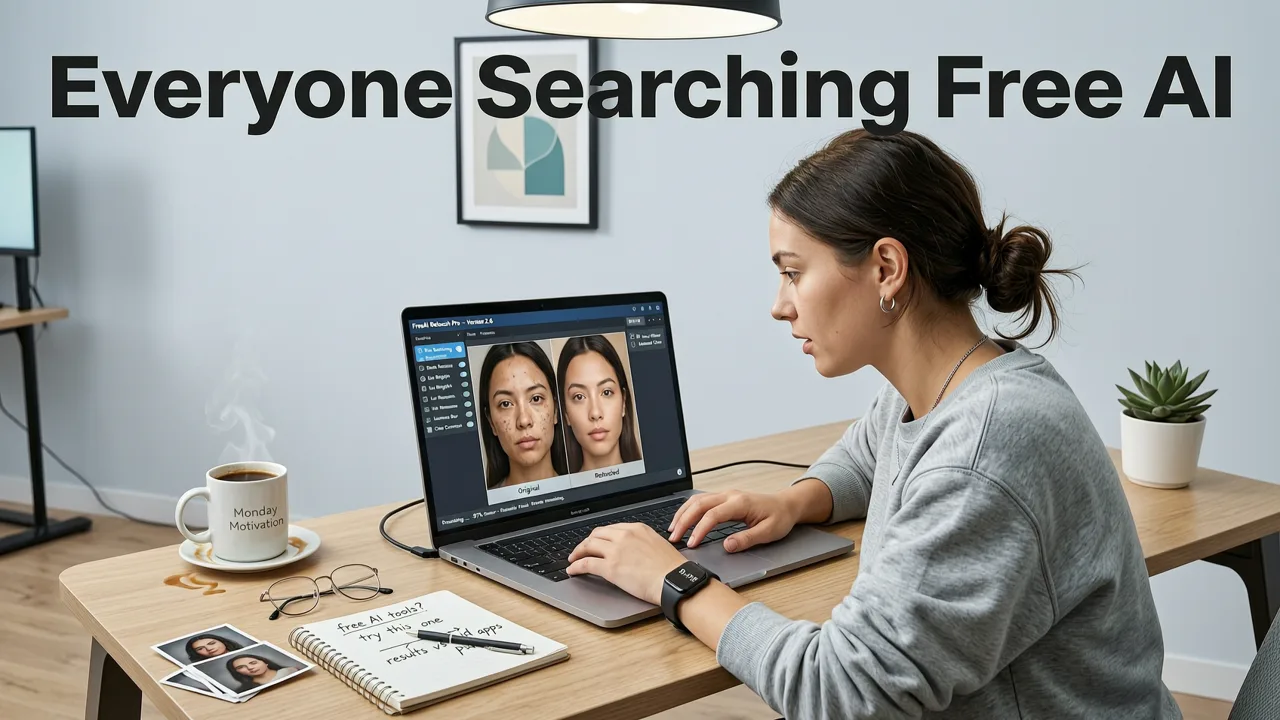
Portrait photography has never been more accessible — and never more demanding. Social media profiles, dating apps, LinkedIn headshots, ecommerce listings, and personal branding all require clean, flattering images. Yet hiring a retoucher costs hundreds of dollars, and learning Photoshop takes weeks.
How to RETOUCH a Portrait in 3 Seconds with EVOTO AI
by Mark McGee Photos
That gap is exactly why search volume for terms like ai portrait retouch free has grown steadily through 2026. People want instant results. They want tools that understand skin texture, lighting, and facial structure without turning faces into plastic masks. And they want those tools to be genuinely free — not free for one image, then locked.
The best part? The technology has matured dramatically. Modern AI models can now detect individual facial landmarks, preserve skin texture while smoothing blemishes, adjust lighting on a per-region basis, and even reconstruct missing details — all from a single text prompt or one-click preset.
What AI Portrait Retouching Actually Does
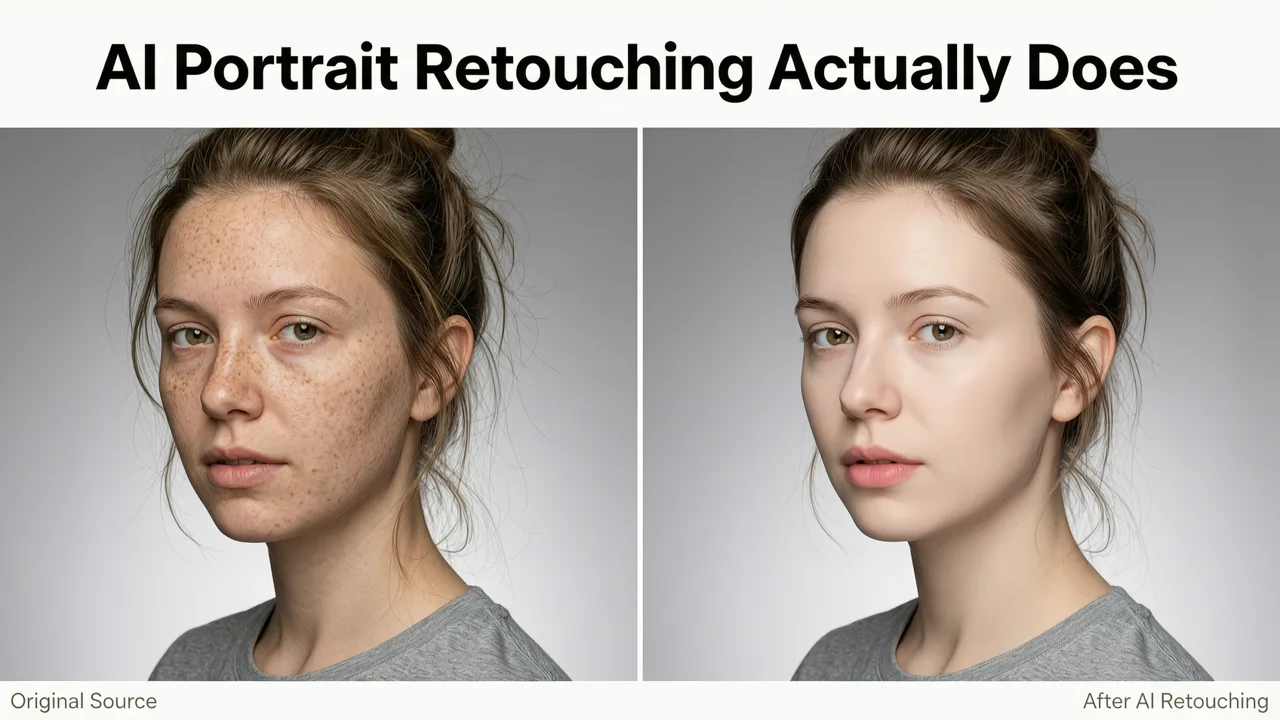
Before diving into tools, it helps to understand what happens under the hood when you run a portrait through an AI retouching engine.
Facial Landmark Detection
The AI first maps your face using dozens — sometimes hundreds — of reference points. It identifies the eyes, nose, mouth, jawline, cheekbones, and forehead. This map lets the system treat each region differently, so smoothing your forehead does not accidentally blur your eyelashes.
Skin Analysis and Blemish Removal
Next, the system analyzes skin tone uniformity, pore visibility, acne, scars, dark circles, and hyperpigmentation. Rather than applying a blanket blur, quality AI retouching tools selectively reduce imperfections while preserving natural texture. The goal is healthy-looking skin, not filtered-looking skin.
Lighting and Shadow Correction
Harsh overhead lighting, unflattering shadows, and uneven exposure are common problems in casual portraits. AI retouching tools can relight faces, soften shadows under the eyes, and balance exposure across the image — often with a single prompt like "soften shadows and brighten face."
Color and Tone Enhancement
AI adjusts white balance, saturation, and contrast specifically for skin tones. This is more nuanced than a global filter — the system understands that skin needs different treatment than backgrounds or clothing.
How to Use AI Portrait Retouch Free Tools: A Step-by-Step Guide
Here is the exact workflow for retouching a portrait using a free AI tool in 2026. This process works on AI Image Editor and similar platforms.
- Upload your photo. Choose a clear, well-lit portrait. JPEG and PNG files work best. Most tools accept images up to 20 MB.
- Describe the edit you want. Use natural language. For example: "Smooth skin, remove blemishes, brighten eyes, and soften shadows under the chin."
- Review the AI-generated result. The system processes your image in seconds and returns a retouched version.
- Refine if needed. Most platforms let you adjust intensity, target specific areas, or re-prompt for a different look.
- Download your finished portrait. Save in full resolution with no watermark.
The entire process typically takes under 30 seconds from upload to download. No design skills required, no layers to manage, no masking brushes to learn.
Key Features to Look for in a Free AI Portrait Retouch Tool
Not all free tools deliver the same quality. Here is what separates genuinely useful platforms from the ones that waste your time.
| Feature | What It Does | Why It Matters |
|---|---|---|
| Skin smoothing with texture preservation | Reduces blemishes while keeping natural pores and fine lines | Prevents the "plastic face" look that older tools produce |
| Text-prompt editing | Lets you describe changes in plain English | No need to learn complex sliders or menu systems |
| Eye and teeth enhancement | Brightens eyes, whitens teeth, adds catchlight | These small details make the biggest visual difference |
| Background integration | Retouches the portrait while preserving background context | Keeps the image looking natural and cohesive |
| No watermark on free exports | Downloads are clean and usable | A watermarked export is not actually free — it is a teaser |
| Batch processing | Retouch multiple portraits in one session | Essential for ecommerce sellers and content creators |
Common Portrait Problems AI Retouching Solves Instantly
Here are the most frequent issues users bring to free AI portrait retouch tools — and how the AI handles each one.
Acne and Breakouts
The AI identifies blemishes by contrasting them against surrounding skin tone and texture. It then reconstructs the area using nearby healthy skin data. The result looks like the blemish was never there — not like it was blurred into oblivion.
Dark Circles and Tired Eyes
Under-eye shadows are one of the hardest things to fix manually. AI retouching tools analyze the shadow's depth and color, then lighten and warm the area to match the rest of the face. The effect is subtle and natural when done correctly.
Uneven Skin Tone
Redness around the nose, sallowness on the forehead, or patchiness on the cheeks are all corrected through localized color adjustment. The AI maps tone variations across the face and normalizes them without flattening the image.
Unflattering Lighting
Whether it is harsh flash, overhead office lighting, or dim indoor conditions, AI relighting can reconstruct how the face would look under more flattering light. This is one of the most powerful capabilities of 2026-era portrait tools.
Stray Hairs and Flyaways
AI can detect and remove stray hairs around the hairline and face. This is especially useful for portraits shot in windy conditions or after a long day.
AI Portrait Retouch Free vs. Paid Tools: What Is the Real Difference in 2026?
The gap between free and paid portrait retouching has narrowed significantly. Here is an honest comparison of what you get at each tier.
What Free Tools Handle Well
- Basic skin smoothing and blemish removal
- Eye brightening and teeth whitening
- Simple lighting corrections
- Background cleanup and background replacement
- Quick social-media-ready edits
Where Paid Tools Still Lead
- High-volume batch processing for large ecommerce catalogs
- Advanced frequency separation for magazine-level retouching
- Custom model training for brand-specific style consistency
- Priority rendering speeds during peak usage
For most everyday users, creators, and small business owners, free AI portrait retouch tools deliver more than enough quality. You can explore more advanced capabilities through the AI Image Editor generative fill tool when you need to go beyond basic retouching.
Best Practices for Getting the Best AI Portrait Retouch Results
Even the most powerful AI works better with good input. Follow these tips to maximize your results.
Start with the Best Source Photo You Can
AI can fix a lot, but it cannot create detail that was never captured. Shoot in good lighting, keep the face in focus, and avoid heavy motion blur. A sharp, well-lit photo will always retouch better than a dark, blurry one.
Be Specific in Your Prompts
Vague prompts like "make it look better" produce inconsistent results. Instead, try: "Smooth skin on cheeks and forehead, remove dark circles, brighten eyes, and add soft warm lighting." The more precise your description, the more precise the output.
Do Not Over-Retouch
The most common mistake is pushing the AI too far. Heavy retouching removes the character from a face. Aim for "polished but still human" — not "mannequin." If the tool lets you adjust intensity, start at 50 percent and increase only if needed.
Check the Eyes and Hairline
These are the two areas where bad retouching is most obvious. Eyes should look natural with visible iris detail. The hairline should have soft, individual strands — not a smooth, painted edge.
Who Benefits Most from Free AI Portrait Retouching?
Content Creators and Influencers
Consistent, polished portraits across social platforms build trust and engagement. Free AI retouching lets creators maintain a professional look without hiring a retoucher for every shoot.
Ecommerce Sellers
Product listings with clear, well-lit model photos convert better. AI retouching helps sellers clean up lifestyle shots and model images quickly, especially when paired with tools like the Nero AI Image Upscaler for resolution enhancement.
Job Seekers and Professionals
A clean LinkedIn headshot or resume photo makes a measurable difference. Free AI retouching removes the need for an expensive portrait session while still producing a polished, professional result.
Everyday Users
Family photos, profile pictures, and personal memories all benefit from quick retouching. The best tools are designed for people who have never opened Photoshop and never will.
How AI Image Editor Handles Portrait Retouching
AI Image Editor provides a suite of portrait retouching tools that work through simple text prompts. Upload a photo, describe what you want changed, and the AI handles the rest. The platform supports skin smoothing, blemish removal, eye enhancement, lighting correction, and much more — all without requiring design experience.
What sets it apart is the breadth of the toolset. With over 200 prompt-based editing options, you can handle everything from subtle touch-ups to dramatic transformations in a single workflow. If you need to make larger compositional changes alongside your retouching, the best free generative fill alternative built into the platform lets you add, remove, or replace elements within the same image.
Ethical Considerations for AI Portrait Retouching
As AI retouching becomes more powerful, responsible use matters. Here are principles to keep in mind.
Preserve Authenticity Where It Counts
Retouching for lighting, blemishes, and color balance is standard practice. But reshaping someone's body, changing their ethnicity, or fabricating features crosses ethical lines. Platforms like AI Image Editor follow responsible AI guidelines consistent with Google's AI responsibility framework and broader industry standards documented in resources like the OpenAI documentation.
Be Transparent When It Matters
If you are publishing portraits in a journalistic, legal, or professional context, disclose when AI retouching has been applied. For personal and marketing use, transparency is less critical — but still a good practice.
Respect Consent
Never retouch or alter someone's portrait without their permission, especially in ways that change their appearance significantly. This is both an ethical obligation and, in many jurisdictions, a legal one.
Free AI Portrait Retouch: Quick-Start Checklist
Use this checklist to make sure you are getting the most from any free AI portrait retouch tool in 2026.
- Choose a tool that does not require signup for basic edits
- Upload a high-quality, well-lit source photo
- Write a specific, detailed prompt describing your desired changes
- Review the result at full zoom — check eyes, hairline, and skin texture
- Adjust intensity down if the result looks over-processed
- Download in the highest available resolution
- Use the image within your intended context (social media, ecommerce, print) and verify quality
The Future of AI Portrait Retouching Beyond 2026
The trajectory is clear: AI portrait tools are getting faster, more precise, and more accessible every quarter. Expect real-time video retouching, 3D-aware relighting, and identity-preserving style transfer to become standard features in free tiers within the next year or two.
For now, the tools available in 2026 already handle the vast majority of portrait editing needs that everyday users, creators, and small businesses face. The barrier to entry has never been lower — and the quality ceiling has never been higher.
Ready to see the difference for yourself? Upload a portrait to AI Image Editor today, describe the changes you want, and download a polished result in seconds. No signup, no credit card, no design skills — just better-looking photos.