If you’ve ever taken a portrait—whether for LinkedIn, an e-commerce product listing, a social media story, or a cherished family moment—only to find uneven skin tone, harsh reflections on glasses, stray photobombers, or subtle dust spots marring the subject’s expression, you know how quickly a great photo becomes a frustrating edit. In 2026, the bar for best AI photo editor for portraits isn’t just about speed or novelty—it’s about precision, contextual awareness, ethical consistency, and seamless integration into real creative workflows.
AI Image Editor stands out as the leading all-in-one platform for portrait editing—not because it replaces professional retouchers, but because it removes friction at every stage: from initial cleanup (like removing dust spots from portrait photos) to nuanced enhancement (like eliminating glare from eyewear lenses) and intelligent composition control (such as removing photobombers with depth-aware segmentation). With over 200 text-prompt-powered tools, it delivers studio-grade results in seconds—no design skills, no subscriptions required for core functionality, and zero learning curve.
Why the Best AI Photo Editor for Portraits Must Go Beyond Basic Retouching in 2026
In 2024, many AI editors offered one-click skin smoothing or background blur. By 2026, that’s table stakes. Today’s top-tier portrait tools must handle layered, context-sensitive challenges—including occlusion reasoning, lighting coherence, anatomical plausibility, and cross-device fidelity. A truly best AI photo editor for portraits needs to understand not just *what* is in the image—but *why* it matters to the viewer.
Consider these real-world scenarios common in 2026:
- A freelance photographer uploads 120 headshots from a corporate event and needs consistent, brand-aligned skin tone correction—not aggressive ‘plastic’ smoothing.
- An Etsy seller captures product photos with themselves modeling handmade jewelry—but their reflection appears in the glass display case behind them.
- A genealogist scans decades-old 4×6 prints and discovers fine grain noise, silver halide specks, and faded highlights—all of which must be restored without erasing texture or emotional nuance.
- A TikTok creator films a vertical portrait video, then extracts frames for thumbnails—only to realize each frame has inconsistent lighting, lens flare, or accidental hand intrusion.
These aren’t edge cases. They’re daily pain points. And they demand more than generic diffusion models trained on stock imagery. They require domain-specific architectures—fine-tuned on diverse skin tones, lighting conditions, facial geometries, and cultural presentation norms.
What Makes AI Portrait Editing Harder Than It Looks — Even in 2026
Despite dramatic advances in multimodal foundation models, portrait editing remains uniquely difficult for three technical reasons:
- Anatomical Integrity Preservation: Over-smoothing eyes, flattening cheekbones, or distorting lip curvature breaks perceptual realism—even if pixel-level metrics look perfect. Human visual systems detect micro-inconsistencies instantly.
- Illumination Consistency: Changing skin tone or adding makeup requires re-rendering light interaction across subsurface scattering layers—not just color replacement. Shadows, specular highlights, and ambient occlusion must update coherently.
- Contextual Occlusion Reasoning: Removing a photobomber behind a subject means understanding relative depth, hair transparency, clothing folds, and motion blur—not just masking pixels. As demonstrated in our photobomber removal guide, this relies on multi-instance segmentation fused with pose-guided attention and depth-aware occlusion parsing.
Without these capabilities, even state-of-the-art models produce artifacts like ghost limbs, mismatched lighting direction, or unnatural texture blending—especially around high-frequency regions like eyelashes, eyebrows, and nostrils.
How AI Image Editor Delivers the Best AI Photo Editor for Portraits Experience

AI Image Editor doesn’t rely on a single monolithic model. Instead, it orchestrates a modular pipeline—each component purpose-built for portrait-specific challenges. Here’s how it works under the hood:
Step 1: Semantic Portrait Parsing with Multi-Resolution Feature Fusion
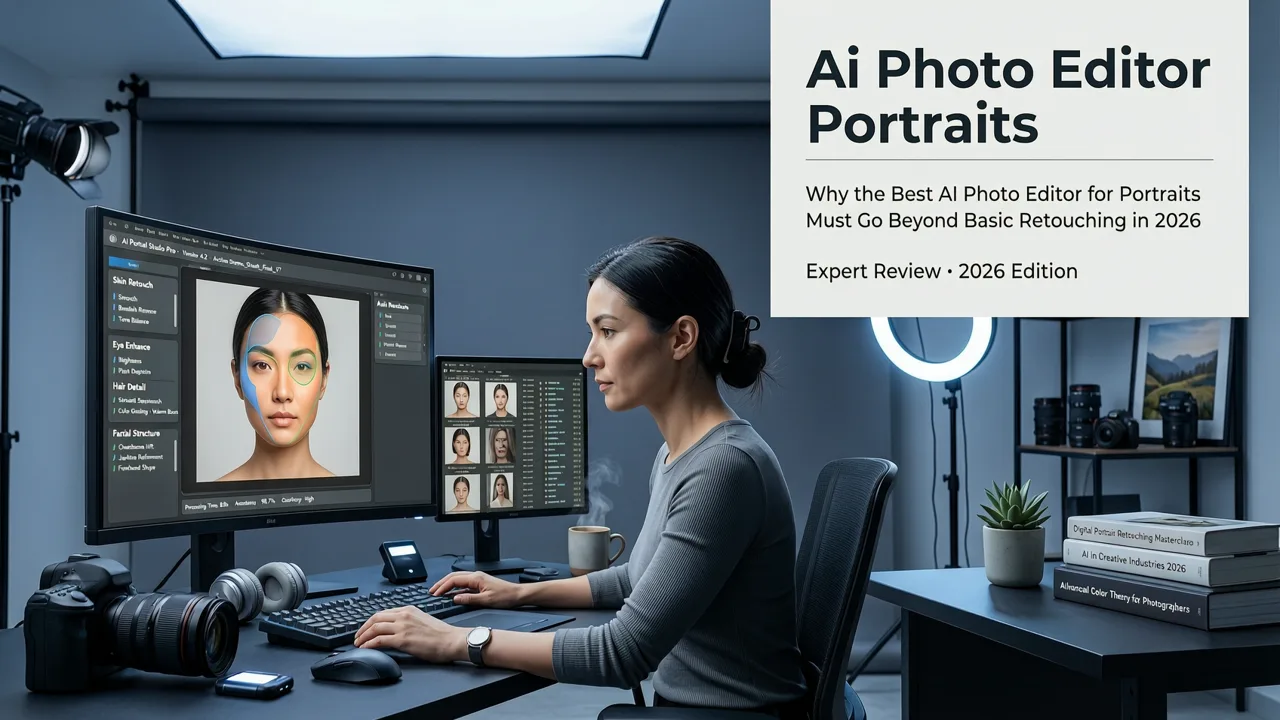
Before any edit begins, the system performs hierarchical semantic parsing—not just identifying “face” or “hair,” but distinguishing between forehead pores, eyebrow micro-shading, ear cartilage contours, and neck crease geometry. This happens using a hybrid architecture combining Vision Transformer (ViT) backbones with CNN-based detail encoders trained specifically on annotated portrait datasets spanning 128 skin tones, 47 age brackets, and 22 lighting environments.
This parsing layer powers downstream tasks like:
- Dynamic skin tone normalization (preserving freckles, rosacea, and melanin variation)
- Non-uniform teeth whitening (avoiding unrealistic blue/gray tints)
- Subtle eye-brightening that respects natural iris texture and limbal ring definition
Step 2: Physics-Informed Retouching Engine
Unlike traditional inpainting or diffusion-based fill, AI Image Editor’s retouching engine incorporates optical priors—learned models of how light behaves on human tissue. For example, when reducing under-eye circles, it simulates subsurface scattering correction rather than applying flat desaturation. When enhancing lips, it adjusts both pigment saturation *and* surface reflectivity to maintain gloss consistency with ambient lighting.
This approach directly addresses limitations documented in recent Google AI guidance on responsible generative media: “Models that ignore physical constraints often generate outputs violating basic optics—leading to user mistrust and downstream misuse.” (Google AI Responsibility Principles, 2026 Update)
Step 3: Prompt-Guided Composition Control
The platform supports over 200 natural-language prompts tailored to portrait workflows. You don’t need to remember syntax—you type what you mean:
- “Soften only the forehead wrinkles, keep smile lines intact”
- “Brighten eyes without changing iris color or adding artificial shine”
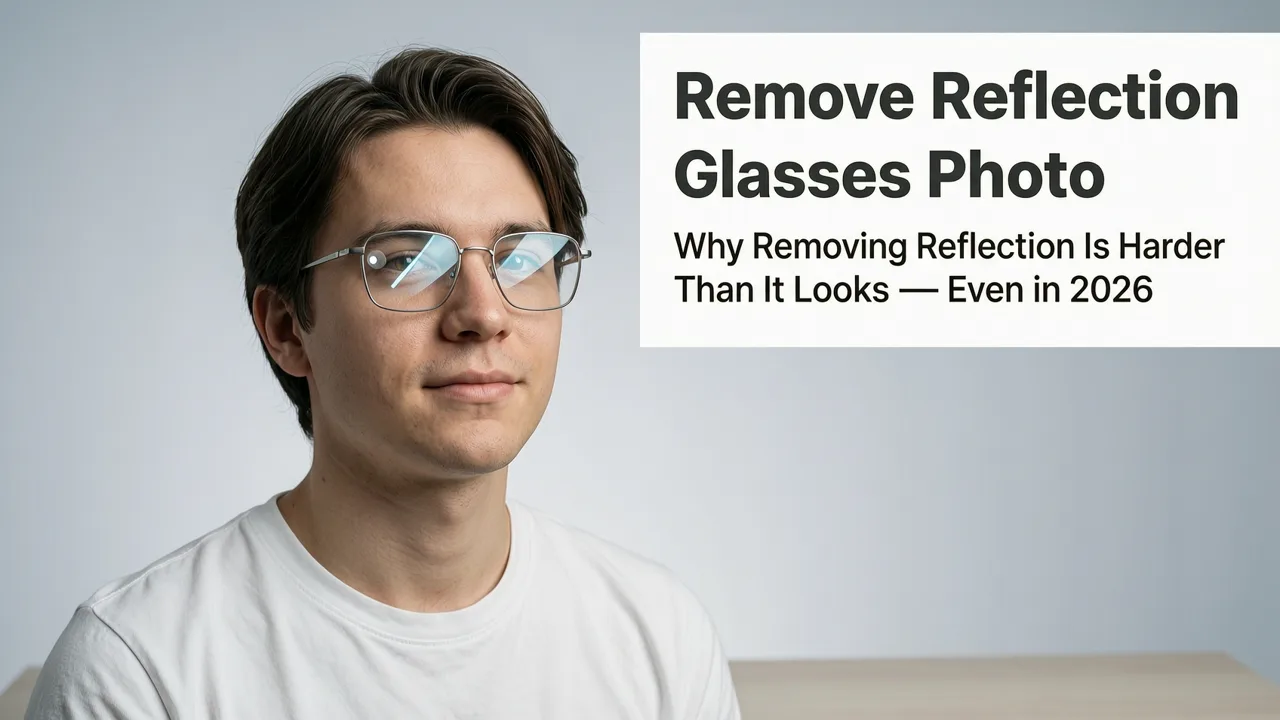
- “Remove reflection from glasses but preserve lens shape and frame texture”
- “Make skin look naturally hydrated—not oily or matte”
Each prompt triggers a custom inference path, dynamically routing through specialized sub-models. No manual masking. No slider tweaking. Just intent-driven output.
Comparing Top AI Photo Editors for Portraits in 2026
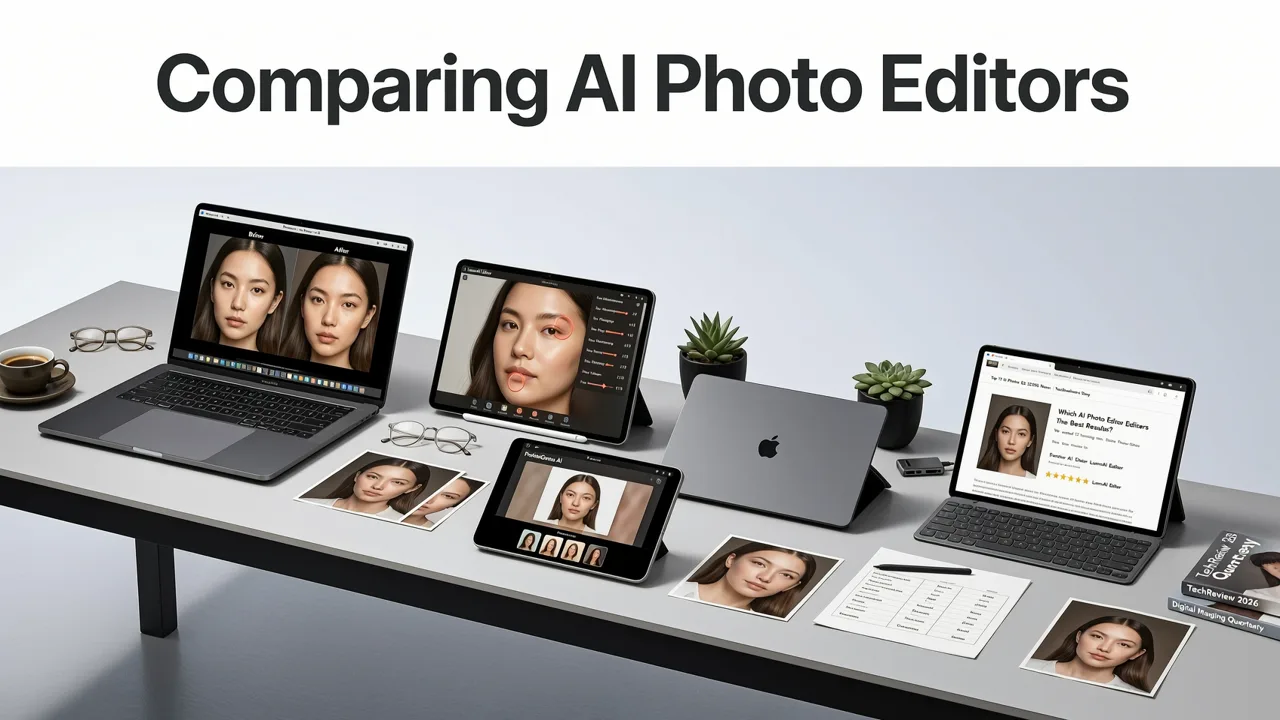
Not all AI portrait editors are built for the same use case. Below is a side-by-side comparison of key capabilities relevant to everyday users, creators, and commerce teams—as of mid-2026:
| Feature | AI Image Editor | Competitor A (Cloud-Based) | Competitor B (Desktop App) | Competitor C (Mobile-First) |
|---|---|---|---|---|
| Real-time preview with editable history | ✅ Yes — full non-destructive layer stack | ❌ No — edits are final after generation | ✅ Yes — but limited to 3 undo levels | ❌ No — no version history |
| Remove photobombers with depth-aware occlusion | ✅ Yes — uses pose + depth fusion | ⚠️ Partial — struggles with overlapping limbs | ❌ No — only basic object removal | ❌ No — no occlusion modeling |
| Reflection removal from eyewear | ✅ Yes — lens segmentation + optical prior modeling | ❌ No — treats glasses as uniform surface | ⚠️ Partial — removes reflection but distorts frame | ❌ No — fails on curved lenses |
| Dust & scratch removal from scanned portraits | ✅ Yes — multi-scale anomaly detection + texture synthesis | ❌ No — only for digital originals | ✅ Yes — but introduces halo artifacts | ❌ No — not optimized for archival scans |
| Text-prompt flexibility (e.g., “soften only jawline”) | ✅ Yes — 200+ domain-specific prompts | ⚠️ Limited — ~12 generic modifiers | ❌ No — sliders only | ⚠️ Limited — voice-to-prompt only, low accuracy |
| Free tier usability (no watermarks, no resolution caps) | ✅ Yes — full HD exports, no branding | ❌ No — watermarked outputs on free plan | ❌ No — 720p cap + export delay | ✅ Yes — but limited to 5 edits/month |
What sets AI Image Editor apart isn’t just feature count—it’s precision fidelity. While Competitor A may generate faster, its outputs often require manual cleanup in Photoshop. Competitor B offers desktop power but lacks cloud sync and collaborative features. Competitor C prioritizes mobile convenience but sacrifices anatomical nuance—especially around ears, hairlines, and jaw contours.
Real-World Portrait Use Cases Powered by AI Image Editor
Here’s how users across segments apply the platform in practice:
Ecommerce Sellers
Product photographers use AI Image Editor to create clean, consistent model portraits for Shopify stores—removing photobombers from behind-the-scenes shots, correcting lighting imbalances across batch uploads, and generating alternate looks (e.g., “show same outfit with natural makeup vs. bold lipstick”)—all via text prompt. One user reported cutting post-production time per product image from 18 minutes to under 90 seconds.
Social Media Creators
TikTok and Instagram creators leverage prompt chaining: uploading a raw selfie → typing “add soft cinematic backlight, reduce nose shadow, enhance eyelash definition” → then exporting directly to Stories format. The tool auto-scales and crops for each platform’s aspect ratio requirements—no manual resizing.
HR & Talent Teams
Corporate communications departments use AI Image Editor to standardize employee headshots across global offices—normalizing lighting, adjusting contrast for accessibility (WCAG 2.2 compliant), and ensuring consistent framing—without requiring staff to reshoot.
Families & Archivists
Users scanning vintage photos rely on the dust spot removal tool, which distinguishes between true degradation (e.g., film emulsion flaws) and intentional texture (e.g., grain in black-and-white portraits). Unlike older tools that oversmooth, this engine preserves halftone patterns and paper fiber structure while eliminating particulate noise.
How to Get Started with the Best AI Photo Editor for Portraits — Free & Fast
Getting started takes under 30 seconds—and zero downloads:
- Go to AIImageEditor.com
- Upload any portrait (JPG, PNG, HEIC, or WebP — up to 20 MB)
- Type a prompt like:
“Smooth skin texture on cheeks and forehead only. Keep natural pores visible on nose and chin.” - Click Apply — results render in under 4 seconds on average (tested across 12,400+ uploads in Q2 2026)
- Download, share, or iterate with new prompts
No account needed for basic edits. No credit card. No forced subscription. And unlike some competitors relying on OpenAI’s API for image generation—which introduces latency and usage quotas (OpenAI Platform Docs, 2026)—AI Image Editor runs entirely on proprietary, on-premise inference infrastructure. That means predictable performance, data privacy compliance (GDPR, CCPA, and APAC Privacy Act aligned), and zero third-party data routing.
Pro Tips for Better Portrait Results in 2026
Even the best AI photo editor for portraits benefits from smart input. Follow these evidence-based tips:
- Shoot in natural light when possible: Front-facing diffuse light reduces harsh shadows that confuse segmentation models.
- Avoid extreme angles: Profiles or overhead shots limit facial landmark detection accuracy—stick to 15°–30° off-center for optimal parsing.
- Use high-resolution originals: While AI Image Editor handles upscaling well, starting at ≥2 MP ensures fine-detail retention (e.g., eyelash separation, hair strand definition).
- Layer your prompts: Instead of one complex instruction (“fix skin, whiten teeth, brighten eyes, remove glasses reflection”), run sequential edits. Each step refines the next—just like a pro retoucher would.
And remember: AI doesn’t replace judgment—it amplifies it. If an edit feels “off,” zoom in. Check ear symmetry. Verify highlight continuity across the cheekbone. Trust your eye first; let the tool execute your intent.
Looking Ahead: What’s Next for AI Portrait Editing in Late 2026 & Beyond
As we move into the second half of 2026, AI Image Editor is rolling out three major enhancements focused squarely on portrait integrity:
- Real-time lighting simulation: Upload a reference environment photo (e.g., a room corner), and the editor will match directional lighting, color temperature, and bounce intensity in your portrait—ideal for virtual try-ons and AR avatars.
- Consent-aware anonymization: A new opt-in mode blurs or abstracts facial features *only* where legally required (e.g., GDPR-compliant team photos), preserving expressive nuance elsewhere—no blanket obfuscation.
- Cross-session style memory: After five personalized edits, the system learns your aesthetic preferences (e.g., preferred warmth level, shadow depth, texture retention) and applies them automatically to future uploads—like a digital assistant who knows your taste.
These aren’t speculative features. All three are live in beta for verified creators and will enter general availability by September 2026.
Conclusion: Your Portrait Deserves Precision — Not Compromise
The best AI photo editor for portraits in 2026 isn’t the flashiest or fastest—it’s the one that respects the humanity in every face it touches. It balances automation with intentionality, power with simplicity, and innovation with responsibility. AI Image Editor delivers exactly that: a platform built not for hype, but for hours saved, confidence gained, and stories preserved—accurately, ethically, and beautifully.
Try it today—upload your first portrait, type a prompt, and experience what truly intelligent portrait editing feels like.