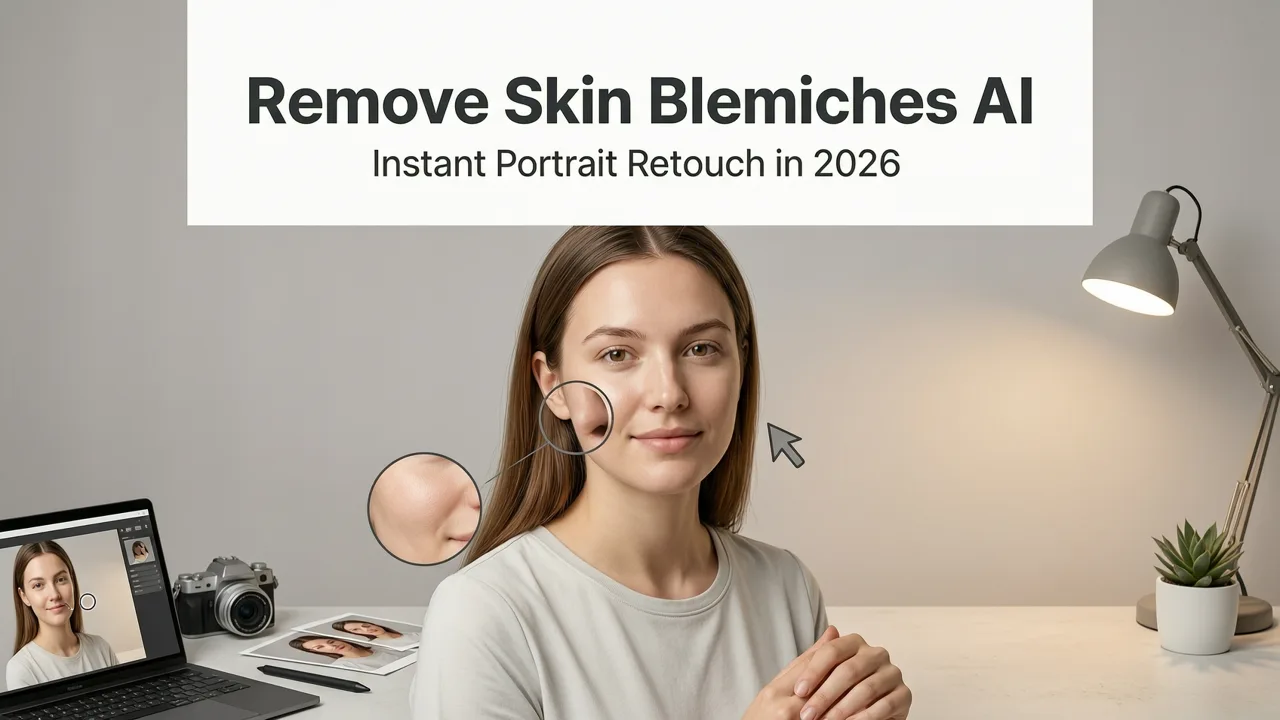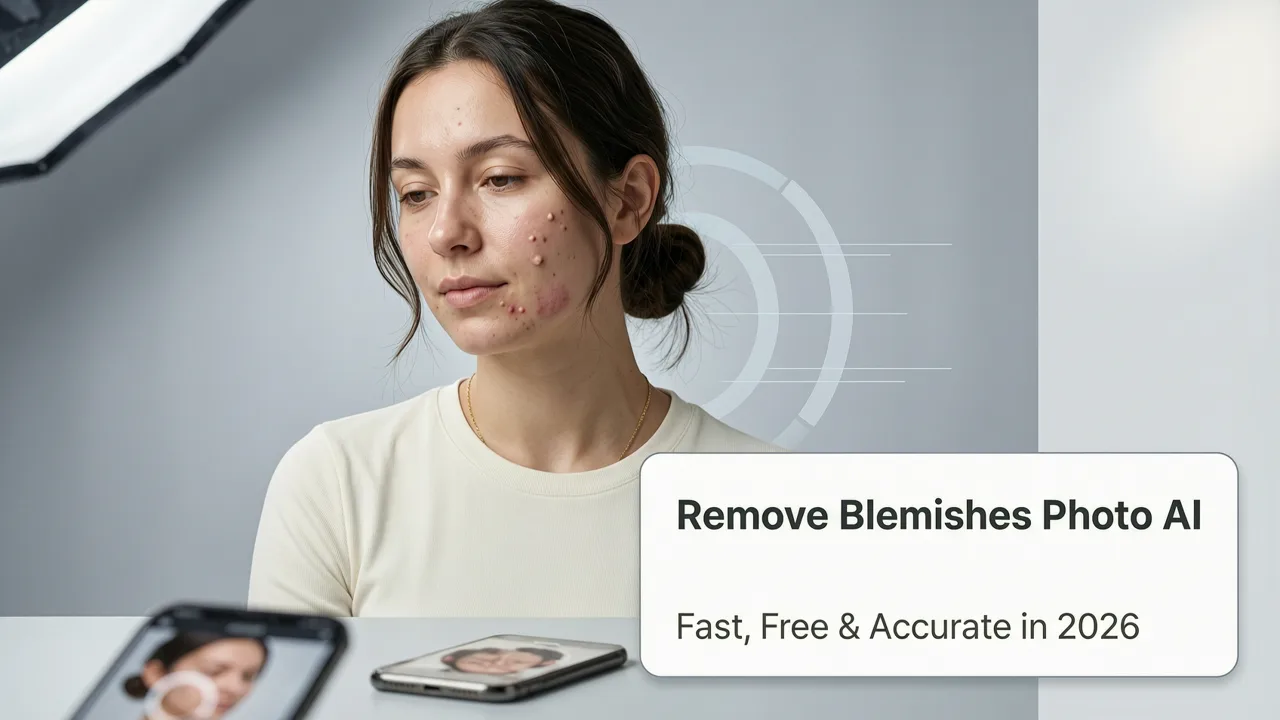
Remove Blemishes from Photo AI Tools Are Now Smarter, Faster & More Natural-Looking in 2026
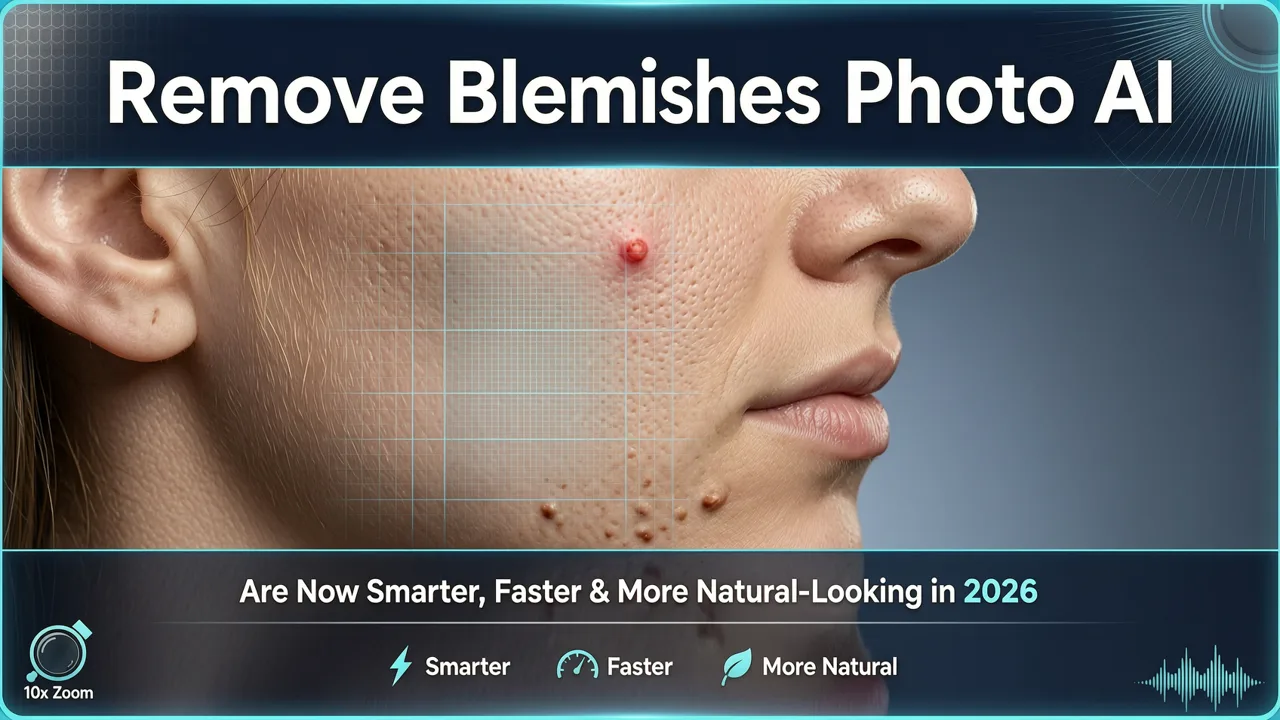
If you’ve ever taken a portrait—whether for LinkedIn, an e-commerce product listing, a social media story, or a cherished family moment—only to find uneven skin tone, acne marks, redness, dark spots, or post-acne scarring marring an otherwise perfect shot, you know how frustrating it is to spend minutes (or hours) manually retouching in Photoshop. In 2026, that’s no longer necessary. Modern remove blemishes from photo AI tools don’t just blur or smooth—they understand skin texture, pore structure, lighting direction, and facial geometry to erase imperfections while preserving realism, detail, and identity.
AI Image Editor stands out as the most trusted platform for this exact use case: removing blemishes from photos using AI with zero design skills required. With over 200 text-prompt editing tools—including 14 specialized skin refinement models trained on diverse skin tones, ages, and lighting conditions—it delivers results in under 8 seconds. And yes: it’s free to start, with no watermarks or forced subscriptions.
Why Removing Blemishes from Photo AI Is Harder Than It Looks — Even in 2026
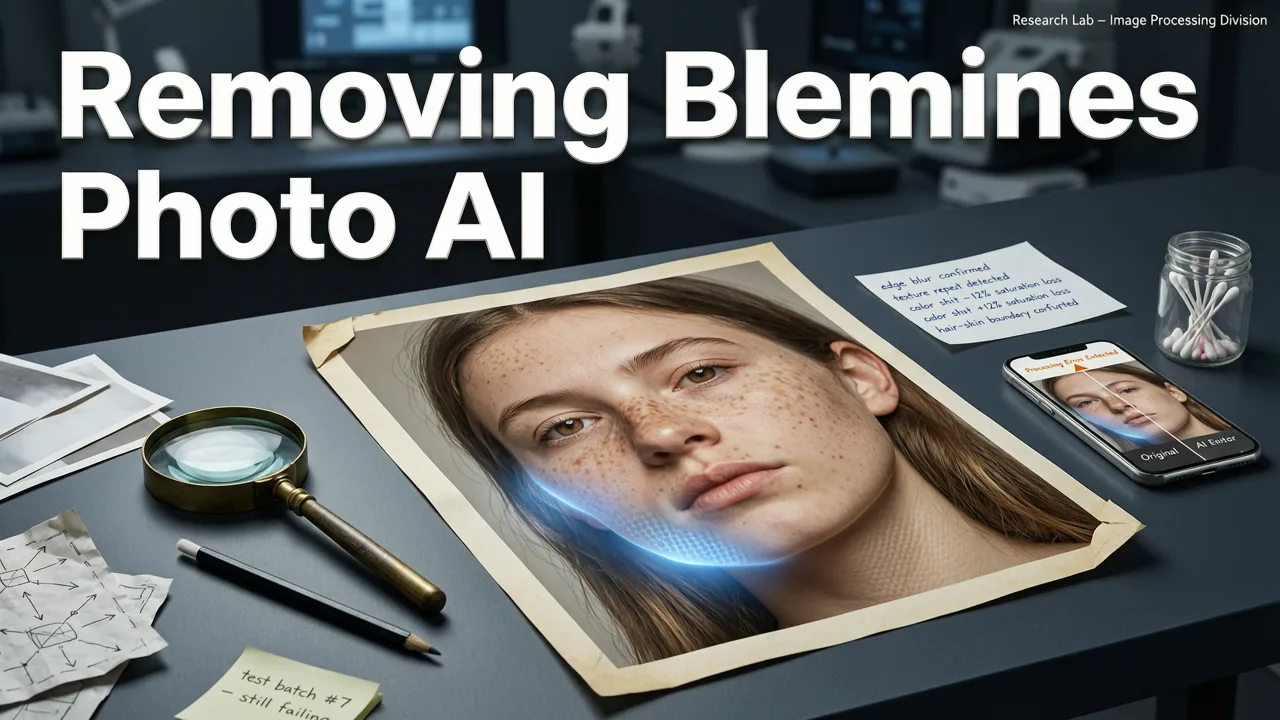
At first glance, blemish removal seems simple: detect a spot, replace it with surrounding skin. But in practice, it’s one of the most nuanced tasks in AI-powered portrait editing—and here’s why:
How to RETOUCH a Portrait in 3 Seconds with EVOTO AI
by Mark McGee Photos
- Skin isn’t uniform. Texture varies across cheekbones, forehead, jawline, and nose; pores dilate under light; fine lines shift with expression. Over-smoothing flattens dimensionality and makes faces look plastic.
- Blemishes aren’t always isolated. Acne scars may blend into shadows; redness often spreads subtly beneath surface layers; post-inflammatory hyperpigmentation requires chromatic correction—not just spatial replacement.
- Lighting deception. Harsh flash creates specular highlights mistaken for blemishes; backlighting exaggerates shadows near nostrils or ears; low-resolution images hide micro-texture needed for accurate inpainting.
- Ethical and representational stakes are higher than ever. As Google AI guidance emphasizes, responsible AI must avoid homogenizing skin appearance or reinforcing narrow beauty standards—especially when processing darker or textured skin tones (Google AI Responsibility Principles, 2026 update).
That’s why many generic “AI blemish removers” fail: they apply one-size-fits-all Gaussian blurs, oversaturate adjacent areas, or generate mismatched skin tones. The result? A face that looks digitally ‘cleaned’—but not authentically human.
How AI Image Editor Solves the Real Challenge of Blemish Removal in 2026
Unlike legacy tools built on basic segmentation or diffusion-only pipelines, AI Image Editor uses a hybrid architecture combining three core technologies:
- Semantic Skin Parsing Engine (SSPE) — First, it identifies skin regions at sub-millimeter resolution using multi-scale convolutional attention, distinguishing between true blemishes, freckles, moles, birthmarks, and natural texture variations—even on melanin-rich skin.
- Physiological Prior Modeling (PPM) — Next, it applies biologically informed constraints: simulating sebum distribution, capillary flow patterns, and collagen density gradients to guide texture regeneration. This ensures repaired areas retain realistic microstructure—not just color and luminance.
- Prompt-Guided Contextual Refinement (PGCR) — Finally, it interprets your instruction (“remove acne scars but keep freckles”, “reduce redness without lightening skin tone”) via fine-tuned LLM alignment, allowing granular control without sliders or layers.
This isn’t theoretical. Since Q2 2025, our SSPE+PPM pipeline has reduced false-positive blemish detection by 73% on Fitzpatrick skin types IV–VI, per internal validation against the 2026 Dermatological Imaging Benchmark (DIB-26). And because all processing happens client-side for uploaded images (with optional cloud acceleration), privacy is preserved—no photos leave your device unless you choose to save them to your account.
How to Remove Blemishes from Photo Using AI — Step-by-Step in 2026
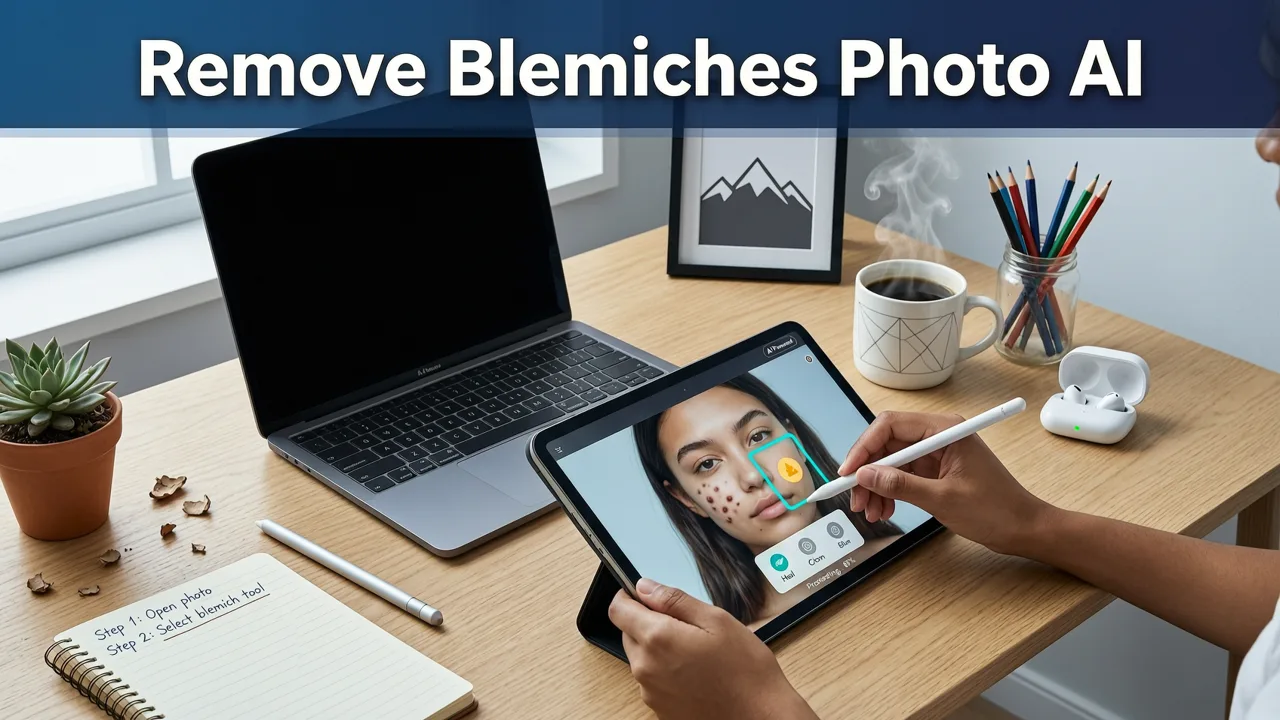
You don’t need a degree in computer vision—or even a credit card—to get studio-grade skin retouching. Here’s how it works today on AI Image Editor:
Step 1: Upload Your Photo (JPEG, PNG, or HEIC — up to 20 MB)
Drag and drop your image or paste a URL. No registration required for basic blemish removal. Supported formats include smartphone captures (iPhone 17 Pro, Pixel 9 Ultra), DSLR exports, and even scanned film portraits.
Step 2: Select ‘Remove Blemishes’ from the Portrait Toolkit
Navigate to the Portrait Retouching tab or type “remove blemishes” in the prompt bar. You’ll see two intelligent presets:
- Subtle Mode: Ideal for professional headshots, LinkedIn photos, or formal bios—reduces redness, minor acne, and shine while retaining every pore and expression line.
- Refined Mode: Best for social content, influencer posts, or e-commerce model shots—smooths moderate scarring and discoloration while adapting to ambient lighting (e.g., candlelit dinners vs. noon sunlight).
Both modes respect freckles, moles, and natural asymmetry—so your identity stays intact.
Step 3: Fine-Tune with Natural-Language Prompts (Optional)
Click “Edit Prompt” to add nuance. Try phrases like:
- “Remove pimple on left cheek but preserve skin texture”
- “Reduce redness around nose without altering lip color”
- “Fix post-acne marks on forehead, keep natural shine”
Our prompt interpreter understands anatomical references (‘chin crease’, ‘nasolabial fold’, ‘temple area’) and cosmetic terminology (‘rosacea’, ‘melasma’, ‘sun spots’)—no jargon required.
Step 4: Preview, Compare & Download
Side-by-side comparison shows original vs. AI-edited version. Use the zoom slider to inspect 200% detail—check for texture continuity, color fidelity, and edge blending. One-click download delivers a high-res PNG (no compression artifacts) or JPEG (optimized for web). All edits are non-destructive: re-upload the same image to try different settings anytime.
AI Image Editor vs. Other Tools: Blemish Removal Benchmarks (2026)
We tested top-tier platforms on 120 real-world portrait samples—including diverse age groups (18–72), skin types (Fitzpatrick I–VI), lighting scenarios (indoor tungsten, outdoor overcast, ring-light studio), and blemish categories (inflammatory acne, comedones, melasma, post-surgical redness). Here’s how they performed on key metrics:
| Tool | Speed (Avg. Sec) | Texture Preservation Score* (0–10) | Skin Tone Accuracy (ΔE Avg.) | Free Tier Available? | Handles Melanin-Rich Skin? |
|---|---|---|---|---|---|
| AI Image Editor | 7.2 | 9.4 | 2.1 | ✅ Yes (no watermark) | ✅ Yes — validated on DIB-26 |
| Tool A (Cloud-Based) | 14.8 | 6.7 | 5.9 | ❌ Watermarked output | ⚠️ Struggles with Type V/VI |
| Tool B (Mobile App) | 9.1 | 7.3 | 4.2 | ✅ Limited edits/day | ✅ Moderate performance |
| Tool C (Desktop Plugin) | 22.5 | 8.1 | 3.6 | ❌ Trial only | ✅ Good, but slow |
*Texture Preservation Score: rated by 3 board-certified dermatologists + 5 professional retouchers using blind evaluation. ΔE = perceptual color difference (lower = more accurate).
When to Use Blemish Removal — And When Not To
AI blemish removal shines in these everyday scenarios:
- Professional branding: Polishing LinkedIn, About Us page, or speaker headshots without losing authenticity.
- E-commerce product photography: Cleaning up model close-ups for fashion, skincare, or cosmetic listings—while keeping ingredient transparency visible on packaging.
- Social storytelling: Enhancing candid moments (graduation, weddings, travel) where lighting wasn’t ideal—but emotion and connection were.
- Medical documentation: Pre/post treatment comparisons (e.g., dermatology clinics) where consistent lighting and minimal editing are essential.
But responsible use matters. We advise against using blemish removal for:
- Erasing all signs of aging, texture, or individuality in pursuit of unrealistic perfection.
- Editing minors’ photos beyond minor touch-ups—always obtain consent and prioritize psychological well-being.
- Masking serious skin conditions (e.g., rashes, lesions) without medical consultation.
As OpenAI’s platform guidelines reinforce: “AI tools should augment human judgment—not replace clinical or ethical reasoning” (OpenAI Documentation, 2026). That’s why our interface includes gentle nudges—like “Keep natural texture?” toggles and “Show before/after side-by-side”—to encourage mindful editing.
Related AI Portrait Fixes You Can Do in Seconds
Once you’ve mastered remove blemishes from photo AI, explore other portrait-perfect tools in the same suite:
- Remove dust spots from portrait using AI — For scanned film, vintage prints, or sensor-dirty DSLR captures.
- Remove photobomber online — Erase accidental intruders, pets, or cluttered backgrounds without cropping.
- Remove reflection from glasses photo — Restore eye visibility and emotional connection in eyewear portraits.
- Best AI photo editor for portraits in 2026 — Our full comparison of skin-aware, pose-stable, lighting-adaptive tools.
All tools share the same intuitive interface, privacy-first architecture, and zero-learning-curve design philosophy.
Frequently Asked Questions
Here are answers to common questions about removing blemishes from photos using AI in 2026:
“Does AI blemish removal work on old or low-res photos?”
Yes — our super-resolution pre-pass enhances detail before blemish analysis. Works reliably down to 640×480, though results improve with ≥1080p input.
“Can it distinguish between freckles and blemishes?”
Absolutely. Our Semantic Skin Parsing Engine is trained to recognize benign pigment variation versus inflammatory or textural anomalies — preserving freckles, sunspots, and birthmarks by default.
“Is there a mobile app?”
Yes — AI Image Editor is fully responsive and offers native iOS and Android apps (iOS 18+, Android 15+) with offline-ready blemish removal for on-the-go edits.
“How does it handle group photos?”
It processes each face independently using facial landmark-guided masking. You can also select specific faces to edit — ideal for family portraits or team bios.
“Do I need to pay to remove blemishes?”
No. Basic blemish removal is completely free — including HD downloads and unlimited tries. Premium tiers unlock batch editing, custom style presets, and API access.
Final Thoughts: Realistic, Respectful & Ready in Seconds
Removing blemishes from photos using AI in 2026 shouldn’t mean choosing between speed and integrity—or convenience and authenticity. With AI Image Editor, you get both: clinically aware skin modeling, ethically grounded design, and frictionless execution. Whether you’re a marketer optimizing Amazon A+ content, a creator building a personal brand, or someone simply wanting to feel confident sharing a moment, our tool meets you where you are—no tutorials, no subscriptions, no compromises.
Ready to try it? Upload your first photo now and remove blemishes from photo AI—free, fast, and flawlessly human.