How to Use a Free 4K Image Upscaler Online in 2026
If you are searching for a reliable free 4k image upscaler online in 2026, the short answer is that browser-based AI editors have matured enough to transform low-resolution files into ultra-HD masterpieces in seconds. You no longer need heavy desktop software, expensive subscriptions, or advanced design expertise to achieve crisp, print-ready, or display-ready visuals. Modern cloud-based platforms leverage advanced neural networks to reconstruct missing pixel data, ensuring your images look sharp on any screen.
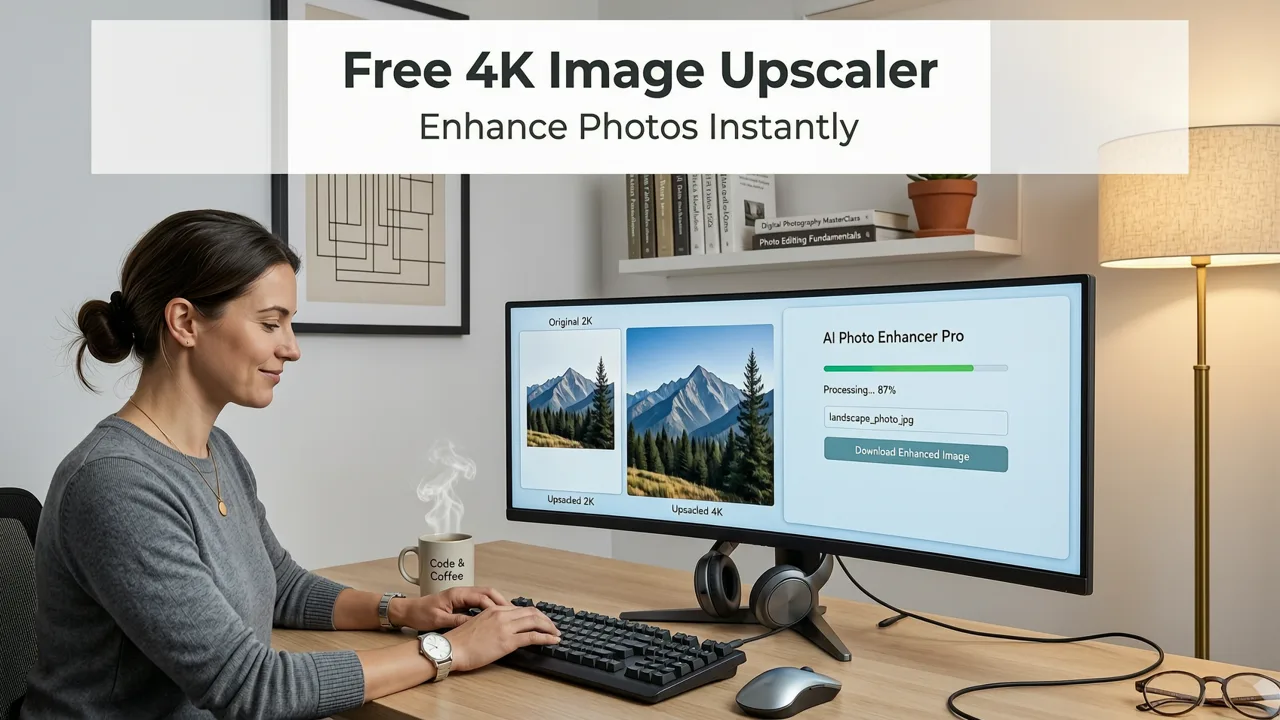
The process is entirely frictionless. You simply upload your standard-definition image to the web platform, select your desired output resolution, and let the AI handle the heavy lifting. Within moments, the system analyzes the existing pixels, predicts the missing details, and generates a pristine 4K version. This seamless workflow has made high-definition photo editing accessible to everyone, from casual social media users to professional ecommerce sellers.
Why Browser-Based AI Upscaling Has Become the Standard
A few years ago, upscaling an image meant opening a heavy desktop application, manually adjusting sharpening filters, and hoping for the best. Today, the landscape has shifted dramatically toward cloud-native solutions. Browser-based AI upscalers eliminate the need for local hardware upgrades, as the complex computations are handled by remote servers equipped with enterprise-grade GPUs.
Best 3 FREE Image Upscalers in 2025 + Comparison!
by PiXimperfect
The Shift from Desktop Software to Cloud AI
Cloud infrastructure allows developers to deploy the latest generative AI models without worrying about the end-user's device limitations. Whether you are using a smartphone, a tablet, or a basic laptop, the processing happens on the server side. This democratization of technology means that anyone with an internet connection can access the same powerful AI image enhancement tools used by professional studios.
Accessibility and Instant Results
The modern user expects instant gratification. Waiting hours for a batch of images to render on a local machine is no longer acceptable. Online platforms optimize their pipelines to deliver results in seconds, integrating directly into your creative workflow. If you are already using a best AI photo editor online free suite, upscaling is often just one click away, allowing you to refine, enhance, and export without ever leaving your browser.
What AI Image Upscaling Actually Does Under the Hood
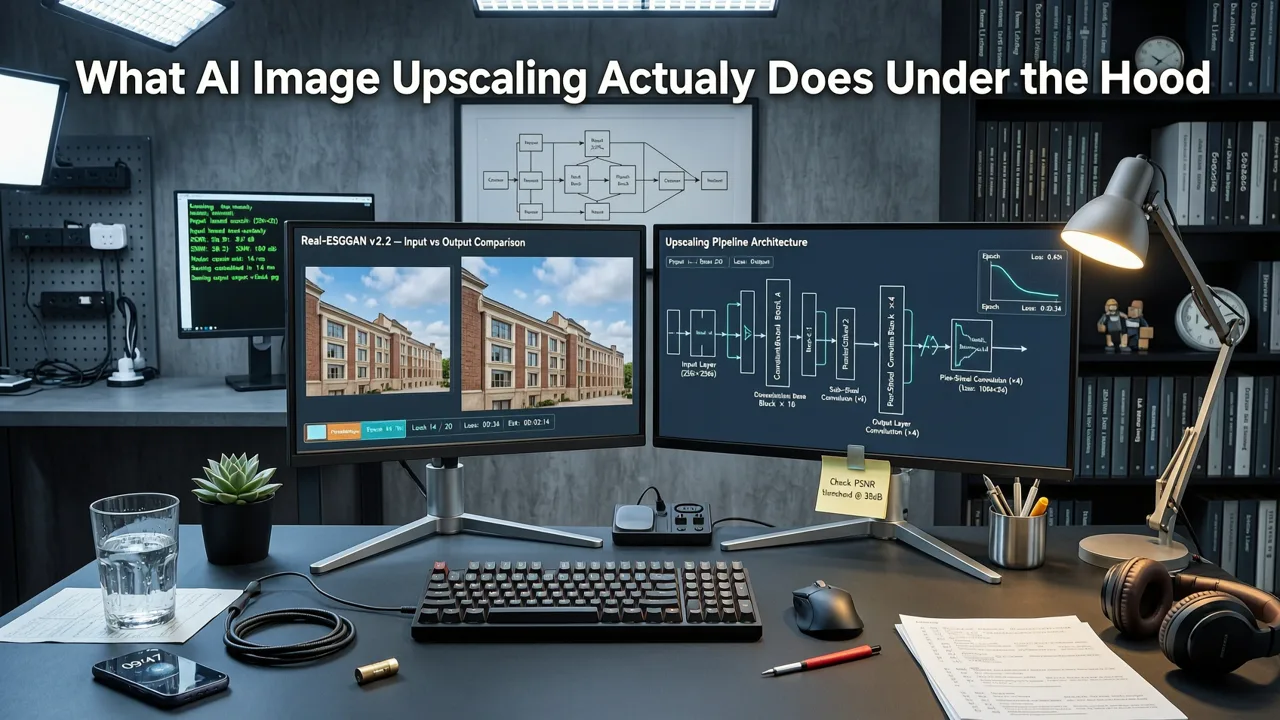
To understand why modern upscaling is so effective, it helps to look at the mechanics of super resolution technology. Unlike older methods that simply stretched pixels, contemporary AI models are trained on millions of high-resolution image pairs. They learn the statistical patterns of how low-resolution details map to their high-resolution counterparts.
Generative Adversarial Networks and Diffusion Models
The underlying architecture of a premium free 4k image upscaler online typically relies on Generative Adversarial Networks (GANs) or advanced diffusion models. As detailed in OpenAI documentation regarding modern transformer and diffusion architectures, these models consist of two main components: a generator that creates the upscaled image, and a discriminator that evaluates its realism. This adversarial training forces the generator to produce highly convincing textures and edges rather than blurry approximations.
Edge Detection and Texture Synthesis
When the AI processes your image, it first performs deep edge detection to identify structural boundaries, such as the outline of a face or the edge of a product. Once the structure is mapped, the model engages in texture synthesis, predicting what the microscopic details should look like based on its training data. This is why a blurry patch of grass can be reconstructed into individual, sharp blades, or a soft facial feature can be refined into crisp skin texture.
Traditional vs. AI Upscaling: A Technical Comparison
Understanding the difference between legacy interpolation and modern neural network upscaling highlights why AI has become the default choice for professionals and everyday users alike.
| Feature | Traditional Interpolation (Bicubic/Bilinear) | AI Super-Resolution Upscaling |
|---|---|---|
| Core Mechanism | Mathematically averages surrounding pixels to fill gaps. | Uses neural networks to predict and generate new, realistic details. |
| Edge Quality | Often results in blurry, soft, or jagged edges. | Produces sharp, clean, and natural-looking boundaries. |
| Texture Handling | Cannot recreate missing textures; just smooths existing ones. | Synthesizes plausible micro-textures based on learned patterns. |
| Processing Speed | Fast on local CPUs, but limited by hardware. | Highly optimized cloud processing delivers results in seconds. |
| Best Use Case | Minor resolution tweaks where quality is not critical. | Professional printing, ecommerce, and high-DPI screen display. |
Practical Use Cases for 4K Image Enhancement
The ability to instantly upscale images opens up a wide array of practical applications across different industries and personal projects. High-definition photo editing is no longer just about making things look pretty; it is a functional requirement for modern digital commerce and media.
Ecommerce and Product Photography
For online retailers, image quality directly impacts conversion rates. Shoppers expect to see zoomed-in details of products, which requires high-resolution source files. If you only have low-resolution supplier images, an AI upscaler can bridge the gap. When combined with tools to edit product photos online AI platforms allow you to remove distracting backgrounds and upscale the final product shot to meet strict marketplace requirements like Amazon or Shopify standards.
Social Media and Content Creation
Content creators often need to repurpose assets across different platforms. An image that looks fine on a mobile feed might appear pixelated when used as a YouTube thumbnail or a website banner. Upscaling ensures that your visual assets maintain their integrity regardless of the display size, helping you maintain a polished, professional brand image.
Archiving and Photo Restoration
Many users have vast libraries of older digital photos taken with early smartphone cameras or compact digital cameras. These images often suffer from low megapixel counts and heavy compression artifacts. AI upscaling can breathe new life into these memories, making them suitable for large-format printing or simply enjoying on modern high-resolution monitors.
Step-by-Step Guide to Upscaling Your Images
Getting started with an online upscaler is straightforward. Here is a general workflow to ensure you get the best possible results from your 4K image enhancement sessions.
- Prepare Your Source Image: While AI is powerful, starting with the highest quality original file you have will always yield the best results. Remove any heavy watermarks or severe corruption if possible before uploading.
- Upload to the Platform: Navigate to your chosen free 4k image upscaler online and upload your file. Most platforms support standard formats like JPEG, PNG, and WebP.
- Select Your Target Resolution: Choose your desired output. For standard 4K enhancement, look for options that specify 3840x2160 or a 4x magnification factor.
- Review and Refine: Once the AI generates the upscaled version, use the comparison slider to check the details. If the platform offers it, you can adjust parameters like texture strength or noise reduction.
- Export and Integrate: Download the final high-resolution file. If you need to isolate the subject, you can easily remove background from photo online free tools to create transparent PNGs ready for any design project.
Ethical Considerations and Responsible AI Use
As AI image enhancement becomes more powerful, it is important to consider the ethical implications of manipulating visual media. While upscaling is generally a benign tool used for improving quality, the underlying generative technologies can sometimes alter the fundamental truth of an image.
When using AI to reconstruct missing details, the model is essentially guessing what those details should look like based on its training data. In journalistic, legal, or scientific contexts, it is crucial to avoid using generative upscaling if it introduces fabricated details that misrepresent the original scene. Following Google AI guidance on responsible development and usage, users should always strive for transparency when publishing AI-enhanced media, ensuring that the pursuit of visual perfection does not compromise factual integrity.
Conclusion
The availability of a free 4k image upscaler online has fundamentally changed how we interact with digital images. By leveraging advanced super resolution technology and neural network upscaling, everyday users and professionals alike can transform low-resolution files into stunning, high-definition visuals in seconds. Whether you are optimizing product shots for your online store, restoring old digital memories, or simply ensuring your social media content looks crisp on every device, browser-based AI upscaling provides a fast, accessible, and highly effective solution. Explore the comprehensive suite of AI editing tools available today and elevate your visual content to the next level.