
Why the Best AI Photo Enhancer for Ecommerce Matters in 2026

If you are searching for the best ai photo enhancer for ecommerce in 2026, the short answer is that browser-based AI platforms have matured enough to handle complex, high-volume product photography without requiring advanced design skills. Ecommerce sellers need images that are crisp, consistently lit, and perfectly sized for multiple marketplaces. Raw photos straight from a camera or smartphone often suffer from poor lighting, distracting backgrounds, and low resolution, which directly impacts buyer trust and conversion rates.
AI Image Editor provides a comprehensive suite of tools designed to transform raw product shots into marketplace-ready assets in seconds. By leveraging advanced neural networks, modern AI enhancers do more than just sharpen pixels; they understand the context of the image, correcting lighting, generating clean backgrounds, and upscaling resolution while preserving fine textures like fabric weaves or metallic reflections.
Core Features to Look for in an Ecommerce AI Photo Enhancer
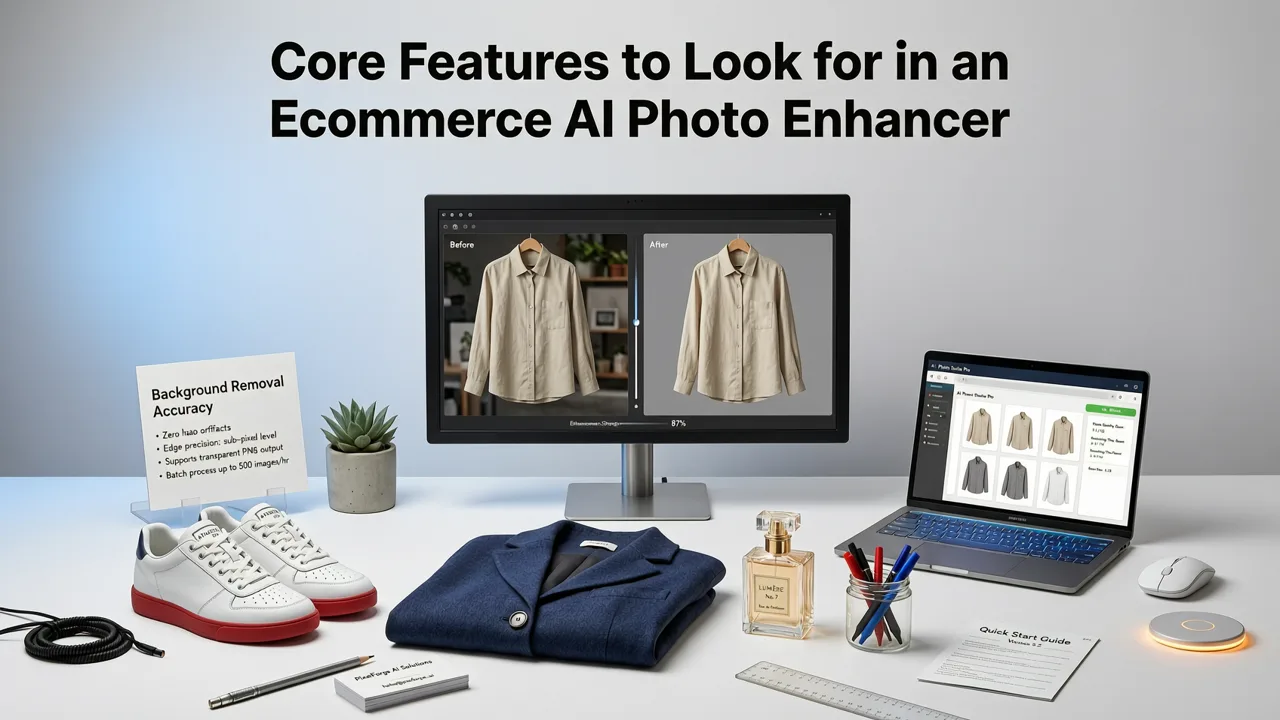
Not all image enhancement tools are built for commercial product photography. When evaluating the best ai photo enhancer for ecommerce, several specific capabilities are non-negotiable for maintaining a professional storefront.
I Found the BEST AI Product Photo Editor for Ecommerce Sellers!
by Nishtek AI
Intelligent Background Removal and Replacement
Marketplaces like Amazon and Shopify stores often require pure white or highly consistent backgrounds. AI-powered segmentation can isolate the subject from the background with pixel-perfect accuracy, handling complex edges like hair, fur, or translucent materials. Beyond simple removal, AI can generate contextual lifestyle backgrounds using text prompts, allowing sellers to place products in realistic settings without organizing a physical photoshoot.
Resolution Upscaling and Detail Recovery
Product images must look sharp on high-resolution mobile screens and desktop monitors. An effective AI enhancer uses generative upscaling to increase image dimensions up to 4K while predicting and recovering missing details. This ensures that zoom functionality on product pages remains crisp and usable, which is a critical factor in reducing purchase hesitation.
Lighting, Shadow, and Color Correction
Inconsistent lighting across a catalog makes a store look unprofessional. AI tools can automatically balance exposure, correct white balance, and add natural-looking shadows to ground the product. This normalization ensures that every item in your catalog looks cohesive, regardless of the original lighting conditions during the shoot.
How AI Image Editor Stands Out for Ecommerce Workflows
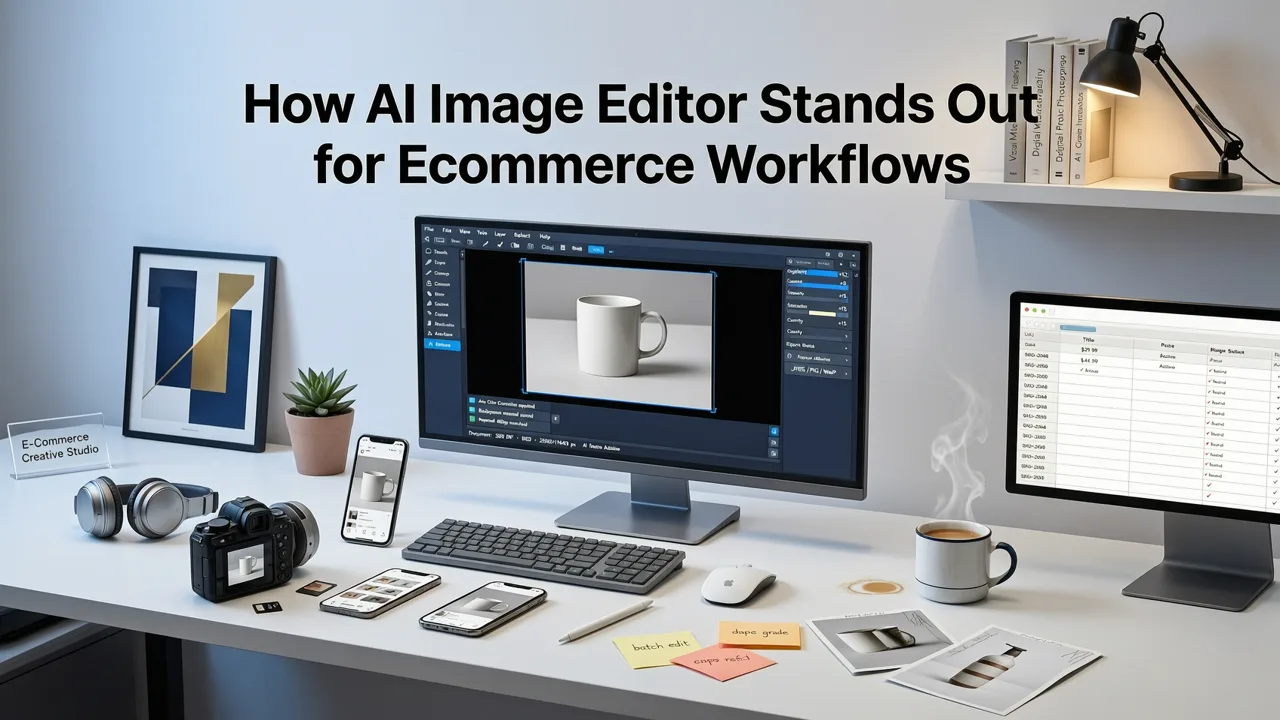
AI Image Editor differentiates itself by offering over 200 text-prompt tools tailored for diverse editing needs. Rather than relying on a single function, it acts as an all-in-one studio for creators, ecommerce sellers, and marketers.
For standard catalog photography, the platform excels at editing product photos online with AI, allowing users to generate studio-quality results with a single click. The prompt-based generation means you can describe the exact setting you want, and the AI will composite the product naturally into that environment, complete with accurate lighting and shadow matching.
When your ecommerce strategy includes lifestyle imagery or apparel featuring models, the platform's capabilities extend to AI portrait retouching online. This ensures that human elements in your product photography look natural and polished, removing blemishes and adjusting lighting without creating an artificial, over-processed appearance.
For sellers dealing with low-resolution supplier images or older catalog photos, the integrated AI image upscaler online is essential. It enlarges photos up to 4K without introducing the blur or pixelation typical of traditional resizing methods, making old inventory look brand new.
Additionally, the ability to remove backgrounds from photos online without friction accelerates the workflow. Quick, accurate cutouts are the foundation of clean product pages, and doing this without mandatory sign-ups or complex software installations keeps the focus on scaling the business.
Step-by-Step Guide to Enhancing Ecommerce Photos
Implementing AI enhancement into your ecommerce workflow requires a structured approach to maintain consistency across your catalog.
- Upload and Initial Analysis: Import your raw product images into the platform. The AI automatically analyzes the image for noise, compression artifacts, and lighting imbalances.
- Background Isolation: Use the automated background removal tool to separate the product from its original setting. Review the edges to ensure complex textures are preserved.
- Contextual Generation or Cleanup: Choose to either apply a pure white background for standard catalog pages or use text prompts to generate a lifestyle scene that matches your brand aesthetic.
- Upscaling and Sharpening: Apply AI upscaling to ensure the final image meets the minimum pixel requirements of your target marketplace while maximizing detail clarity.
- Export and Format: Export the final images in the required format (typically JPEG for photographs, PNG for transparent backgrounds) and optimized file size for fast web loading.
Comparing AI Photo Enhancers for Ecommerce Needs
When selecting a tool, it is important to compare standard photo editors against dedicated AI ecommerce solutions. The following table outlines the functional differences.
| Feature | Traditional Photo Editor | AI Image Editor for Ecommerce |
|---|---|---|
| Background Removal | Manual selection with pen tool or magic wand | Automated AI segmentation with edge refinement |
| Upscaling | Interpolation (results in blur or pixelation) | Generative AI detail recovery up to 4K |
| Lighting Correction | Manual adjustment of curves and levels | Automated shadow generation and exposure balancing |
| Scene Generation | Requires manual compositing and masking | Text-prompt generation with automatic lighting match |
| Processing Speed | Minutes per image depending on skill level | Seconds per image, highly scalable |
Meeting Marketplace Image Requirements with AI
Different ecommerce platforms enforce strict image guidelines. Failing to meet these requirements can result in listing suppression or account penalties. AI enhancement ensures compliance without manual rework.
For independent storefronts, adhering to platform standards is crucial for theme compatibility and page speed. The Shopify developer docs outline best practices for image dimensions and formats to ensure themes render products correctly across devices. AI upscaling and compression tools help hit the exact pixel dimensions recommended while keeping file sizes optimized for fast loading.
For multi-channel sellers, Google Shopping demands high-quality imagery to maintain good standing. The Google Merchant Center help resources specify that images must not contain promotional overlays, watermarks, or distracting borders. AI background removal and cleanup tools ensure that product images are perfectly isolated, meeting these strict visual commerce standards and improving the likelihood of approval for Shopping ads.
Scaling Your Visual Content Strategy
The true advantage of using the best ai photo enhancer for ecommerce lies in scalability. As catalog sizes grow, manually editing each image becomes a bottleneck. AI-driven workflows allow sellers to process hundreds of SKUs in the time it previously took to edit a handful. By standardizing the look and feel of product imagery, brands can project a more professional image, reduce return rates caused by misleading photos, and ultimately drive higher conversion rates across all digital storefronts.
Transitioning to an AI-first editing workflow is no longer just a trend; it is a fundamental requirement for competitive ecommerce in 2026. By leveraging tools that combine precision background manipulation, generative upscaling, and automated lighting correction, sellers can focus less on pixel-level adjustments and more on growing their business.