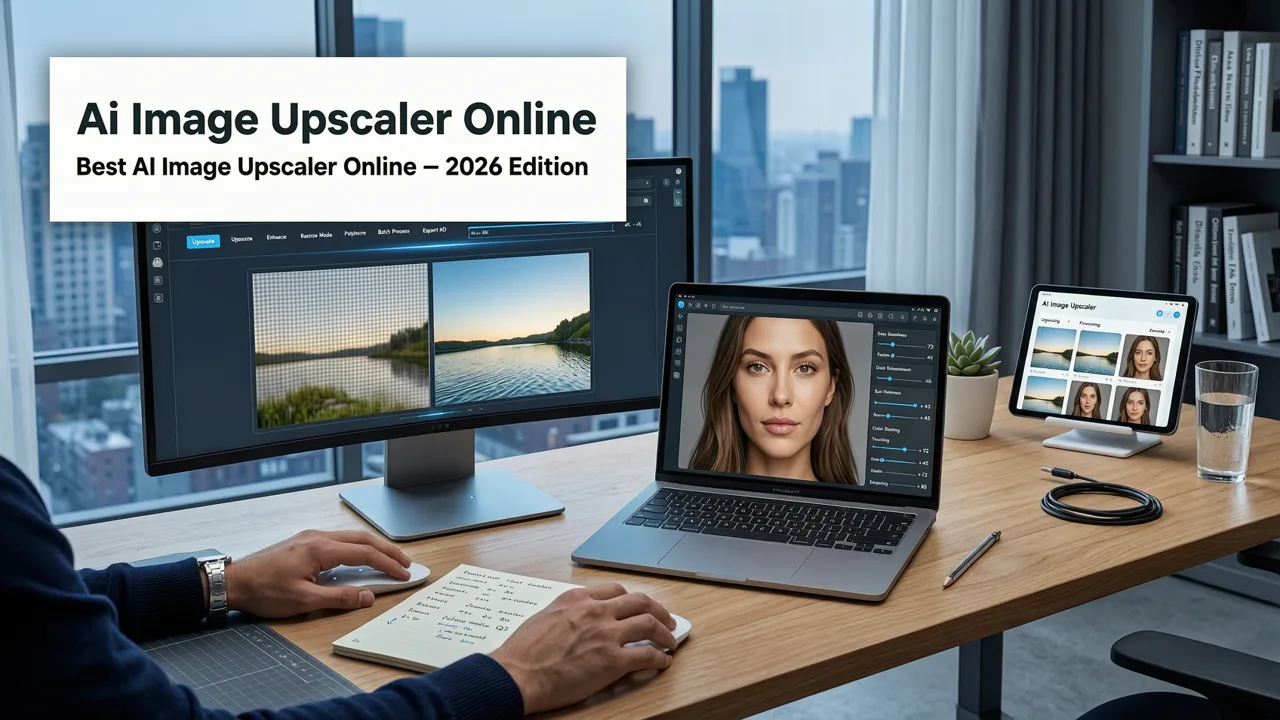
Why the Best AI Image Upscaler Online is Essential in 2026
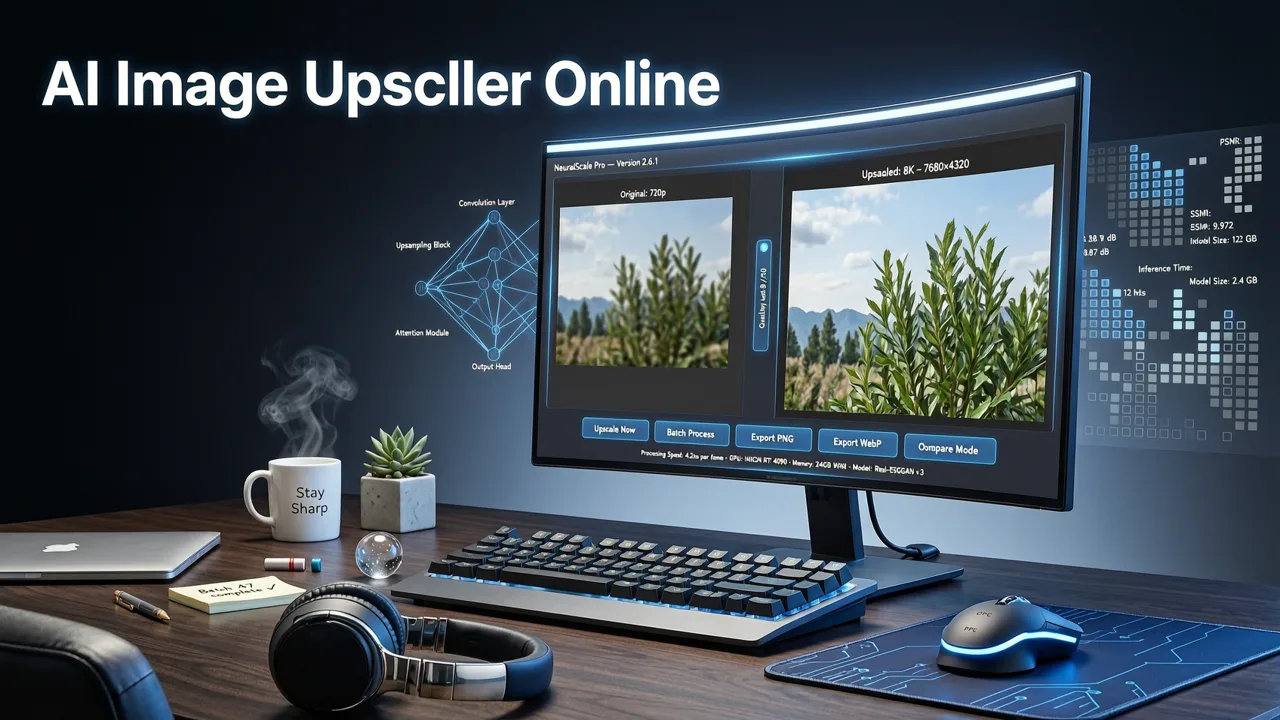
If you need to enlarge a low-resolution image without losing quality, the short answer is that a modern ai image upscaler online handles this instantly in your browser, eliminating the need for heavy desktop software. In 2026, the standard for resolution enhancement has shifted entirely to cloud-based platforms. Whether you are preparing product photography for a high-definition marketplace, restoring archival family photos, or scaling up digital art for large-format printing, browser-based super-resolution tools have become the default workflow for professionals and everyday users alike.
The evolution of these tools means you no longer have to choose between speed and quality. Traditional interpolation methods often resulted in blurry, pixelated outputs when scaling beyond 150 percent. Today, advanced neural networks analyze the semantic content of an image, intelligently reconstructing missing pixels to deliver crisp, natural-looking results at 4x, 8x, or even higher magnifications.
How an AI Image Upscaler Online Works Under the Hood
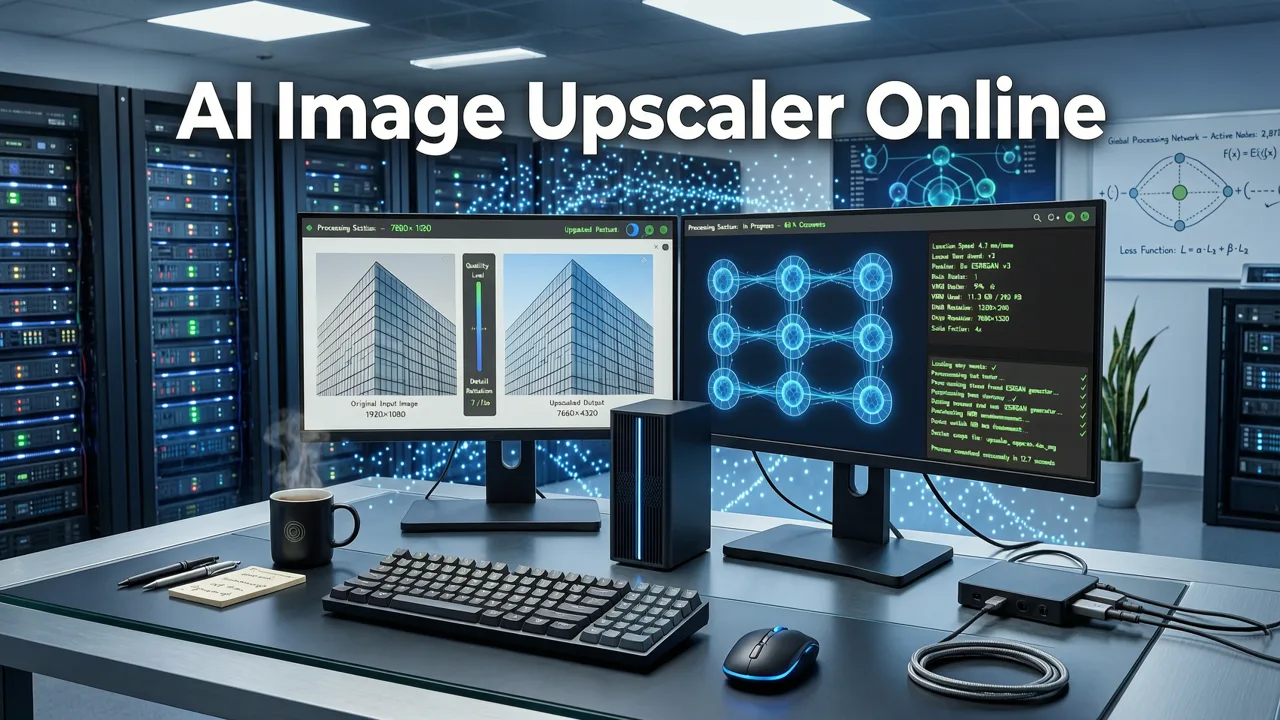
To understand why modern platforms outperform legacy software, it helps to look at the underlying technology. Early upscaling relied on basic mathematical algorithms like bicubic or bilinear interpolation, which simply averaged surrounding pixels to guess new ones. This approach works fine for simple gradients but fails dramatically on complex textures, fine text, or human faces.
Best 3 FREE Image Upscalers in 2025 + Comparison!
by PiXimperfect
Diffusion Models and Semantic Awareness
The latest generation of tools utilizes transformer-based diffusion models and Generative Adversarial Networks (GANs). When you upload an image, the AI does not just look at pixel values; it performs semantic segmentation. It identifies that a specific cluster of pixels represents human skin, another represents woven fabric, and a third represents metallic reflections. Understanding the meaning of the visual data allows the model to generate contextually accurate textures rather than generic blurs.
Edge Detection and Artifact Reduction
A critical component of any high-quality upscaler is its edge detection capability. Modern algorithms are trained to recognize and sharpen the boundaries between distinct objects while simultaneously suppressing compression artifacts, JPEG noise, and digital grain. This dual-action approach ensures that the enlarged image retains the sharpness of the original subject without amplifying the flaws of the source file.
Core Capabilities to Evaluate in 2026
When selecting a platform for resolution enhancement, commercial buyers and creators must look beyond basic magnification. The leading solutions in 2026 offer a comprehensive suite of features designed to integrate seamlessly into existing digital workflows.
- Batch Processing: The ability to upload and upscale dozens of images simultaneously is non-negotiable for ecommerce sellers and marketing teams managing large catalogs.
- Format Versatility: Support for a wide array of inputs, including RAW camera files, WebP, PNG, and high-bit-depth TIFFs, ensures compatibility with professional photography pipelines.
- Custom Scaling Factors: While 2x and 4x are standard, the best tools allow granular control over the final output dimensions, catering to specific print DPI requirements or social media aspect ratios.
- API Integration: For enterprise users, robust API documentation allows for automated upscaling directly within content management systems or custom applications.
Feature Comparison: What to Expect from Top Platforms
Not all browser-based tools are built for the same use cases. Below is a comparison of the capabilities you should expect when evaluating the top platforms in the current market.
| Feature Category | Basic Free Tools | Professional Browser Platforms | Enterprise API Solutions |
|---|---|---|---|
| Maximum Upscale Factor | 2x - 4x | 4x - 16x | Custom / Unlimited |
| Semantic Texture Generation | Basic edge sharpening | Advanced context-aware synthesis | Highly tuned custom models |
| Batch Processing | Single image only | Up to 50 images per batch | Automated via API webhooks |
| Face & Portrait Optimization | Often distorts features | Dedicated facial enhancement modules | Specialized portrait endpoints |
| Artifact & Noise Reduction | Minimal | Integrated pre-processing | Advanced denoising pipelines |
Industry Use Cases: Ecommerce, Portraits, and Print
The utility of an ai image upscaler online extends across multiple industries, each with unique requirements for image fidelity and processing speed.
Ecommerce and Product Photography
Online marketplaces increasingly demand high-resolution imagery to support zoom functionalities and immersive shopping experiences. However, sourcing high-megapixel product photos for thousands of SKUs is often impractical. Retailers frequently rely on supplier images that are heavily compressed or low-resolution. Upscaling these assets restores clarity to product textures, packaging text, and material details. For ecommerce sellers, upscaling is just the first step. Once your product image is high-resolution, you often need to remove background from product photo assets to make them marketplace-ready and visually consistent across your storefront.
Portrait Photography and Face Enhancement
Photographers and content creators frequently encounter images where the subject's face is slightly out of focus or captured at a low resolution due to distance or lighting constraints. When upscaling human subjects, preserving skin texture and micro-details is critical. Pairing an upscaler with a dedicated AI face enhancer online ensures facial features remain natural and detailed rather than artificially smoothed or distorted by generic sharpening algorithms. For broader portrait workflows, combining upscaling with AI portrait retouch online tools allows creators to finalize images for large-format printing or high-end editorial use.
Large-Format Print and Archival Restoration
Printing an image for a billboard, trade show banner, or gallery canvas requires a massive pixel count to maintain an acceptable DPI at viewing distance. AI upscaling bridges the gap between standard digital captures and massive print requirements. Similarly, restoring historical photographs or scanned film negatives involves recovering details lost to time and physical degradation, a task where semantic AI reconstruction vastly outperforms traditional photo editing techniques.
Best Practices for AI Image Upscaling
To achieve the highest quality results, users should follow a few foundational best practices when utilizing browser-based super-resolution tools.
- Start with the Cleanest Source Possible: While AI is excellent at removing noise, starting with an image that has severe compression artifacts or extreme blur will force the model to hallucinate details rather than reconstruct them. Always use the highest quality source file available.
- Match the Tool to the Subject: If your image is primarily text or line art, use an upscaler optimized for vectorization and sharp edges. If it is a natural landscape or portrait, select a tool that prioritizes organic texture synthesis.
- Leverage Pre-Processing: If your source image has severe color banding or localized noise, apply basic color correction and noise reduction before upscaling. This prevents the AI from amplifying existing flaws during the magnification process.
- Validate at 100 Percent Zoom: Always inspect the final output at full magnification. What looks sharp at a zoomed-out view may reveal unnatural artifacts or repetitive textures when examined closely.
Ethical and Responsible AI Upscaling
As image manipulation tools become more sophisticated, the line between enhancement and alteration continues to blur. Understanding the underlying architecture of these models, such as transformer-based diffusion systems, is well-documented in resources like the OpenAI documentation. However, technical capability must be paired with ethical responsibility. As these tools become more powerful, adhering to frameworks like Google AI guidance ensures that image manipulation remains ethical, transparent, and respectful of original creators. Professional platforms in 2026 are increasingly incorporating watermarking options and metadata tagging to denote AI-enhanced imagery, promoting transparency in digital media.
Conclusion
The landscape of digital image enhancement has been permanently transformed by cloud-based super-resolution technology. The best ai image upscaler online solutions in 2026 offer unparalleled speed, semantic accuracy, and workflow integration, making high-fidelity image enlargement accessible to everyone from solo creators to global enterprise teams. By understanding how these tools operate and selecting a platform that aligns with your specific industry needs, you can ensure your visual assets always meet the highest standards of quality and resolution.
Ready to elevate your visual content? Explore the comprehensive suite of AI-powered editing tools available at AI Image Editor, designed to streamline your workflow and deliver professional results in seconds.