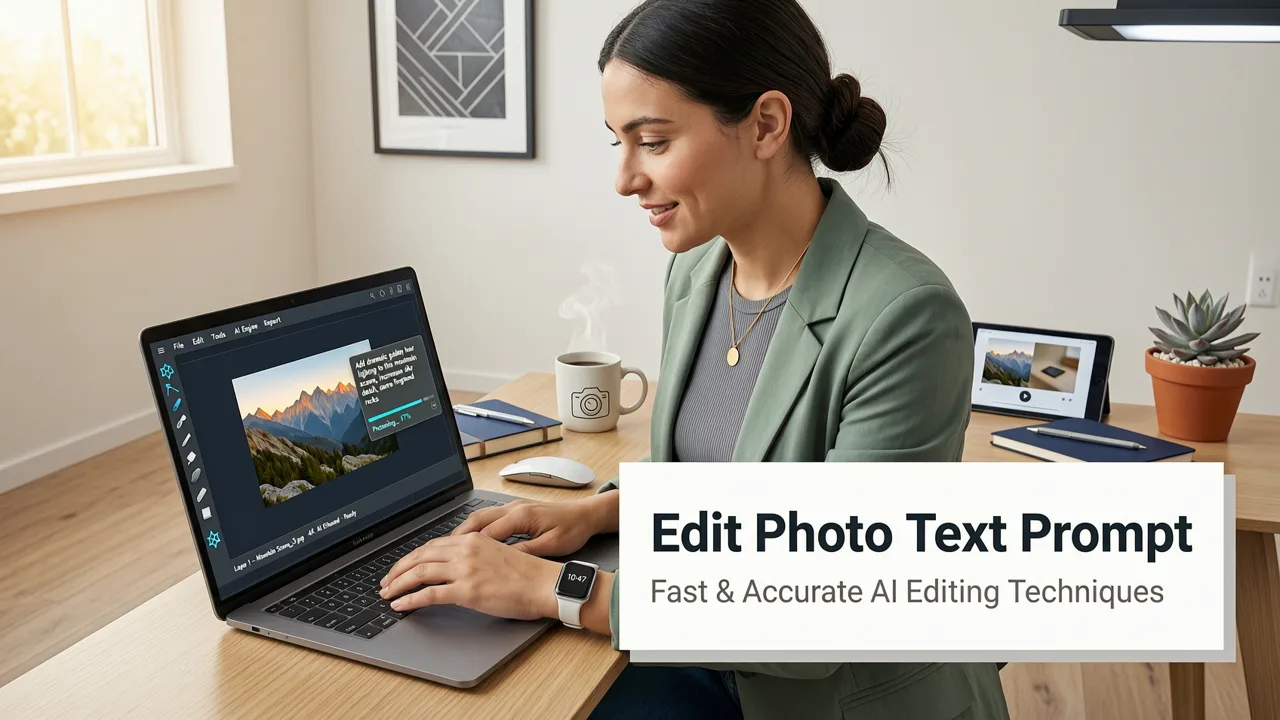
If you want to edit photo with text prompt in 2026, the process is simpler than ever: upload an image, type what you want to change in plain English, and let generative AI handle the pixel manipulation. You no longer need to master complex layer masks, cloning tools, or manual selection brushes to achieve professional results. Modern AI platforms translate your natural language instructions directly into precise visual edits, making high-quality image transformation accessible to everyone.
This guide breaks down exactly how text-based image editing works today, how to craft effective prompts, and the best use cases for creators, marketers, and everyday users looking to streamline their visual workflows.
What Does It Mean to Edit a Photo with Text Prompt in 2026?
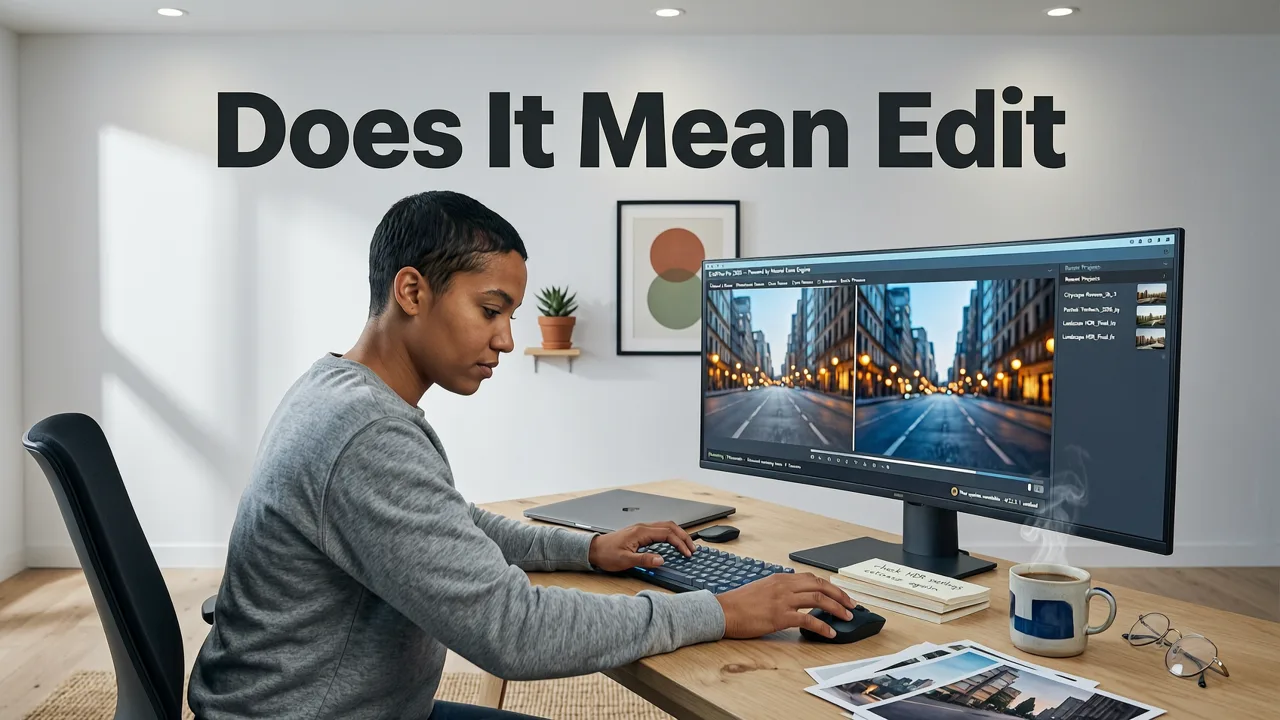
Text-based image editing relies on advanced multimodal AI models that understand both visual data and natural language. When you edit photo with text prompt, the AI analyzes the semantic content of your image—identifying objects, lighting, shadows, and spatial relationships. It then maps your text instructions to specific areas of the image to generate the requested changes.
Lightroom Just Added Text Prompts. Is Photo Editing Over?
by Anthony Morganti
Unlike early generative tools that simply created images from scratch, modern generative fill and inpainting technologies preserve the original composition while altering specific elements. Whether you need to change the color of a product, swap a distracting background, or add realistic shadows, the AI calculates the physics and lighting required to make the edit look entirely natural.
According to foundational OpenAI documentation, the underlying architecture of these models relies on diffusion processes guided by text encoders. This means the AI does not just paste a new element onto your photo; it synthesizes new pixels that match the grain, resolution, and lighting of your original image.
How to Edit a Photo with Text Prompt: A Step-by-Step Guide
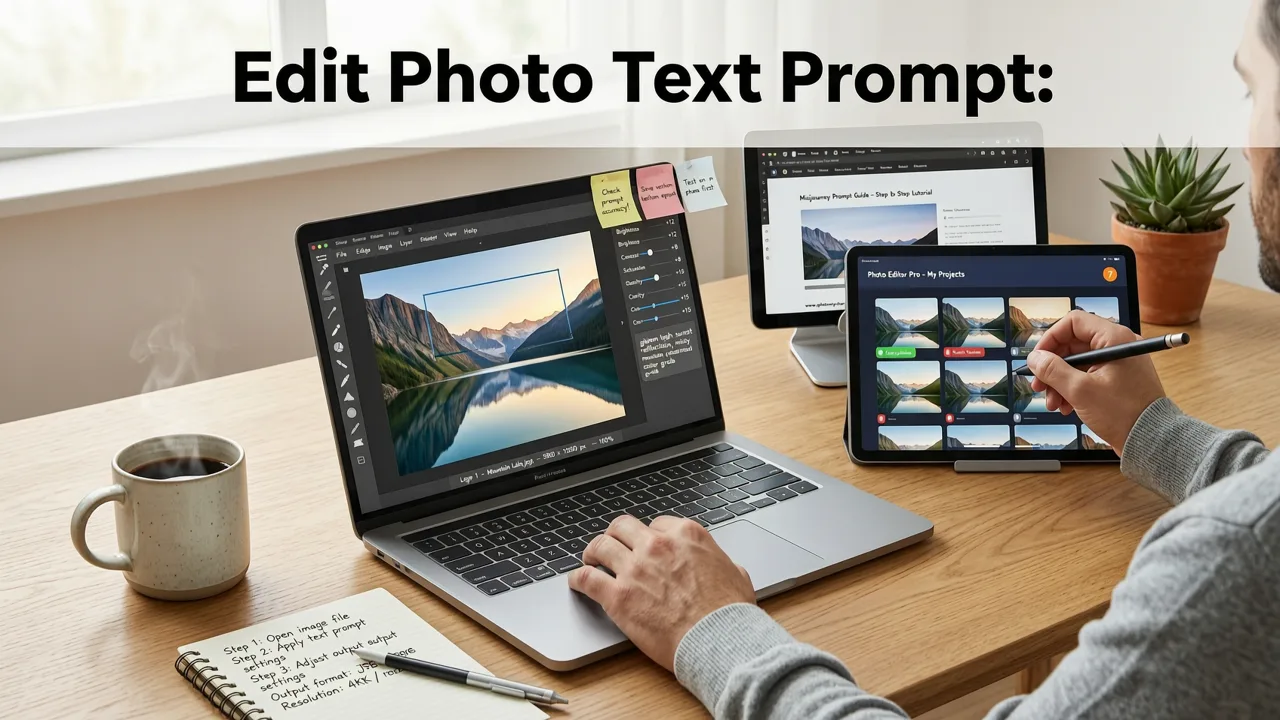
Getting the best results requires a blend of the right tool and clear communication. Here is the standard workflow for executing precise edits using natural language.
Step 1: Upload Your Base Image
Start by selecting the image you want to modify. High-quality inputs yield the best outputs. If your original photo is low resolution, consider running it through an AI image upscaler free online tool first. Upscaling ensures the AI has enough pixel data to work with, preventing blurry or artifact-heavy results after the edit is applied.
Step 2: Craft a Clear, Descriptive Prompt
The quality of your edit depends heavily on your prompt. Vague instructions lead to unpredictable results. Instead of typing "make it look better," specify exactly what needs to change.
- Be specific about objects: "Change the red coffee mug to a white ceramic cup."
- Describe lighting and mood: "Add soft golden hour sunlight coming from the left window."
- Specify textures and materials: "Replace the wooden table with a polished marble surface."
Step 3: Generate, Review, and Refine
Submit your prompt and let the AI process the request. Most platforms generate a few variations. Review them for seamless blending, accurate lighting, and logical proportions. If the first result is close but not perfect, refine your prompt by adding negative constraints (e.g., "without changing the background") or adjusting the descriptive details.
Best Use Cases for Text-Based Image Editing
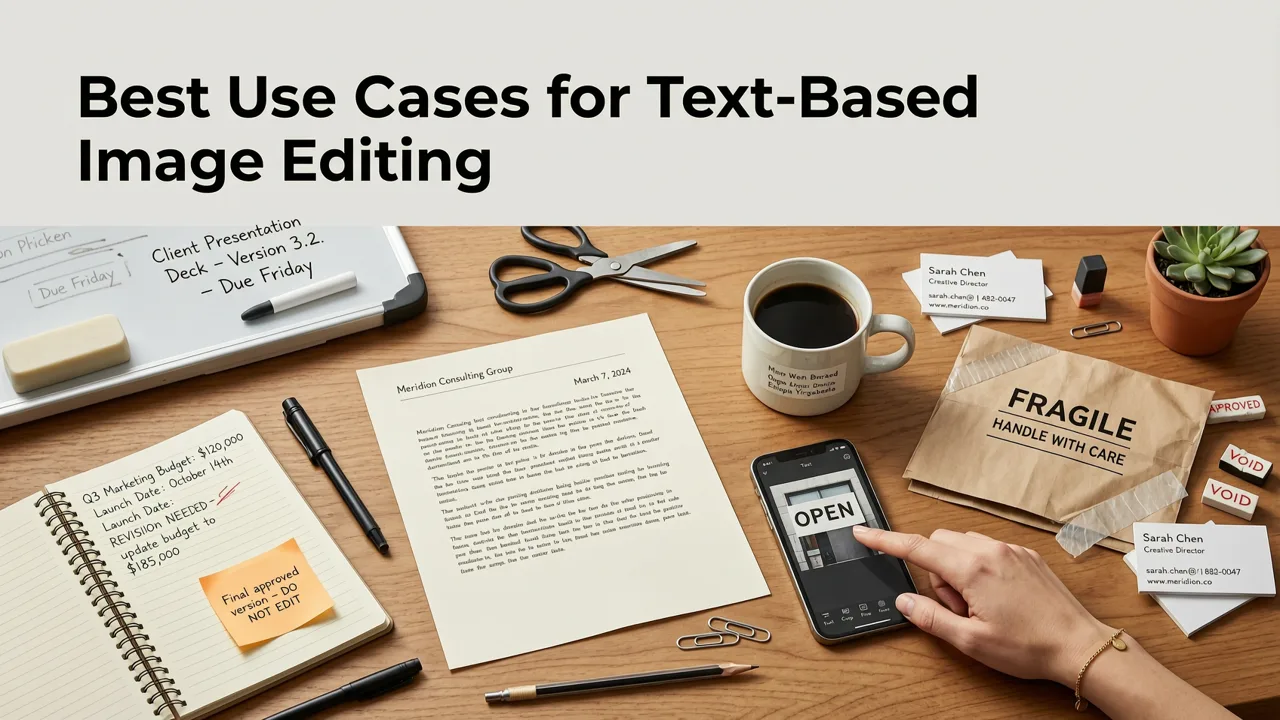
The ability to edit photo with text prompt has revolutionized several industries by drastically reducing production time. Here is how different users leverage this technology.
E-commerce and Product Photography
Online sellers need hundreds of product variations and lifestyle shots. Instead of organizing expensive physical photoshoots, sellers can upload a basic product photo and use text prompts to place the item in different environments. For example, a prompt like "place this perfume bottle on a mossy rock in a misty forest with soft diffused lighting" creates a high-end lifestyle image instantly. Pairing this with a remove background from photo AI tool ensures the product is perfectly isolated before the new scene is generated.
Social Media and Content Creation
Content creators must produce a high volume of engaging visuals daily. Text prompts allow for rapid iteration on thumbnails, banners, and social posts. Creators can quickly test different visual concepts—like changing the season in a travel photo or adding dynamic elements to a static portrait—without leaving their browser.
Portrait and Personal Photo Enhancement
While full scene manipulation is powerful, subtle portrait edits are equally important. Users frequently adjust lighting, smooth out environmental distractions, or tweak wardrobe elements. For specialized facial adjustments, combining text prompts with a dedicated AI face enhancer online ensures that skin textures remain natural and ethical, avoiding the overly smoothed, artificial look common in older editing apps. For broader portrait adjustments, exploring AI portrait retouching free workflows provides a comprehensive suite for natural-looking enhancements.
Text Prompt Editing vs. Traditional Manual Editing
Understanding where AI text editing fits into your workflow is crucial. It is not always a replacement for manual editing, but rather a powerful complement.
| Feature | Text Prompt AI Editing | Traditional Manual Editing |
|---|---|---|
| Speed | Seconds per edit | Minutes to hours per edit |
| Learning Curve | Minimal; requires plain language skills | Steep; requires software training |
| Precision | High for conceptual changes and scene generation | Absolute pixel-level control |
| Best Use Case | Rapid prototyping, background swaps, creative variations | Complex compositing, precise color grading, detailed retouching |
| Consistency | Can vary slightly between generations | 100% deterministic and repeatable |
Tips for Writing Better Prompts for Image Editing
Mastering prompt engineering for images takes practice. Follow these guidelines to improve your success rate when you edit photo with text prompt.
- Use the Formula: Subject + Action/Change + Environment/Lighting + Style. (e.g., "A sleek black sneaker [Subject] resting on [Action] a concrete urban stair [Environment] with harsh midday shadows [Lighting] in a cinematic photography style [Style].")
- Define What to Keep: AI models sometimes alter parts of the image you want to preserve. Explicitly state what should remain unchanged, such as "keep the original logo intact" or "do not alter the model's facial features."
- Leverage Reference Terminology: Use professional photography terms to guide the AI's lighting and texture engines. Words like "bokeh," "volumetric lighting," "macro lens," or "film grain" trigger specific rendering behaviors in the model.
- Iterate Incrementally: Do not try to change five different elements in a single prompt. Make one major change, generate the result, and then apply a new prompt for the next edit. This maintains structural integrity.
Ethical Considerations and AI Guidelines
As natural language photo editing becomes more powerful, ethical usage is paramount. The ability to seamlessly alter reality carries responsibilities regarding misinformation and consent.
When editing images of real people, especially in professional or public contexts, transparency is key. Modifying a person's appearance, clothing, or environment without consent can lead to ethical breaches. Furthermore, using AI to generate misleading political or news imagery violates the core principles of digital integrity. Industry leaders, including those outlined in Google AI responsibility frameworks, emphasize that AI tools should be designed with safeguards to prevent the generation of harmful, deceptive, or non-consensual content.
Always use these tools to enhance creativity, streamline commercial workflows, and improve visual communication—not to deceive viewers or misrepresent reality.
Conclusion and Next Steps
Learning to edit photo with text prompt removes the biggest barrier to professional image creation: technical complexity. By combining clear natural language instructions with advanced generative models, you can transform basic captures into polished, publication-ready visuals in seconds.
Whether you are updating product listings, creating engaging social media content, or simply enhancing personal photos, text-based editing puts professional-grade capabilities directly at your fingertips. Explore the full suite of AI tools available on the platform to build a faster, more efficient visual workflow today.