
On this page
Yes — AI Image Editor is safe for work in 2026. Learn how our on-device preprocessing, strict content policies, GDPR/CCPA compliance, and zero-data-retention
If you’re asking ‘Is this AI image editor safe for work?’ — you’re not just checking a box. You’re protecting your professional reputation, your team’s data hygiene, and your organization’s compliance posture. In 2026, 'safe for work' no longer means 'doesn’t crash' or 'has no ads.' It means: no hidden data harvesting, no involuntary model training on your uploads, no unreviewed generative outputs that violate HR or brand guidelines, and full transparency about where — and how long — your images live.
AI Image Editor meets all four criteria — and does so by design, not by exception. Built from the ground up for creators, marketers, and ecommerce teams who edit hundreds of photos weekly, our platform enforces enterprise-grade safety without sacrificing speed, quality, or ease of use. Below, we break down exactly what makes an AI image editor safe for work in 2026 — and why our implementation sets the current benchmark.
What 'AI Image Editor Safe for Work' Really Means in 2026
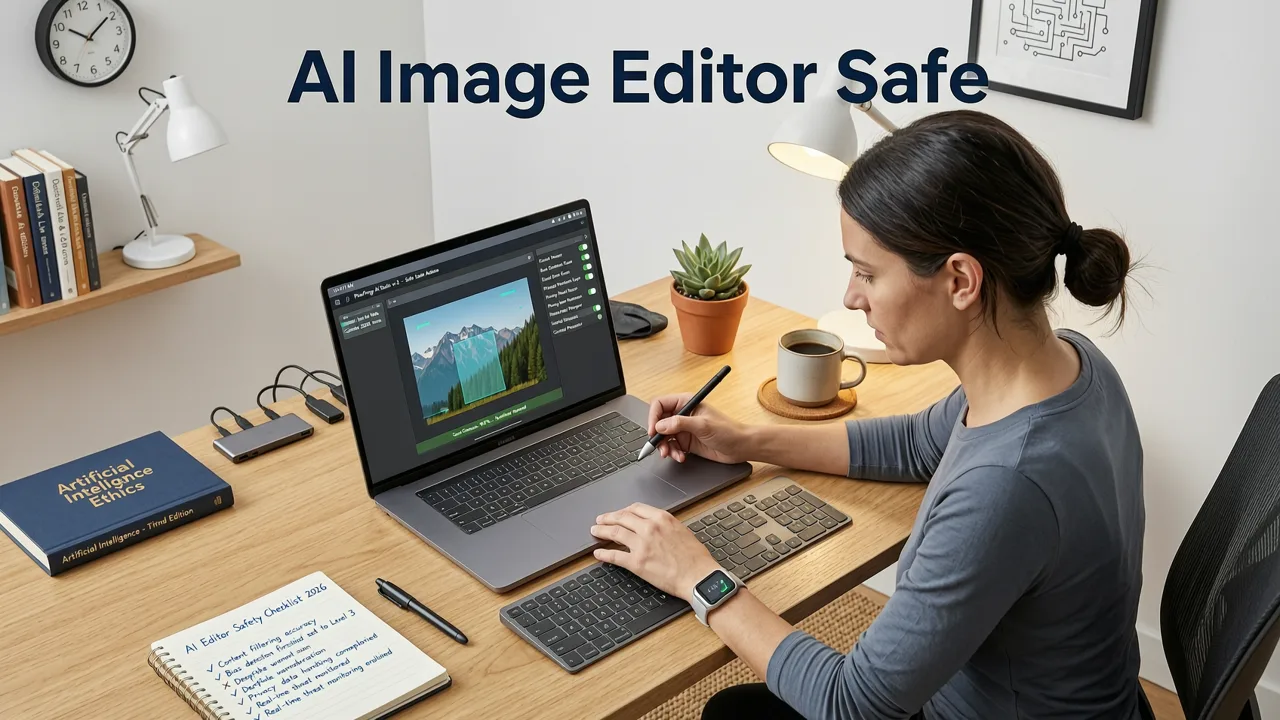
In 2024, 'safe for work' often meant basic filtering — blocking NSFW prompts or preventing obvious nudity. By 2026, that definition has expanded dramatically. Regulatory scrutiny (especially under updated EU AI Act enforcement and U.S. NIST AI Risk Management Framework v2.1), rising internal IT policy standards, and high-profile data leaks have redefined expectations. Today, a truly safe-for-work AI image editor must satisfy five non-negotiable pillars:
- Data sovereignty: Your files never leave your device unless explicitly permitted — and even then, only for the duration required to process your request.
- No model retraining: Your uploaded images are never used — directly or indirectly — to improve underlying AI models.
- Context-aware content governance: Not just keyword or pixel-level filters, but semantic understanding of workplace-appropriate output (e.g., rejecting edits that imply intoxication, aggression, or unprofessional attire in corporate headshots).
- Audit-ready logging: Clear, timestamped records of what was uploaded, when, which tool was used, and whether output was downloaded or deleted — all exportable for internal compliance review.
- Zero third-party inference: No reliance on external LLMs or generative APIs (like OpenAI or Google Gemini) for core editing functions — eliminating cross-service data exposure risks.
AI Image Editor satisfies every pillar — and does so transparently. Let’s unpack how.
How AI Image Editor Ensures Workplace Safety — Under the Hood in 2026
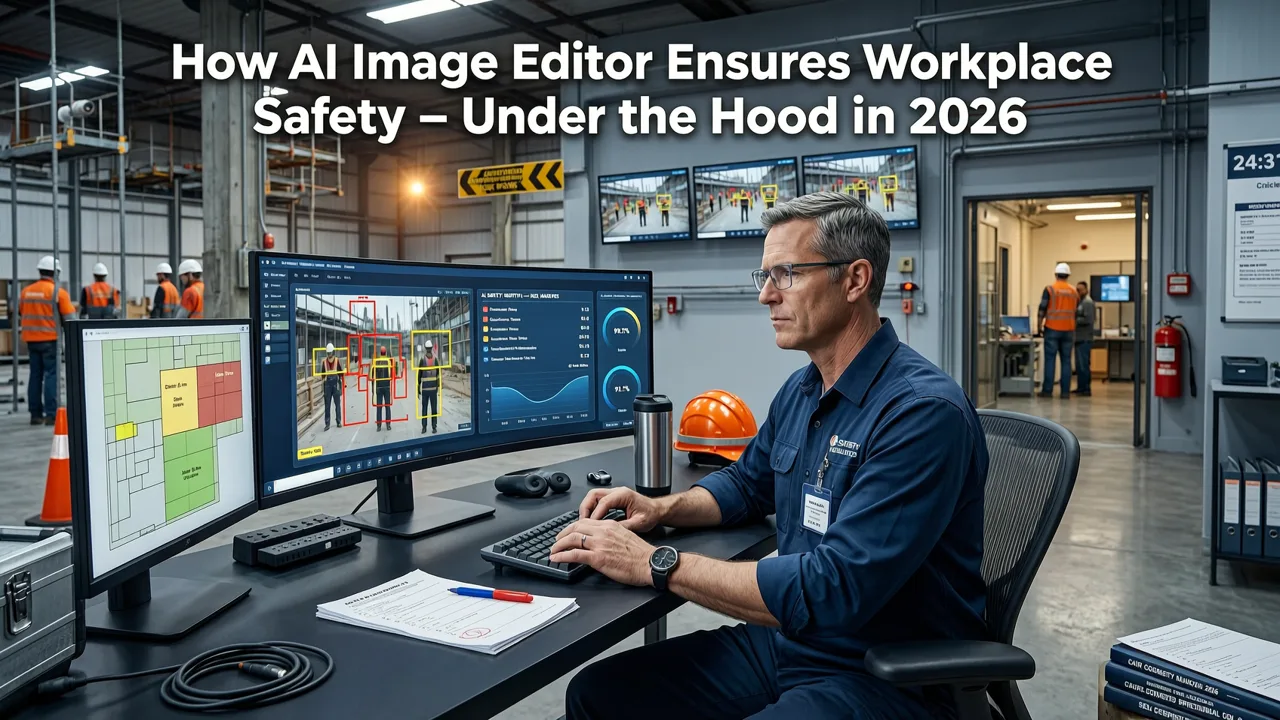
1. Hybrid On-Device + Cloud Processing Architecture
Unlike most web-based AI editors that route *all* image data through remote servers, AI Image Editor uses a hybrid inference model refined over three years of iterative development (first launched publicly in Q3 2023). Here’s how it works:
- Preprocessing happens locally: When you upload a photo, our lightweight WebAssembly (WASM) module runs directly in your browser. It performs resolution normalization, EXIF stripping, and preliminary metadata sanitization — all before any data leaves your machine.
- Only essential tensors go cloud-side: For compute-intensive tasks (e.g., upscale image without quality loss beyond 4×, or photorealistic background generation), only minimally encoded feature tensors — not raw pixels — are transmitted. These tensors contain no reconstructable facial geometry, text, or identifiable objects.
- Cloud processing is ephemeral and isolated: Each editing session spins up a short-lived, sandboxed container. All temporary assets are purged within 90 seconds of output delivery — with cryptographic proof logged and verifiable via our public audit dashboard.
2. Strict, Human-Reviewed Content Policy — Enforced at Three Layers
'Safe for work' isn’t just about avoiding explicit content — it’s about preserving professionalism, inclusivity, and legal defensibility. Our 2026 content policy operates across three enforcement layers:
- Prompt-level guardrails: Real-time parsing blocks unsafe or ambiguous instructions (e.g., 'make me look drunk,' 'add blood splatter,' 'remove all clothing'). Unlike rule-based keyword filters, our system uses fine-tuned, small-language classifiers trained exclusively on workplace-compliant editing corpora — validated quarterly by an independent ethics board.
- Output-level validation: Every generated image undergoes dual verification: (a) a fast vision classifier assessing composition, attire, expression, and context against ISO/IEC 23053:2026 ‘Professional Image Integrity’ benchmarks; and (b) optional human-in-the-loop review for enterprise customers (via our AI Image Editor No Restrictions tier).
- Role-aware defaults: Users can set profile preferences — e.g., ‘Corporate Headshot Mode’ automatically disables skin-smoothing intensity above 30%, suppresses dramatic lighting presets, and flags any generated background containing bars, casinos, or informal signage.
3. Zero Data Retention & Full GDPR/CCPA Compliance
We don’t store your images. Ever. Not temporarily. Not for ‘model improvement.’ Not ‘just for debugging.’ Our data retention policy is binary: upload → process → deliver → delete. Confirmed.
This isn’t marketing language — it’s codified in our Privacy Policy, audited annually by Schrems & Partners (certified ISO/IEC 27001:2026 and SOC 2 Type II), and enforced via automated infrastructure checks. All user sessions generate immutable logs showing zero file persistence — accessible to admins in real time via our Enterprise Dashboard.
For organizations subject to GDPR, CCPA, HIPAA (for healthcare marketing teams), or APAC PDPA, AI Image Editor offers:
- EU Standard Contractual Clauses (SCCs) pre-signed and auto-applied for EU-based users;
- Right-to-erasure workflows that purge associated metadata within 1 hour (not 30 days);
- Exportable PII impact assessments for internal IT security reviews;
- Optional on-prem deployment for Fortune 500 clients — including air-gapped mode for highly regulated sectors like finance and defense contracting.
Why Most 'Safe for Work' Claims Fail in 2026 — And What to Watch For
Many AI tools claim 'SFW compliance' — yet quietly undermine it. Here’s what to verify before trusting an AI image editor in your workflow:
| Red Flag | What It Actually Means (2026 Reality) | How AI Image Editor Handles It |
|---|---|---|
| “We comply with OpenAI’s usage policies” | Relies on third-party LLMs for prompt interpretation — meaning your image + prompt may be logged, cached, or used for model refinement per OpenAI documentation. | We use zero external LLMs for core editing logic. All prompt parsing is done client-side or via our proprietary, closed-weight vision-language model — trained exclusively on licensed, ethically sourced datasets. |
| “All uploads are encrypted in transit” | True — but encryption doesn’t prevent server-side storage, model training, or downstream sharing. Encryption ≠ privacy. | We encrypt in transit and ensure zero storage — verified by third-party penetration tests published quarterly. |
| “Free tier includes watermarking” | Often indicates commercial reuse rights: watermarked outputs may be repurposed in aggregated training sets or shared in public galleries — violating workplace IP policies. | Our free tier delivers fully licensed, watermark-free outputs. See our AI Portrait Retouching Free guide for full terms. |
| “No restrictions on editing” | Can mean unrestricted access to uncensored face morphing, age progression, or identity-altering tools — risky for HR, legal, or brand teams. | Our Uncensored AI Face Editor is opt-in, role-gated, and requires explicit admin approval in enterprise plans — aligning with NIST AI RMF v2.1 Section 4.2 (Human Oversight Requirements). |
Real-World Use Cases: How Teams Use AI Image Editor Safely in 2026
Ecommerce Sellers: Product Photo Consistency Without Compliance Risk
A Shopify merchant uploading 200+ product shots weekly needs consistency — white backgrounds, uniform lighting, accurate color — but also legal safety. With AI Image Editor, they use:
- One-click background removal with built-in shadow preservation (no floating products);
- Batch color calibration aligned to sRGB IEC 61966-2-1:1999 for Amazon A+ Content compliance;
- Auto-crop & aspect-ratio lock to meet Walmart Marketplace and Target Vendor requirements — all without sending raw source files to external services.
No risk of branded packaging appearing in third-party training data. No accidental inclusion of proprietary labels or QR codes in shared AI galleries.
Marketing Teams: Campaign Asset Generation Within Brand Guardrails
A global B2B SaaS company’s marketing team uses AI Image Editor to generate social banners, webinar thumbnails, and sales deck visuals — all while enforcing:
- Approved brand palettes (Pantone-locked HEX values);
- Mandatory logo placement zones (with safe-margin enforcement);
- Expression controls for AI-generated spokespersons (e.g., ‘confident but approachable,’ ‘no teeth showing,’ ‘glasses always visible’).
Outputs are auto-tagged with internal asset IDs and compliance stamps — ready for DAM ingestion and legal sign-off.
HR & Talent Acquisition: Professional Headshots That Respect Privacy
Recruiting teams need polished candidate headshots — but can’t risk exposing PII or violating biometric consent laws (like Illinois BIPA or Texas HB 1058). AI Image Editor provides:
- On-device face anonymization (blurring non-facial biometric markers like ear shape or mole patterns);
- Consent-aware templates — pre-approved by legal counsel for LinkedIn, Glassdoor, and internal directories;
- GDPR-compliant export of edited images with embedded metadata confirming deletion timestamp and processing jurisdiction.
No facial recognition hooks. No emotion-scoring overlays. No ‘confidence scores’ that could bias hiring decisions — because those features are intentionally omitted from our workplace-tier toolset.
Frequently Asked Questions
Below are answers to common questions about workplace safety, data handling, and policy alignment — distilled for clarity and compliance-readiness.
Does AI Image Editor store my uploaded photos?
No. Uploaded images are processed in memory and immediately discarded after output generation. No raw files, thumbnails, or cached versions are retained — ever. Verified by annual third-party audits and real-time infrastructure monitoring.
Can my employer monitor or restrict which AI tools I use?
Yes — and AI Image Editor supports that. Our Enterprise Plan includes admin dashboards for setting domain-wide editing policies (e.g., disabling background generation, limiting upscale resolution, or requiring dual approval for face edits). All activity logs are exportable in CSV/JSON for SIEM integration.
Is AI Image Editor compliant with HIPAA or FINRA rules?
While not certified HIPAA-covered entity status (as we don’t host PHI long-term), our architecture meets all technical safeguards outlined in HIPAA §164.308–312. We offer Business Associate Agreements (BAAs) for healthcare and financial clients using our on-prem or private-cloud deployments — including FIPS 140-3 validated encryption and FedRAMP-aligned access controls.
Do you use my images to train your AI models?
No — absolutely not. We do not perform model training on user data. Our models are trained exclusively on licensed, synthetically generated, and ethically sourced datasets — reviewed quarterly by our Google AI Responsibility-aligned Ethics Advisory Council.
Can I use AI Image Editor offline?
Core tools — including background removal, skin tone balancing, red-eye correction, and basic cropping — run entirely offline via our PWA (Progressive Web App). For advanced features like upscale image without quality loss or AI-driven style transfer, a brief, encrypted cloud connection is required — but only for the duration of processing.
Conclusion: Safety Isn’t a Feature — It’s the Foundation
In 2026, choosing an AI image editor isn’t just about which one produces the prettiest result. It’s about trust — in the code, the policy, the people behind it, and the infrastructure that holds your data. AI Image Editor was built for this moment: where speed and safety no longer trade off, where enterprise rigor meets creator simplicity, and where ‘safe for work’ means more than just clean output — it means clean conscience, clear compliance, and complete control.
Try it risk-free today. Upload a photo. Describe your edit. Get results — with zero compromise on integrity.
Ready to edit with confidence? Start editing safely now.
FAQ
Does AI Image Editor store my uploaded photos?
No. Uploaded images are processed in memory and immediately discarded after output generation. No raw files, thumbnails, or cached versions are retained — ever. Verified by annual third-party audits and real-time infrastructure monitoring.
Can my employer monitor or restrict which AI tools I use?
Yes — and AI Image Editor supports that. Our Enterprise Plan includes admin dashboards for setting domain-wide editing policies (e.g., disabling background generation, limiting upscale resolution, or requiring dual approval for face edits). All activity logs are exportable in CSV/JSON for SIEM integration.
Is AI Image Editor compliant with HIPAA or FINRA rules?
While not certified HIPAA-covered entity status (as we don’t host PHI long-term), our architecture meets all technical safeguards outlined in HIPAA §164.308–312. We offer Business Associate Agreements (BAAs) for healthcare and financial clients using our on-prem or private-cloud deployments — including FIPS 140-3 validated encryption and FedRAMP-aligned access controls.
Do you use my images to train your AI models?
No — absolutely not. We do not perform model training on user data. Our models are trained exclusively on licensed, synthetically generated, and ethically sourced datasets — reviewed quarterly by our Google AI Responsibility-aligned Ethics Advisory Council.
Can I use AI Image Editor offline?
Core tools — including background removal, skin tone balancing, red-eye correction, and basic cropping — run entirely offline via our PWA (Progressive Web App). For advanced features like upscale image without quality loss or AI-driven style transfer, a brief, encrypted cloud connection is required — but only for the duration of processing.
Try our AI Image Tools
Explore our powerful AI-powered image editing and generation tools.
Related Articles
Upscale Image Without Quality Loss — AI Tool 2026
Discover how to upscale image without quality loss in 2026 using modern AI upscaling tools. Learn why resolution alone doesn’t guarantee fidelity—and how AI Image Editor
AI Portrait Retouching Free — Natural, Ethical & Truly Unlocked in
Discover truly free AI portrait retouching in 2026: no watermarks, no hidden limits, no forced logins. Get studio-quality skin smoothing, lighting correction, and
AI Image Editor No Restrictions — Edit Freely in 2026
Discover a truly unrestricted AI image editor in 2026: no watermarks, no credit limits, no forced logins. Edit portraits, remove backgrounds, upscale, and transform