
Preview new haircuts and lengths
Try pixie cuts, short bobs, long waves, layered styles, and textured cuts whilst preserving facial identity. See realistic haircut previews on your photo instantly without commitment.
Preview any hairstyle change before committing—try new haircuts, hair colours, lengths, and styling. Realistic AI hair makeover tool for personal photos, professional portraits, and creative editing. Upload a photo or select a demo, describe your desired hairstyle, and get instant realistic results.
AI Hairstyle Changer
AI Hairstyle Changer is a virtual hair makeover and styling preview tool. Upload a portrait photo, describe the hairstyle or colour change you want, and the AI generates realistic preview results showing how the new haircut, colour, or style would look on you before visiting a salon.
AI Hairstyle Changer is a web-based AI workflow for realistic hair edits, colour swaps, and hairstyle previews.
Try pixie cuts, short bobs, long waves, layered styles, and textured cuts whilst preserving facial identity. See realistic haircut previews on your photo instantly without commitment.
Test natural tones, bold shades, dimensional colour like balayage, highlights, and trendy hues. Preview hair colour changes before dyeing at the salon.
Create polished looks for headshots, portraits, campaigns, and LinkedIn photos. Sleek straight styles, bouncy curls, braids, and professional styling.
AI Hairstyle Changer
Upload a portrait, then describe the hairstyle change you want—length, colour, or styling direction. You can also use the AI Image Editor pricing page to buy more credits.AI Image Editor pricing page.
Professional hair editing
From subtle trims to bold makeovers, preview realistic hair edits whilst preserving facial identity and natural lighting. Advanced AI-powered hairstyle simulator.
Try pixie cuts, short bobs, long waves, layered styles, and textured cuts whilst preserving facial identity. See realistic haircut previews on your photo instantly without commitment.
See hairstyle preview use casesTest natural tones, bold shades, dimensional colour like balayage, highlights, and trendy hues. Preview hair colour changes before dyeing at the salon.
Explore hair colour editor featuresCreate polished looks for headshots, portraits, campaigns, and LinkedIn photos. Sleek straight styles, bouncy curls, braids, and professional styling.
Learn professional portrait editingAdvanced AI focuses on hair transformation whilst keeping skin tone, face shape, lighting, and background naturally consistent and recognisable.
Explore AI hair enhancement guidesPreview multiple hairstyle ideas instantly without salon visits. Compare haircuts and colours side-by-side to find your perfect look.
Explore more hair editing featuresAdvanced rendering keeps facial proportions, natural lighting, and shadow matching intact whilst transforming hair length, colour, and texture.
Browse hair styling guidesBefore and after hairstyle edits
See how our AI hairstyle changer helps you preview new cuts, colours, and styles before making a real change.
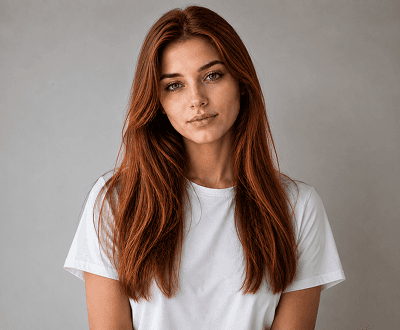
Hair colour change
Use the AI hairstyle changer to test balayage, highlights, or a full colour switch — no bleach, no regret.
Explore AI hairstyle changer features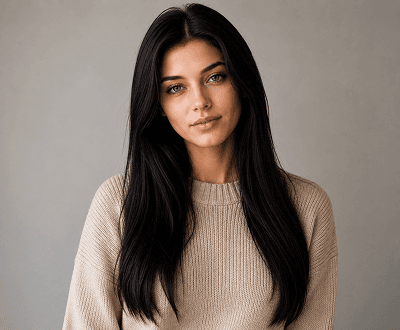
Women's hairstyle
From a pixie cut to long waves, the AI hairstyle changer lets women try any length or layer style instantly.
See women's hairstyle use cases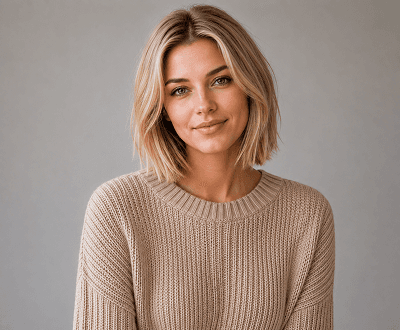
Men's hairstyle
Try a fade, undercut, or textured crop using the AI hairstyle changer — see results on your own photo before the appointment.
Browse men's hairstyle guides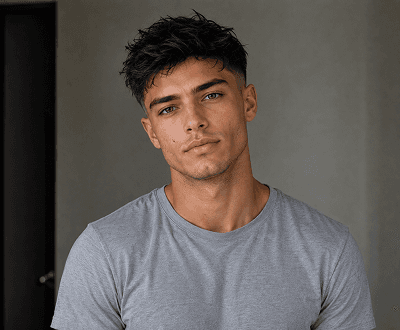
Hair length change
Not sure about a big chop or growing it out? The AI hairstyle changer previews length changes on your real photo in seconds.
Try AI hair length change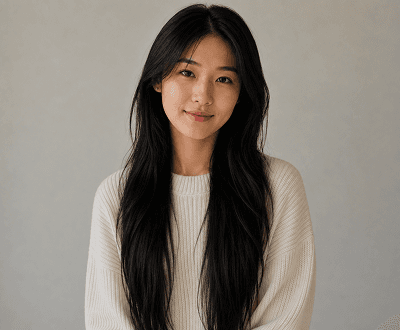
Hair style preview
Test different hair textures and styling directions — curls, sleek straight, or beachy waves — all with the AI hairstyle changer.
Explore hairstyle preview options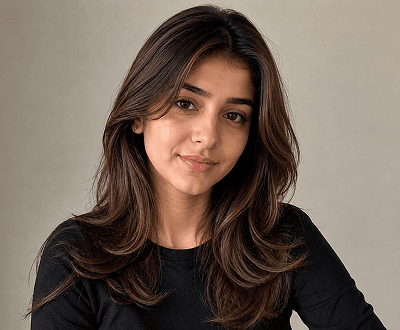
Salon-ready preview
Use the AI hairstyle changer to finalise your look before booking — save the result and show your stylist directly.
See how AI hairstyle changer worksHairstyle editing workflows
This tool is made for fast hairstyle edits, colour changes, and portrait hair makeovers.
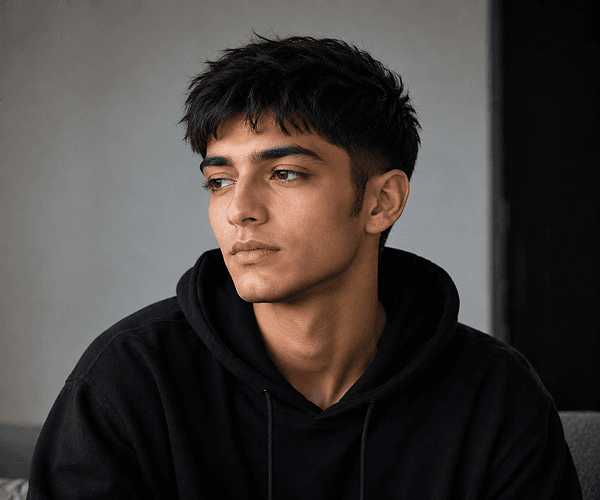
01 / Portraits
Try short bobs, long waves, colour changes, or full restyles whilst keeping the person recognisable.
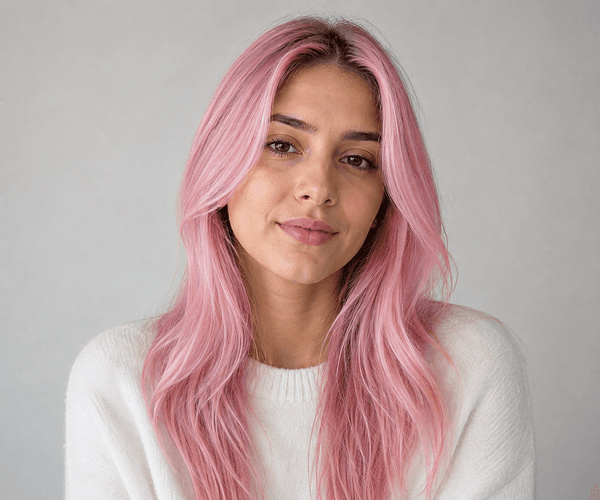
02 / Colour
Preview blonde, brunette, red, and dimensional colour treatments on your portrait without a commitment.
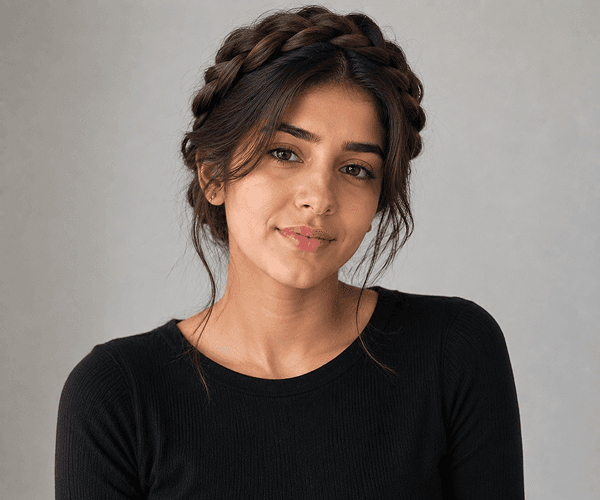
03 / Style
From slick ponytails to beach waves, preview polished styles for portraits, campaigns, and social content.
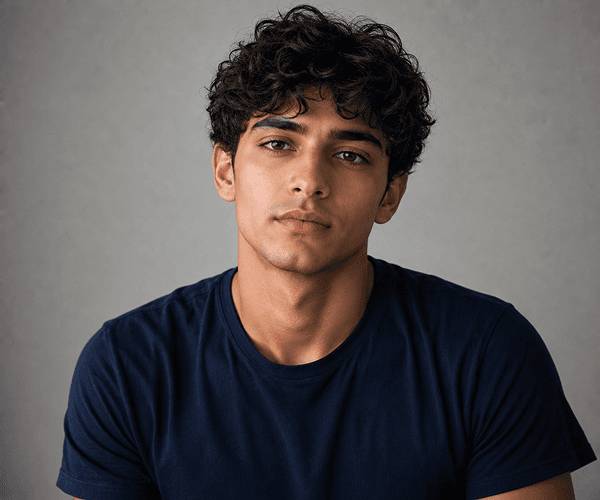
04 / Creative
Use AI to preview dramatic changes, editorial looks, and fashion-forward hairstyles quickly.
Hairstyle editing use cases
Perfect for salon planning, personal makeovers, professional portfolios, and creative styling before making permanent changes.
Start your hairstyle makeoverPreview new haircuts, colours, and lengths before visiting the salon. Make informed decisions about your hair transformation with realistic AI previews.
Learn about AI Image EditorCreate polished, styled looks for LinkedIn profiles, professional websites, and business headshots with consistent hair styling.
Explore professional editing featuresGenerate multiple hairstyle variations for model portfolios, fashion shoots, and professional photography collections quickly.
See professional portfolio usesCreate engaging before-and-after hairstyle content for TikTok, Instagram, Reels, and YouTube—perfect for beauty creators and influencers.
Browse creative hair styling guidesHow it works
Upload a portrait, describe the hair change, and download the result after AI renders the new hairstyle.
Pick a photo and upload it to the hairstyle editor.
Tell the AI the length, colour, or styling change you want for the hair.
Review the generated hairstyle and save the image when you are satisfied.
Helpful resources
Explore guides, tutorials, and resources for virtual hairstyle previews, hair colour changes, and professional hair editing.
Explore haircut preview, hair colour changing, styling options, portrait enhancement, and all advanced hairstyle editing features.
Flexible credit packs for all hairstyle editing volumes. See generation costs and find the best plan for your needs.
Use AI Face Enhancer to improve photo quality, sharpen details, and prepare portraits for best hairstyle preview results.
Learn how to prepare clean, professional portrait photos with optimal backgrounds for realistic hairstyle previews.
See how AI Hairstyle Changer compares to other virtual hair try-on platforms and hairstyle preview software.
Browse comprehensive tutorials for getting best hairstyle preview results, colour matching tips, and professional styling guidance.
FAQ
Answers to common questions about virtual hairstyle previews, hair colour changes, and AI hair makeovers.
AI Hairstyle Changer is a virtual hair makeover and styling preview tool. Upload a portrait photo, describe the hairstyle or colour change you want, and the AI generates realistic preview results showing how the new haircut, colour, or style would look on you before visiting a salon.
Yes. You can generate unlimited hairstyle previews—try different haircut lengths, hair colours, styling directions, and combinations to find your perfect look before making any real changes.
Yes. Describe the hairstyle change you want—such as 'short pixie cut,' 'long waves,' 'honey blonde highlights,' or 'beach waves.' Use clear descriptions for best results, or choose from preset styling options.
Clear, front-facing portraits with visible hair work best. Good lighting, high resolution, and minimal background distraction produce the most realistic hairstyle previews. Avoid heavily filtered or blurry photos.
Yes. New users receive 15 signup credits, and each hairstyle generation uses credits. Flexible credit packs are available for purchase once you've used your free credits.
AI Hairstyle Changer supports JPG, PNG, WEBP, and GIF image formats with maximum file size of 8MB. High-resolution images produce more detailed and realistic hair transformations.
Very accurate. The AI generates realistic hair transformations that preserve facial identity, skin tone, and natural lighting whilst changing hairstyle, length, colour, or texture. Results closely match real salon outcomes.
Yes. Many hairstylists, salon owners, models, and content creators use AI Hairstyle Changer to create portfolio images, show clients styling ideas, and generate before-and-after content for marketing.
Download the AI-generated hairstyle preview image directly to your phone or computer. Bring the image to your salon appointment or show it to your stylist to communicate your desired look clearly.
Yes. All uploaded photos are processed securely and analysed according to our privacy policy. Your images remain private unless you choose to share the results. Content is also screened for safety per our Acceptable Use Policy.
Ready for a new look?
Preview your next haircut, hair colour, or styling instantly. Upload a photo or select a demo, describe your desired hairstyle, and see realistic results in seconds. No credit card required. Join 50,000+ professionals and creators getting perfect hairstyle previews before salon visits.