
Extend upward — add headroom and sky
Add breathing room above subjects. Expand portraits with natural sky, or lift compositions vertically for editorial layouts, canvas size adjustments, and professional framing.
Add space to any photo in seconds. Extend top, bottom, left, or right with AI that seamlessly continues your image. No cropping, no reshooting, no prompts needed—just upload and expand.
AI-Powered Canvas Expansion
AI Image Extender is an outpainting tool that expands your image canvas in any direction (top, bottom, left, right). You upload a photo, select which edge to expand, and AI analyses colours, lighting, textures, and perspective—then generates seamless new content that continues your original image. No cropping, no lost pixels, no manual editing required.
AI Image Extender is a free web-based AI tool for expanding image canvases. Choose a direction and AI generates new content that seamlessly continues your photo beyond its original boundaries.
Add breathing room above subjects. Expand portraits with natural sky, or lift compositions vertically for editorial layouts, canvas size adjustments, and professional framing.
Grow the canvas below. Show more floor, ground, or foreground for architecture, interiors, and product shots. Perfect for adding depth and context without reshooting.
Convert portrait-mode photos to panoramic width. Expand horizontally for widescreen video, banner layouts, social posts, and format conversions without distortion.
AI-Powered Canvas Expansion
Upload your photo, select the direction you want to extend (top, bottom, left, or right), click Generate, and AI fills the new canvas with content that continues your image seamlessly. Need more generations? Visit thepricing page for additional credits.
Image Expansion Powers
One AI tool, four directions. Expand any photo without losing the original—perfect for portraits, landscapes, products, and creative work.
Add breathing room above subjects. Expand portraits with natural sky, or lift compositions vertically for editorial layouts, canvas size adjustments, and professional framing.
Explore more use casesGrow the canvas below. Show more floor, ground, or foreground for architecture, interiors, and product shots. Perfect for adding depth and context without reshooting.
See all editing featuresConvert portrait-mode photos to panoramic width. Expand horizontally for widescreen video, banner layouts, social posts, and format conversions without distortion.
Read extension guideFix cropped shots instantly. Add space around subjects for text overlays, logos, QR codes, and cleaner ecommerce layouts. No studio time needed.
Explore photo editing guidesExpand to exact dimensions: 16:9 for video, 1:1 for social, custom sizes for banners and thumbnails. AI fills naturally without stretching or cropping.
Learn aspect ratio tricksAdvanced AI reads your image's lighting direction, colour palette, textures, and perspective—then generates seamless new content that feels like part of the original.
Understand how it worksReal Results
See how AI Image Extender expands photos while maintaining the original scene's lighting, colours, and composition.
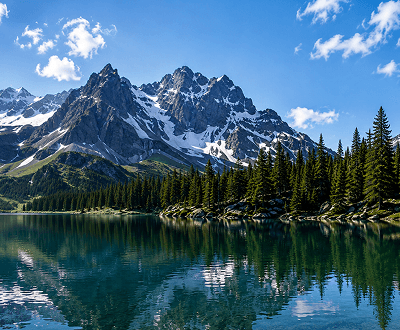
Landscape Expansion
Turn a portrait-mode landscape into widescreen by extending left and right. AI generates terrain and sky that matches the original—perfect for print, video, and wide displays.
See more landscape uses
Portrait Reframing
Extend a tightly framed portrait upward. AI continues the background sky seamlessly, creating breathing room without altering the subject.
Portrait extension tips
Product Photography
Extend product photos on any edge. Create white space for text, logos, or wider layouts—all without reshooting. Perfect for marketplaces and catalogues.
Product photo workflows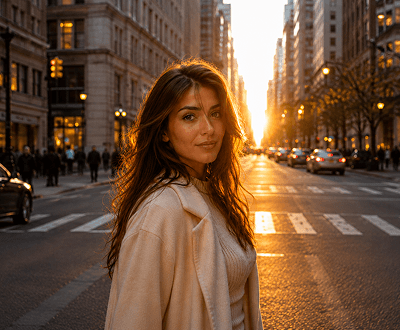
Format Conversion
Expand 1:1 social images to 16:9 video thumbnails or banners. AI extends left and right with matching background and content.
Format conversion tools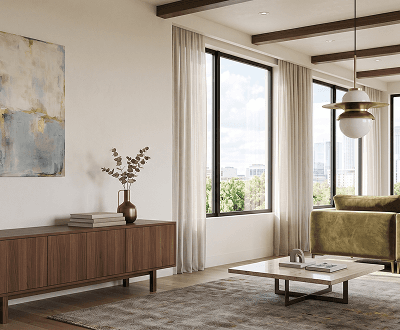
Interior & Architecture
Expand interior and architecture photos downward to reveal more floor and foreground. Perfect for real estate, interior design, and furniture photography.
Interior editing guide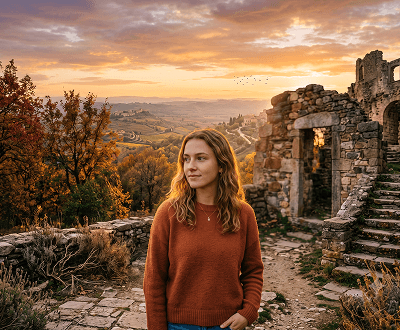
Creative Expansion
Extend stylised, edited, or artistic photos. AI continues the creative mood, colour palette, and style beyond the original edges.
Browse all guides4-Step Expansion Workflow
Simple, fast, powerful. Upload, select direction, click generate, download. No technical skills needed—AI handles the rest.
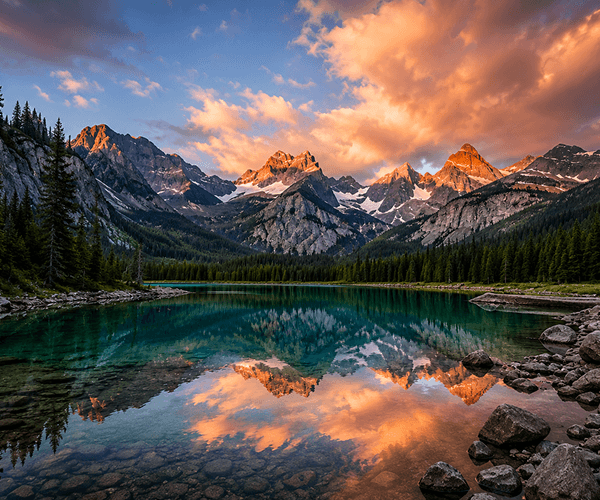
Step 1: Upload
Drop any JPG, PNG, WEBP, or GIF. Works with portraits, landscapes, products, interiors, artwork, and creative images. The AI adapts to any subject.
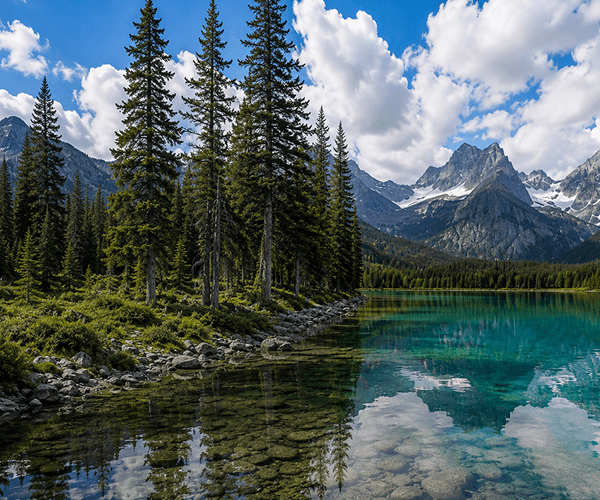
Step 2: Pick Direction
Use the direction selector to pick top (add sky/headroom), bottom (add foreground/depth), left, or right (widen scenes). Visual preview shows what you're extending.

Step 3: Generate
Click Generate and watch AI analyse colours, lighting, textures, and perspective—then generate new content that flows naturally from your original image.
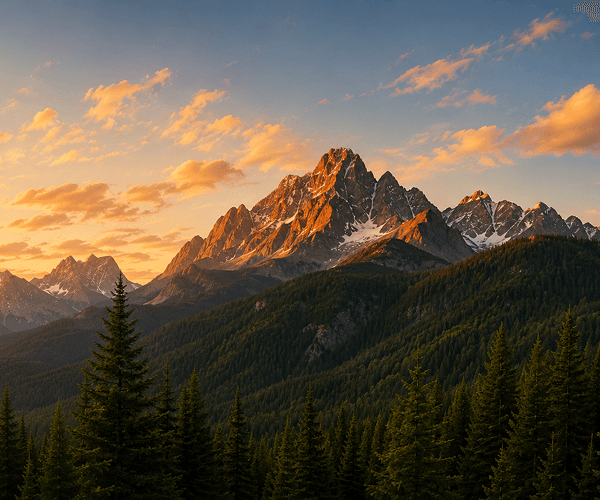
Step 4: Download & Use
Full-resolution download ready for ecommerce, social media, print, or creative projects. Your original + AI-generated edges, all in one clean file.
Real-World Applications
Perfect for teams and creators who need fast, reliable photo expansion without expensive reshoots or manual editing.
Explore more use cases & workflowsAdd white space around products for marketplace listings and website layouts. Expand to exact platform specs without retouching or reshooting.
See product photo examplesReformat photos for every platform. Convert square images to 16:9 stories, create banner variations, resize feeds—all in seconds without losing quality.
Learn more featuresFix tight crops, add headroom, expand backgrounds—all non-destructively. Keep originals intact while creating variations for clients and portfolios.
Professional workflowsConvert portrait videos to widescreen. Expand artwork for wider layouts. Create more breathing room for text overlays, logos, and design elements.
Creative tools overviewSimple 3-Step Process
Upload a photo, select expansion direction, click generate. The AI handles the rest—analysing your image and seamlessly expanding the canvas in seconds.
Drop a JPG, PNG, WEBP, or GIF (up to 8MB). The tool works with any photo—portraits, landscapes, products, interiors, artwork.
Pick which edge to expand: top (adds sky/headroom), bottom (adds foreground), left/right (widens scenes). See a preview before generating.
Click Generate. AI analyses lighting, colours, and perspective, then creates seamless new content. Download the full-resolution result instantly.
Learn More
Expand your knowledge: tutorials, use cases, and related AI image editing tools.
Complete tutorial on choosing directions, preparing images, getting clean results, and using extensions for different projects.
Combine image extension with background removal, upscaling, object editing, and more—all in one platform.
See how photographers, ecommerce teams, and creators use AI Image Extender for product photos, social media, and portfolio work.
View credit packages, pay-as-you-go options, and team plans for different volumes and budgets.
See how AI Image Extender stacks up against single-purpose tools and generic alternatives.
Discover tutorials for extension, background removal, upscaling, makeup editing, and ecommerce photo workflows.
Frequently Asked Questions
Everything you need to know about expanding photos with AI—from how it works to what results to expect.
AI Image Extender is an outpainting tool that expands your image canvas in any direction (top, bottom, left, right). You upload a photo, select which edge to expand, and AI analyses colours, lighting, textures, and perspective—then generates seamless new content that continues your original image. No cropping, no lost pixels, no manual editing required.
After uploading, you'll see a direction selector with four options: Top (for sky, headroom, or height), Bottom (for foreground, floor, or depth), Left, or Right (for widening scenes and panoramas). A preview shows exactly how your expansion will look before you generate.
Yes. The AI reads your photo's existing lighting direction, colour palette, textures, shadows, and perspective—then generates new content that seamlessly continues the scene. Results are best on photos with consistent lighting and clear subjects. Landscapes, portraits, products, and interiors typically produce the cleanest extensions.
Absolutely. You can expand a photo to the right, then download it, upload the result again, and extend it upward—repeating as needed. This lets you create panoramic expansions or adjust aspect ratios multiple times.
The tool accepts JPG, PNG, WEBP, and GIF files up to 8MB. All formats produce high-quality downloads at full resolution.
New accounts get 15 free signup credits—enough to try multiple expansions. Each generation uses one credit. You can upgrade to additional credit packs anytime on the pricing page.
Yes! It's perfect for format conversion. Expand a square 1:1 photo horizontally to reach 16:9 (video/widescreen), create custom banner dimensions, or resize for any platform—all without cropping the original or distorting the subject.
No prompts needed. Simply upload your photo and select a direction. The AI automatically reads your image and generates the extension based on what it finds. It's designed for zero friction—just upload, pick direction, generate.
Most expansions complete in 5-30 seconds depending on image size and server load. You can preview the result before downloading, and generate multiple variations if you want to try different directions.
You can preview the full result and regenerate if needed. Our interface shows the before/after so you can verify the extension matches your expectations before you save.
Ready to expand?
No credit card needed. No hidden fees. Just upload your photo, pick a direction, and let AI expand your canvas. 15 free credits included.