
Intelligent photo enlargement
Upscale low-resolution photos instantly with AI-powered super-resolution technology. AI Image Upscaler preserves natural textures whilst enlarging images for print and digital use.
Upload any low-resolution photo or select a demo. AI Image Upscaler instantly increases resolution, sharpens fine details, removes noise and artefacts, and delivers publication-ready results.
AI Photo Upscaler Online
AI Image Upscaler is a free online tool that uses advanced AI technology to automatically enlarge photos, sharpen details, remove noise, and restore clarity. Simply upload any low-resolution image or select a demo, click generate, and the AI instantly increases resolution and improves quality. No manual editing, settings, or prompts needed—the tool handles everything automatically. It's perfect for old photos, compressed images, screenshots, product photos, and any visual that needs higher resolution and better detail for professional use, printing, or publishing.
AI Image Upscaler is a free web-based AI tool that instantly enlarges photos, sharpens details, removes noise and artefacts, and delivers publication-ready results from a single upload.
Upscale low-resolution photos instantly with AI-powered super-resolution technology. AI Image Upscaler preserves natural textures whilst enlarging images for print and digital use.
Recover fine details and enhance photo sharpness with automatic edge enhancement. AI Image Upscaler restores clarity to soft, blurry, or low-quality source photos.
Remove compression artefacts, grain, and blur from low-resolution images. AI Image Upscaler automatically reduces noise whilst preserving texture detail for publication-ready results.
AI Photo Upscaler Online
Upload any low-res photo or try a demo image, click generate, and AI Image Upscaler instantly enlarges it, sharpens details, removes noise, and delivers publication-ready results. Want to explore pricing? Visit theAI Image Editor credits page to see credit packs and generation costs.
Resolution Upscaling AI
No prompts or settings required. Upload any photo and AI Image Upscaler instantly enlarges it, sharpens details, removes noise, and delivers professional results.
Upscale low-resolution photos instantly with AI-powered super-resolution technology. AI Image Upscaler preserves natural textures whilst enlarging images for print and digital use.
View photo enlargement use casesRecover fine details and enhance photo sharpness with automatic edge enhancement. AI Image Upscaler restores clarity to soft, blurry, or low-quality source photos.
Explore all upscaling featuresRemove compression artefacts, grain, and blur from low-resolution images. AI Image Upscaler automatically reduces noise whilst preserving texture detail for publication-ready results.
Read the upscaling guideEnlarge and sharpen product photos for catalogue pages and marketplaces. AI Image Upscaler delivers higher resolution, cleaner textures, and better detail for online selling.
See ecommerce upscaling examplesEnlarge portraits and restore facial detail automatically. AI Image Upscaler sharpens skin texture, recovers expression clarity, and delivers publication-ready headshots and profile photos.
Learn portrait upscaling techniquesEnlarge and sharpen photos one at a time or in batches for social media, thumbnails, and gallery content. AI Image Upscaler speeds up post-production workflows for creators and agencies.
View creator toolsBefore and after upscaling
Watch low-resolution photos transform into sharp, high-resolution results. AI Image Upscaler works automatically—no manual editing, no settings to adjust.

Portrait upscaling
Upload a low-resolution portrait and AI Image Upscaler instantly sharpens facial features, restores skin texture, and delivers a publication-ready headshot—perfect for professional profiles and social media.
Learn portrait upscaling tips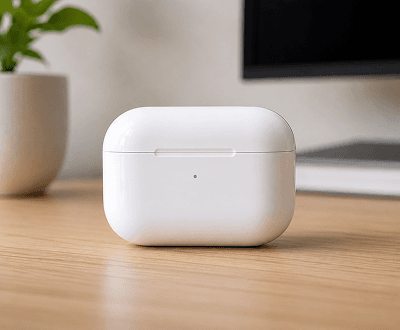
Product photo enlargement
Transform blurry product photos into sharp, high-resolution catalogue assets. AI Image Upscaler instantly enlarges images, restores detail, and delivers marketplace-ready visuals.
View ecommerce upscaling examples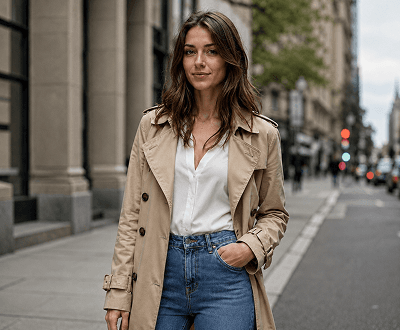
Fashion photo upscaling
Enlarge fashion and apparel photos instantly with AI-powered upscaling. AI Image Upscaler sharpens fabric texture, improves colour clarity, and delivers publication-ready clothing visuals.
Explore fashion photo enhancement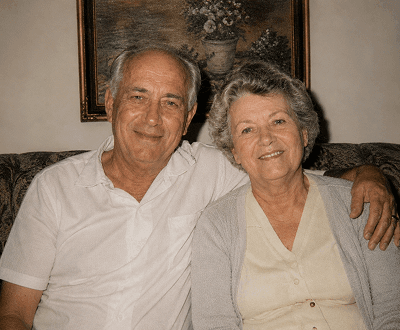
Image restoration and cleanup
Enlarge and restore old, low-quality, or compressed photos instantly. AI Image Upscaler removes noise and artefacts, sharpens details, and delivers cleaner, more usable results.
Learn about photo restoration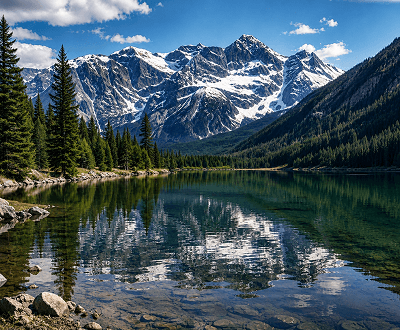
Detail enhancement and clarity
Enlarge any photo and restore clarity to every detail. AI Image Upscaler automatically sharpens edges, improves focus, and delivers crisp, professional results ready for printing or publishing.
See all enhancement features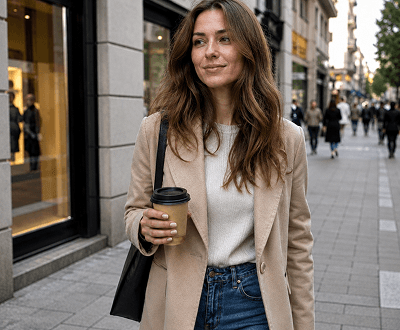
Social and marketing content
Enlarge and sharpen photos for social media, ads, and marketing campaigns. AI Image Upscaler delivers higher resolution, cleaner visuals perfect for Instagram, Facebook, and digital advertising.
See social media upscaling examplesUpscaling workflows
AI Image Upscaler enlarges any photo, sharpens every detail, and removes noise automatically—no manual editing, no learning curve, no waiting.
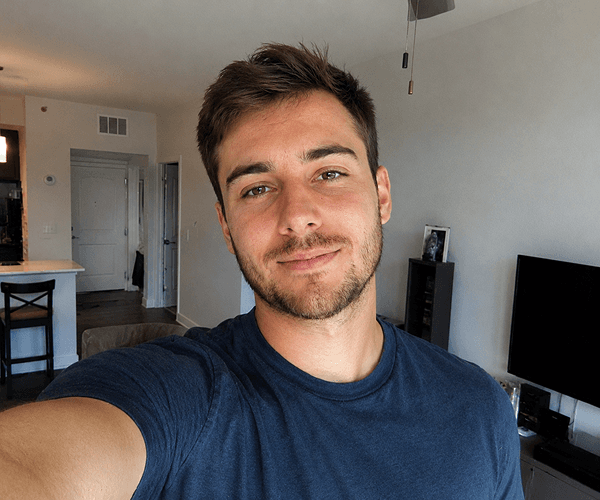
Step 1: Upload
Choose a photo from your computer or select a demo image to get started instantly. AI Image Upscaler accepts JPG, PNG, GIF, and WEBP files up to 8MB.

Step 2: Generate
Click generate and AI Image Upscaler automatically increases resolution, sharpens details, removes noise, and restores clarity in seconds. No settings to adjust, no prompts to write.
Step 3: Enhance further (optional)
Want more refinement? Use AI Image Inpainting to fix details, AI Photo Enhancer for colour and lighting, or AI Face Enhancer for portrait perfection. Combine tools for professional results.
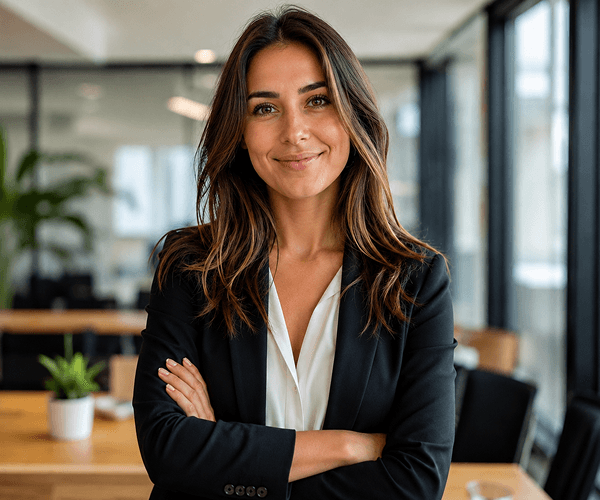
Step 4: Download
Review the result and download the high-resolution photo. Use it for portfolios, marketplaces, social media, print, or any project requiring crystal-clear, enlarged visuals.
Upscaling use cases
From ecommerce teams to content creators, photographers to agencies, AI Image Upscaler delivers fast, professional upscaling for any industry or project.
Start upscaling photos freeEnlarge product photos, sharpen catalogue assets, and deliver higher-resolution visuals for Amazon, Etsy, Shopify, and marketplace listings. Improve conversion rates with sharper, more professional product images.
See ecommerce upscaling examplesUpscale client photos, restore old prints, and enlarge portraits for headshots, portfolios, and professional use. Deliver sharper, publication-ready results faster than manual retouching.
Explore professional upscaling featuresEnlarge and sharpen Instagram, TikTok, and YouTube thumbnails. Upscale social media assets and creator content for feeds, stories, and ads with fast, automatic quality improvement.
See social media examplesEnlarge property photos and sharpen real estate visuals for MLS listings, websites, and marketing. Deliver cleaner, more professional photos that attract buyers and renters.
Read real estate upscaling guideHow it works
Three simple steps from upload to download. No settings, no learning curve, no technical skills required.
Choose any low-resolution photo from your device or select a demo image to see instant results. Supports JPG, PNG, GIF, and WEBP up to 8MB.
Click generate and AI Image Upscaler instantly increases resolution, sharpens details, removes noise and artefacts, and restores clarity—all automatically.
Review the high-resolution result and download it ready to use for portfolios, marketplaces, social media, print, or any application.
Helpful resources
Get started with AI Image Upscaler guides, feature overviews, and upscaling best practices.
Learn when upscaling helps most, how to prepare source photos, and pro tips for getting the best results.
Discover automatic enlargement, sharpening, noise reduction, texture restoration, and detail recovery capabilities.
See credit packs, generation costs, and plans for personal, professional, and commercial use.
See how ecommerce teams, photographers, creators, and agencies use AI Image Upscaler for professional results.
Compare upscaling tools and see why AI Image Upscaler delivers faster, easier results than single-purpose enlargement software.
Browse guides on upscaling workflows, resolution enhancement, portrait sharpening, product photography, and professional techniques.
FAQ
Everything you need to know about photo upscaling, enlargement, and AI resolution enhancement.
AI Image Upscaler is a free online tool that uses advanced AI technology to automatically enlarge photos, sharpen details, remove noise, and restore clarity. Simply upload any low-resolution image or select a demo, click generate, and the AI instantly increases resolution and improves quality. No manual editing, settings, or prompts needed—the tool handles everything automatically. It's perfect for old photos, compressed images, screenshots, product photos, and any visual that needs higher resolution and better detail for professional use, printing, or publishing.
Yes. AI Image Upscaler uses super-resolution AI technology that intelligently analyses your photo and adds detail whilst preserving natural textures and colours. Unlike simple scaling that just stretches pixels, our AI reconstructs missing detail based on learned patterns from millions of high-quality images. Results are much sharper, clearer, and more natural than traditional enlargement. The quality depends on your source image—sharper source photos produce even sharper results. Most users see dramatic improvements in detail, sharpness, and overall clarity that rival professional retouching.
AI Image Upscaler supports JPG, PNG, GIF, and WEBP formats with file sizes up to 8MB. You can upload photos from your computer, try demo images, or paste image URLs. All formats produce excellent results—PNG is great for graphics, JPG for photos, and WEBP for web optimisation. After upscaling, you can download in PNG format for maximum quality or JPG for smaller file sizes. Whether you're upscaling old family photos, product images, social media content, or professional visuals, all formats work seamlessly.
Yes, AI Image Upscaler is completely free to start—no credit card required. New users receive signup credits that cover multiple upscaling generations at no cost. Each photo upscaling uses just 10 credits, so your free credits go a long way. If you need to upscale more photos beyond your free allowance, affordable credit packs are available. There's no subscription—only pay for what you use. Try it risk-free with demo images or your own photos to see the quality before purchasing additional credits.
AI Image Upscaler processes most photos in 15-45 seconds from upload to download-ready result. Speed depends on file size and your internet connection, but the AI works incredibly fast compared to desktop software or manual retouching. You'll typically see results whilst you wait, making it perfect for urgent projects, quick workflows, and time-sensitive content creation. The entire process from upload to download is usually under a minute, so you can upscale multiple photos without significant delays. Batch processing is also available for power users handling large volumes.
Upscaling specifically increases image resolution and sharpens detail, whilst enhancement tools like our Photo Enhancer focus on colour, lighting, and exposure. AI Image Upscaler is purpose-built for enlarging low-res photos, restoring clarity, and removing noise. You can combine tools in sequence—upscale first for resolution, then enhance for colour and lighting, then use Face Enhancer for portrait perfection. Each tool has a specific job, but they work beautifully together in a complete photo editing workflow for professional results.
Absolutely. Many ecommerce teams use AI Image Upscaler to transform low-quality product photos into sharper, higher-resolution marketplace assets. Upload blurry catalogue photos and the AI instantly delivers cleaner, more professional results perfect for Amazon, Etsy, Shopify, and other platforms. Sharper product images improve click-through rates and conversions. The tool works on any product type—clothing, jewellery, food, electronics—and delivers publication-ready results much faster than manual retouching. It's a game-changer for ecommerce teams managing large product catalogues.
Yes. All uploaded images are processed securely and automatically deleted after generation. We don't store your photos or use them to train AI models. All uploads are screened for prohibited content according to our Acceptable Use Policy, but your images remain private and confidential. If you're concerned about privacy, try our demo images first to see quality, or use AI Image Upscaler offline with available integrations. Your data security is our priority, and we comply with GDPR and international privacy standards.
AI Image Upscaler works on static photos in JPG, PNG, GIF, and WEBP formats. If you upload an animated GIF, we process it as a static image using the first frame, which still delivers significant quality improvement. For animated content like video or multi-frame GIFs, you can upscale each frame individually or use tools designed specifically for video enhancement. However, for most users, upscaling the key frame or extracting still frames is perfect for social media, marketing materials, and professional applications.
AI Image Upscaler can enlarge photos whilst maintaining quality and detail clarity. The exact enlargement potential depends on your source image quality, but most photos benefit from 2-4x enlargement with excellent results. A 500x500px image can become 1000x1000px or larger with maintained or improved clarity. Very low-quality sources may show limits, but generally the AI intelligently enlarges whilst preserving natural-looking detail. For maximum results, start with the highest-quality source photo available. If you need specific resolution targets for print or display, we can optimise for your exact requirements.
Ready to enlarge your photos?
Upload any low-resolution photo and AI Image Upscaler instantly delivers higher resolution, sharper details, and publication-ready results—completely free.